¶ Purpose
Revisit what you submitted after approval - make sure your answers and your user photo are correct!
¶ Before You Begin
- Be logged in as a contestant on the contest
- Have an approved application linked to your account
- Remember this page is read-only for contestants
¶ Step-by-Step Instructions
- Log in and open My Contests.
- Select your contest.
- Open My Application from the sidebar.
- Review your answers and photo.
- If something is wrong, contact your producer to update it - don't hunt for an edit button that isn't there.
- Use Scoring Details / Contest Details for rubric and logistics (separate pages).
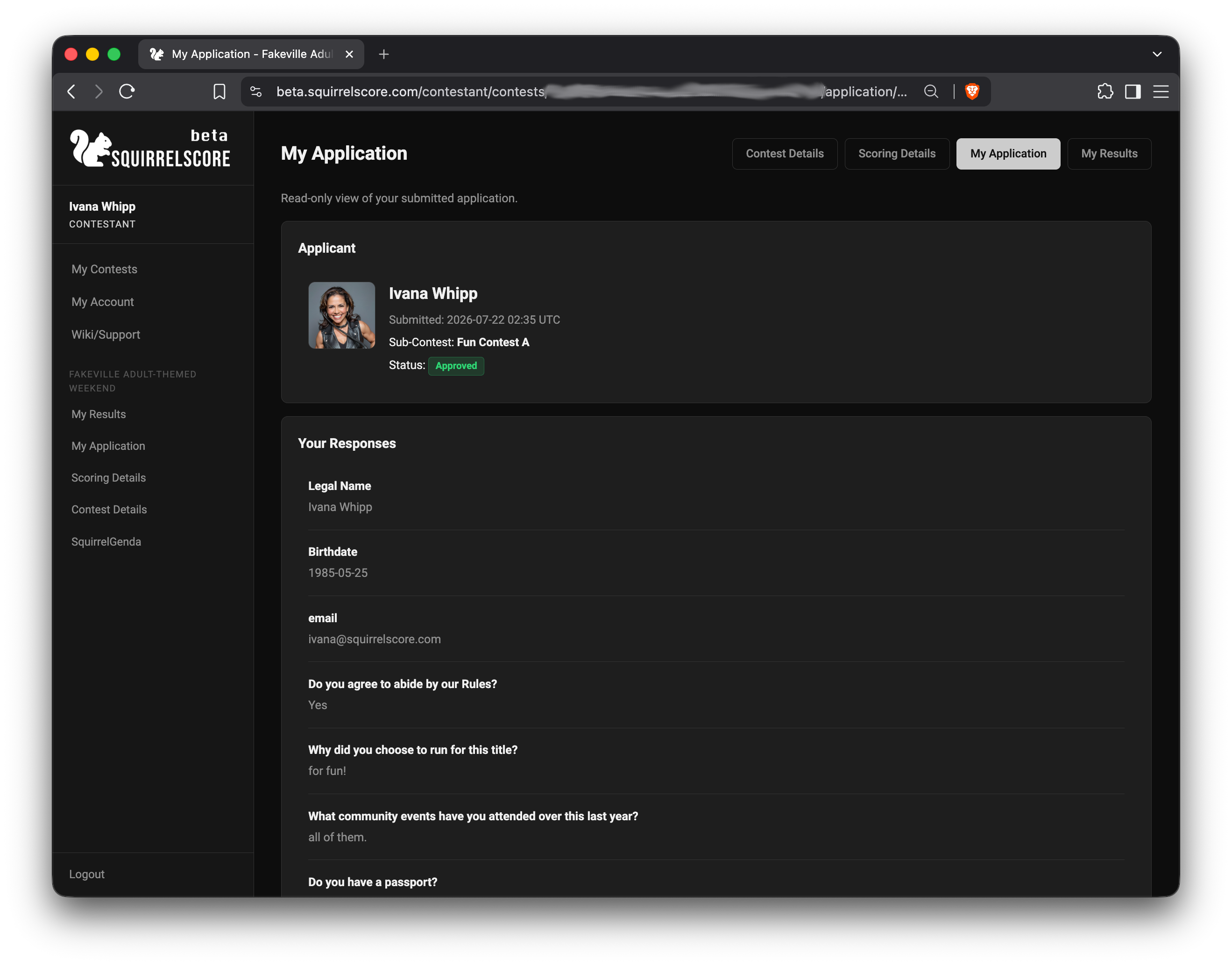
Contestant - My Application (Read Only)
¶ What you can and can't change
| You can | You can't |
|---|---|
| Read your submitted application | Edit answers yourself |
| Confirm what judges may see | Approve/reject anything |
| Notice mistakes and tell the producer | Change scoring or results |
¶ Tips
- Screenshot My Application for your own records if you like.
- Name mismatches between My Account and the application? Ask which one appears on stage materials.
- Judges may see approved applications read-only - keep that in mind for tone and user photo choice.
¶ Common Mistakes
- Refreshing forever waiting for an Edit mode
- Submitting a second public application "to fix a typo" without contacting the producer first
¶ Frequently Asked Questions
My Application is empty.
You may not be approved yet, or you're on the wrong contest/login.
Can I upload a new photo here?
Not from the read-only contestant view - ask the producer.
Is this the same as My Results?
No. Application = what you submitted. Results = scores when released.