¶ Purpose
Apply, track prep, revisit your application, and view your results when the contest is finalized. SquirrelScore is your contestant reference for the weekend.
¶ Before You Begin
-
Have the apply link or a login after approval
-
Know which contest title you are running for
-
Understand that results are released at a specific time on purpose - not the second you leave the stage
¶ Step-by-Step Instructions
-
Apply via the public link if you're new (Applying to a contest).
-
After approval, finish any set-password email and log in.
-
Open My Contests (shared with every contest role) and find your contest's Contestant card.
-
Review My Application (read-only).
-
Read Scoring Details and Contest Details anytime for rubric and logistics. Download PDF on those pages saves a letter-size copy (no menus) named like
Contest_Name-Scoring_Details.pdforContest_Name-Contest_Details.pdf. Description Markdown is included. -
Check Go Do the Things when Chaos Ops prep is enabled by the producer (sidebar, and often a checklist on your My Contests card).
-
After the producer has released the results for the contest, open My Results, or use the personal link in the results email to download your results and feedback PDF without signing in.
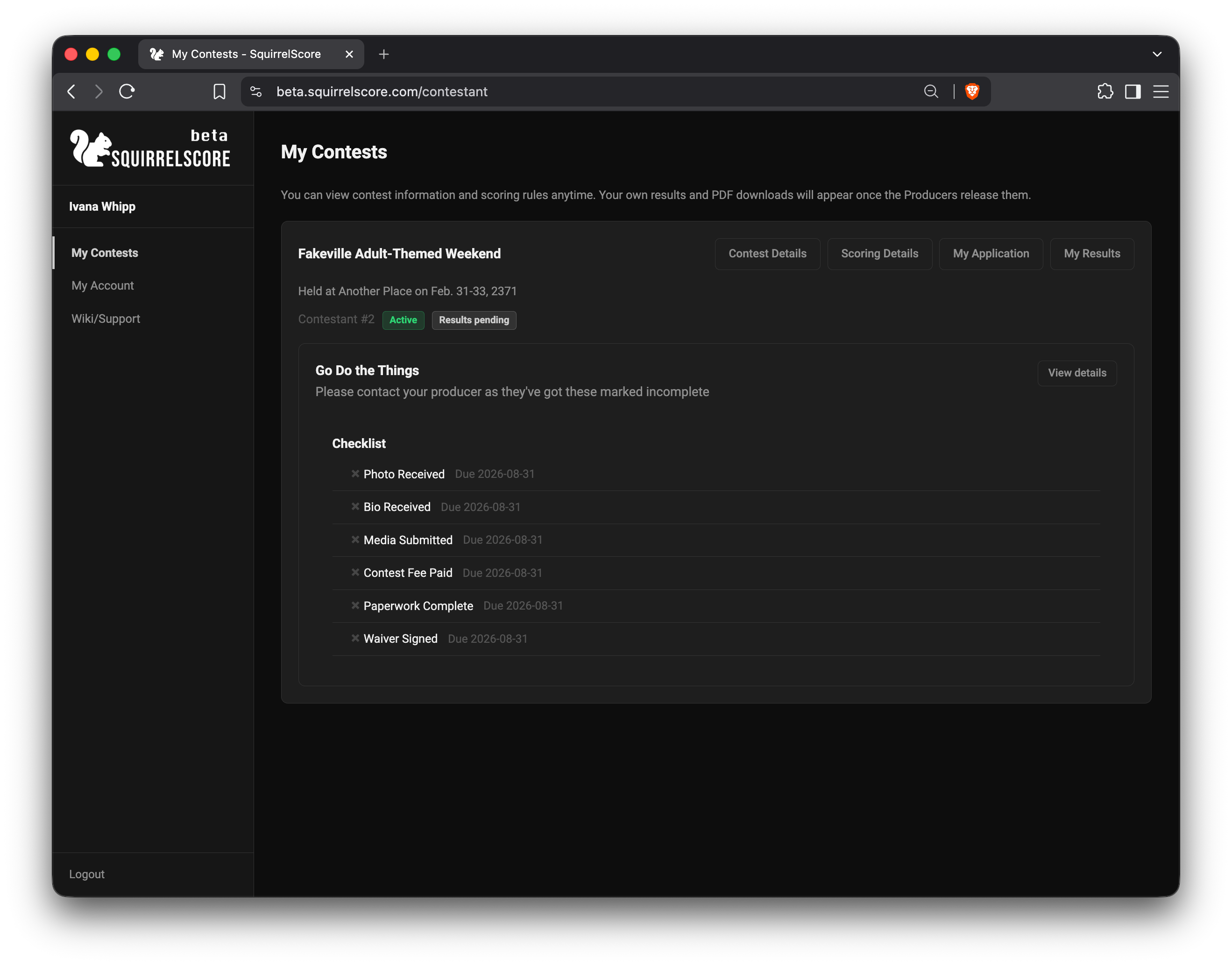
Contestant - My Contests
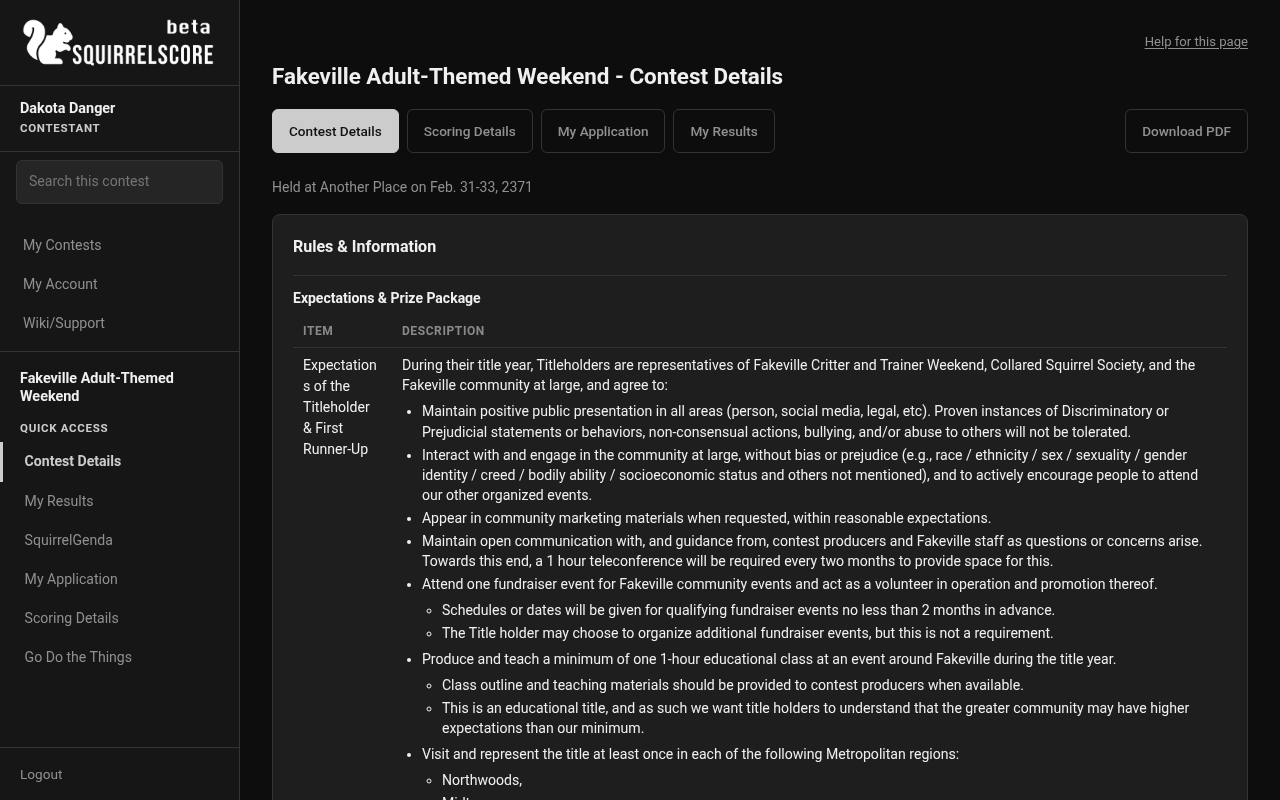
Desktop — Contestant, contest sidebar
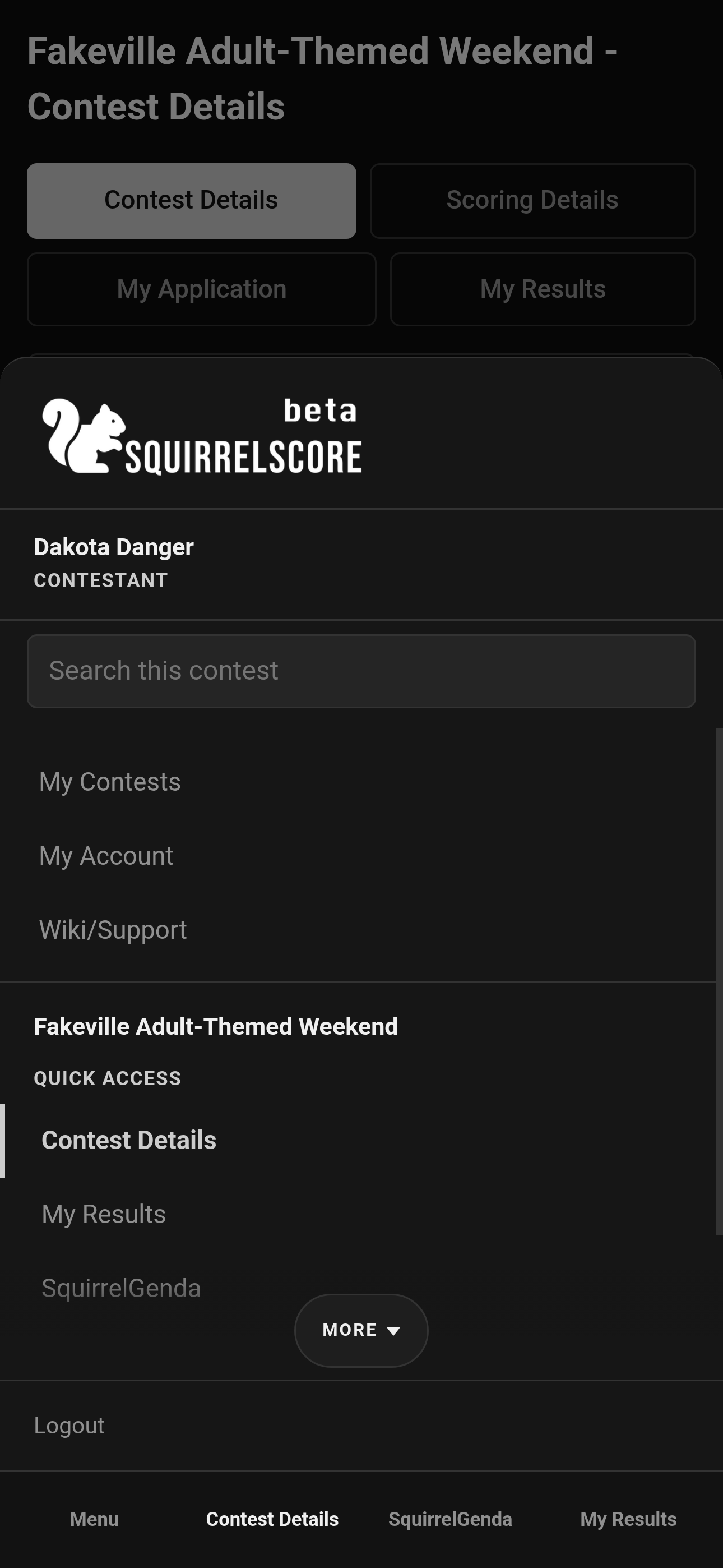
Mobile — Contestant, contest sidebar
¶ Your menu
| Page | What it's for |
|---|---|
| My Results | Your scores/feedback when released |
| My Application | What you submitted (read-only) |
| Scoring Details | How scoring works - available anytime |
| Contest Details | Producer-published info - anytime |
| SquirrelGenda | Public schedule when the producer enabled it |
| Go Do the Things | Chaos Ops prep checklist when enabled |
¶ When results appear
My Results populates only when:
-
All sections are locked,
-
The producer has marked the contest as inactive, and
-
A producer has clicked Release Results
Until then, empty results usually mean "not released yet," not "you scored zero." If the contest is already inactive but results aren't released yet, that card sits under Inactive Contests with no buttons. It returns to the main list with My Results once results are released.
¶ Tips
-
Read Contest Details for call times before you message the producer at dawn.
-
A clear headshot on apply saves everyone a headache.
-
Results release after the contest on purpose. Wait for the email or the My Results page.
¶ Common Mistakes
-
Refreshing My Results every ten seconds during an active contest
-
Trying to edit My Application after approval from the contestant menu
-
Confusing Scoring Details (rubric) with My Results (your scores)
¶ Frequently Asked Questions
Can I see other contestants' full results?
You see your results when released - not the whole scoreboard.
Do I score anyone?
No. That's judges/tallymasters.
Where did prep go?
Chaos Ops may be off. Ask your producer.