¶ Purpose
Find a person, section, application, or schedule item inside the contest you already have open. This is a flashlight, not a site-wide Google box.
¶ Before You Begin
-
Be logged in
-
Open the contest first (Selecting a contest)
-
Type at least two letters
¶ Step-by-Step Instructions
-
Open the contest so the sidebar shows that contest's name.
-
Find Search this contest near the top of the sidebar (on a phone or tablet: tap Menu, then the search box).
-
Type part of a name or title (two or more letters).
-
Tap Search or press Enter.
-
Tap a result to jump there.
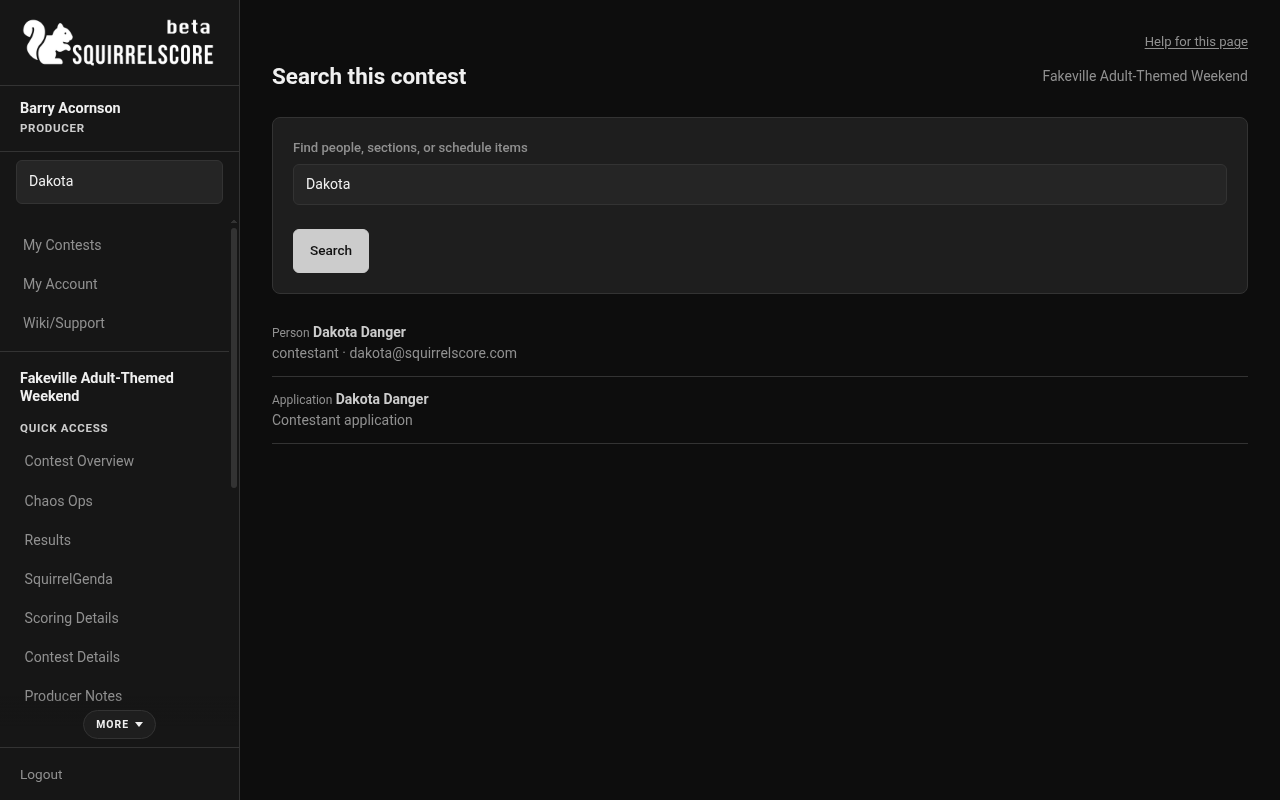
Desktop — Search this contest (Dakota)
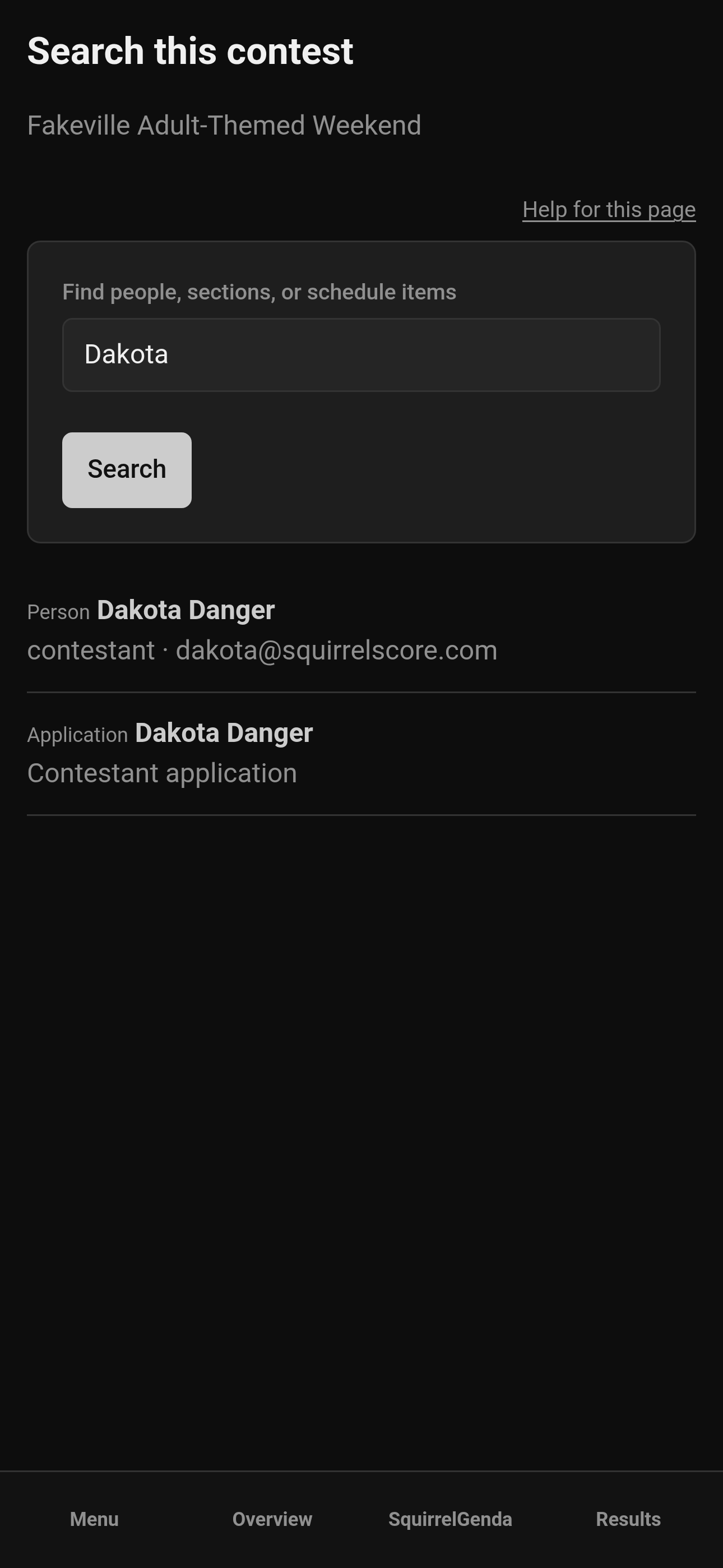
Mobile — Search this contest (Dakota)
¶ What you can see
The list stays inside this contest. Judges and contestants see names, not email addresses. Producers and tallymasters can also match an email they already stored on a roster.
Applications only appear if your role is allowed to open them.
¶ Tips
-
Short names work:
walcan find Walton. -
If nothing matches, try the first few letters of a section name or a SquirrelGenda title.
-
Search is not a substitute for My Contests when you need a different event.
¶ Common Mistakes
-
Searching before a contest is selected — the box only appears after you open one.
-
Expecting scores or private notes to show up. They do not.
¶ Frequently Asked Questions
Can I search every contest at once?
No. Pick the contest first, then search inside it.