¶ Purpose
Switch between contests (or pick one after login) so the sidebar, scoring tools, and details match the event you're actually working. Same account, different weekend - don't score Saturday's contestants thinking they're Sunday's by accident.
Everyone uses the same My Contests page. Opening a contest also switches your role to match that card.
¶ Before You Begin
-
Be logged in
-
Know the contest title (and year/city if your titles are similar)
-
Know which role you should be using for that contest (check the badge on the card)
¶ Step-by-Step Instructions
¶ From My Contests
-
After login, open My Contests if you're not already there (sidebar My Contests).
-
Scan the main list for the contest you need. Each card shows a role badge (Producer, Judge, Tallymaster, Contestant, or Volunteer) and an Active / Inactive badge.
-
If you have more than one role, pick the card whose badge matches the job you're doing.
-
Click the open action for that card (wording depends on the role - Open Contest, Contest Details, contestant shortcuts, and so on).
-
Open Notifications on the card when you want email or Home Screen / browser push for that contest and role. Producers also have a Notifications card on Manage.
-
Confirm the sidebar shows the correct contest name and the matching role links.
-
Use those role links (Judging Sections, Contest Details, Results, Manage, and so on).
Cards under Inactive Contests have no actions. See Dashboard overview for what belongs there.
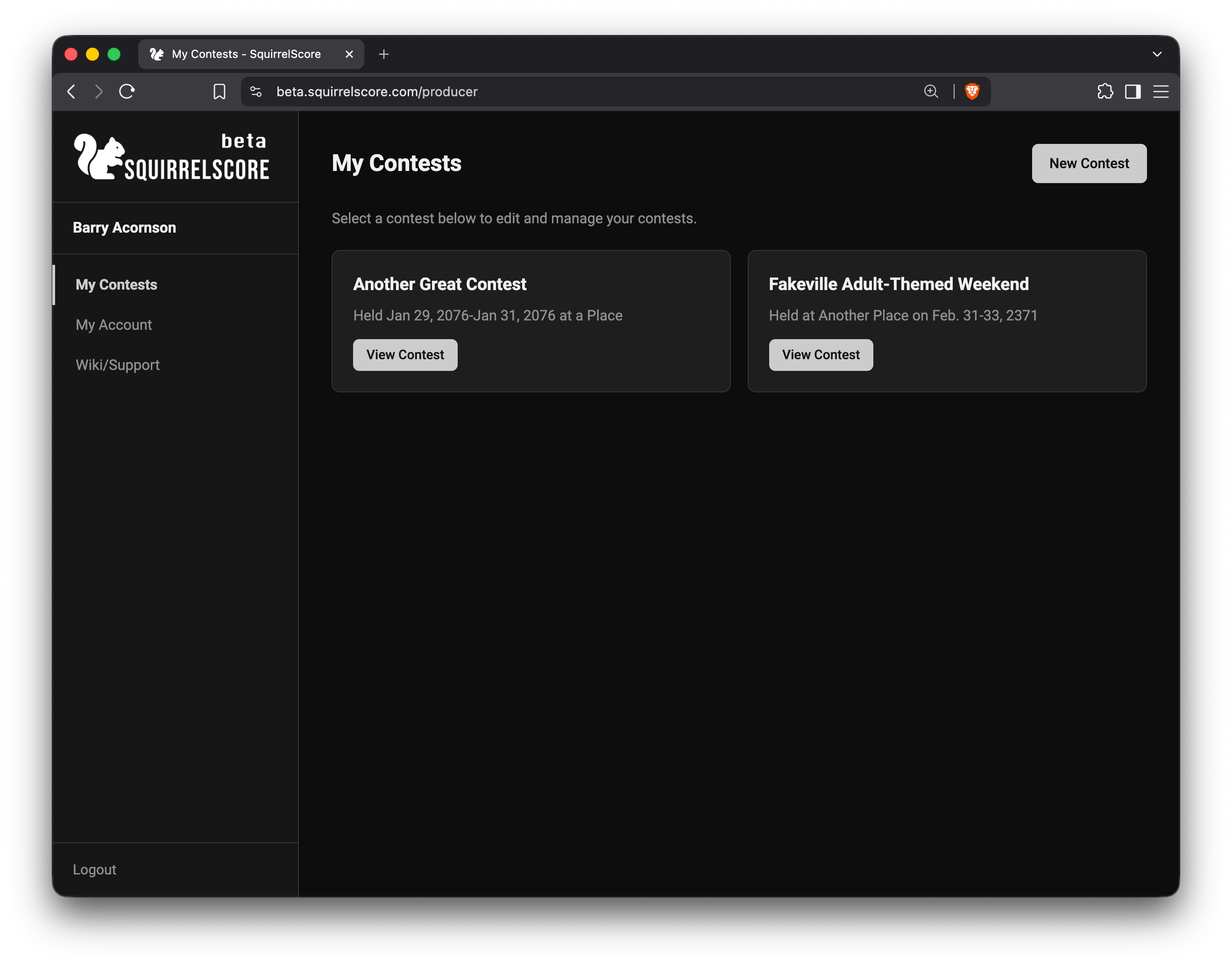
Producer - My Contests
¶ Using a contest switcher / select-contest page
Some flows still send you to a select contest screen when you belong to more than one event:
-
When prompted to choose a contest, read each option carefully (contest and role).
-
Select the contest you need.
-
Continue.
-
Verify the sidebar contest name before you enter scores or change settings.
You can always return to My Contests instead of hunting for a switcher.
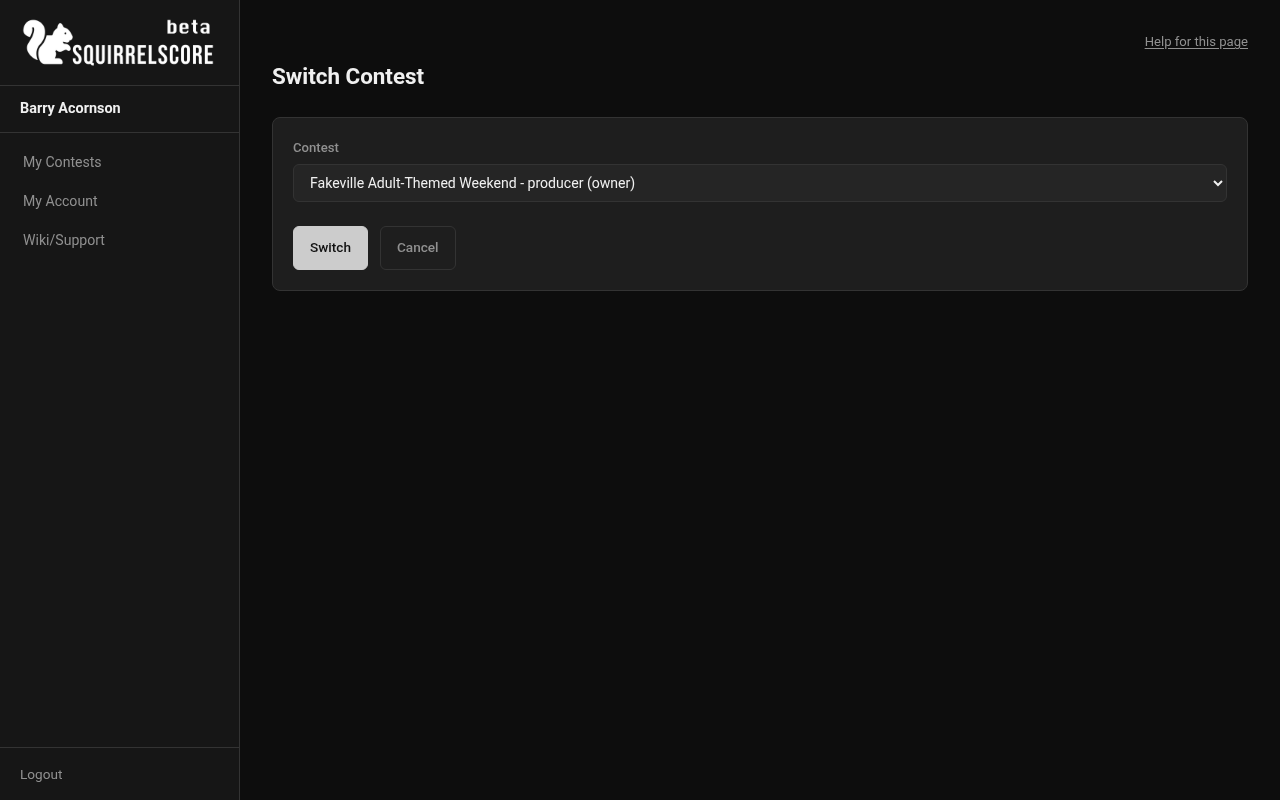
Desktop — Select contest / switcher
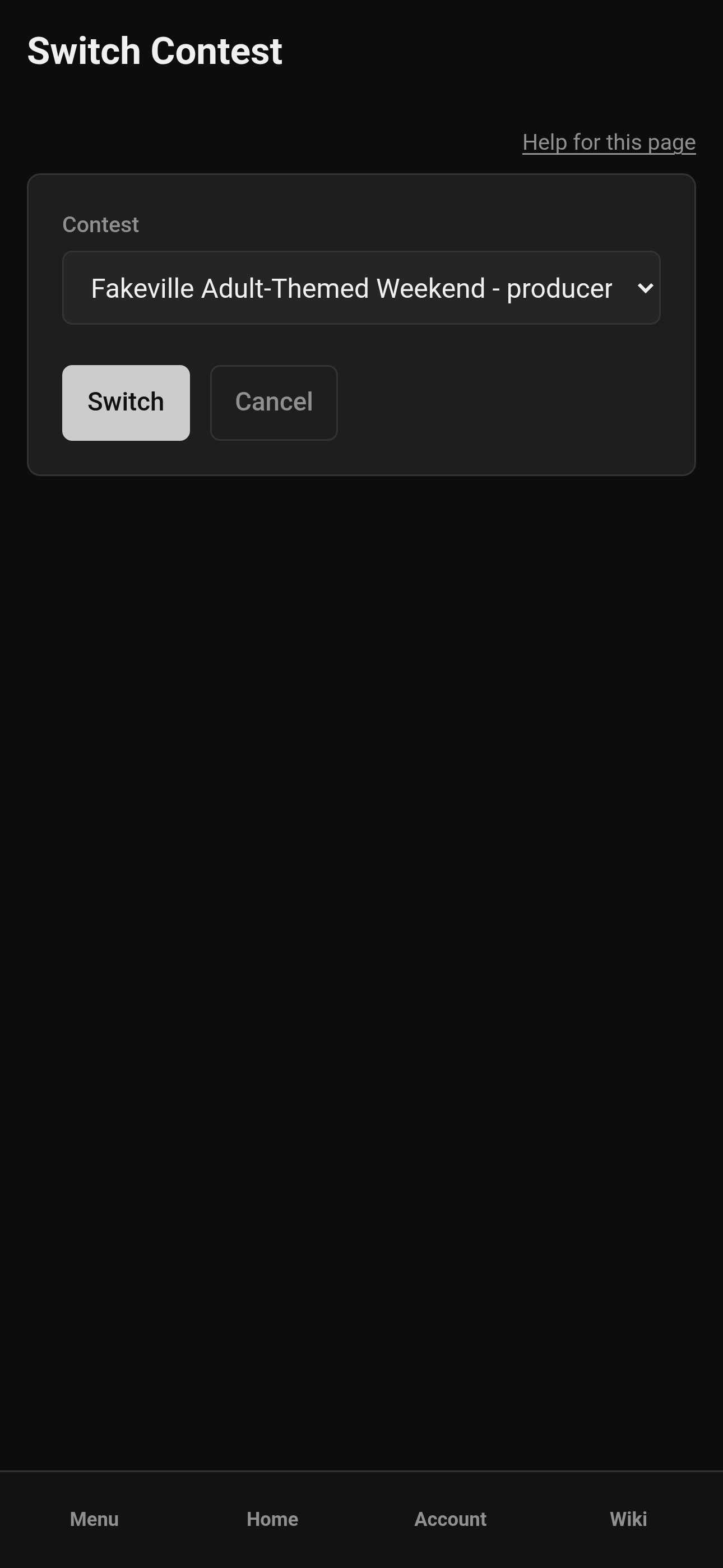
Mobile — Select contest / switcher
¶ Switching mid-session
-
Return to My Contests (sidebar home link).
-
Open a different contest (or a different role card on the same contest).
-
Re-read the contest name and role in the sidebar.
-
Proceed with judging, prep, or management for that event and that role only.
¶ When you only have one contest
You still land on My Contests after login - even if there's only one card. Open it from there. If more events get added to your account, they'll show up on the same page.
¶ Tips
-
Similar titles are easy to mix up - match the date or subtitle, not just the first word.
-
Match the role badge, not just the logo. Judge and Contestant are different cards.
-
Producers running last year's clone: change the name so it doesn't match the old contest.
-
On mobile, open the sidebar after switching to confirm the contest name before you tap Scoring.
¶ Common Mistakes
-
Clicking the first familiar logo/title without reading the year or the role badge
-
Entering scores, then noticing the wrong contest name in the sidebar
-
Assuming inactive contests are "broken" when they're listed under Inactive Contests on purpose
-
Looking for a separate Judge home vs Producer home - it's one list
¶ Frequently Asked Questions
I don't see the contest at all.
You're not enrolled yet, or you're on the wrong login. Ask your producer to add you with the right role. If you belong but have no actions, check Inactive Contests at the bottom of the page.
I see the contest but the wrong tools.
You may have opened the wrong role card (for example contestant instead of judge). Ask your producer to fix enrollment — you can't Manage from a Judge card.
Can I work two contests in two browser tabs?
Often yes, but it's easy to type into the wrong tab. Prefer one contest at a time during live scoring.