¶ Purpose
Use SquirrelScore on a phone or tablet. Venues get crowded and tables can be small, so this is how you navigate, score, and save from a smaller screen.
¶ Before You Begin
-
Use a current mobile browser (Brave, Safari, Chrome, Firefox, or similar)
-
Prefer Wi-Fi inside venues for uploads and live scoring
-
Turn brightness up enough to see fields, but not so high that someone behind you can read your feedback
-
Know the bottom bar on phones and tablets: Menu plus three shortcuts (see Navigation)
¶ Step-by-Step Instructions
-
Open the SquirrelScore site in your phone or tablet browser (or the optional Home Screen icon). The login page may ask Want to add this to your home screen? That is optional. On iPhone Safari follow the Share steps (no Install button). On iPhone Chrome, Brave, and similar, tap Open in Safari.
-
Log in (Logging in).
-
Use the bottom buttons for the pages you need most (Sections, SquirrelGenda, Results, and so on). This bottom bar is for phones and tablets — a computer browser still uses the left sidebar.
-
Tap Menu (left bottom button) for the full list. Names match the desktop sidebar. Email and push for a contest are on that contest’s card on My Contests, not a fifth bottom-bar button.
-
Close Menu by tapping the dimmed area or Escape.
-
Lists, tables, and two-column details stack on phones, tablets, and the Home Screen app (section pickers, contest/scoring details, results, forms, Manage, Review/Approval Summary). Each table row becomes a card: former columns list one field per line (label, then value), then action buttons, with a separator between people/rows. Rotate to landscape only if something still feels wide. Help for this page sits under the page title.
-
Fill fields. Save Scores stays stuck above the bottom bar. Judges also get an Autosaved state after leaving a points box (recommended, just click into another box), switching contestants, or leaving the page.
-
On a phone or tablet (browser or Home Screen app), tapping a PDF, XLSX, CSV, or QR download opens the system share sheet (Save to Files / Share) instead of opening the file inside the app. Wait for large spreadsheets to finish building. A computer or desktop installed app still uses a normal file download.
-
When you're done on a shared device, open Menu and tap Logout.
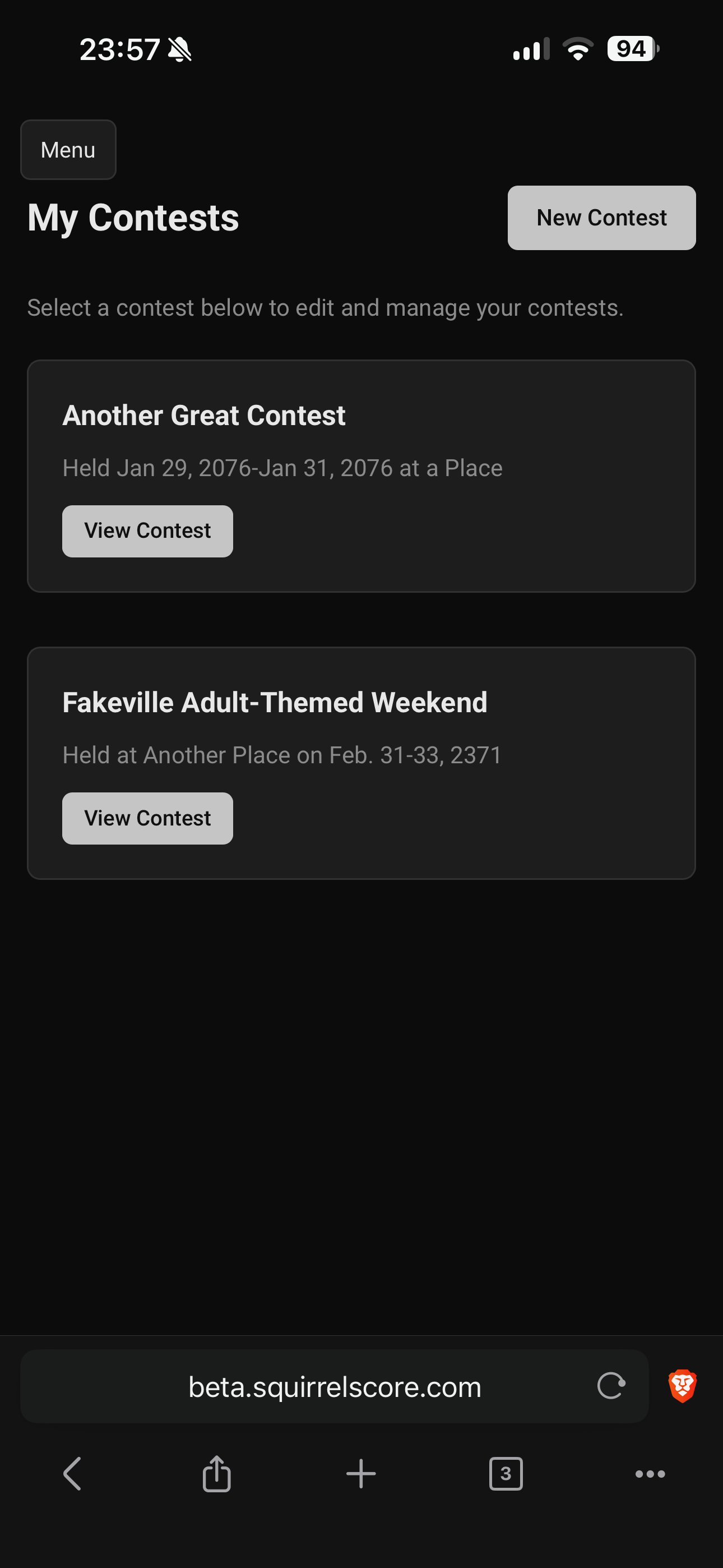
Mobile - Producer - My Contests
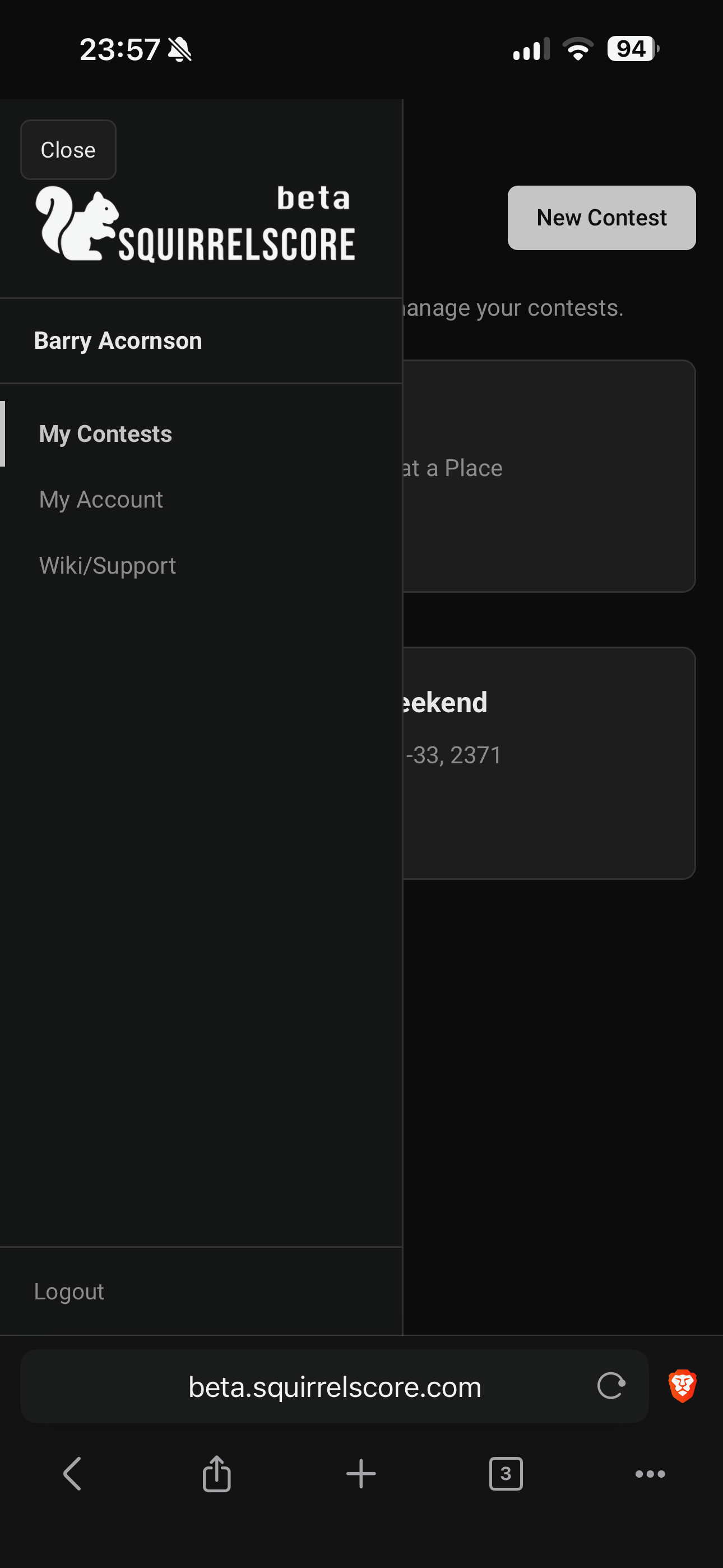
Mobile - Producer - Menu
¶ Judging on a phone
-
Open your contest > choose the section.
-
Pick a contestant.
-
Enter subsection points (not a percentage). A 0-100% conversion appears under the points box.
-
Add contestant feedback / producer notes if you have them. Those boxes stay on the form (not collapsed). Tallymaster scoring uses the same always-visible notes; audience scoring shows optional contestant feedback the same way (no producer notes).
-
Tap out of a points box to autosave, tap Save Scores, switch contestants, or leave the page (Menu / another screen). The button changes to Autosaved with the time when it worked.
-
Use Section Overview when you are ready to pick someone else. If something did not save, the button says Save failed — tap to retry.
-
If the section is locked, you can read but not edit - find the tallymaster.
¶ Tips
-
On a phone, a table is not columns in a row. Each person/item is a card: Column A, then Column B, then Column C, then action buttons, with a line between cards. Landscape can still help for remaining wide content (charts, long Markdown, photo crop).
-
PDF, XLSX, CSV, and QR downloads on a phone or tablet (including the Home Screen app) open the system share sheet so you can save or share — they do not stay stuck inside the app. Computers use a normal download.
-
Disable aggressive low-power modes if uploads keep failing.
-
Use Uploading photos on Wi-Fi when applications ask for headshots.
-
Bookmark the login page link before the contest.
-
A cheap tablet stand/keyboard case will make your life so much easier.
¶ Common Mistakes
-
Judging outdoors - check brightness, seek shade, or angle the screen if it's hard to read
-
Switching to another app mid-save and assuming it finished
-
Forgetting Logout on a borrowed phone
-
Typing scores with a cracked screen protector that invents extra 9s
¶ Frequently Asked Questions
Is there a native app store app?
No. Use the browser, or optionally install a Home Screen icon. Scoring still needs a live connection.
The menu won't close.
Tap the dimmed area, tap Menu again, or press Escape.
Should producers run Manage on a phone?
Contest-day jumps (Overview, SquirrelGenda, Results) are comfortable on a phone or tablet. Heavy setup (backup, clone, long people tables) is still easier on a computer.