¶ Purpose
Read approved contestant applications, the scoring rubric, and contest info so you judge with context - not guesses.
¶ Before You Begin
-
Be logged in as a judge on the contest
-
Remember applications you see here are read-only- you're reviewing, not editing
-
Scoring Details and Contest Details are available anytime you're enrolled - even when you're not actively scoring
¶ Step-by-Step Instructions
¶ Browse approved applications
-
Open your contest from My Contests.
-
Click Contestant Applications.
-
Browse the list of approved applications. They stay listed even if the producer later turns the public form off.
-
Open a contestant to read their answers and photo.
-
Return to the list and continue as needed.
-
When it's time to score, jump to your section - don't try to edit the application.
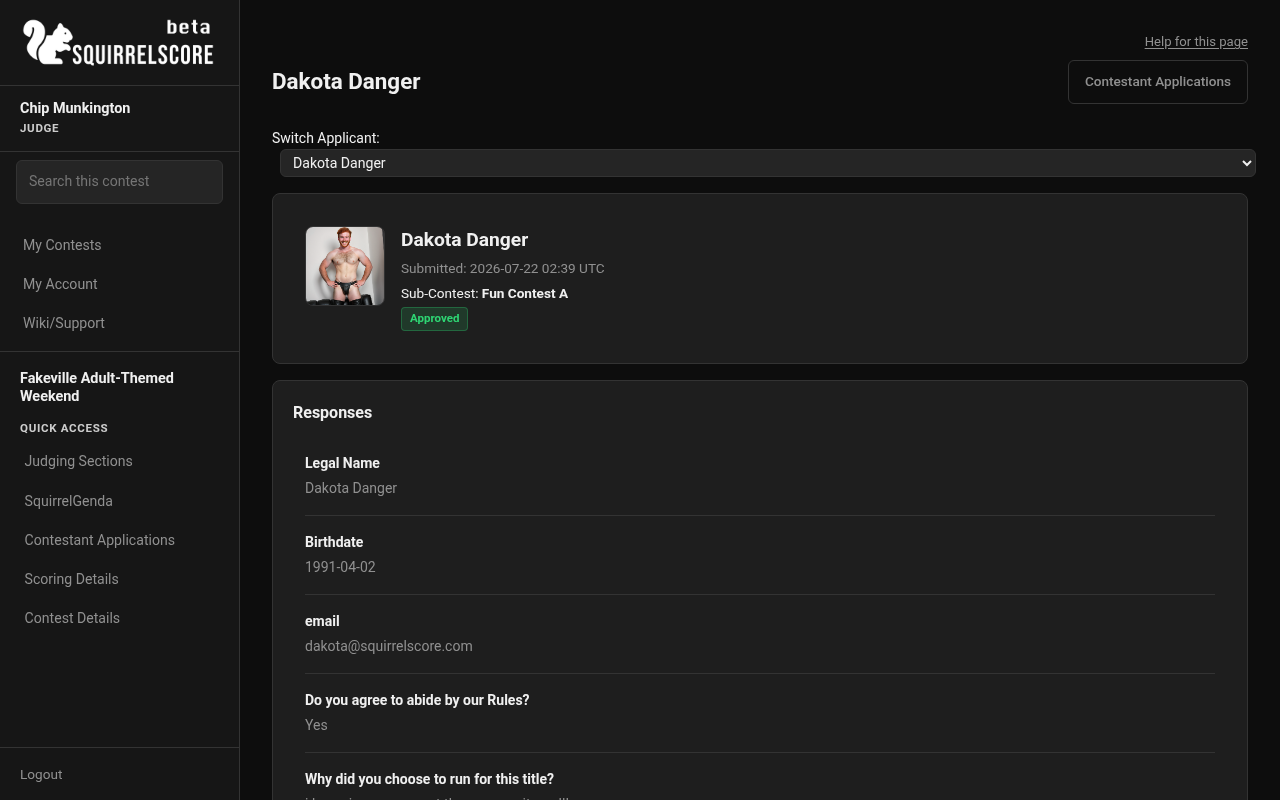
Desktop — Judge, Dakota Danger application (read-only)
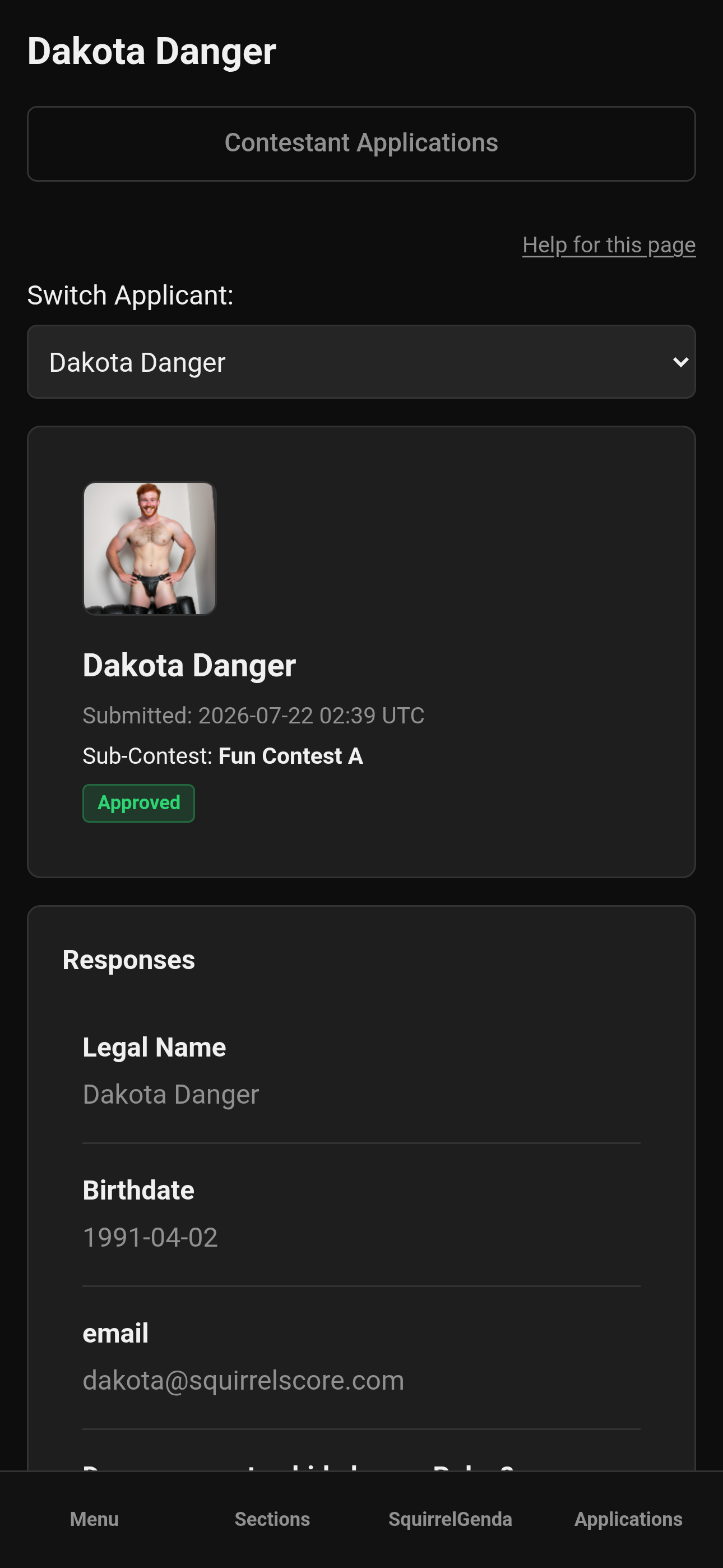
Mobile — Judge, Dakota Danger application (read-only)
¶ Open scoring & contest details
-
Open Scoring Details to review sections, subsections, and how scoring works for this contest. Use Download PDF if you want a letter-size copy without the app menus (description Markdown stays formatted; Olympic / point-system normalizing are explained on the PDF when the producer enabled them).
-
Open Contest Details for venue, contest rules, schedule, or other notes the producer published. That page has the same Download PDF action.
-
Keep those tabs handy on a second device if you're judging live.
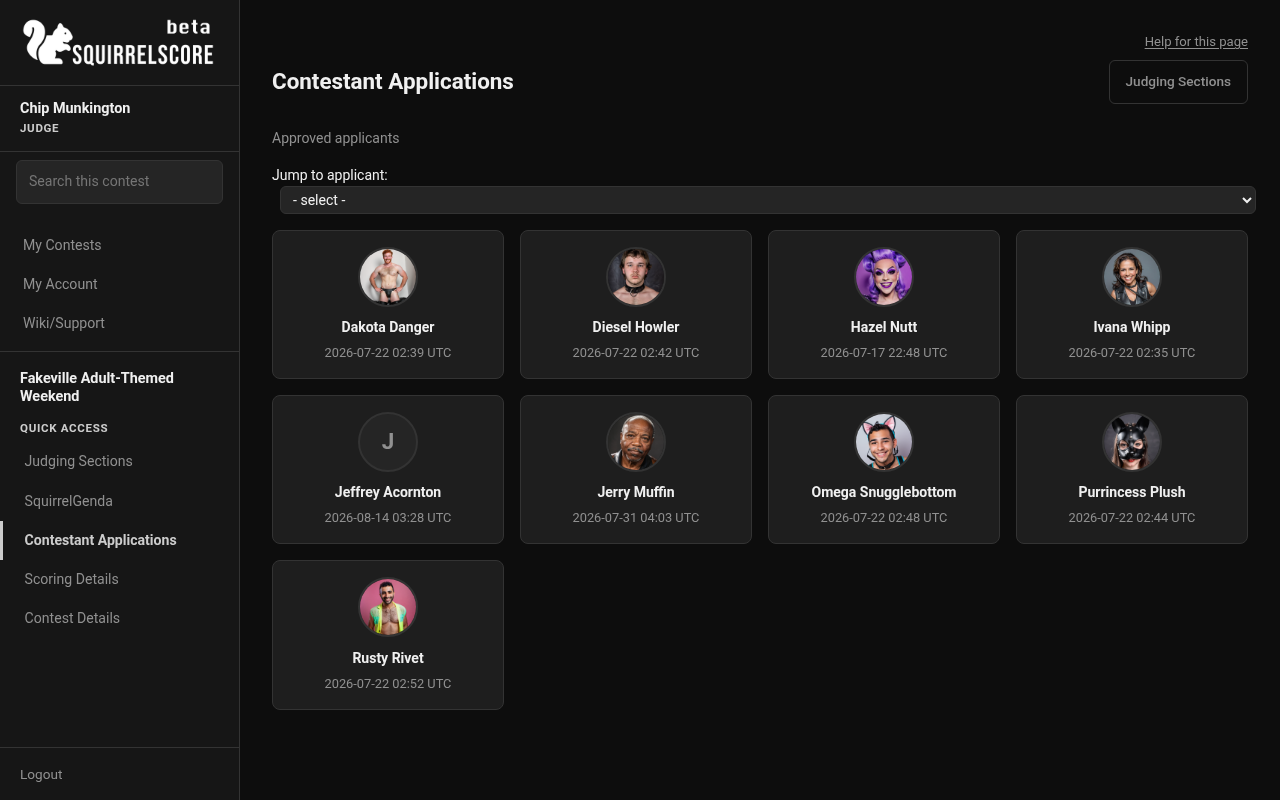
Desktop — Judge, Contestant Applications list
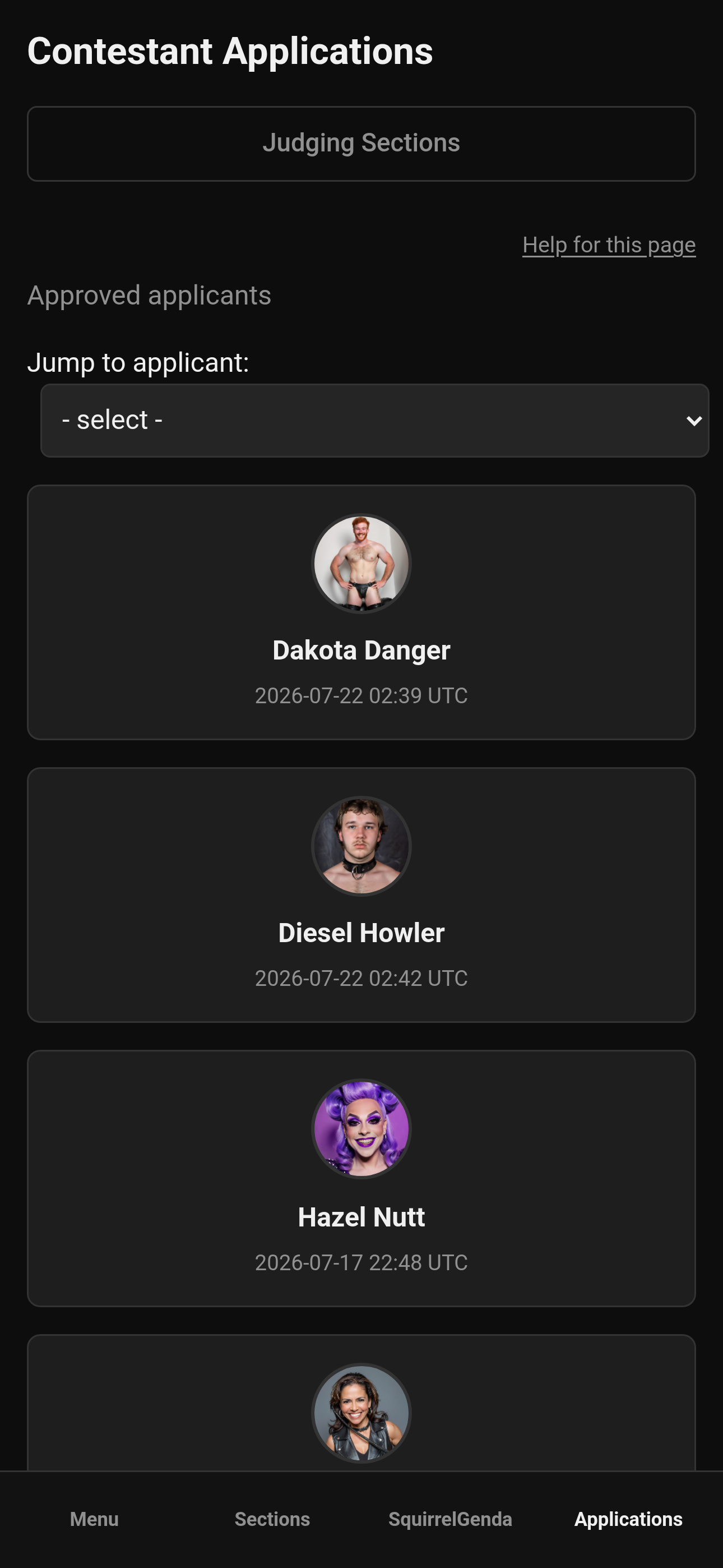
Mobile — Judge, Contestant Applications list
¶ What each page is for
| Page | Use it to... |
|---|---|
| Contestant Applications | Learn who people are and maybe find some inspiration for interview questions (approved apps only, read-only) |
| Scoring Details | Understand the rubric before and during scoring |
| Contest Details | Logistics and producer-published info |
| Judging Sections | Actually enter scores (Scoring contestants) |
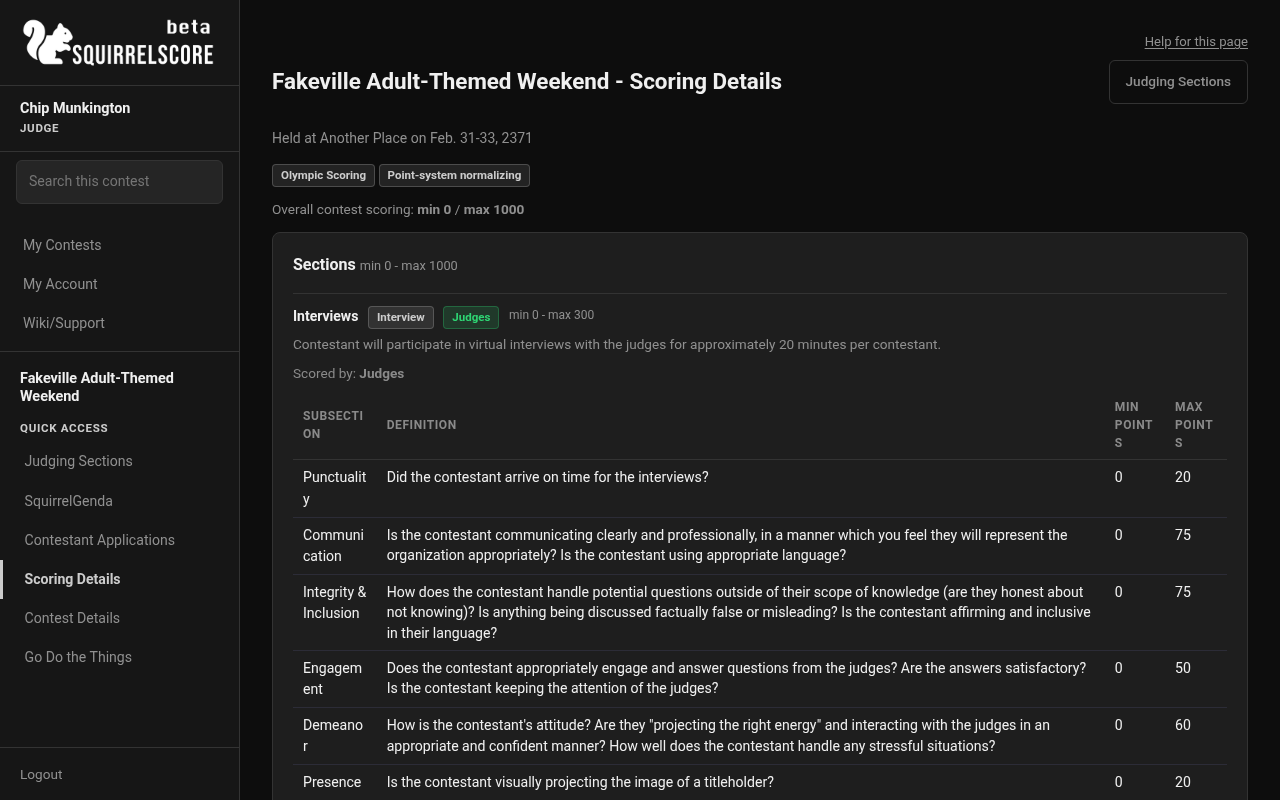
Desktop — Judge, Scoring Details
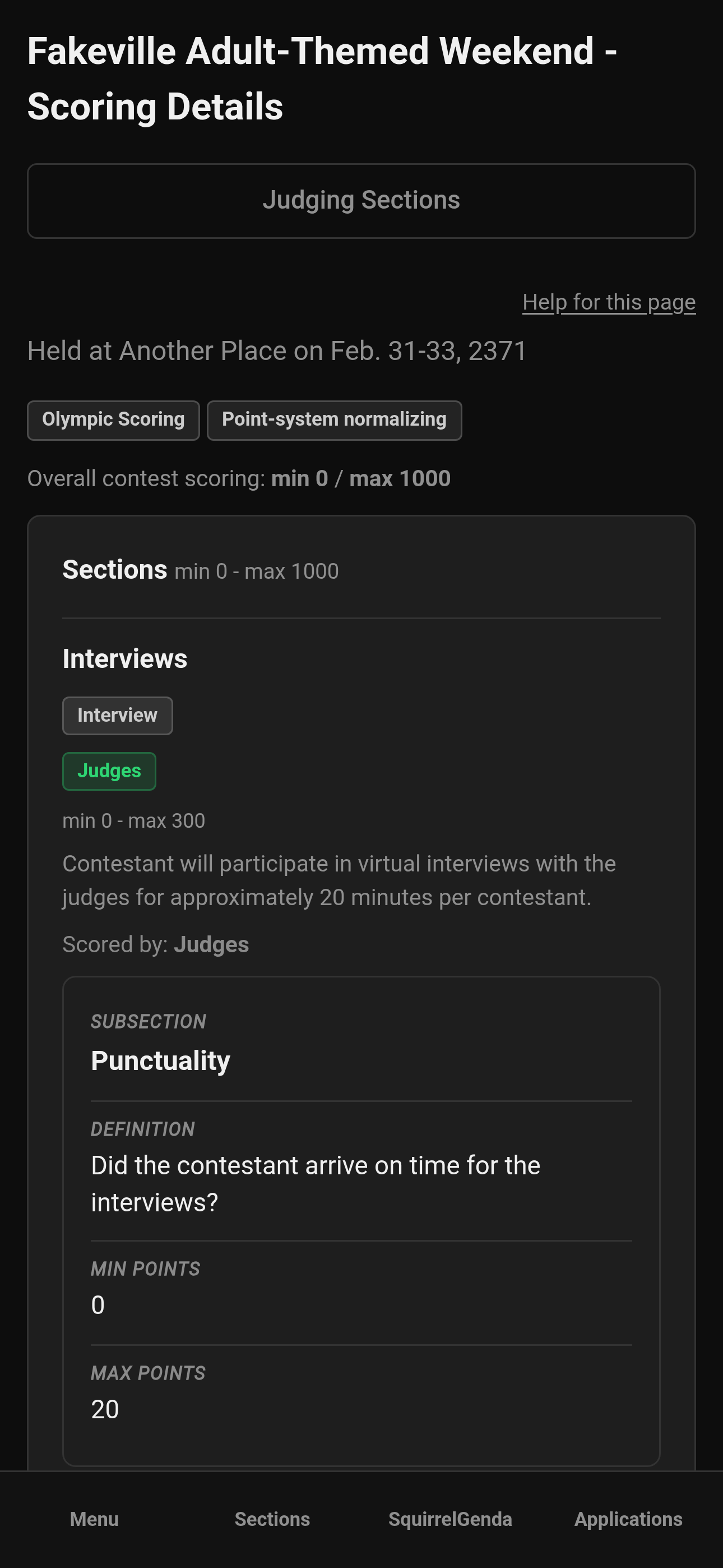
Mobile — Judge, Scoring Details
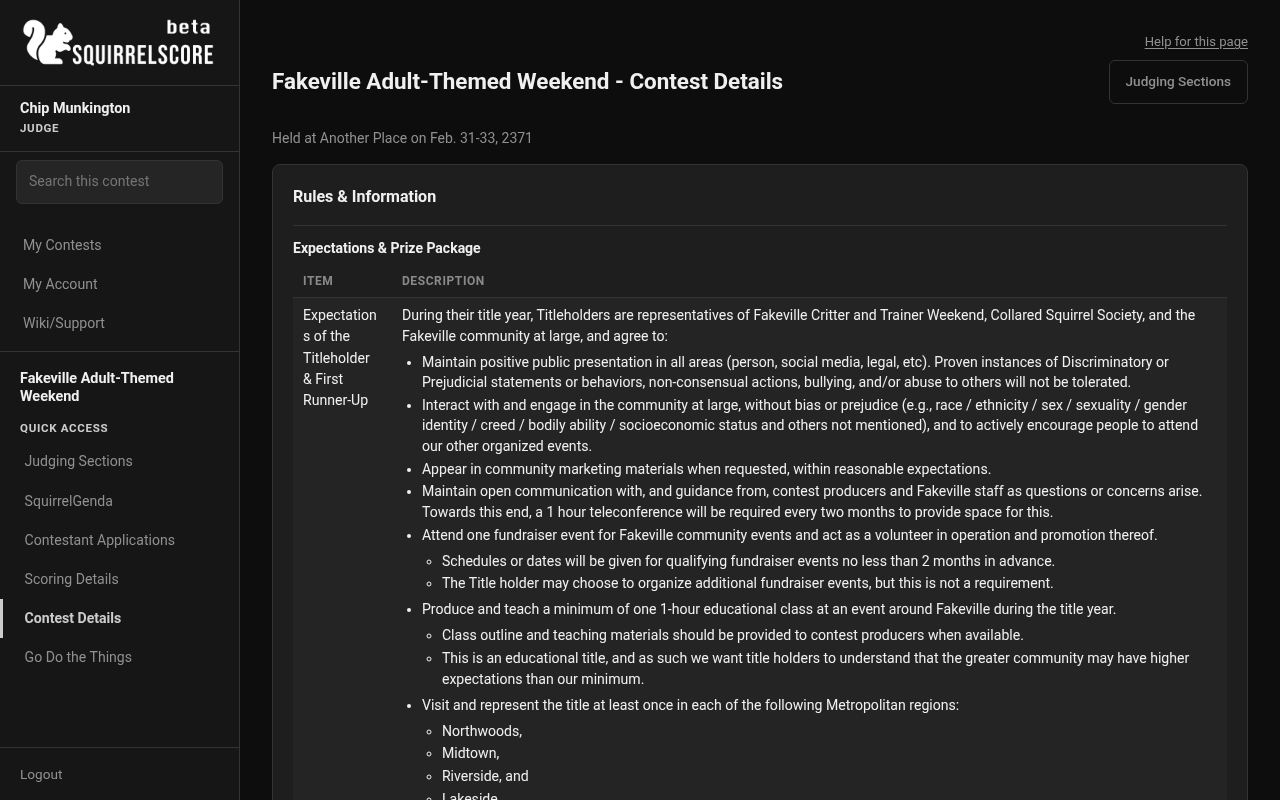
Desktop — Judge, Contest Details
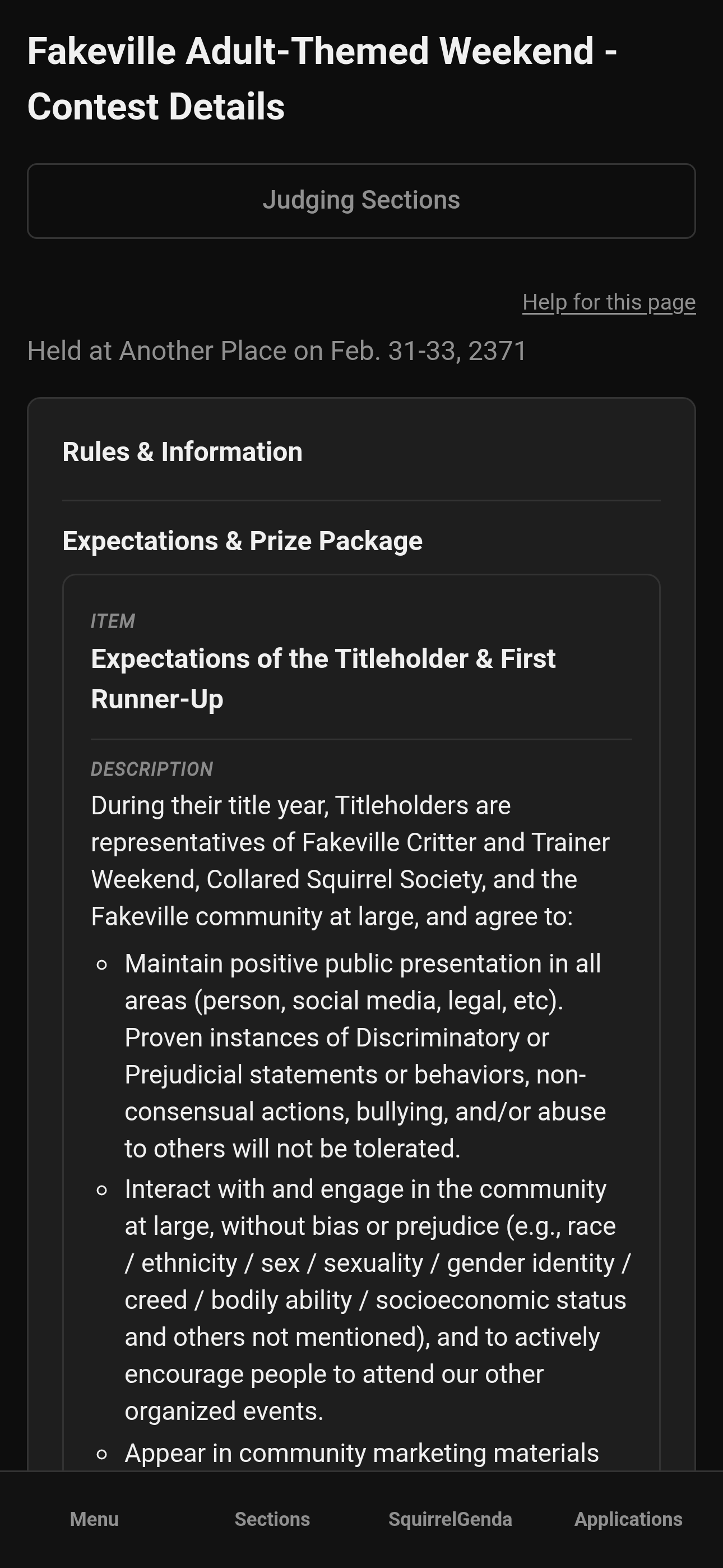
Mobile — Judge, Contest Details
¶ Tips
-
Skim applications before the first scored section when time allows - it helps you know who you're scoring.
-
If an application looks like it is missing, it may not be approved yet - ask the producer.
-
Contest Details isn't a substitute for stage cues from the tallymaster; it's the published info hub.
¶ Common Mistakes
-
Hunting for a Save button on applications (there isn't one for judges)
-
Treating unapproved people as if they should appear in your app list
-
Ignoring Scoring Details and then wondering what the intent of each section is and how it fits into the bigger picture of the overall score (i.e. how important it may be to the contest)
¶ Frequently Asked Questions
Can I see volunteer applications too?
Judge tools focus on contestant applications and scoring context. Volunteer queues are producer territory.
Why is an application missing fields?
Producers configure forms differently. What you see is what was collected and approved.
Can I score from the application page?
No - open Judging Sections for the score form.