¶ Purpose
Publish informational pages in one place — a self-service source for venue notes, schedules, contest rules, hotel recommendations, parking reminders, and anything else people keep asking in chat. Put it here so your team is informed, instead of constant questions and @'s for the producers.
Enrolled producers, judges, tallymasters, contestants, and volunteers open it after they log in. If you also include Contest Details on the public contest hub, anyone with that link can read it too.
Contest Details is one of the core areas inside SquirrelScore that brings everything together. It is not the scoring rubric (that's Scoring Details) and not private judge feedback (that's Producer Notes).
¶ Before You Begin
-
Have a contest.
-
Outline sections you want (Schedule, Venue, Rules, Contact).
-
Write in human language; enrolled people of every role may read this, and the public can too if the hub card is on.
-
Keep secrets out of Contest Details — this is an info board, not a private producer channel.
¶ Step-by-Step: add a detail section
-
Open Manage for the contest.
-
Find Contest Details (also reachable from the sidebar Contest Details after you have content - editing starts on Manage).
-
Click Add Detail Section.
-
Enter a name (for example "Weekend Schedule").
-
Optionally add a description for the section intro. Descriptions support Markdown (headings render as bold underline at body size; bold, italic, lists, and links). Names/titles stay plain. The same limited formatting shows on Download PDF.
-
Click Create Detail Section.
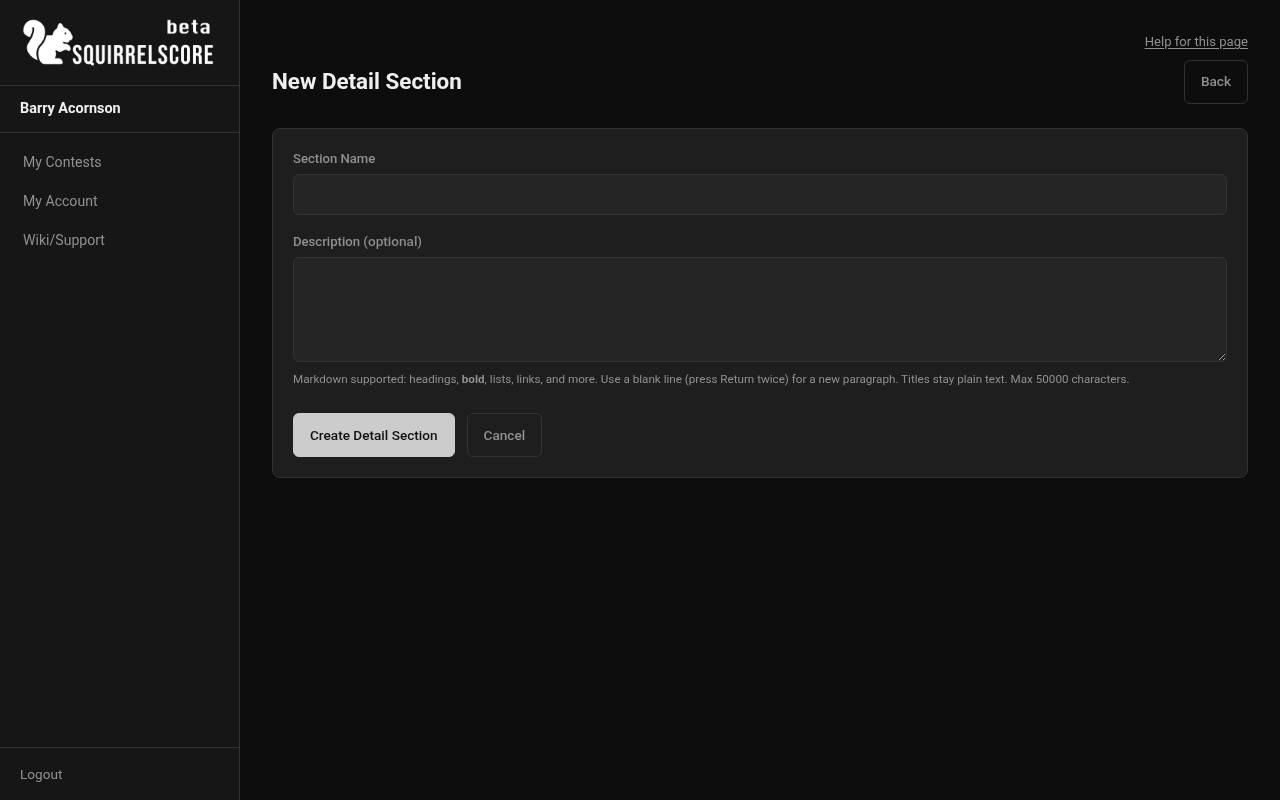
Desktop — Producer, new Contest Details section form
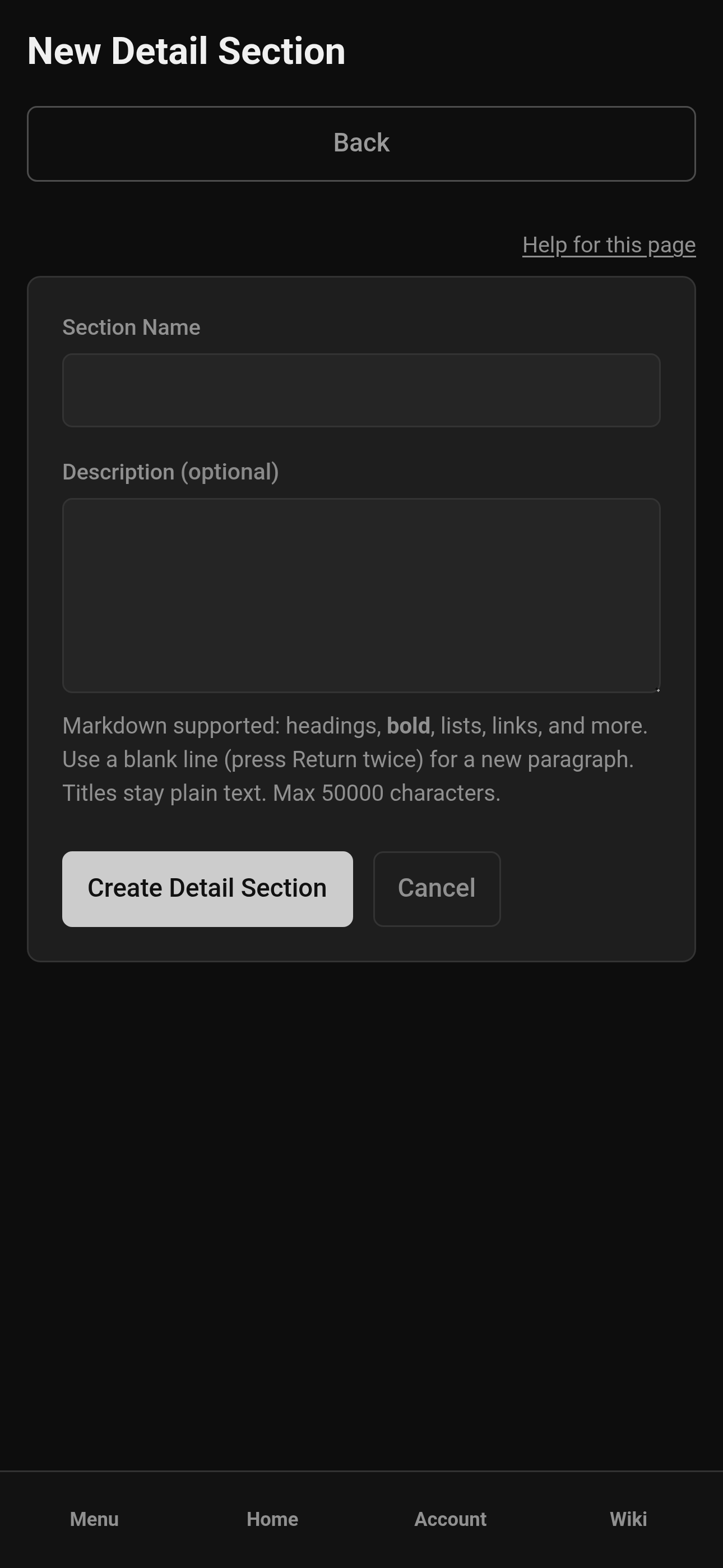
Mobile — Producer, new Contest Details section form
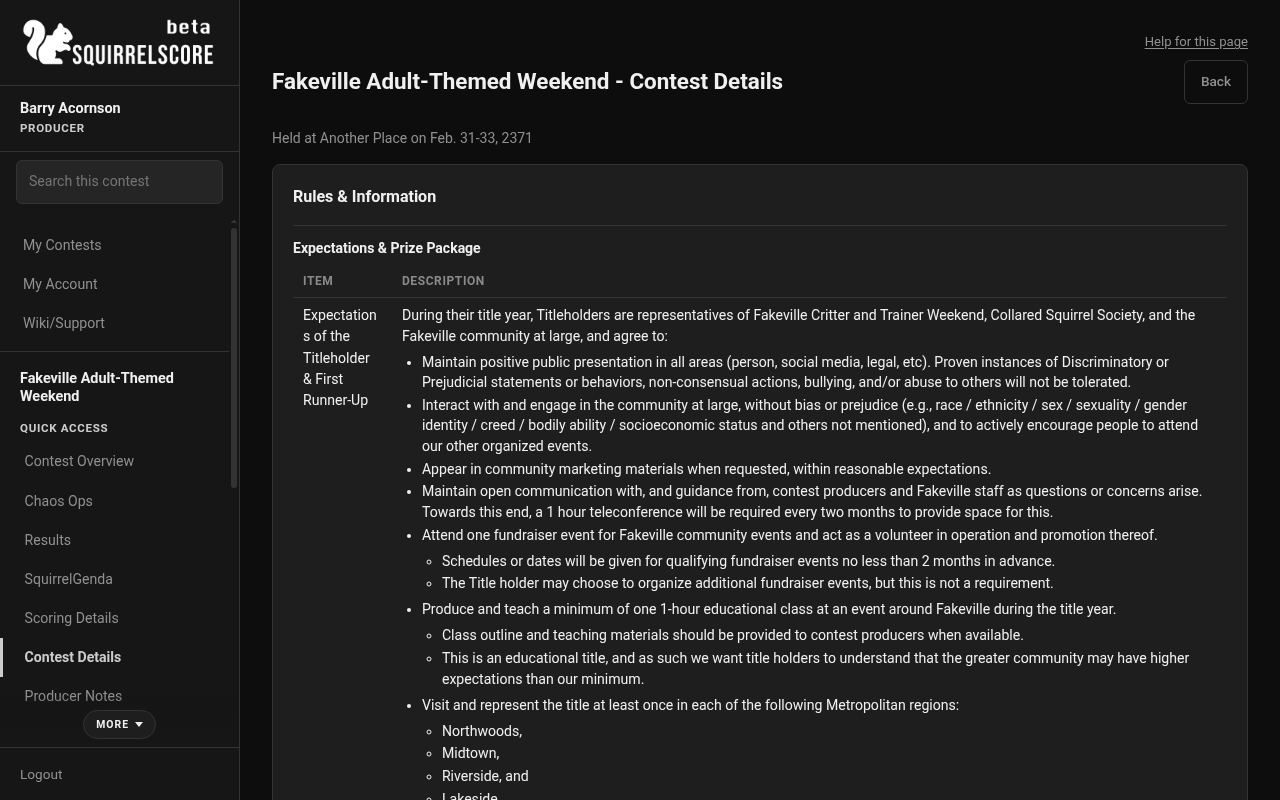
Desktop — Producer, Contest Details
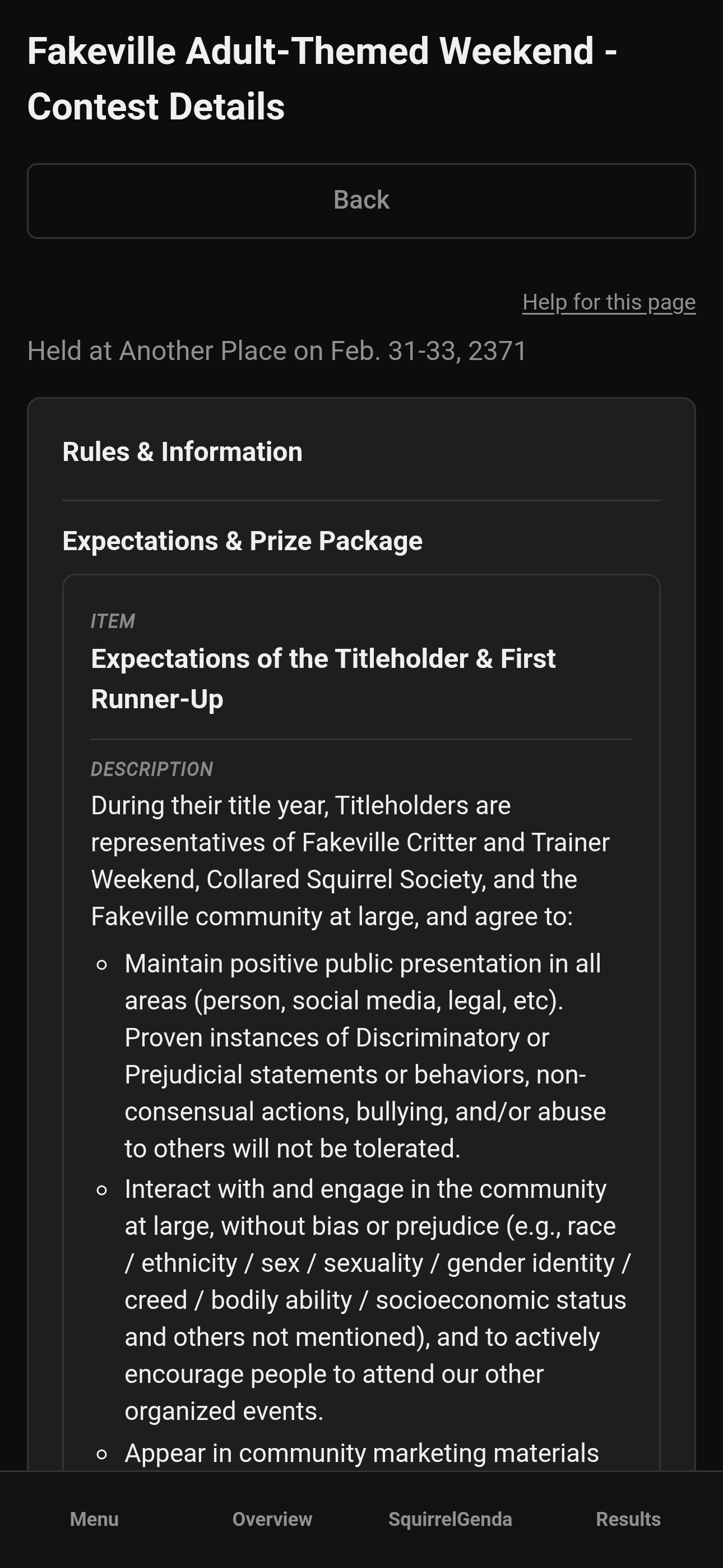
Mobile — Producer, Contest Details
¶ Step-by-Step: add detail items
Items live inside a section (think bullet entries under a heading).
-
On the Manage contest page, find your detail section.
-
Click Item (add detail item).
-
Enter the item title/name and body/content fields the form shows. Item names stay plain; the body can use the same Markdown as section descriptions (and that formatting is on Download PDF too).
-
Save.
-
Add the items you need for that topic.
-
Repeat for other sections.
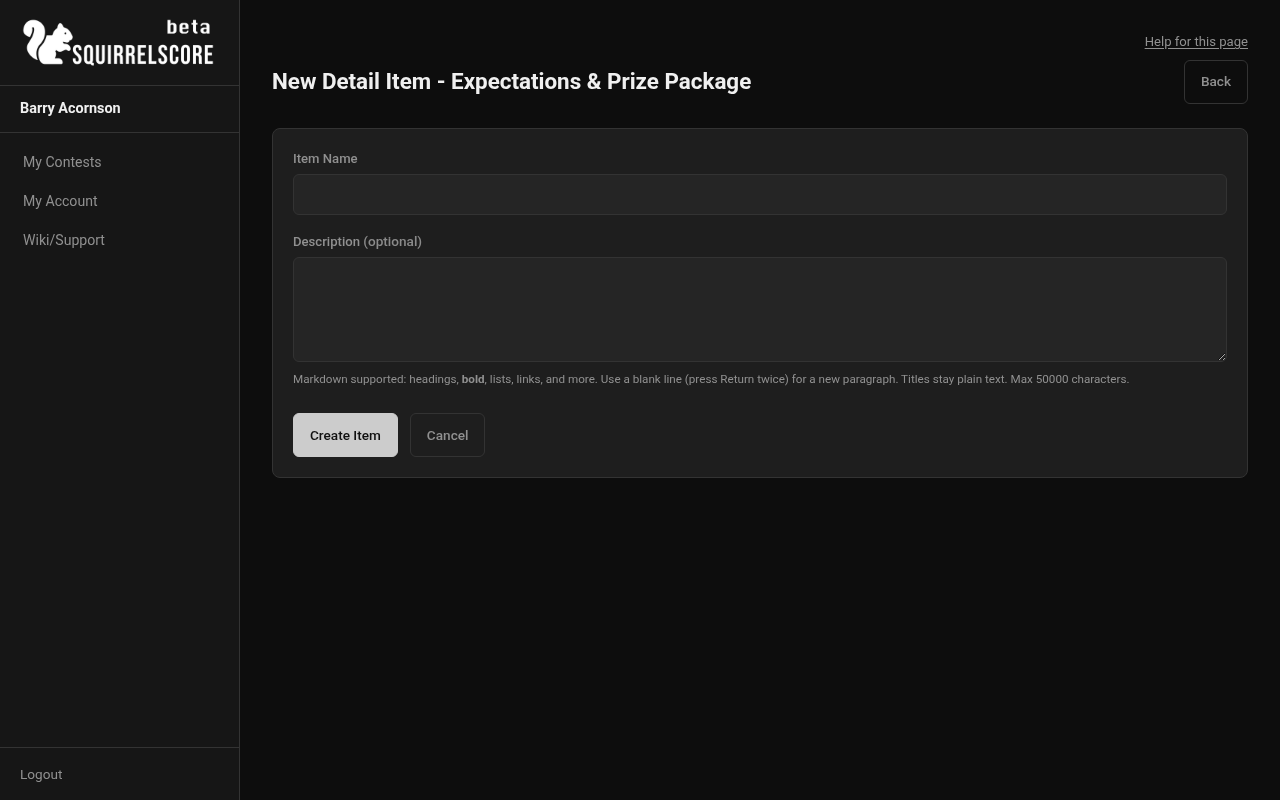
Desktop — Producer, new Contest Details item form
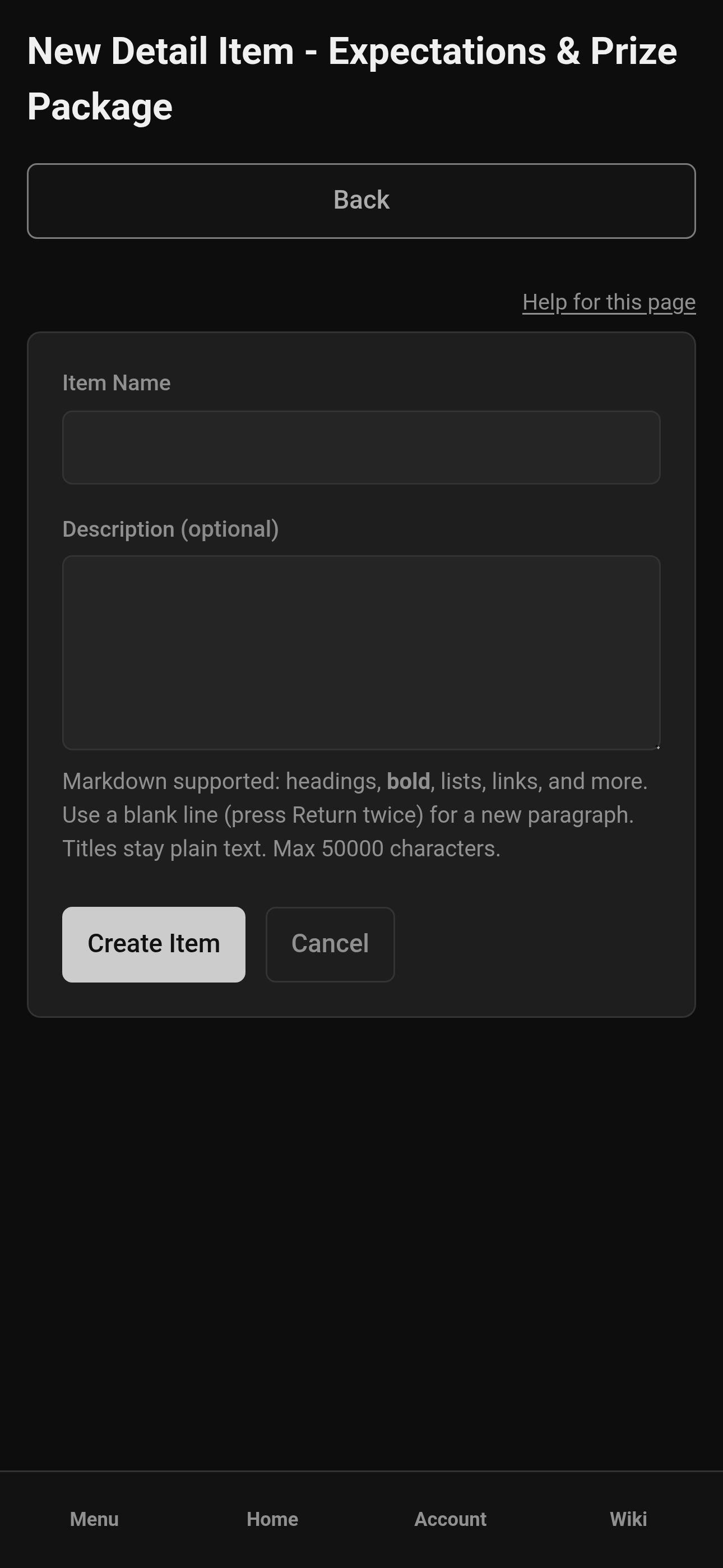
Mobile — Producer, new Contest Details item form
¶ Reorder sections and items
On Manage, use ↑ / ↓ next to a Contest Details section or item — same display-order scheme as scoring sections and form questions. Participant views follow that order.
¶ Edit or delete details
-
Click Edit on a section or item.
-
Update text and save.
-
To delete a section or item, use the delete control and confirm - deletions can't be undone.
-
Re-read the participant view after edits to make sure things flow as you intend them to.
¶ How participants see it
-
Open Contest Details in the sidebar (producer view) to see what others see.
-
Judges, contestants, volunteers, and tallymasters also get Contest Details in their contest menus when appropriate.
-
Use Download PDF when you want a letter-size copy of that same page (no menus, no volunteer "Up next"). The file is named like
Contest_Name-Contest_Details.pdf(Downloading files). The same button appears on the public hub copy of this page when you include it there. Description Markdown is included (bold, italic, headings as bold+underline, lists, allowed links as text plus URL). Names stay plain.
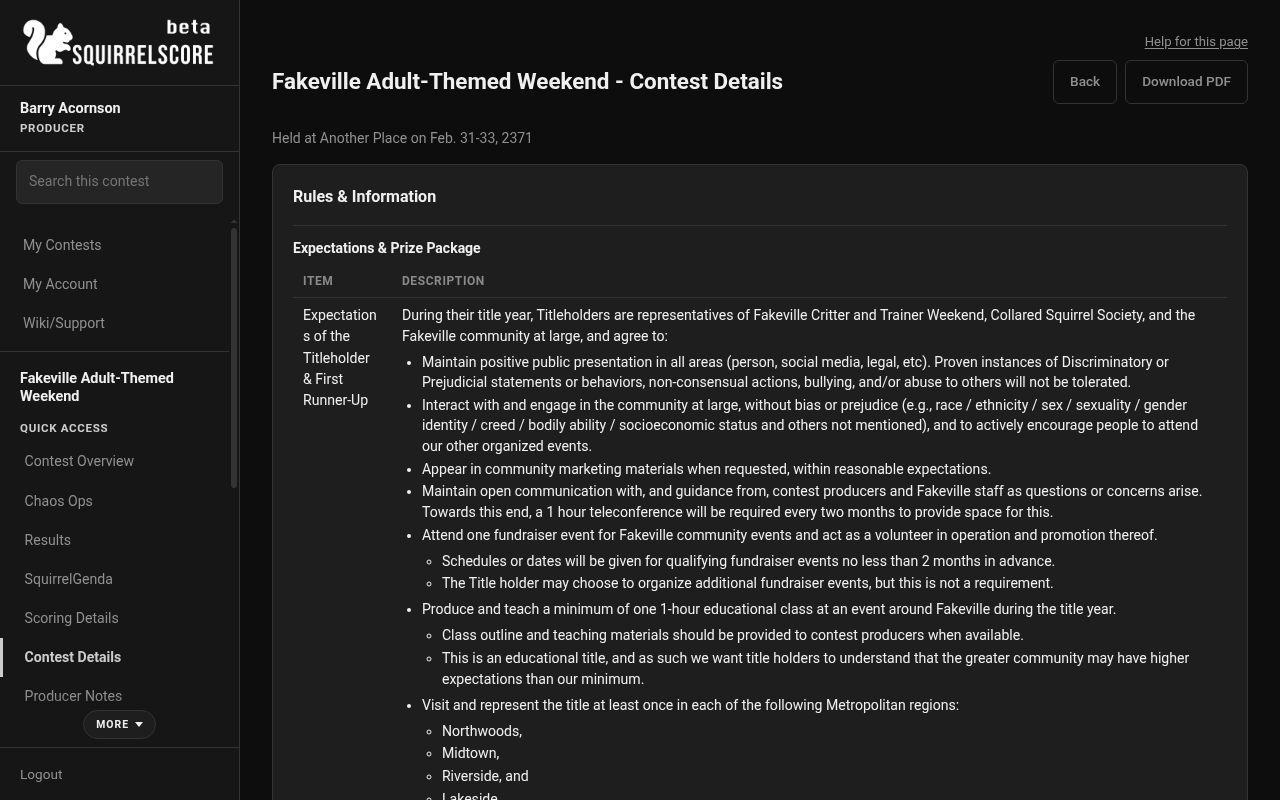
Desktop — Producer, Download PDF on Contest Details
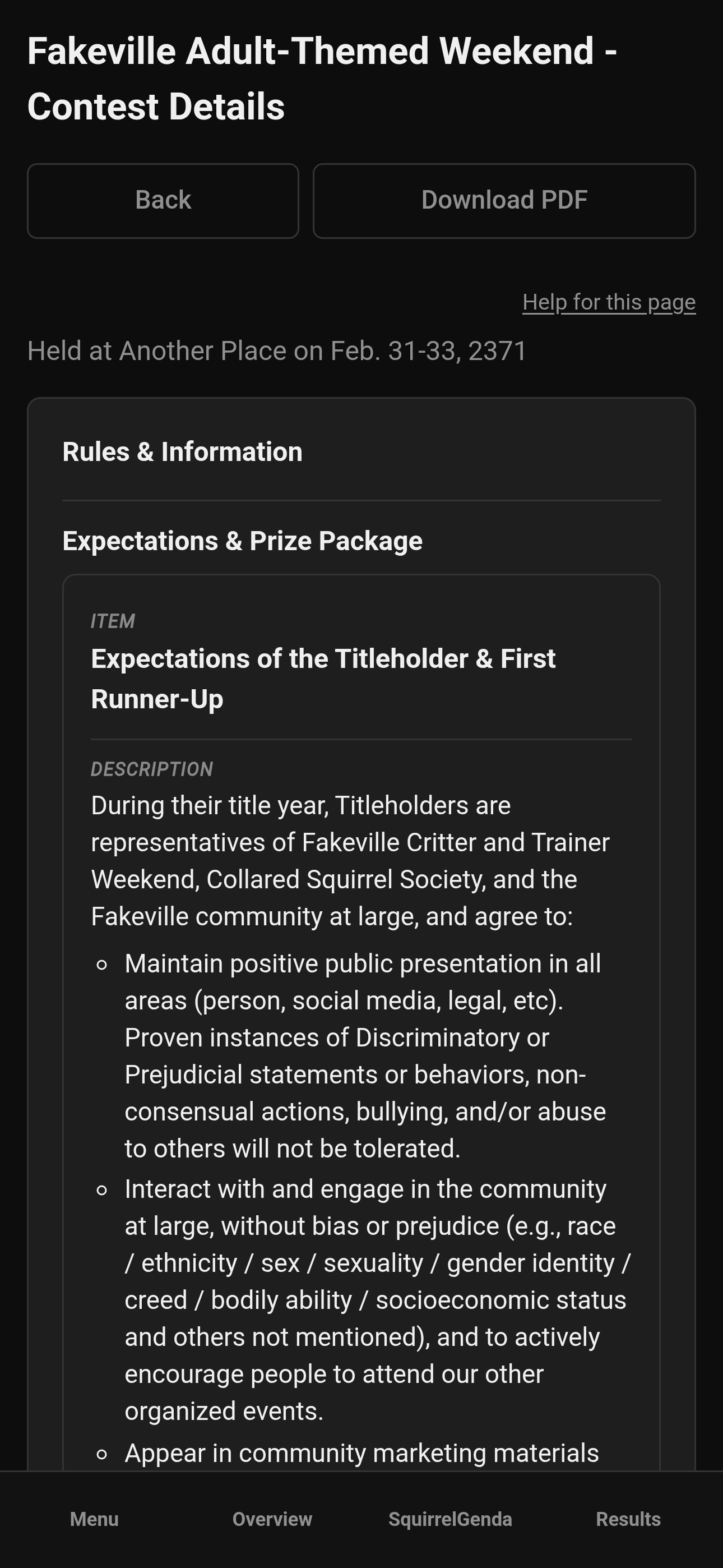
Mobile — Producer, Download PDF on Contest Details
- Use this for all the contest info you normally would keep in binders or that are normally pinned in Telegram chats to keep them in one place.
¶ Related read-only pages
These used to get lumped together in conversation - they are separate tools:
| Page | What it is |
|---|---|
| Contest Details (this page) | Info you write for participants |
| Producer Notes | Read-only table of judge-entered producer feedback for producers only |
| Scoring Details | Read-only view of the scoring structure |
¶ Suggested sections to publish
-
Weekend schedule and call times
-
Venue address, door instructions, accessibility notes
-
Rules reminders (keep short; link to full rulebook if you have one)
-
Hotel / travel block info
-
Staff contact for day-of emergencies
Write like a tired contestant or volunteer is reading it on their phone in a rideshare because they want to check something quickly without bothering you.
¶ Tips
-
One topic per section - Schedule stays schedule; Rules stays rules.
-
Put important items like the address and schedule/call times towards the top.
-
Update details when plans change; outdated info just causes issues.
-
Have this section set up before granting others access to SquirrelScore, that way you can refer to it and the information in it from the start.
¶ Common Mistakes
-
Putting private producer gossip in Contest Details. Use a private staff chat for that.
-
Pasting raw HTML into descriptions and expecting it to style the PDF. Use Markdown (
**bold**,*italic*, lists, headings). -
Publishing scoring criteria and details here instead of scoring structure; Scoring Details reads from that, and it'll keep things better organized to use all the tools available instead of duplicating work.
-
Pasting the SquirrelGenda website embed here — Contest Details is inside SquirrelScore. The public homepage embed belongs on SquirrelGenda.
-
Deleting a whole section when you meant to delete one item.
-
Leaving "TBD TBD TBD" in there indefinitely - let people self-serve any information they'll need.
¶ Frequently Asked Questions
Does Markdown show on the PDF?
Yes, for descriptions: bold, italic, headings as bold+underline at body size, lists, and allowed http(s)/mailto links (shown as the link text plus the URL). Section and item names stay plain. Raw HTML is not a formatting path — use Markdown.
Can contestants edit Contest Details?
No. They read; you write.
Is this the same as the contest description on create?
The short description on the contest form is a blurb to help people pick the right contest (My Contests, and the hub if you published one). Contest Details is more like a structured reference handbook.
Where do judges leave notes for producers?
While scoring - you read them on Producer Notes.