¶ Purpose
Enter scores for each contestant in a judge-scored section - while the contest is active and the section is unlocked. This is the core of the judge's job.
¶ Before You Begin
-
Be enrolled as a judge and logged in
-
Confirm you're in the correct contest (Selecting a contest)
-
Skim Scoring Details so the point ranges are clear
-
Know which section you're scoring right now
-
Contest must be active; locked sections and inactive contests are view-only (the form matches what Save would reject).
-
Enter points (whole numbers). A 0-100% conversion is calculated for you under each points box. Enter
0if you mean zero; leaving a field blank does not change a previous score.
¶ Step-by-Step Instructions
-
Open your contest from My Contests.
-
Open Judging Sections (the sections list for judges). On a multi-week contest, pick the week you are assigned to. You only see weeks the producer checked you for.
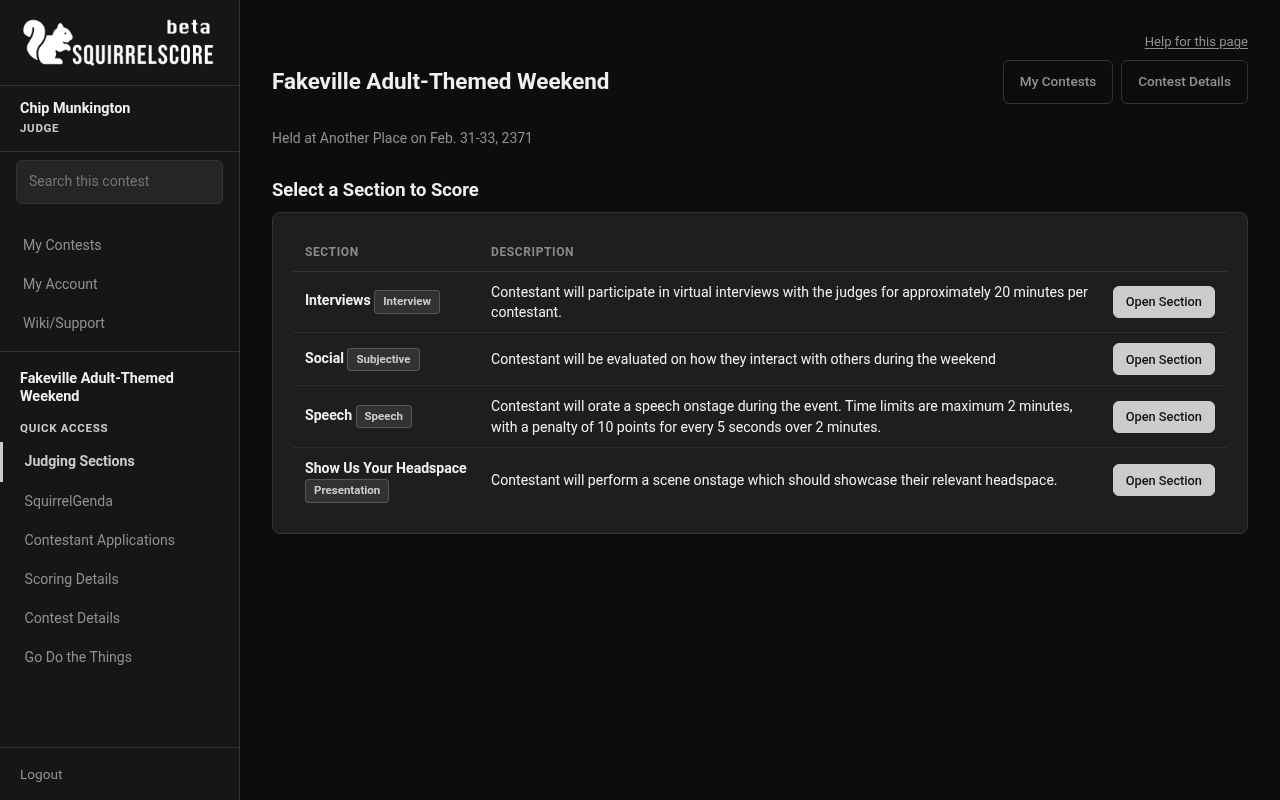
Desktop — Judge, select a section to score
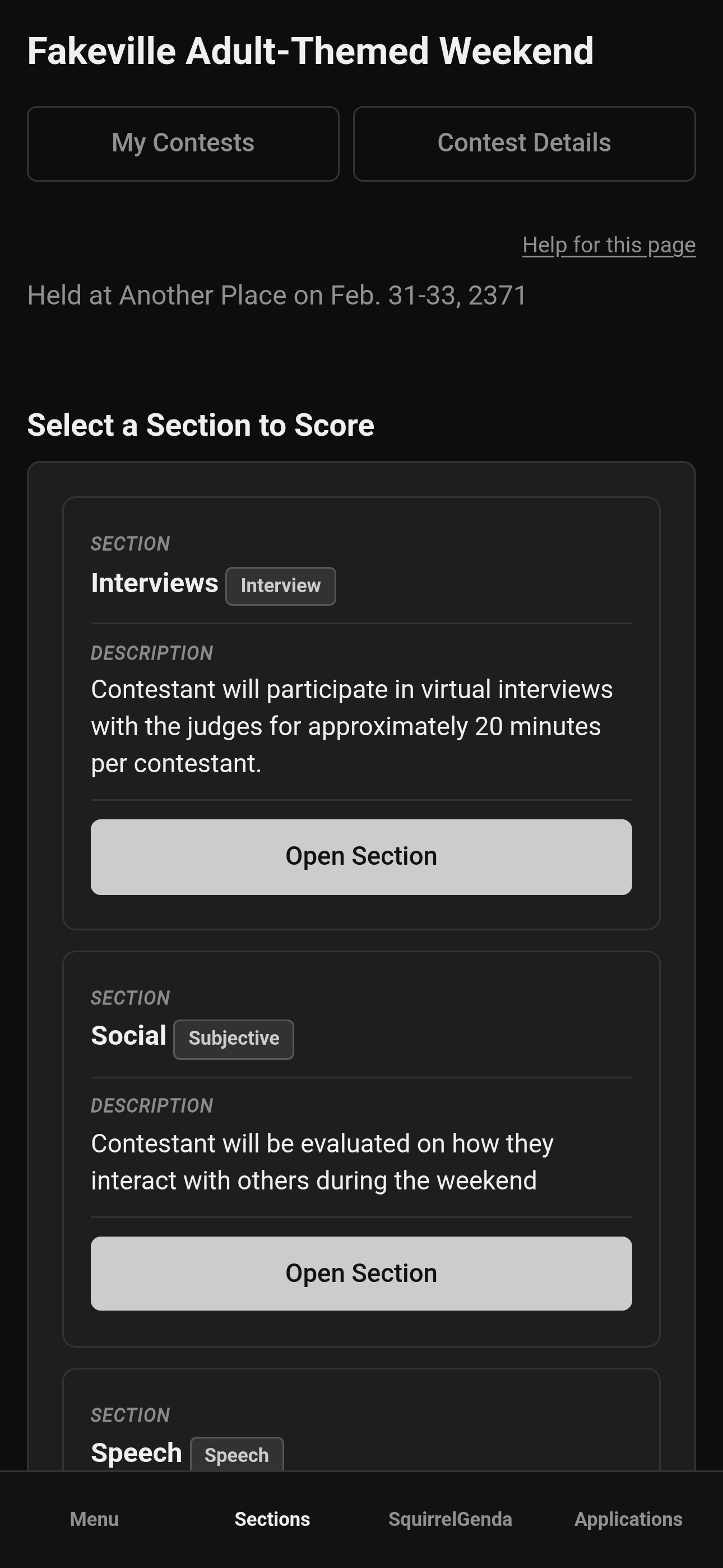
Mobile — Judge, select a section to score
-
Choose a section (Open Section) that you score (judge-scored only - tallymaster-scored sections won't be editable for you).
-
Pick a contestant from the list.

Desktop — Judge, contestants in a section (Speech)
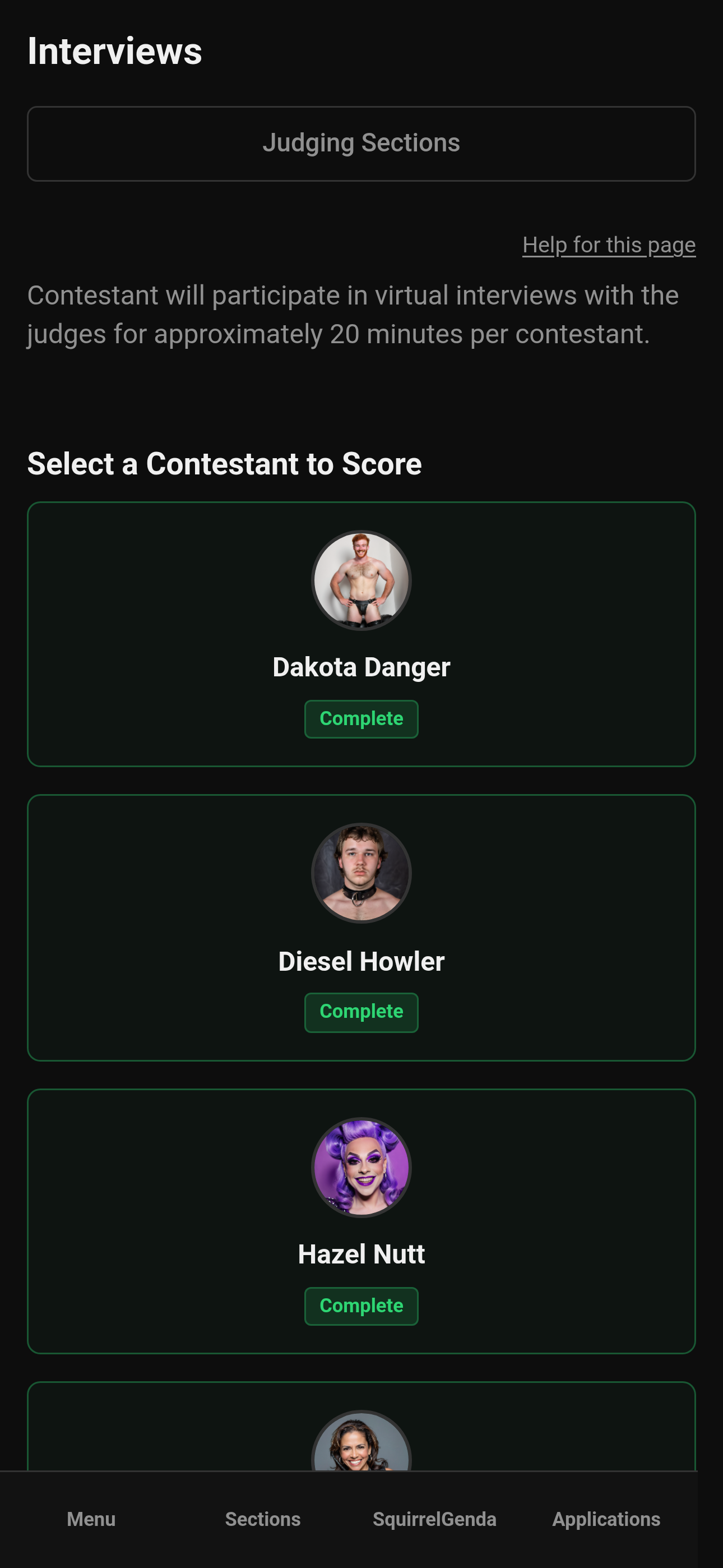
Mobile — Judge, contestants in a section
- Enter points for each subsection (the allowed range is next to the subsection name).
A 0-100% conversion of that range is calculated automatically. Do not type a percentage.
6. Optionally write contestant feedback (the helpful constructive feedback you'd like to give the contestant).
-
Optionally write producer notes (for the producer's eyes only - anything you'd like to pass along to just them for that item).
-
Click Save Scores, tap out of a points or notes box, switch contestants, open Menu, or leave the page. Those actions autosave the form; the button reads Autosaved with the time when it worked. You can still tap Save anytime. If a score field is left blank, the previous score is kept and you'll see a warning. You can save with some subsections still empty; locking later requires every expected score (including zeros). Contestant feedback and producer notes stay on the form (not collapsed).
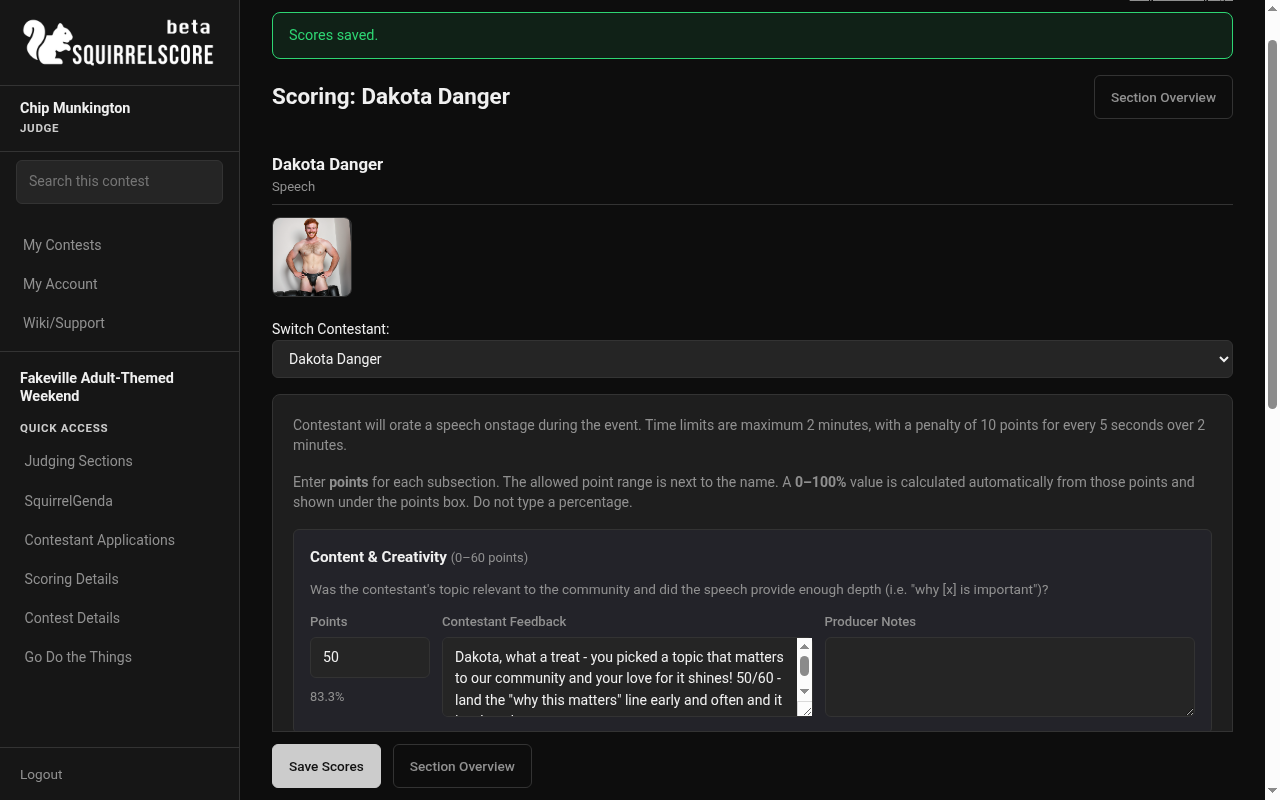
Desktop — Judge score form (Speech), Scores saved, notes visible
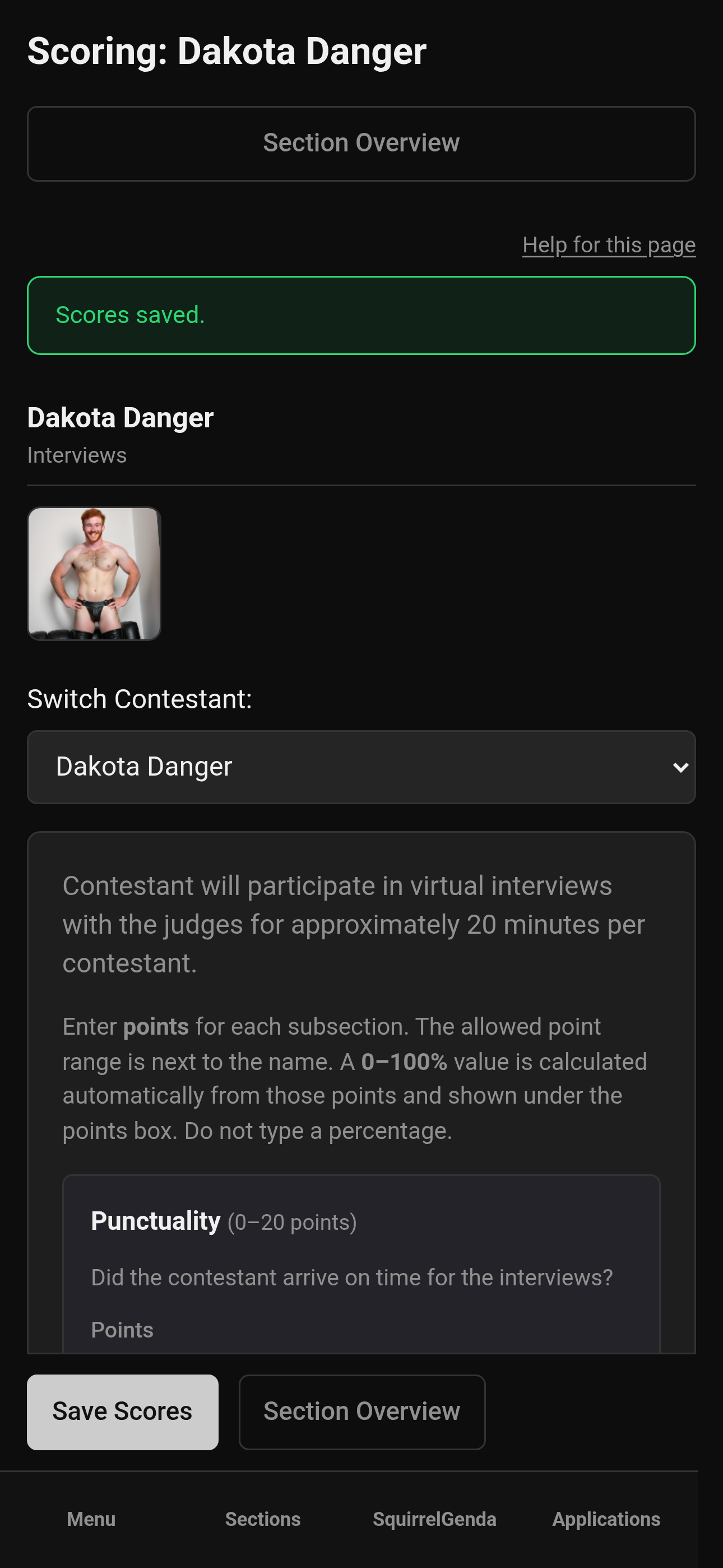
Mobile — Judge score form, Scores saved, notes visible
-
Use Section Overview (or the switcher) to pick the next contestant and repeat.
-
When you finish a section, double-check you didn't skip anyone.
¶ If the section is locked
Locking a section is like turning in the score sheets. You'll see a warning that scoring is locked by the tallymaster. You can view existing data but not edit until the section is unlocked. For that, you'll need to talk to the tallymaster and potentially the producer.
-
Don't keep refreshing to get around the lock.
-
Tell the tallymaster what needs correcting.
-
When they unlock, edit, Save, and let them lock again.
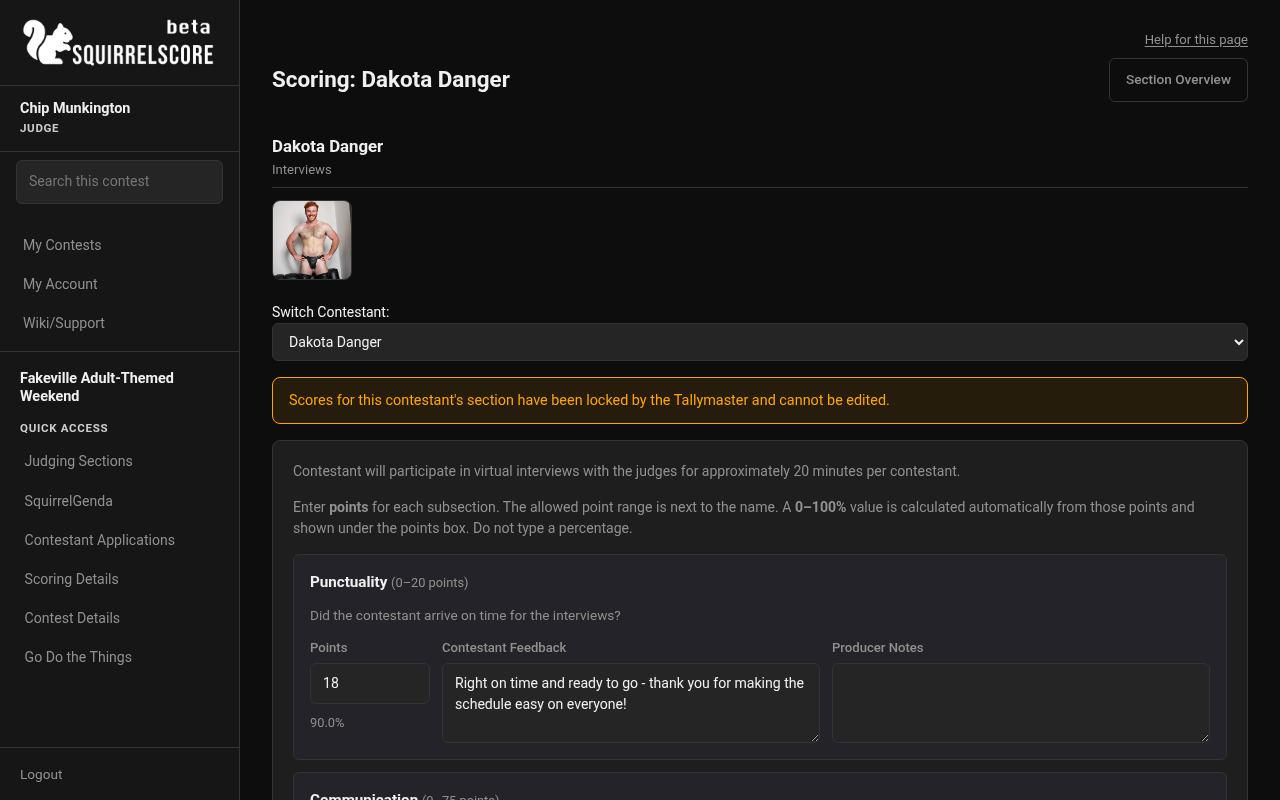
Desktop — Judge, locked section warning
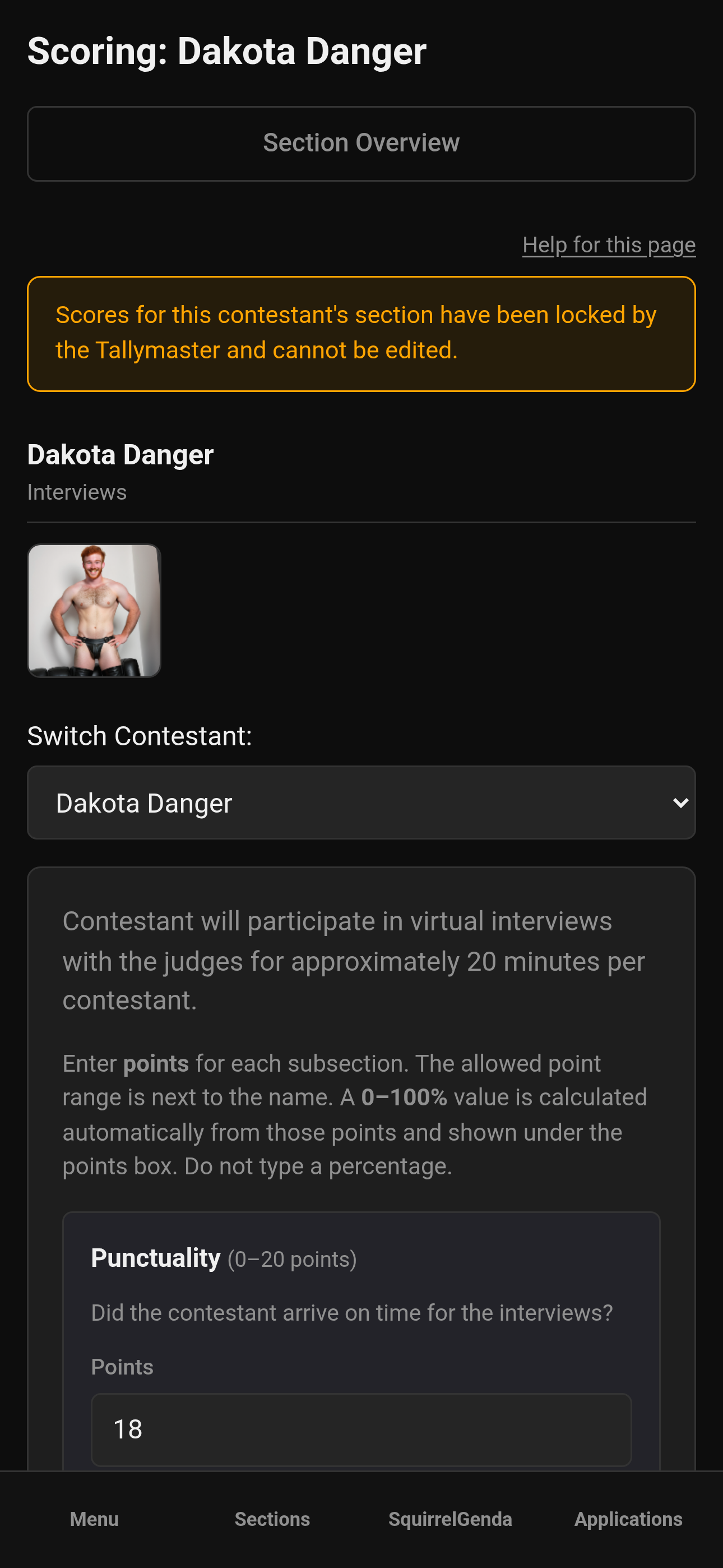
Mobile — Judge, locked section warning
¶ What belongs on the score form
| Field | Purpose |
|---|---|
| Points | Whole numbers inside the subsection's point range |
| 0-100% under the box | Auto-calculated from the points you entered for that subsection. Not a second score, and not the contestant's overall contest percentage. |
| Contestant feedback | The constructive feedback that will be provided to the contestant |
| Producer notes | Notes for the producer's eyes only that you'd like to share |
| Save / Autosaved | Submits points and feedback. Autosave runs when you leave a box; Save stays available. |
¶ Tips
-
Save after each contestant so you don't have to redo scores and feedback - some sections of the contest might run quickly.
-
Keep feedback kind and specific - "more polish on transitions" is more useful than a shrug.
-
If two subsections look similar, re-read the labels and descriptions before you type.
-
Landscape mode on phones helps; see Mobile usage.
-
Ask the tallymasters and producers before the contest when they plan on locking sections - that way you can avoid last-minute frantic scoring and feedback.
¶ Common Mistakes
-
Leaving the points box blank thinking zero is implied - enter a real number (including zero)
-
Typing a percentage into the points box (the % under the box is calculated for you)
-
Saving feedback but forgetting the numbers (or the reverse)
-
Working while the contest is inactive and wondering why edits won't stick
-
If you are a Mac user on a Windows or Linux computer provided by the contest: the Command key on a Mac is usually where Alt is on those machines. Copy/paste from muscle memory can send the browser into unexpected shortcuts and lose anything you haven't saved.
¶ Frequently Asked Questions
Can I change a score later?
Yes, while the contest is active and the section is unlocked. Check with your producer to see when the tallymasters are supposed to lock sections. Open the contestant again, edit, save.
Why don't I see every section?
Some sections are tallymaster-scored. You may only see judge-scored sections for editing. Scoring Details still explains the whole structure.
Do I need to score people in order?
Follow your producer/tallymaster's stage order when they give one. The software lets you open contestants as listed.
Should I enter a percentage?
No. Enter points in the box. The 0-100% figure under the box is calculated from that subsection's min and max. It is not the contestant's overall percentage for the contest.
What's Olympic scoring?
A producer setting that drops the highest and lowest judges' scores from that section for the contestant's final results when enough judges are present. You still enter your honest numbers; the math happens later. If Olympic is on and fewer than 3 Judge-category scores exist for a contestant in a section, that section totals 0 for them.