¶ Purpose
Sometimes, producers like to make contests more interactive by having the audience as a whole score contestants - if the producer enables this, SquirrelScore creates a unique link just for that contestant, no SquirrelScore account needed.
¶ Before You Begin
-
The audience-score link for this specific contestant (each contestant has their own link - a link for someone else won't work here)
-
Know the Passphrase, if the producer/tallymaster set one
-
Your registration email for the event (or whichever email you'd use for yourself if your ticket was part of a bundle)
-
Know you can only submit once per contestant per section - no edits after you submit
¶ Step-by-Step Instructions
If the producer turned on a list check for that section, the email you type has to match the contest registration email list (the guest list they keep — not a SquirrelScore login). Capitalization does not matter.
-
Open the contestant's audience score link (from signage/QR your producer shared, or open the URL directly).
-
Unlock with a passphrase if the form asks.
-
Complete Turnstile when shown.
-
Enter your registration email (required - used only to confirm submission sources; never shown publicly).
-
Enter points for every listed item (the allowed range is next to the subsection name). A 0-100% conversion is calculated automatically and shown under the points box. Do not type a percentage.
-
Optionally add contestant feedback for any criterion. Those boxes stay on the form (not collapsed). There is no producer-notes field on this public form.
-
Submit - you cannot edit after submitting.
-
Look for the confirmation page.
¶ What happens next
Your score joins everyone else's to be averaged for that contestant in that section. The producer and/or tallymaster will open and close that link when it's time to collect scores - while it's open, you're able to submit your responses. Your email is never shown on Results, PDFs, or Emcee Reveal; it's only used for things like confirming one submission per person, helping producers compare against their own event registration records if needed, and as proof the submission came from a person.
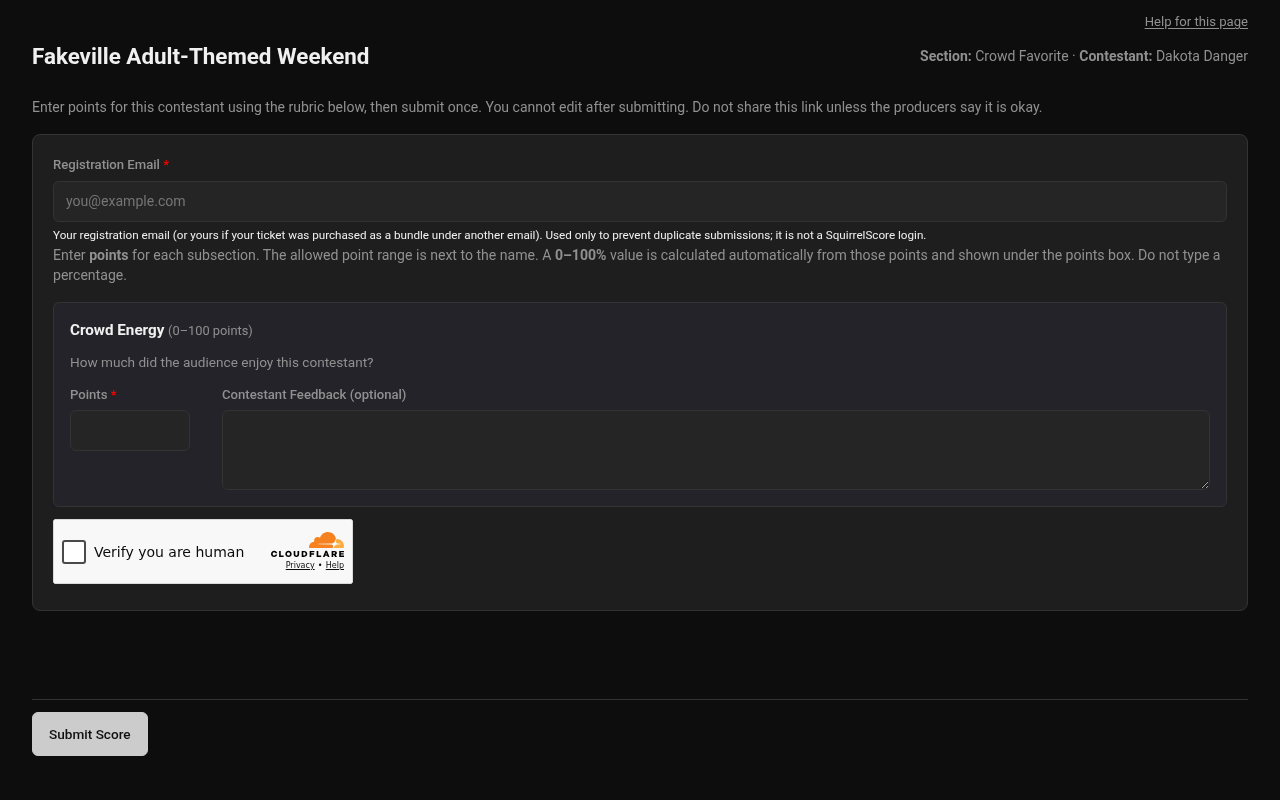
Desktop — Public audience scoring (Turnstile)
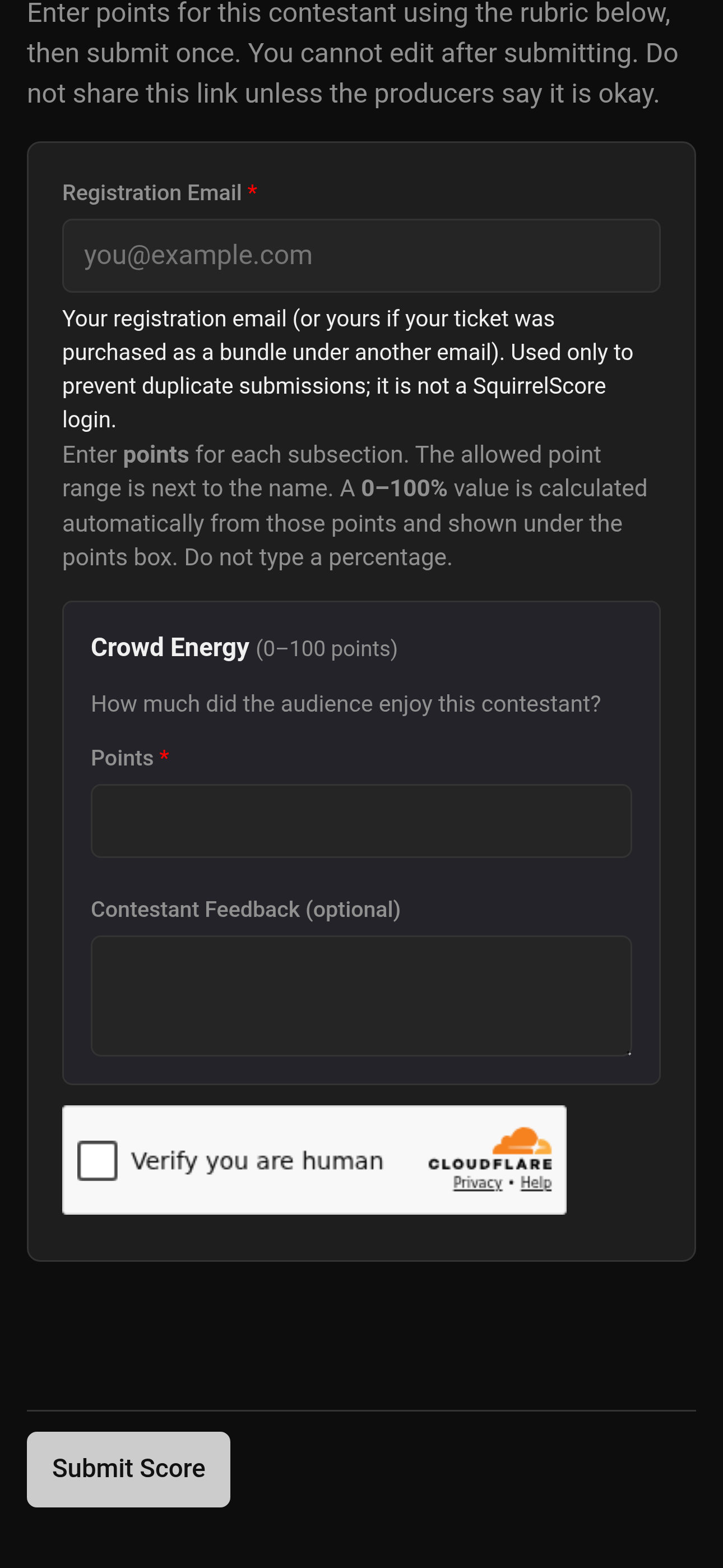
Mobile — Public audience scoring (Turnstile)
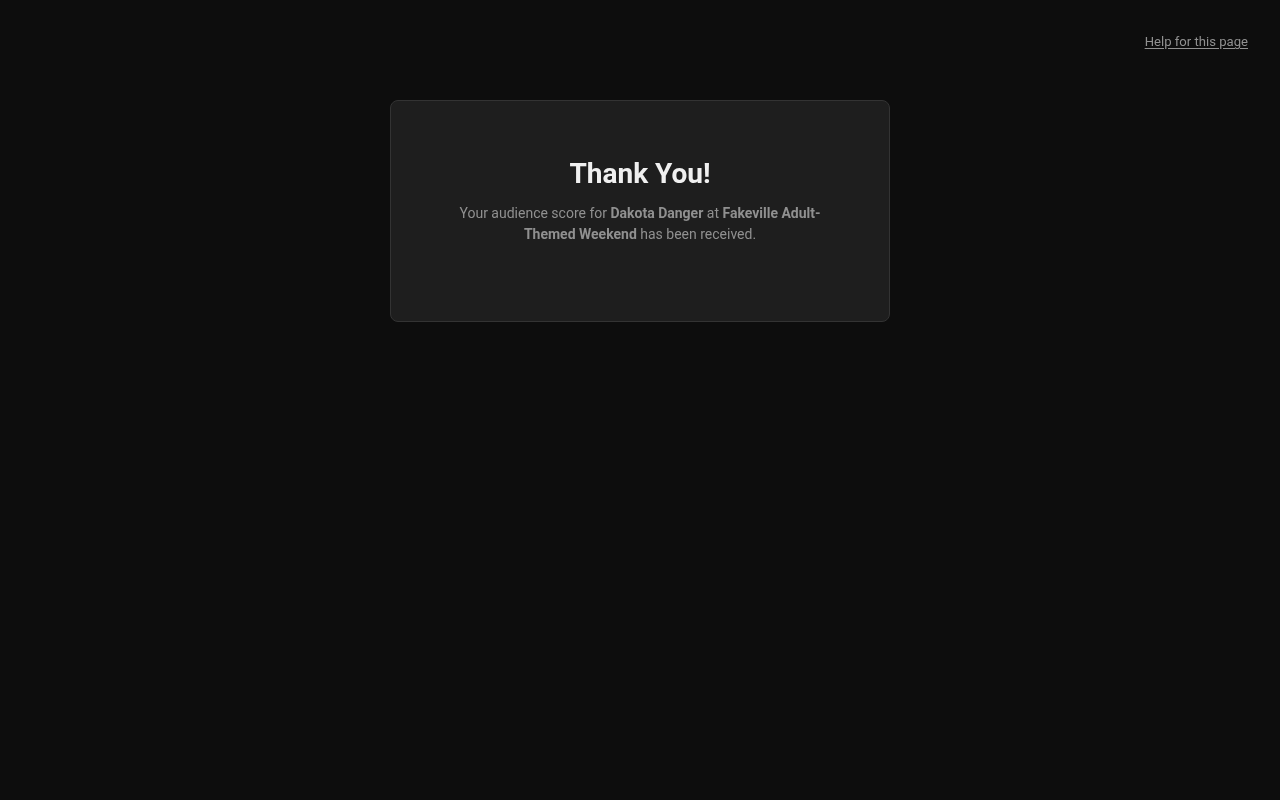
Desktop — Public audience scoring after submit
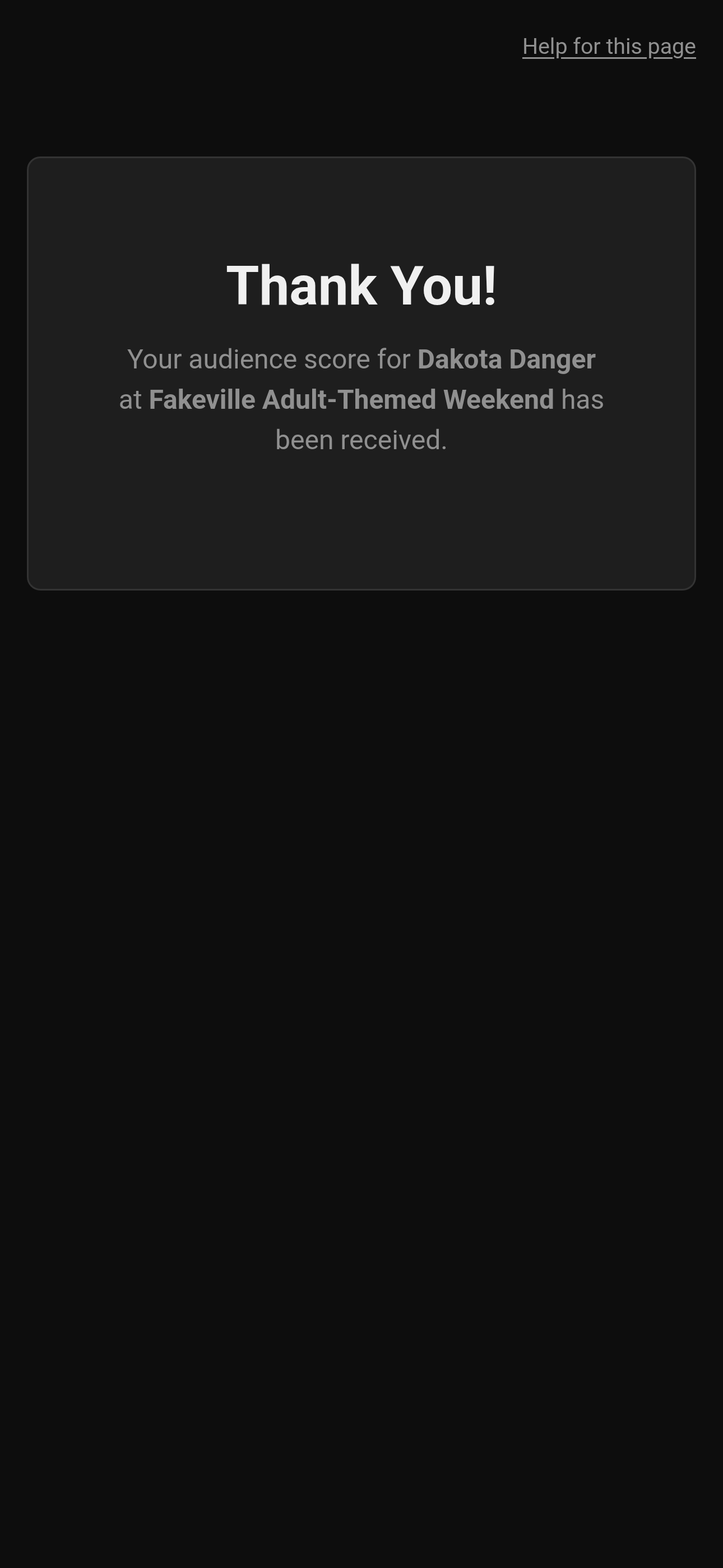
Mobile — Public audience scoring after submit
¶ Tips
-
Use the provided link/QR to score that contestant for that particular section - don't hunt for a newer-looking one or a list on the website, those aren't publicly available for security reasons.
-
Double check you're scoring the right contestant; the page header names the contest, section, and contestant.
-
If the producer turned on a list check, use the same registration email they have on file (capitalization does not matter).
-
Don't share a copy of the link to a friend that isn't in attendance - if the producers want it shared outside of the audience, they'll share it themselves.
¶ Common Mistakes
-
Trying to resubmit with the same email after already providing scores for that contestant (blocked on purpose).
-
Using someone else's already-open tab/link instead of your own.
-
Submitting for the wrong contestant because two links look similar.
¶ Frequently Asked Questions
Can I change my score after submitting?
No - submissions are final. Contact the producer/tallymaster if something went really wrong.
Do I need a SquirrelScore account?
No. The registration email is for audit only - it does not need to match any account. If the form says to use the email the producer has on file, that address must be on their contest registration email list (capitalization does not matter).
Why does the form say "not available" or "closed"?
The link may be disabled, or scoring for that contestant may already be closed. Ask the producer/tallymaster.
Will my email be visible to anyone besides staff?
No - it's never on Results, PDFs, or Emcee Reveal. Producers/tallymasters use it only to prevent duplicate votes and to cross-check against their own event registration list.