¶ Purpose
Some SquirrelScore forms work without logging in: contestant applications, volunteer applications, Pop Questions, judge agreements, audience scoring, feedback surveys, Contact Us, vendor / sponsor inquiries, and media upload links. Some contests also publish a public contest hub — one page that lists those items plus optional read-only details.
¶ Before You Begin
-
Use the exact link your producer (or invite email) sent, or the same one that was shared with you
-
Have any passphrase the producer may optionally require
-
Know whether you're competing, volunteering, asking a Pop Question, or accepting a judge invite
-
Prefer a device with a good connection
¶ Step-by-Step Instructions
-
Open the link you were given.
-
Confirm the contest name on the page matches the event you want to submit information to.
-
If you see Form is not currently enabled. (or a similar unavailable message), stop and ask the producer. Feedback surveys can still be open after a contest is marked inactive - the survey has its own on/off.
-
Enter the passphrase if prompted.
-
Complete Turnstile.
-
Fill the form for your situation (see the specific pages below).
-
Submit and watch for confirmation / email follow-up (for some forms only).
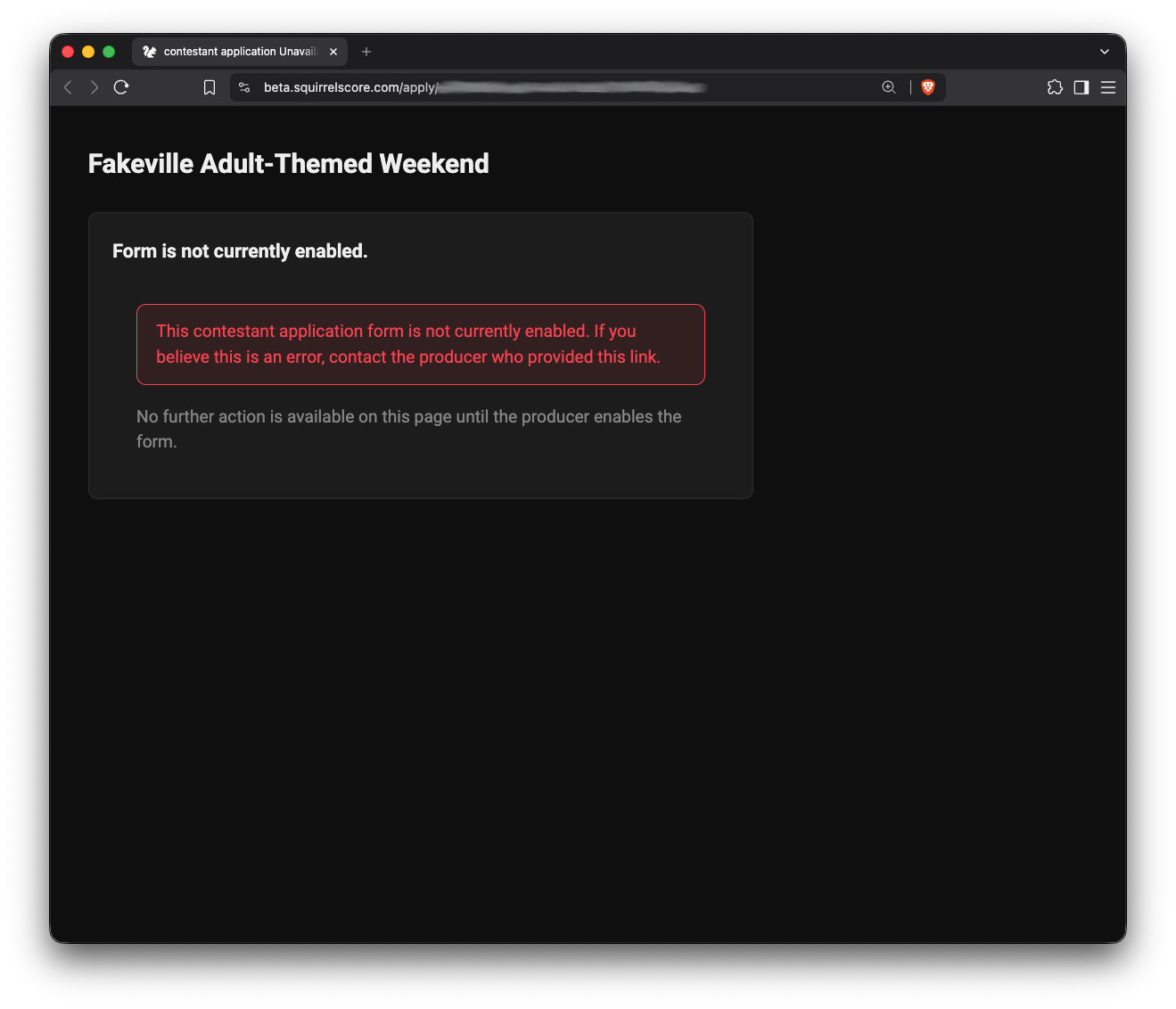
Form/Application Unavailable - Contact Producer
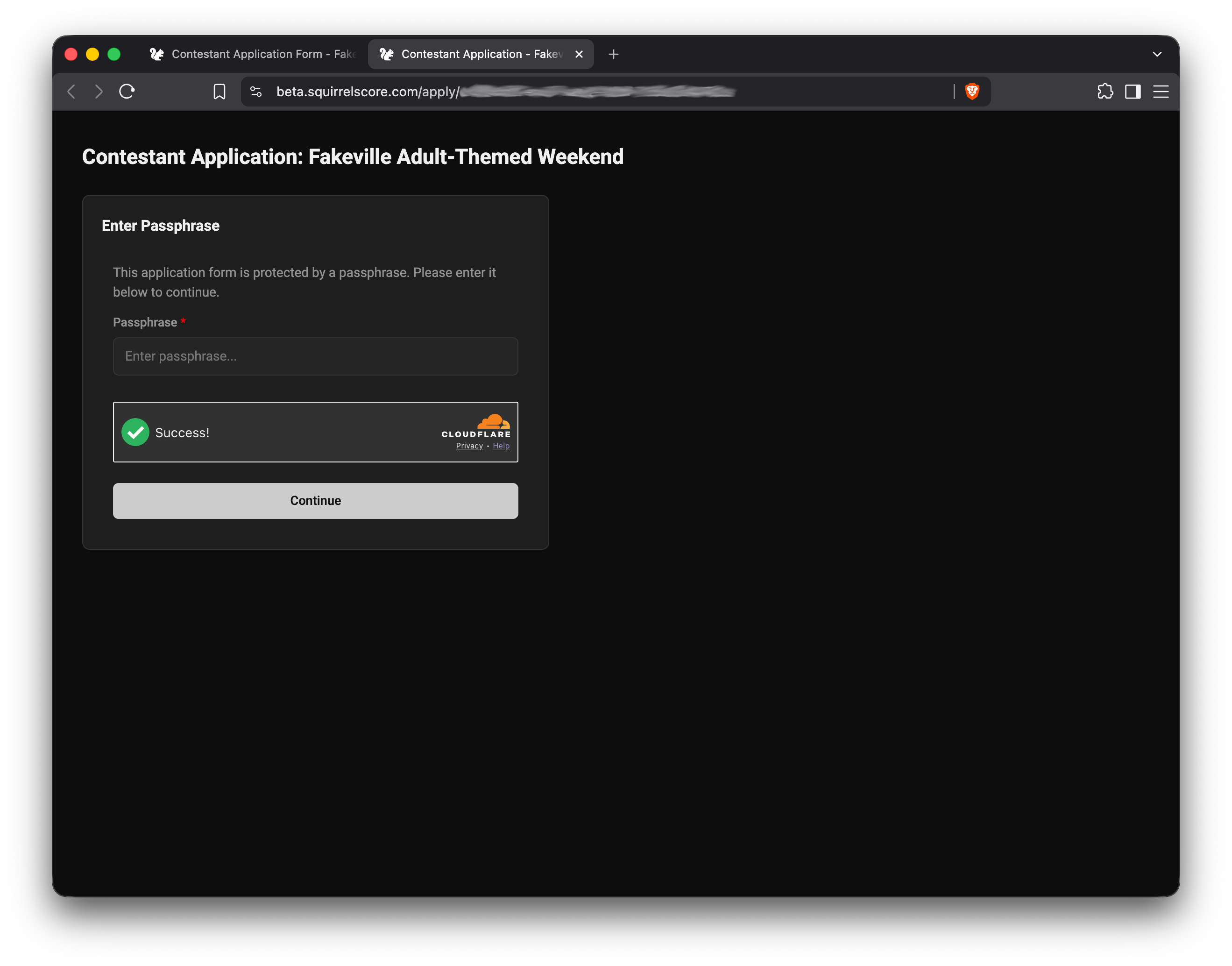
Enter the Producer-Provided Passphrase to Continue
¶ Which form do you need?
| Goal | Page |
|---|---|
| Compete / apply as contestant | Contestant application form |
| Volunteer | Volunteer application form |
| Submit a stage question | Pop Questions form |
| Accept a judge invite | Judge agreement link |
| Score a contestant as an audience member | Audience score form |
| Answer a feedback survey | Feedback survey |
| Send a message to the contest | Contact Us |
| Ask to vend or sponsor | Vendor / sponsor inquiry |
| Send photos or clips the producer requested | Media upload link |
¶ Shared rules
-
Contest usually must be active and the form enabled by the producer. Feedback surveys can stay open after a contest is marked inactive. Contact Us and vendor / sponsor inquiry follow their own enable flags (they can stay available when the contest is inactive).
-
Passphrase unlock when the producer requires it
-
Turnstile ("I'm not a robot")
-
Terms- by clicking Submit you agree to SquirrelScore's Terms of Service & Privacy Policy (same link as on Sign In)
-
Photo crop on contestant and volunteer applications when those forms ask for photos
-
Judge agreements use a token invite with email for the invitation, make sure the producer has the right one
-
Media upload links work the same way (send, copy, QR). They stay on until the producer disables that row or marks the contest inactive. Up to 5 files per visit.
-
Contest owner and co-producers get a staff notify email when a form is submitted
¶ Tips
-
Make sure you use the correct link; some may look alike.
-
If you're also getting a login later, use the same email everywhere (preferably one you check regularly).
-
Public forms are not where results live.
¶ Common Mistakes
-
Using last year's link
-
Filling the volunteer form when you meant to compete (or the reverse)
-
Forwarding a personal judge invite token to someone else
-
Forwarding a personal survey invite link (that one is yours too)
¶ Frequently Asked Questions
Do I need an account first?
Not for these public forms or the public contest hub. Accounts come after approval / invitation workflows. If you already have one, use Logging in — the same Sign In page every role uses.
Can I see my scores here?
No. Contestants use logged-in My Results when released.
Who turns forms on?
Producers - in contest Manage / application settings. Feedback surveys have their own on/off (and can stay open after the contest is inactive).
Is a survey the same as audience scoring?
No. A feedback survey is opinions for the producer. An audience score form is scores that can count toward Results.