¶ Purpose
Operate audience-scored sections alongside your tallymaster-scored ones: create/share each contestant's unique link, open/close voting, and audit submissions. You share the same controls a producer has for this feature.
¶ Before You Begin
-
Know which sections are marked Scored by Audience in the structure - they replace judge scoring for that section, the same idea as Scored by Tallymaster, just with audience submissions instead.
-
Be enrolled as tallymaster for the contest
-
Have a way to share the link + QR with the room (signage, slides, program)
¶ Step-by-Step Instructions
-
Open Judging Sections.
-
Open an audience-scored section - its row shows an Audience Score button instead of View Section.
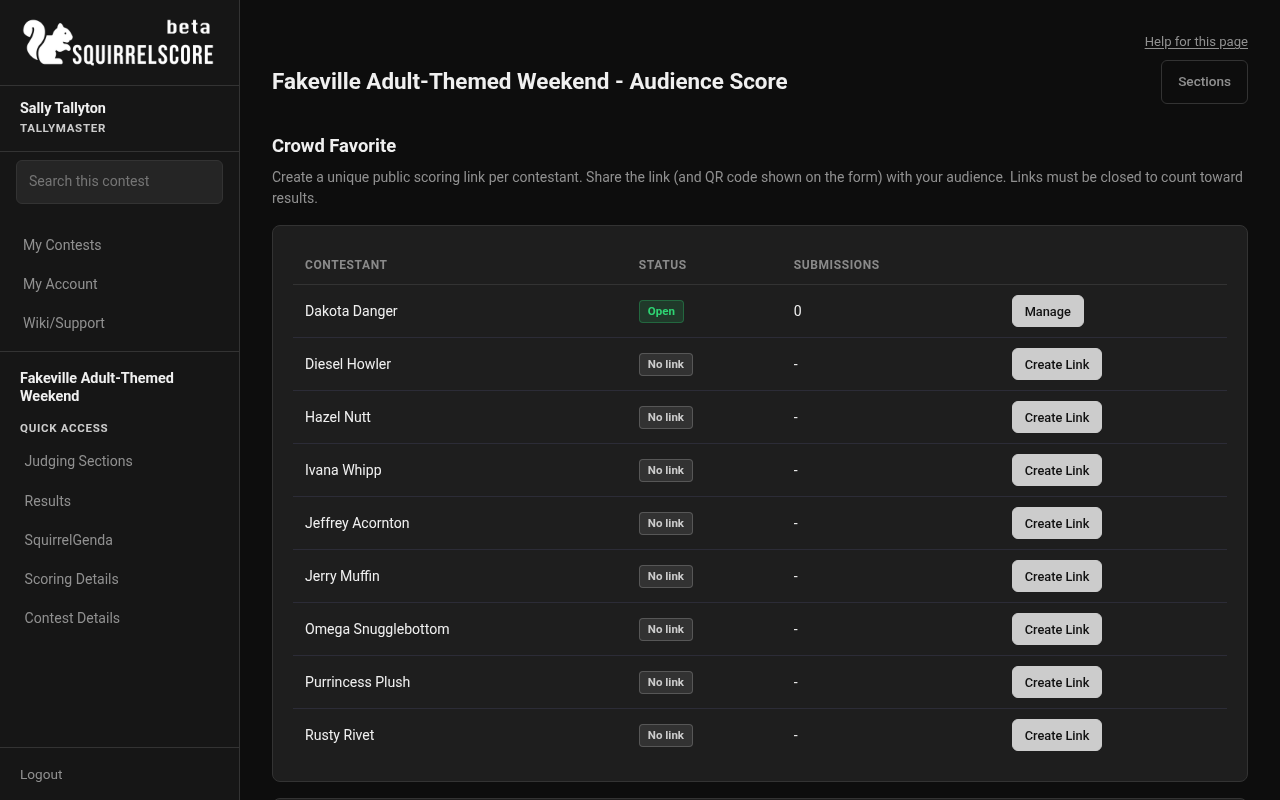
Desktop — Tallymaster, Crowd Favorite audience score list
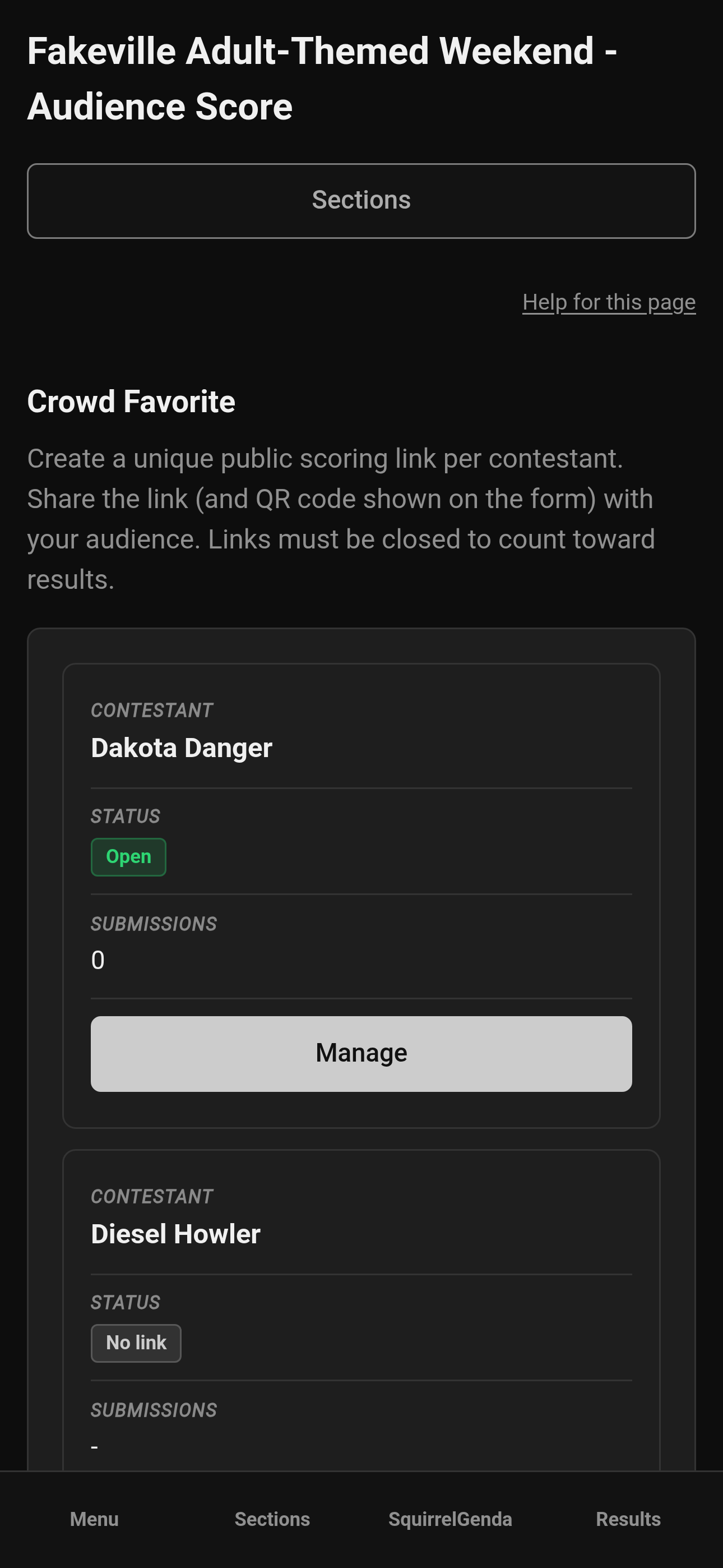
Mobile — Tallymaster, Crowd Favorite audience score list
- For each contestant, click Create Link or open Manage if a link already exists. The manage page always shows a Copy button for the share URL, plus a Download button for the QR PNG.
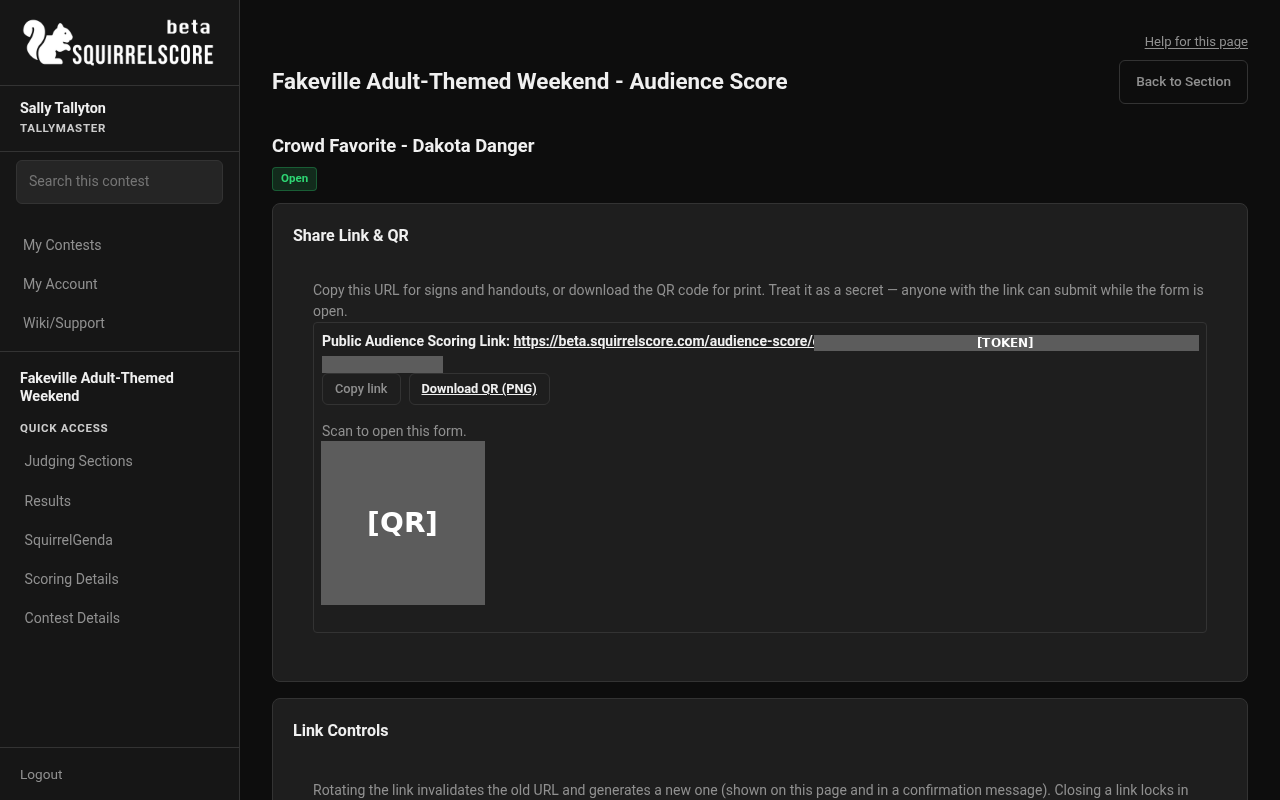
Desktop — Tallymaster, audience score link (Copy link + QR)
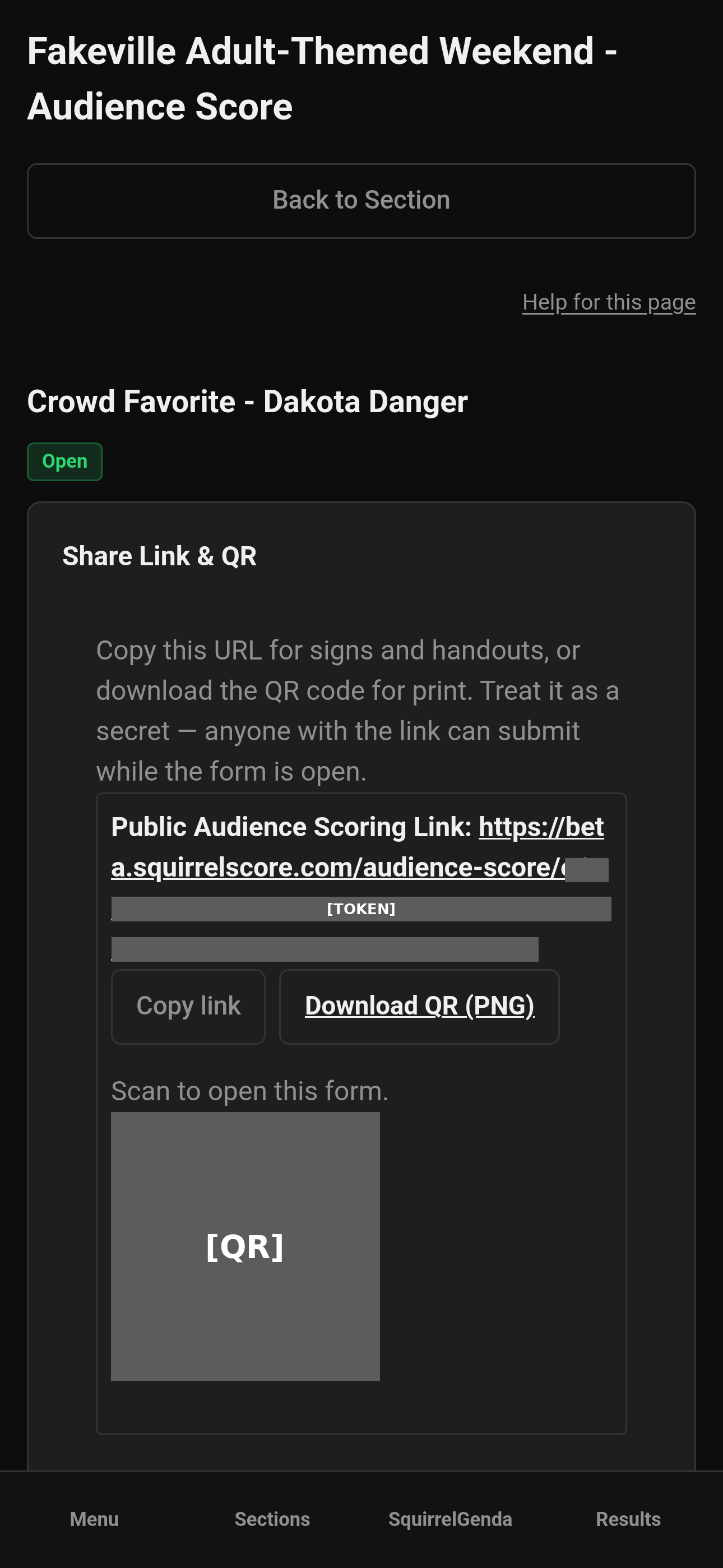
Mobile — Tallymaster, audience score link (Copy link + QR)
-
From the link's manage page: Open for Scoring, Close & Count Results, Re-open, Disable, Rotate Link, and set an optional Passphrase.
-
Share the link and QR from the manage page with the audience (signage/slides).
-
Audit submissions on the same page: registration email, submitted time, and counted / excluded / auto-invalid status. Toggle Exclude / Include as needed - excluding opens a small form with an optional reason field for your own records.
-
Close each contestant's link once that contestant's scoring window is done - closing recalculates the averaged score from whatever is currently counted.
The guest list lives on Registration Emails. Producers (or a volunteer they granted) maintain it; tallymasters can still turn the per-section match checkbox on or off. That page explains, in plain language, how to export emails from ticketing, save a CSV, and upload it. Each audience section only has a checkbox: require a match, or don't. There is not a second list per section.
If the check is on and the list is empty, every submission is rejected until you add emails or turn the check off. That is on purpose so a forgotten empty list does not accidentally let the whole internet through. Capitalization does not matter. Audience sections ignore Olympic scoring; with point-system normalizing they stay on the contest point scale (not multiplied by judge count). Optional scheduled open/close/disable times apply to all links in the section (contest timezone).
¶ While open vs closed
| State | Public link | New submits | Results contribution |
|---|---|---|---|
| Disabled | Not available | No | 0 |
| Open (including re-opened) | Works | Yes, one per email | 0 |
| Closed | Closed message | No | Sum of averaged subsection scores. Olympic is ignored. If point-system normalizing is on, that sum is not multiplied by judge count; if it is off, it is multiplied by the enrolled Judge count. |
¶ Tips
-
Coordinate with the producer on who rotates/closes links - it's the same shared-controls model as other tallymaster tools.
-
Close before you treat a section as final; re-open only if you truly need more submissions, and remember it drops back to 0 until the next close.
-
Use the exclude reason field when you toggle Exclude - it's optional but saves you from reconstructing "why did we throw that one out" later. It's visible to producers/tallymasters on the audit table only, never on Results or to contestants.
¶ Common Mistakes
-
Announcing results from an audience section that's still open (it's showing 0 on purpose).
-
Rotating a link after it's already printed on signage without telling anyone.
-
Confusing an audience-scored section with a tallymaster-scored one - they're mutually exclusive scoring modes.
¶ Frequently Asked Questions
Do I score audience sections myself?
No - the audience does, through their own unique links. Your job is link management and audit, not typing individual scores.
Can producers also manage these links?
Yes - producer managers and enrolled tallymasters share the same controls.
Where do these show up in Results?
Same place as any other section, once closed - averaged subsection numbers plus counted feedback, no judge chrome and no emails.
Someone in the room says the form rejected their email.
Check with the producer (or a volunteer they granted Registration Emails) and the section checkbox. If the check is on, they add the address (or turn the check off). The person still gets only one submission per contestant.