¶ Purpose
Get around SquirrelScore with keyboard, screen readers, and other assistive tools more comfortably - and know what to tell your producer if something goes awry.
¶ Before You Begin
-
Use a modern browser with your usual assistive technology enabled
-
Know whether you're on a phone/tablet (bottom Menu bar) or a computer (left sidebar)
-
Have a way to contact your producer
¶ Step-by-Step Instructions
We'll take a look at moving around with the keyboard.
-
Load a SquirrelScore page while logged in.
-
Press Tab to move forward through links and fields; Shift+Tab to move back.
-
Use Enter or Space to activate buttons and links as your browser normally does.
-
On a phone or tablet, open the list with the bottom Menu button; press Escape to close it again.
-
Watch for alert / flash messages after you save - those announce success or problems.
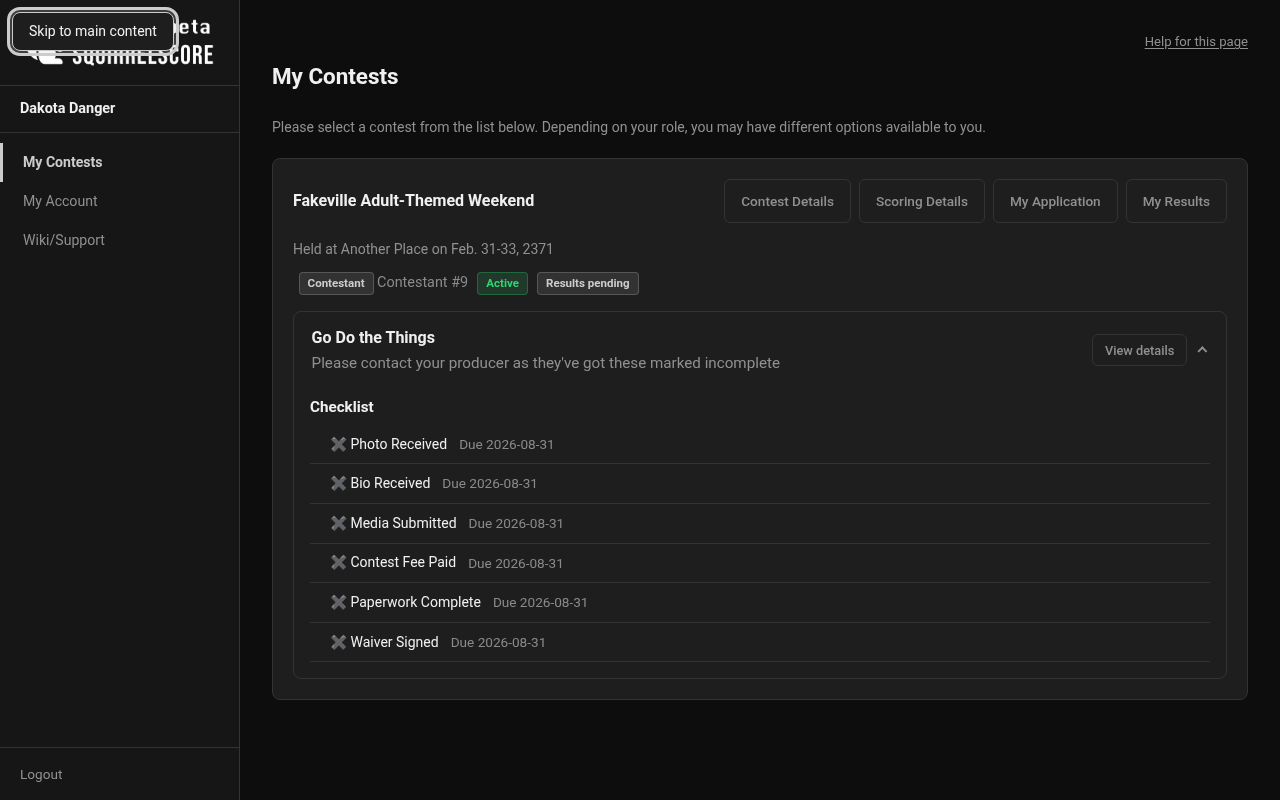
Desktop — Skip to main content
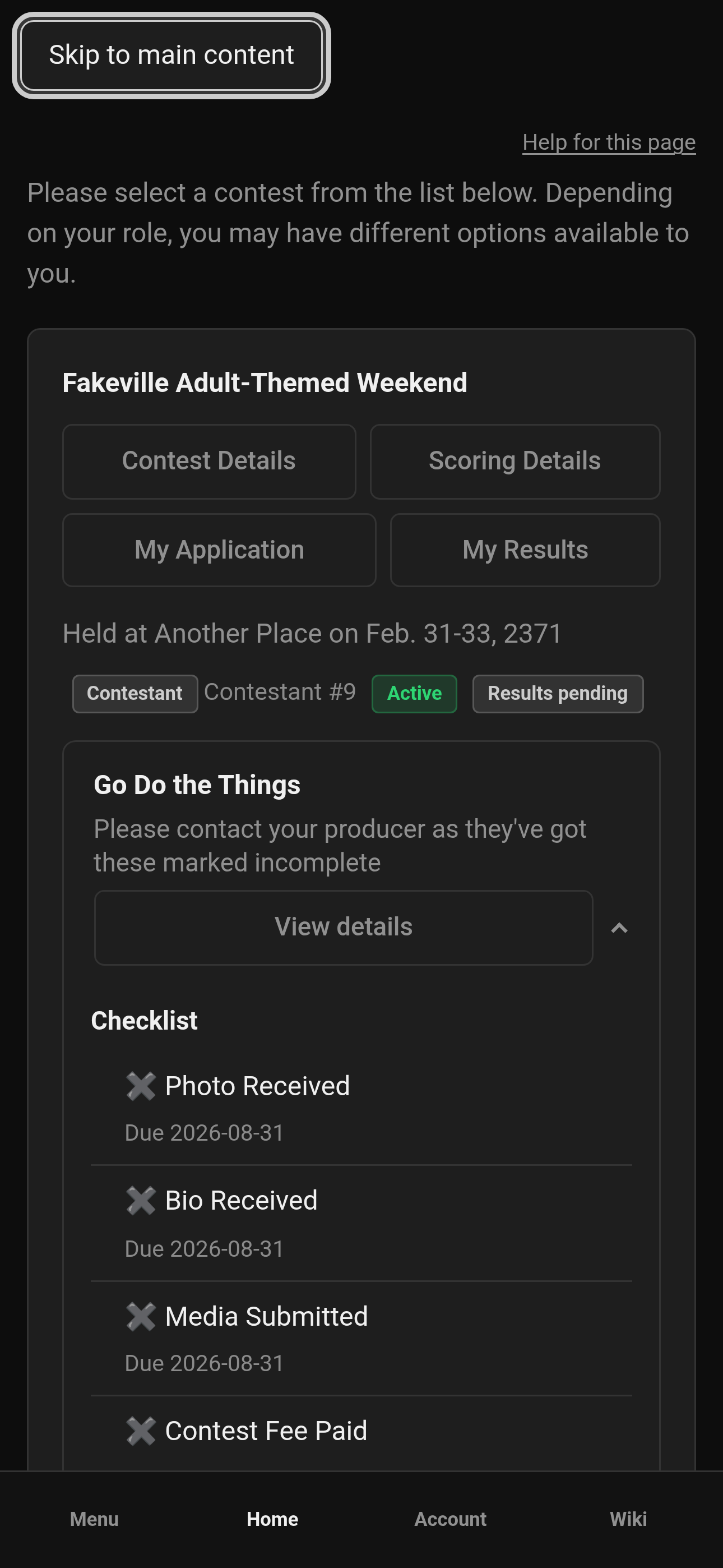
Mobile — Skip to main content
¶ Report a barrier
-
Note the page title and what you were trying to do.
-
Note your browser, device, and assistive tech (for example VoiceOver, NVDA, TalkBack).
-
A screenshot or description of the barrier is very helpful.
-
Send that package to your producer.
¶ Helpful features
-
Skip to main content link for keyboard users
-
Alert-style flash messages after saves and errors
-
Escape closes the mobile sidebar so focus isn't trapped in the menu
-
The optional login Want to add this to your home screen? dialog keeps Tab inside it; Escape is the same as No thanks
-
The age check (when enabled) is a full page: Tab stays on those controls until you confirm eligibility
-
Cookie settings is a dialog: Tab cycles inside it; Escape closes it
-
Role-based menus that keep pages simpler (you only see tools for your job)
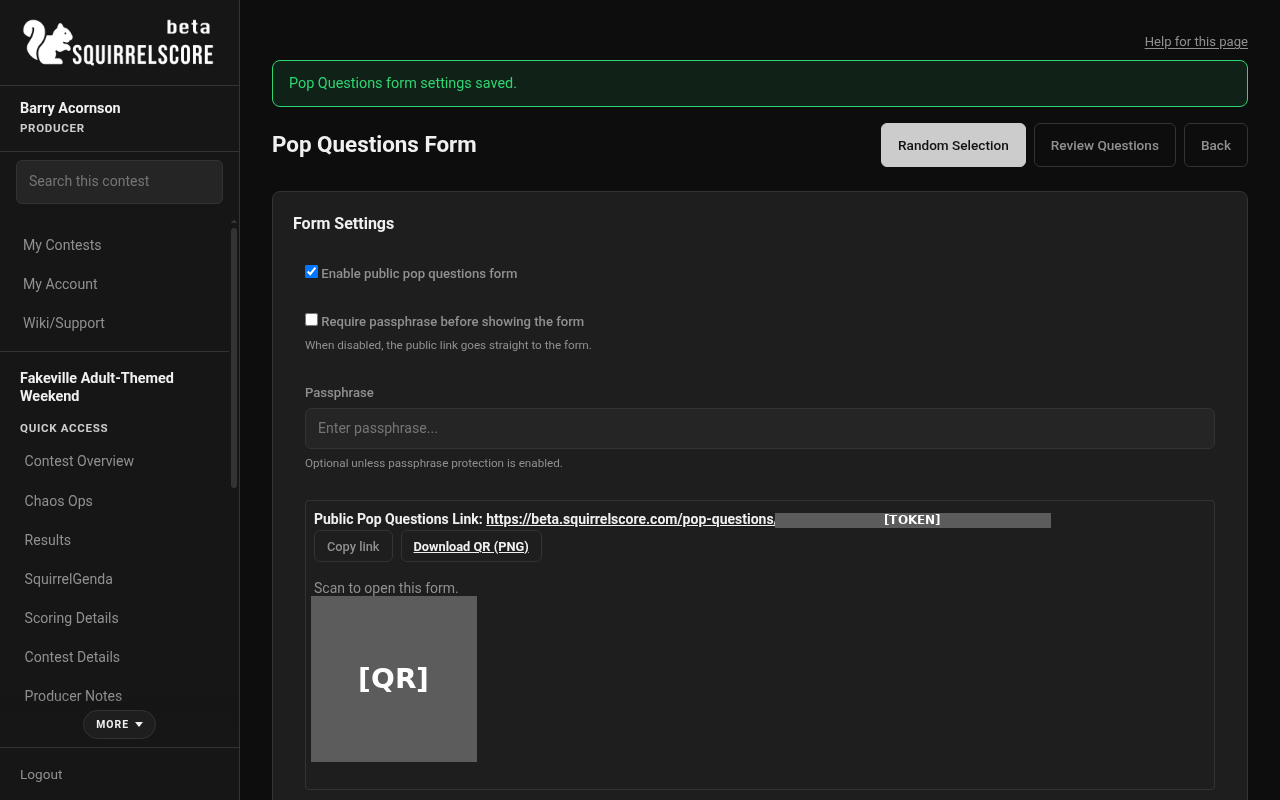
Desktop — Alert-style flash (settings saved)
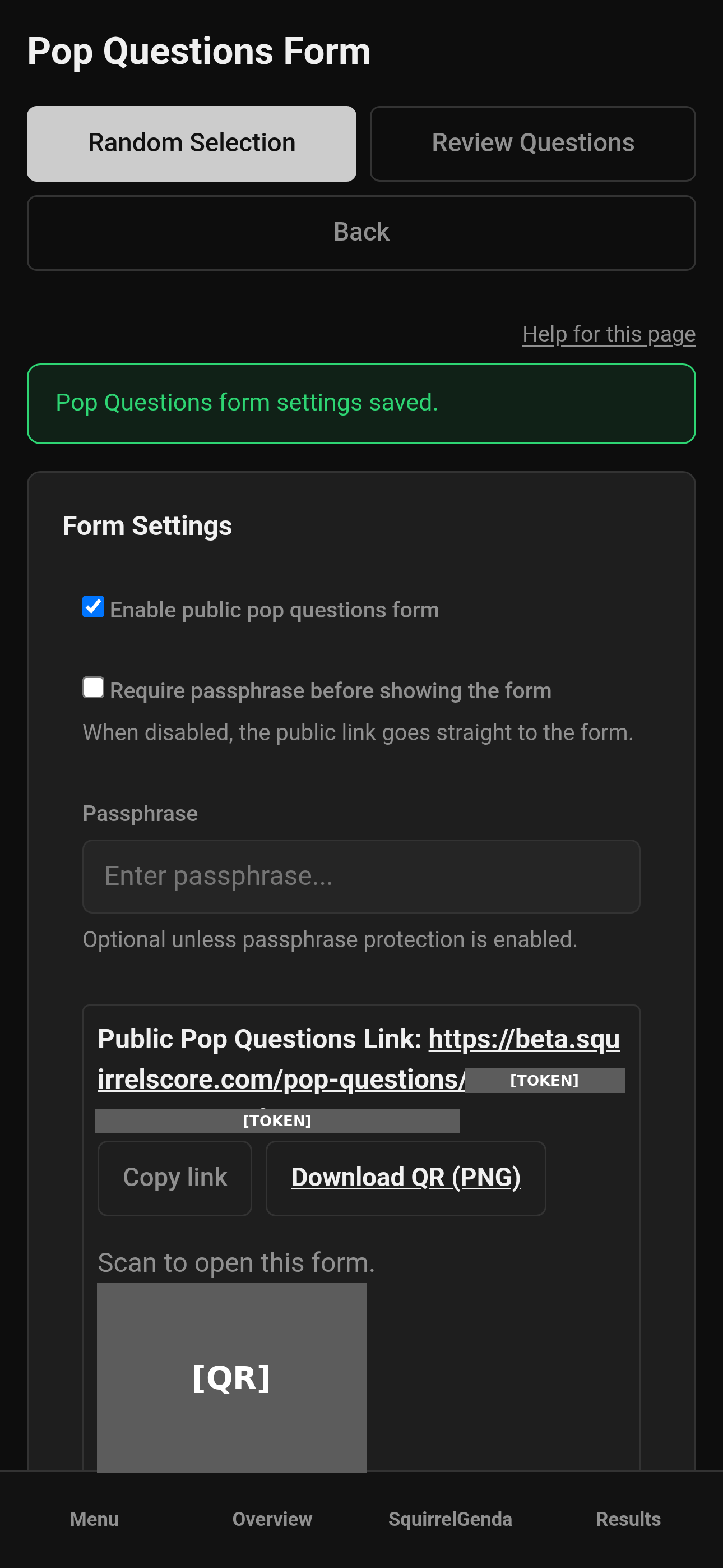
Mobile — Alert-style flash (settings saved)
¶ Tips
-
Increase browser zoom if score fields feel tiny - SquirrelScore is a website, so zoom is fair game.
-
Prefer descriptive link text when you tell someone where to click ("open Judging Sections") instead of "click here."
-
High-contrast device modes help in dark venues; pair with the phone brightness tips in Mobile usage.
-
Tell your producer as early as possible - that way, if there are issues, they can be addressed/corrected before the contest weekend.
¶ Common Mistakes
-
Assuming a missing button is an accessibility bug when it's actually a role or lock restriction
-
Closing flash messages before reading them
-
Using only the browser back button - prefer the sidebar landmarks
¶ Frequently Asked Questions
Can I change the site's colors myself?
End users can't restyle the site, though OS/browser contrast and zoom settings still help you personally.
Do public apply forms work with assistive tech?
They're standard web forms with labels and uploads.
Who fixes accessibility issues?
Ask your producer. They can get site-wide issues to the right person. Contest wording issues also go to producers.