¶ Purpose
Reset your password when you can't remember the one on your account.
¶ Before You Begin
- Use the email address on your SquirrelScore account (not a new mailbox)
- Be able to open that inbox on the same device or another device you control
- If MFA is enabled, keep your authenticator or recovery codes handy - you may still need them after the password reset
¶ Step-by-Step Instructions
- Open the SquirrelScore login page.
- Click Forgot password?
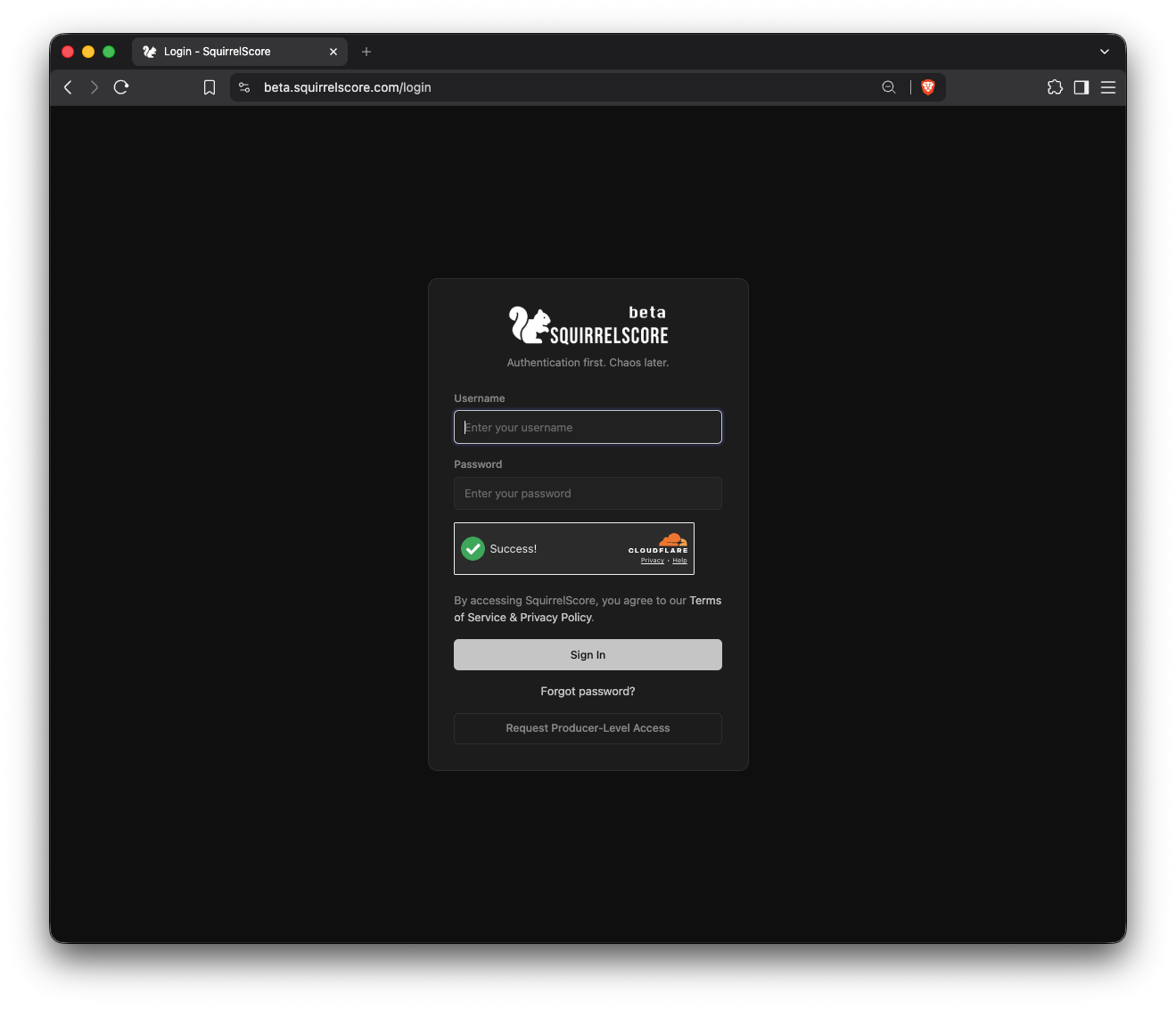
SquirrelScore Login Page
- Enter the email tied to your account.
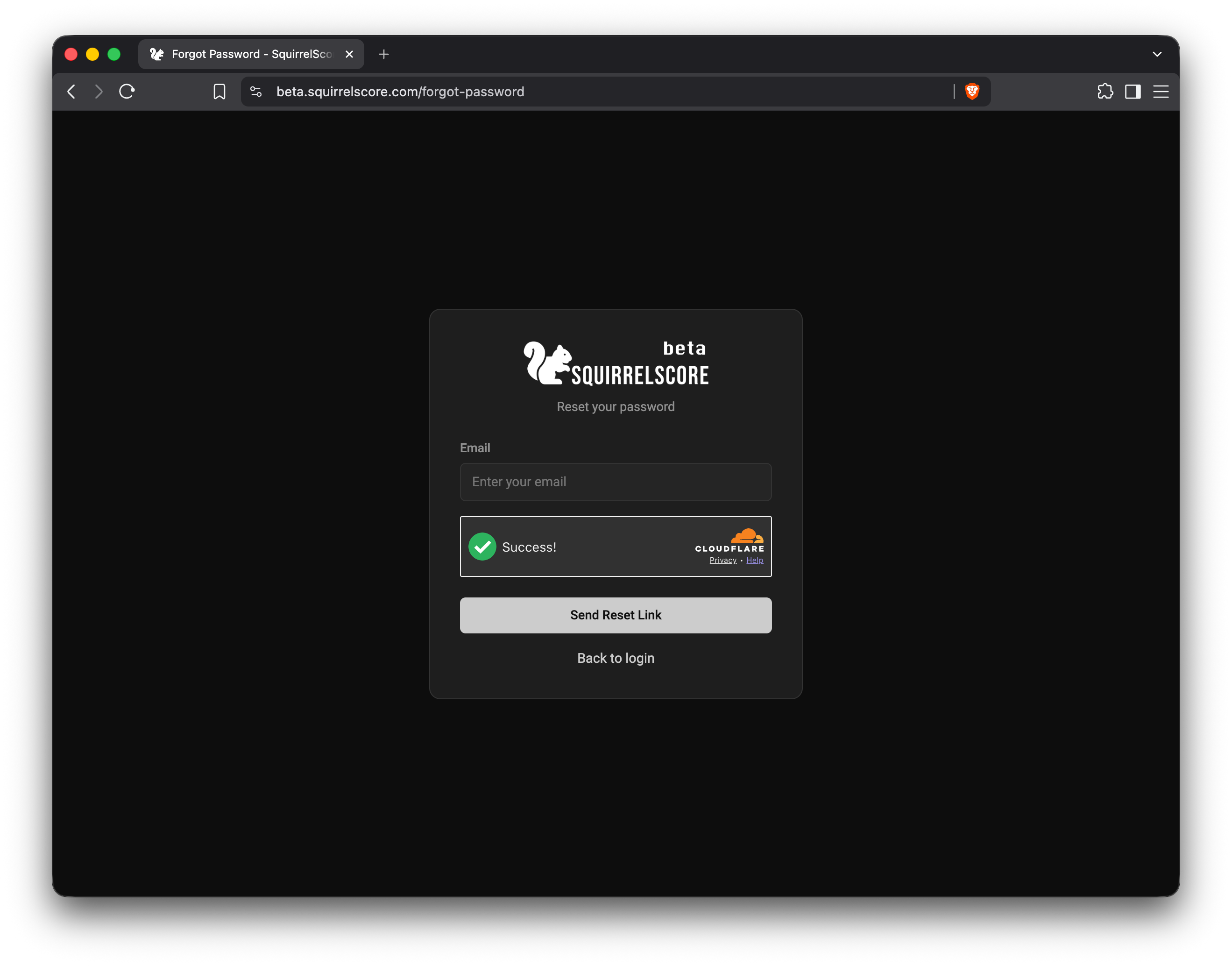
Make sure to use the proper email!
- Complete the robot check (Turnstile).
- Submit the request.
- Open your email inbox and look for a reset message (check spam/junk too).
- Click the reset link - links expire after 24 hours, and a newer reset email replaces the older one, so do this when you have time to finish. If the page says expired immediately, copy the full URL from the email into your browser.
- Choose a new password and confirm it.
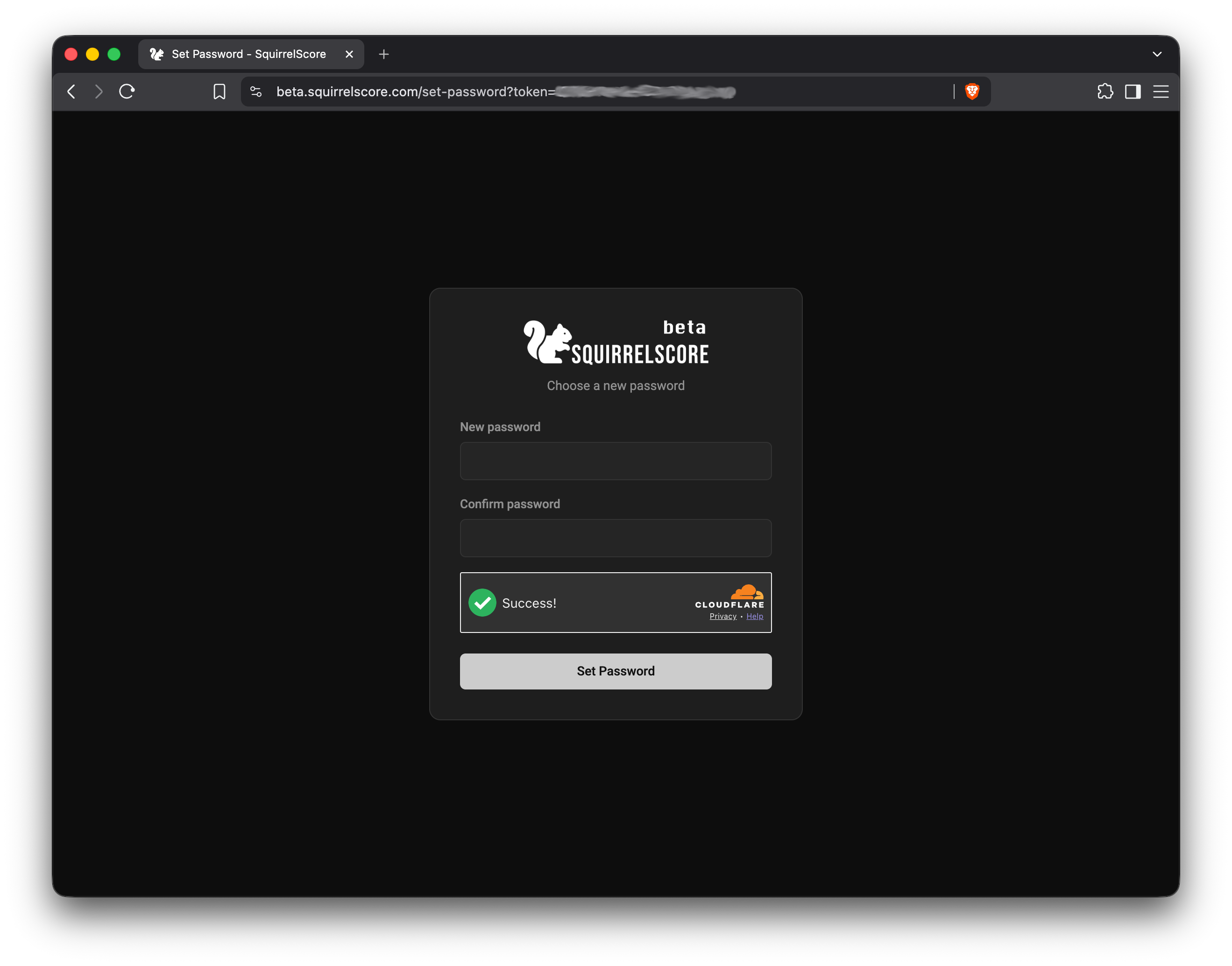
Enter a new password, confirm it, and update your password manager.
- Submit, then return to the login page.
- Sign in with your username and new password.
- Complete MFA if prompted.
¶ Tips
- Prefer a password manager entry labeled with the site name so you don't have to hunt for it next time.
- If you use multiple emails across contests, try the one from your latest invite or set-password message.
- Still logged in on another device? Change the password from My Account instead - no reset email required.
¶ Common Mistakes
- Entering your username in the forgot-password email box (this step wants the email)
- Waiting days to click the link (it may expire)
- Resetting successfully, then autofilling the old password from the browser
¶ Frequently Asked Questions
No email arrived.
Wait a few minutes, check spam, confirm spelling, ask your producer which email is on file, then retry.
I know my password - I just can't get past MFA.
Password reset won't fix a lost authenticator. Ask your producer, then re-enroll. See Security & MFA.
The link says it's invalid.
Request a fresh reset and use the newest email. Old links retire when a new one is issued or when they expire (24 hours). If the newest link still fails right away, copy the full URL from the message rather than relying on a truncated preview click.
I don't have an account yet.
Forgot-password won't create one. Use your apply / invite link, or ask the producer to enroll you and send a set-password email.