¶ Purpose
See Chaos Ops prep items your producer tracks for judges - photo received, travel, paperwork, and similar - so everything is sorted well in advance of the contest.
¶ Before You Begin
-
Your producer must have Chaos Ops enabled on the contest
-
Be logged in as a judge on that contest
-
Know that producers update the checkboxes- you review and communicate (usually by email), you don't usually tick the official boxes yourself
¶ Step-by-Step Instructions
-
Log in and open the contest from My Contests.
-
In the sidebar, open Go Do the Things (only when Chaos Ops is on). The same checklist can appear at the bottom of your My Contests card (View details).
-
Read each prep item and its status.
-
If tasks were assigned to you, review those as well (they may appear grouped by phase with due dates).
-
Note anything still incomplete that you can personally help fix (send the photo, confirm arrival time, and so on).
-
Message your producer if something looks wrong or should be marked complete.
-
Re-check before travel day so nothing important is still waiting on you.
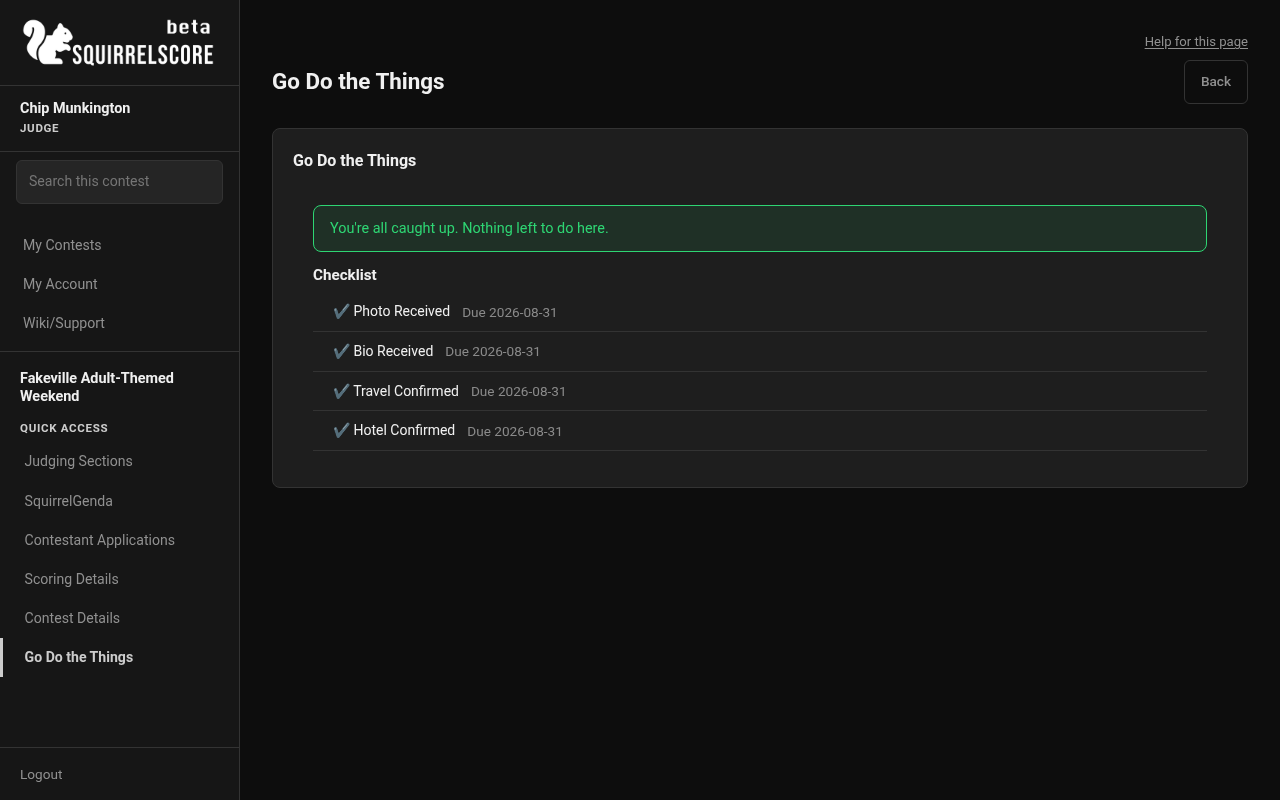
Desktop — Judge, Go Do the Things
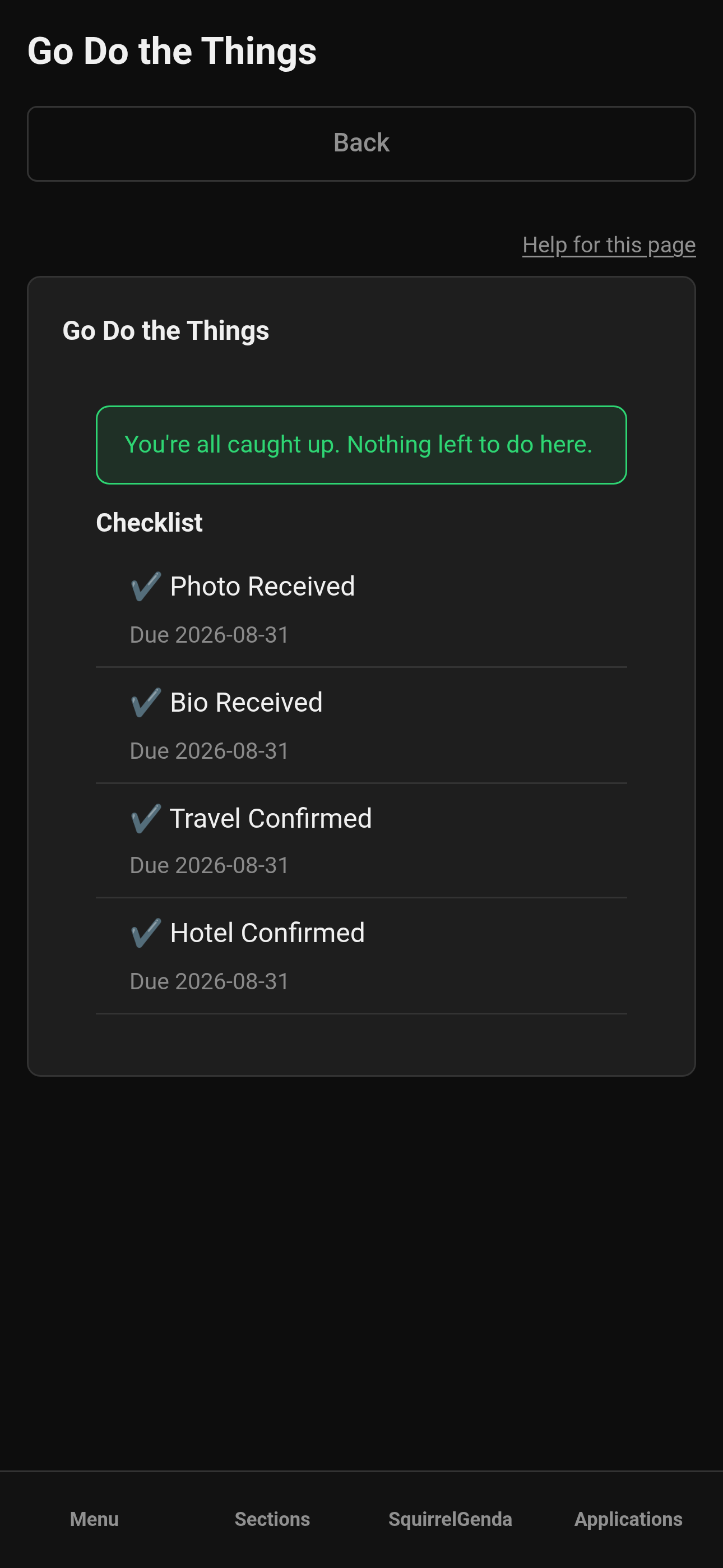
Mobile — Judge, Go Do the Things
¶ What you'll typically see
Prep items are contest-specific. Common themes:
-
Photo / headshot received
-
Travel or arrival confirmations
-
Paperwork / agreement leftovers
-
Other custom tasks your producer added in Chaos Ops
This page is prep only- it is not where you score, lock sections, or view full results.
¶ Tips
-
Screenshot your checklist before you go offline for travel.
-
If you're judging multiple contests, confirm the contest name before you panic about a "missing" photo item.
-
Pair this page with Contest Details for schedule context.
¶ Common Mistakes
-
Assuming you can check items off yourself when only the producer's Chaos Ops tools update them
-
Ignoring prep until you're already on the way to the venue
-
Mixing up prep status with scoring progress (different dashboards, different jobs)
¶ Frequently Asked Questions
I don't see Go Do the Things.
Chaos Ops is probably off, or you're not in the contest yet. Ask the producer.
Can I score from here?
No. Use Scoring contestants.
Who is Chaos Ops for?
Producers run it; judges, contestants, and volunteers may each get a Go Do the Things view of their own checklist.