¶ Purpose
Collect audience (or community) questions, approve the good (or appropriate) ones, and draw one at random for stage use.
Pop Questions is a highlight of the contest for some people. It's fun, it allows attendees and judges to see how the contestant reacts on the fly, and can be quite entertaining.
The public form is fixed: a required question and an optional name. Producers cannot add or edit custom fields on this form. Name is for review only and is not shown during Random Selection. Producers can edit submitted question text, name, and category after the fact (spelling, clarity, etc.), and they approve or reject as usual.
Categories are optional and off by default. When you enable them, you define the list (add / rename / reorder / delete). Submitters must pick one of those categories - there is no "Other" or free-text category. Random Selection can then draw from All approved questions or from one category.
Note: Approving a question does not create user accounts or anything like that - it just adds to a pool that can be drawn randomly.
¶ Before You Begin
-
Have a contest.
-
Be signed in as a producer for that contest.
-
Decide whether a passphrase should gate the public form (the form itself is fixed: required question + optional name).
-
Decide if you need a passphrase to try and make it so only present attendees can submit.
-
Agree with your emcee well in advance how draws appear on stage (phone, projector, etc), and do a run-through so they can see how it works BEFORE you use it.
¶ Who can access what
| Area | Who |
|---|---|
Public submission form (/pop-questions/...) |
Anyone with the link (and passphrase, if you set one) |
| Form settings, categories | Producers only |
| Approvals / review list | Producers only |
| Random Selection (picker) | Producers only |
There is no Emails button on Pop Questions pages. Other things get emails, not here.
¶ Set up the Pop Questions form
-
Open Pop Questions in the sidebar (or from the Pop Questions card on Contest Overview / Manage).
-
Click Pop Questions Form.
-
Enable the public form.
-
Optionally enable and set a passphrase.
-
Optionally Enable categories, after adding at least one category (see below).
-
Optionally click Add starter questions (Funny and Serious, about 20 Pending questions — you still review them).
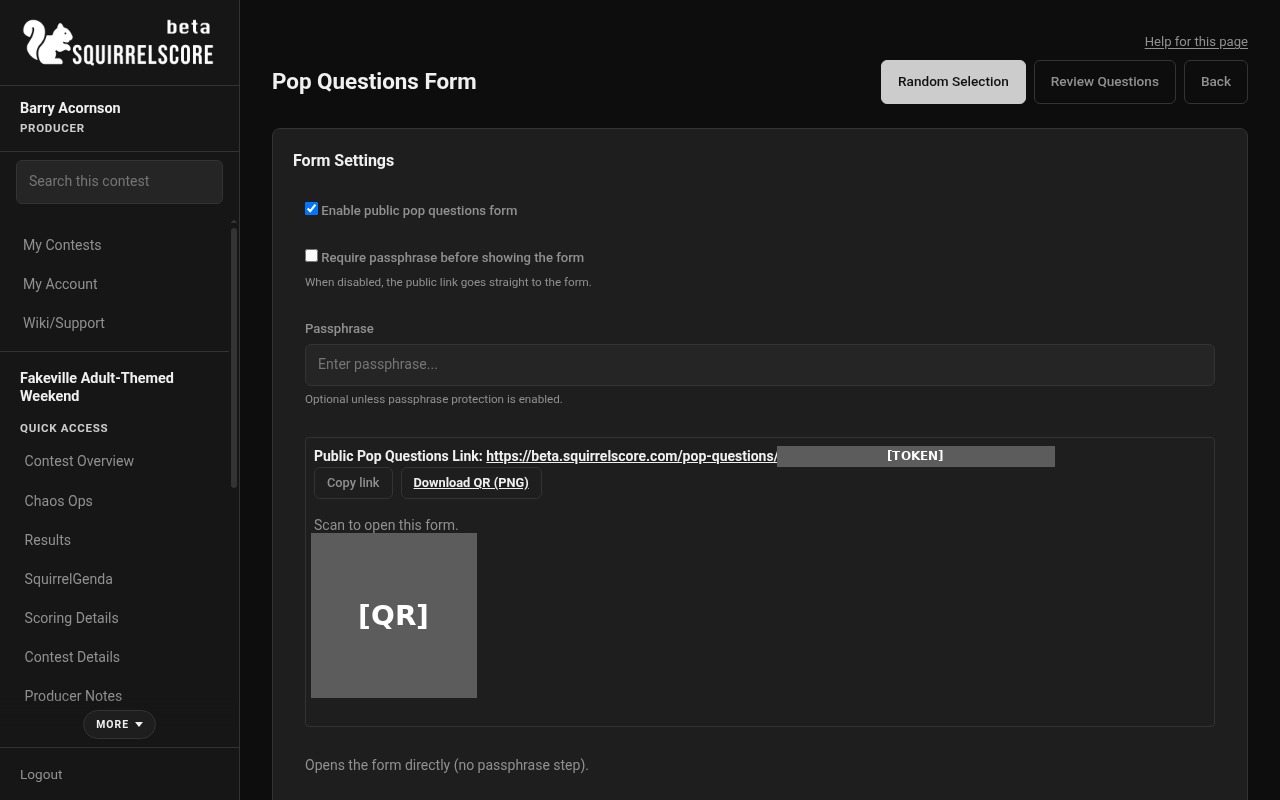
Desktop — Producer, Pop Questions categories and starter questions
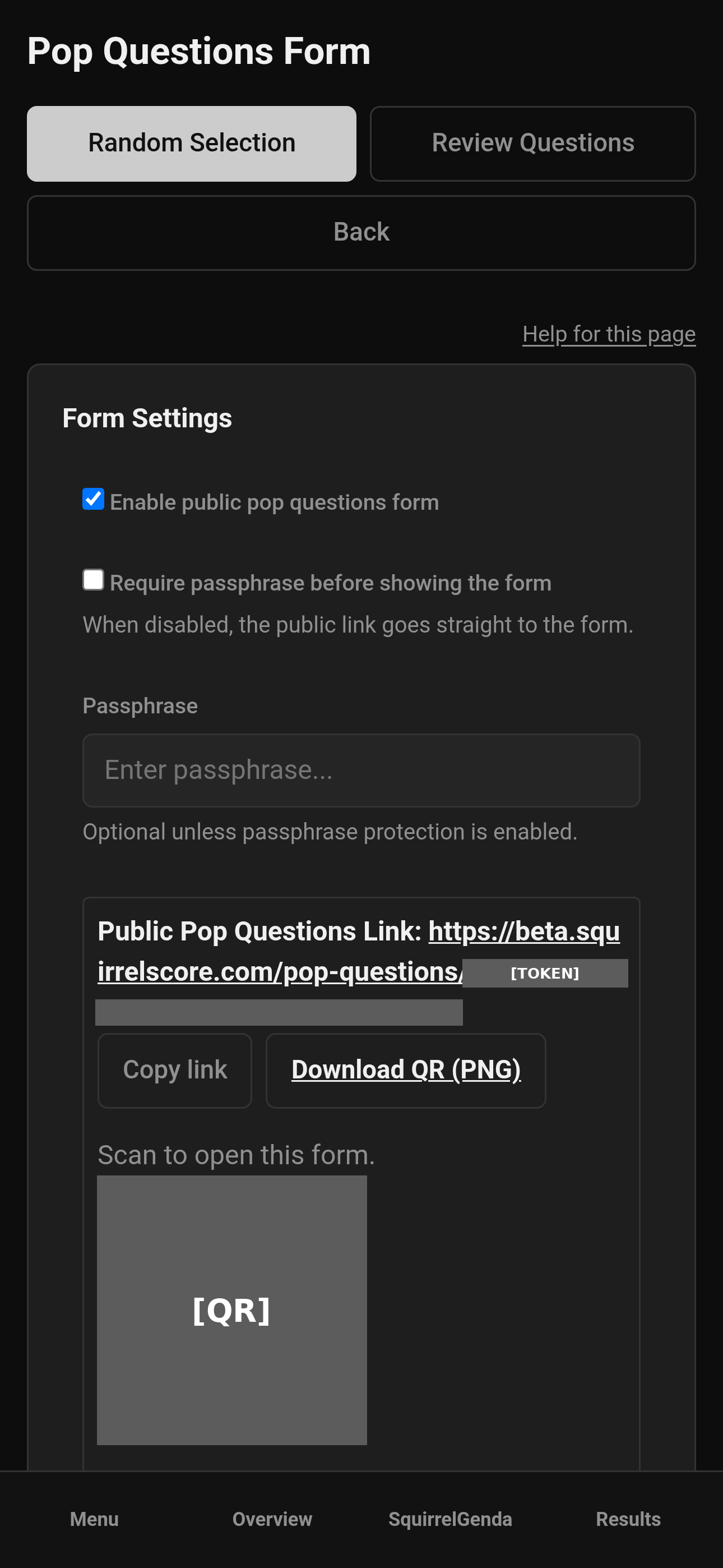
Mobile — Producer, Pop Questions categories and starter questions
- Click Save Settings.
The form always asks for a question (required) and a name (optional). You do not configure custom fields for Pop Questions.
¶ Starter questions (optional)
Need a bank without typing twenty prompts? On Pop Questions Form (and on the review list) you can add a starter pack:
-
Check Yes, add Funny and Serious starter questions as Pending.
-
Click Add starter questions.
-
Categories turn on. The public form is not turned on.
-
Open the review list (Pending). Approve the ones you want on stage. Edit or reject the rest.
The pack includes prompts such as Describe your perfect date. and If you were a potato dish, which would you be and why under Funny, plus Serious community/title questions. Questions you already have (same wording) are skipped. Clicking again will not duplicate them.
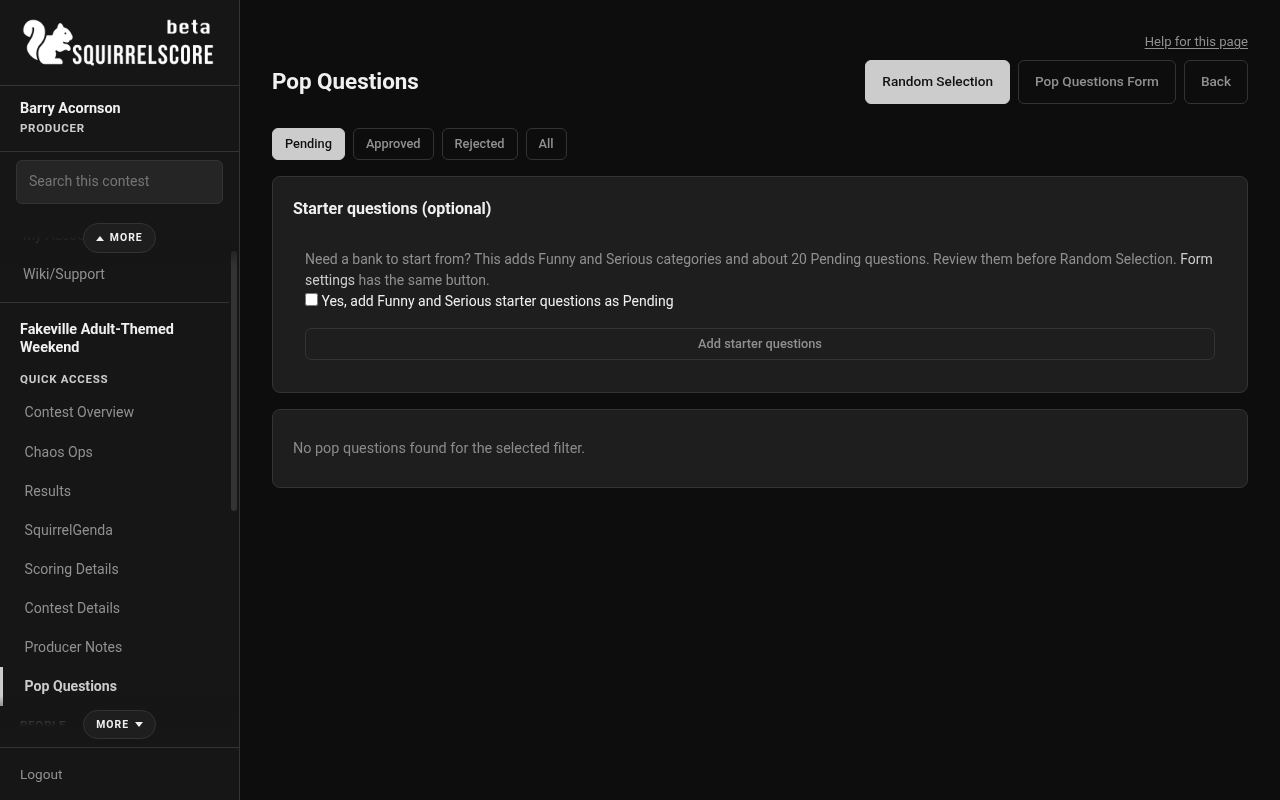
Desktop — Producer, Pop Questions starter questions button
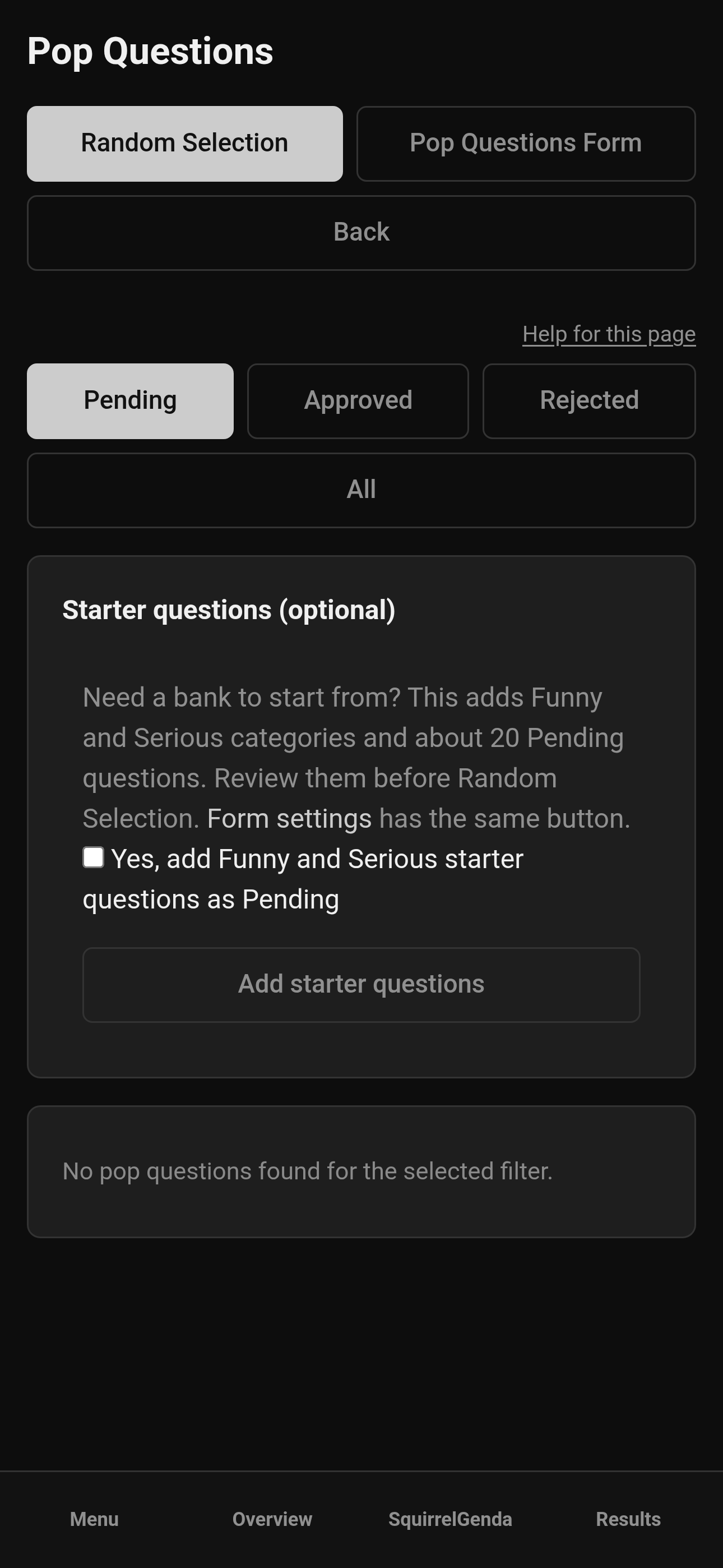
Mobile — Producer, Pop Questions starter questions button
¶ Categories (optional)
Categories are off until you turn them on. You cannot enable categories with an empty list.
-
On Pop Questions Form, add category names (up to 30; each name up to 80 characters). Names must be unique, ignoring case and extra spaces.
-
Use ↑ / ↓ to reorder how they appear on the public dropdown and on Random Selection.
-
Rename or Delete as needed. Deleting a category leaves those questions in the bank without a category. Deleting the last category turns categories off.
-
Check Enable categories and Save Settings.
When categories are on, the public form shows a required category dropdown. Producers define the list and can change a question's category when editing. Approve / reject is separate and does not change just because you edited. There is still one passphrase for the whole form - not per category.
¶ Share the public link
-
Copy the public Pop Questions link from form settings (shown when the form is enabled).
-
Share it in the program, QR code, Discord, or at a volunteer table.
-
Share the passphrase separately if you use one.
Only this public link is for everyone else. Review, settings, and the picker stay in your producer tools.
¶ Review submissions
-
Open Pop Questions in the sidebar (the review list).
-
At the top of the page you'll always see Random Selection and Pop Questions Form.
-
Filter by Pending / Approved / Rejected / All.
-
Click View on a submission.
-
Read the full answers (and category, if you use them), then Approve or Reject.
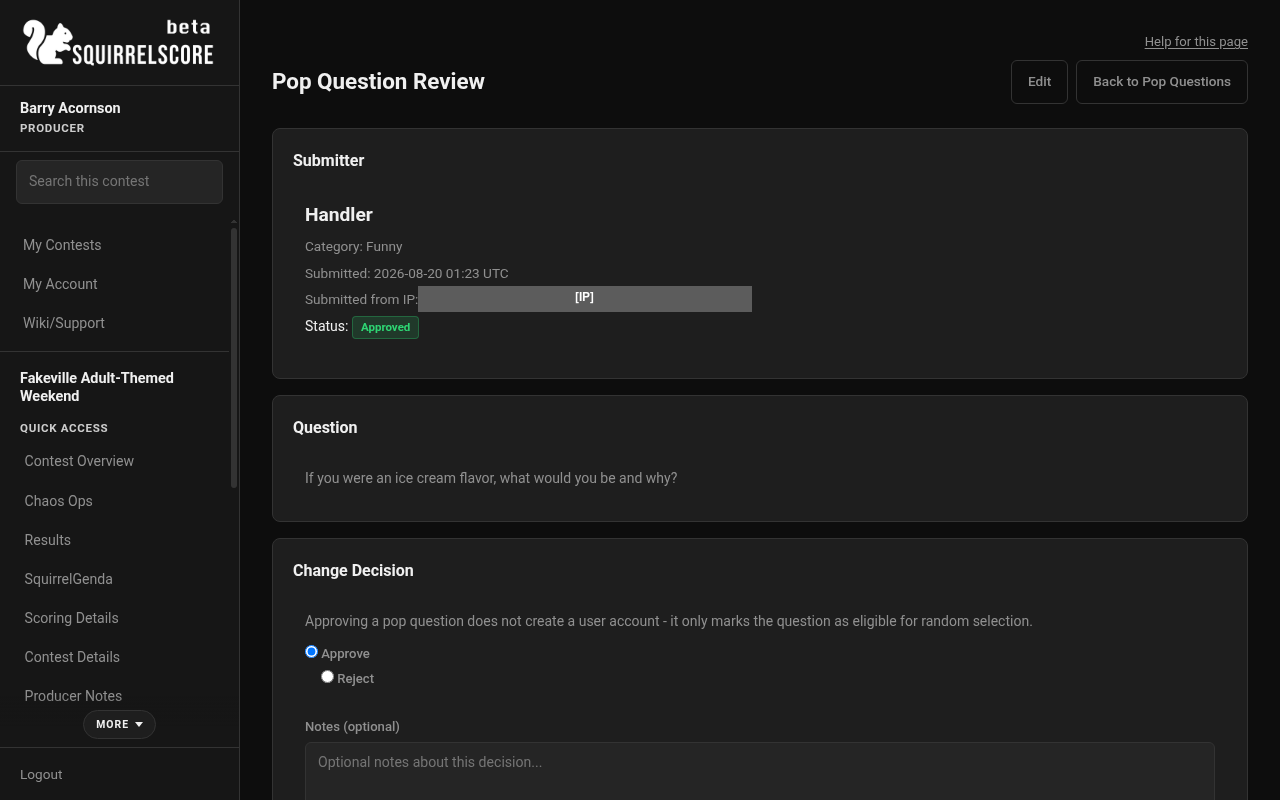
Desktop — Producer, review a pop question
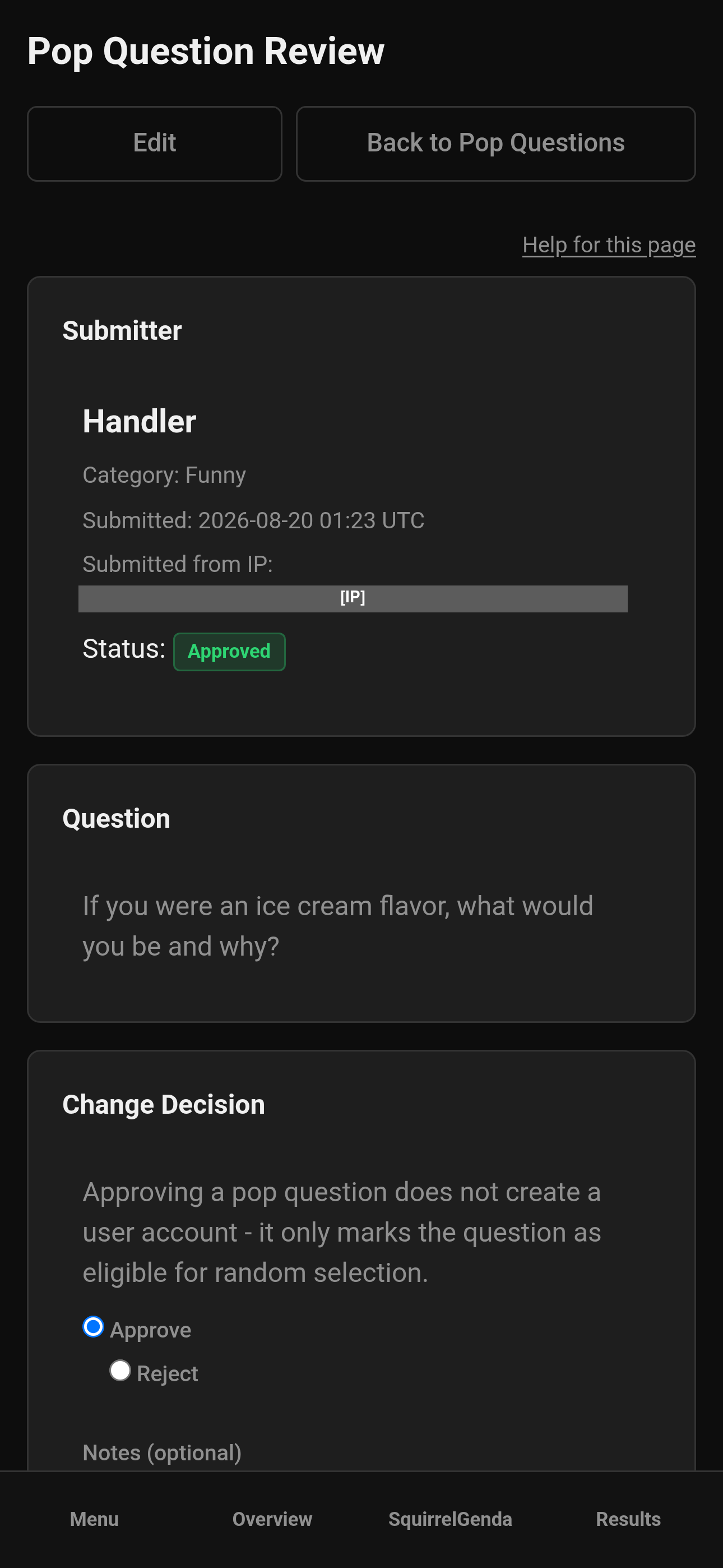
Mobile — Producer, review a pop question
-
Optionally add notes with your decision (handy for "why did we reject this?" later).
-
Check Decision History on the review page if a submission was decided more than once.
-
Remember: approve does NOT create accounts. You're just curating a selection of questions.
¶ Edit a submitted question
Use this when spelling, clarity, or stage wording needs a fix before (or after) approval.
-
From the list, click Edit, or open View then Edit.
-
Update the question (required) and optionally the name. If you have categories, you can also change the category.
-
Save. You're returned to the review page.
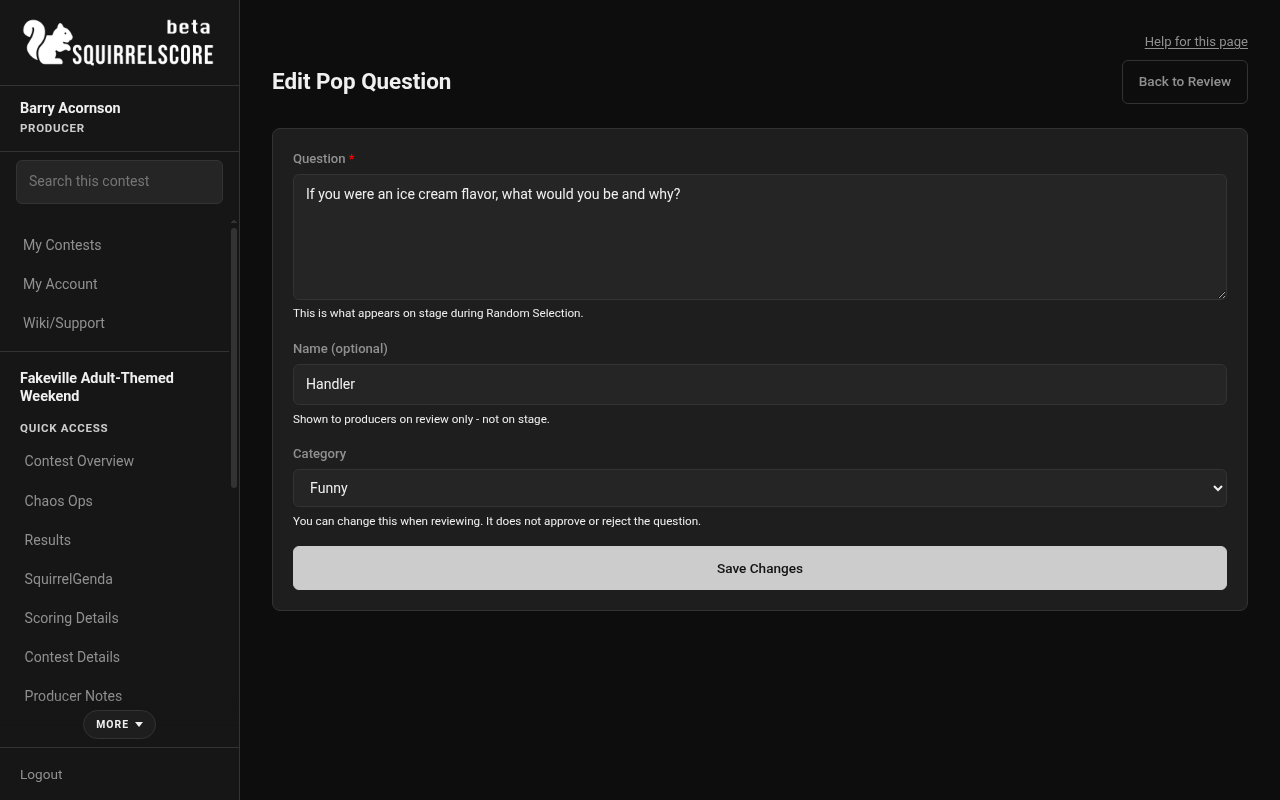
Desktop — Producer, edit a pop question
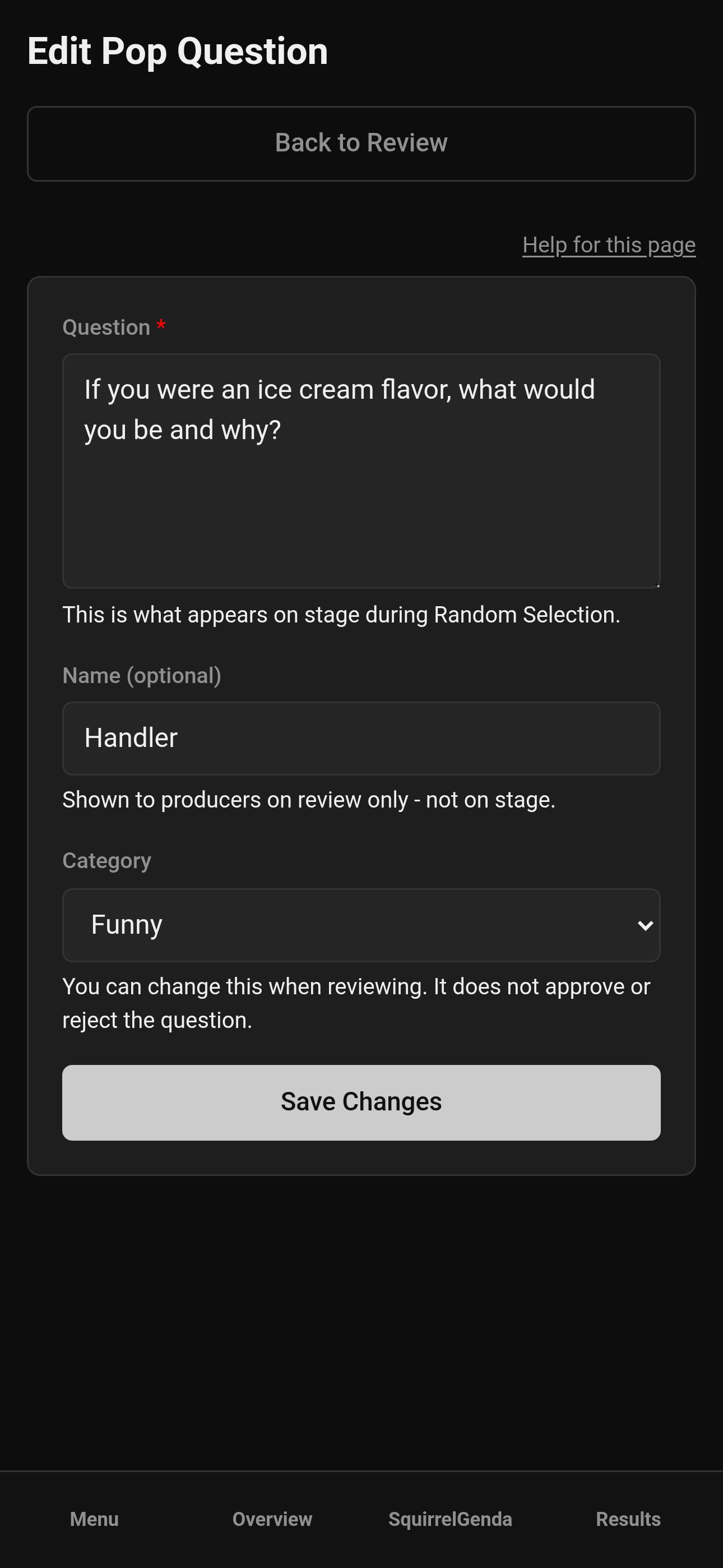
Mobile — Producer, edit a pop question
-
Then Approve or Reject on the review page if you have not already. Editing does not approve by itself.
-
Edits update what Random Selection shows for approved questions (question text only on stage). Category is for filtering the draw pool - it is not shown on stage.
Editing does not change status by itself - approve/reject stays as it was until you change it.
¶ Random Selection (draw)
Random Selection is always linked at the top of the Pop Questions list (and on the form page). You can open it anytime - even before anyone has been approved.
Only approved questions are in the draw pool. The stage view shows only the question text - not the submitter name and not the category.
- From Pop Questions, click Random Selection at the top.
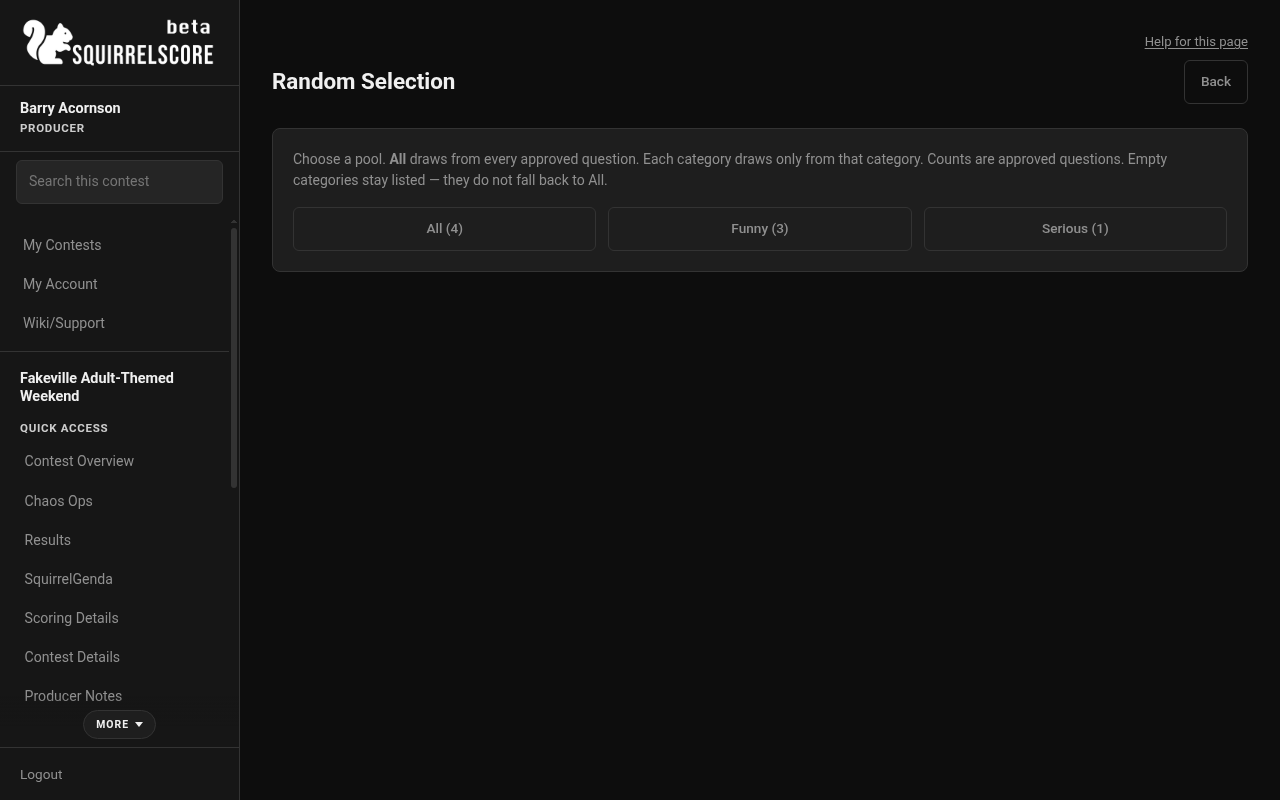
Desktop — Producer, Random Selection
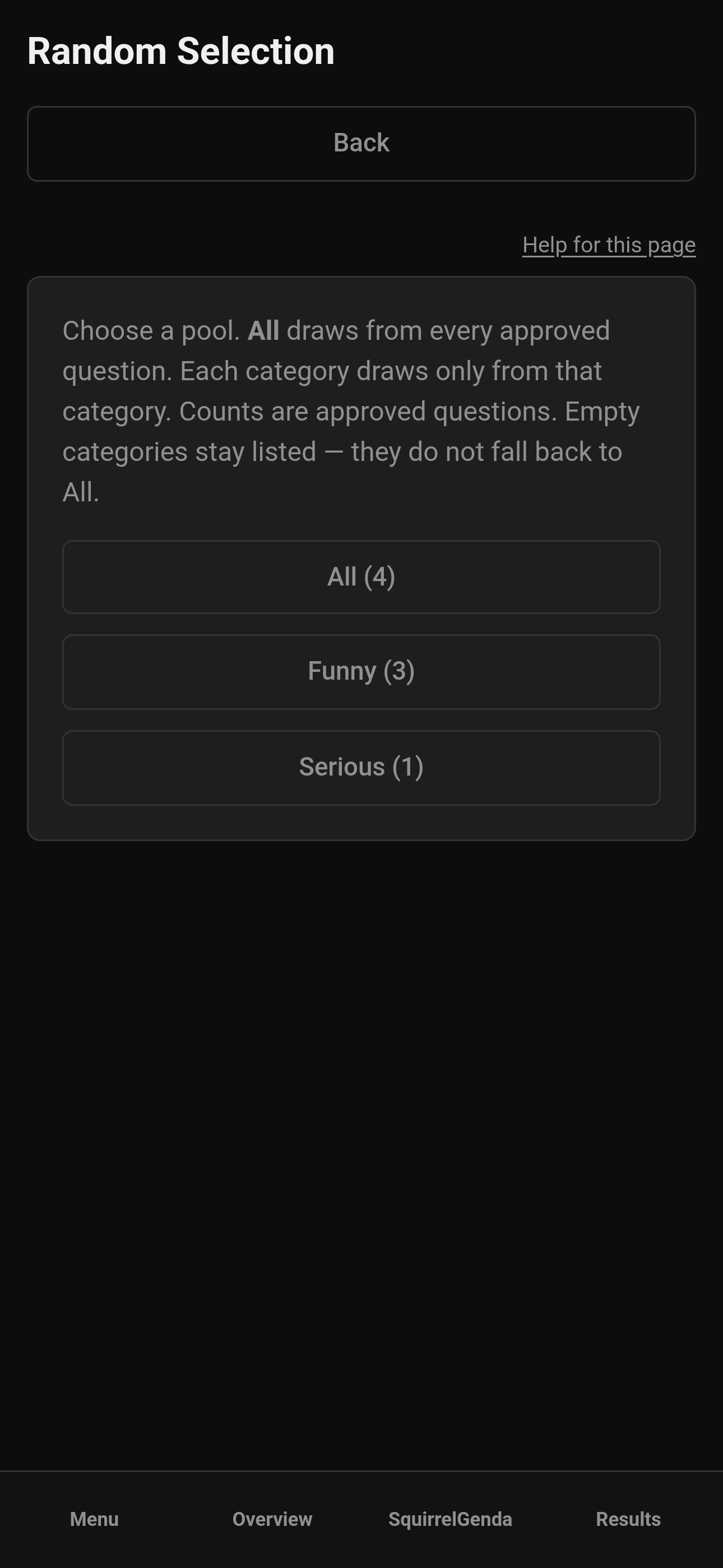
Mobile — Producer, Random Selection
-
If categories are off, click Draw a Question when you have approved questions.
-
If categories are on, pick All (every approved question) or one category. Each button shows that pool's approved count. Categories with zero stay on the grid - they do not fall back to All.
-
If the pool is empty, you'll see, well, an empty list - approve some first (and pick a pool that has questions), then come back.
-
Questions shuffle rapidly for about half a second, then settle and pulse on the chosen one (large stage text, like Emcee Reveal names). Either have a producer/the AV folks project and run the random draw, or have a producers phone, freshly signed in, with the random picker button ready, there's more than a dozen good ways to do this. Whatever you decide, review it with the emcee well before the stage portion of the contest - that way everyone already knows how it works and is comfortable with it.
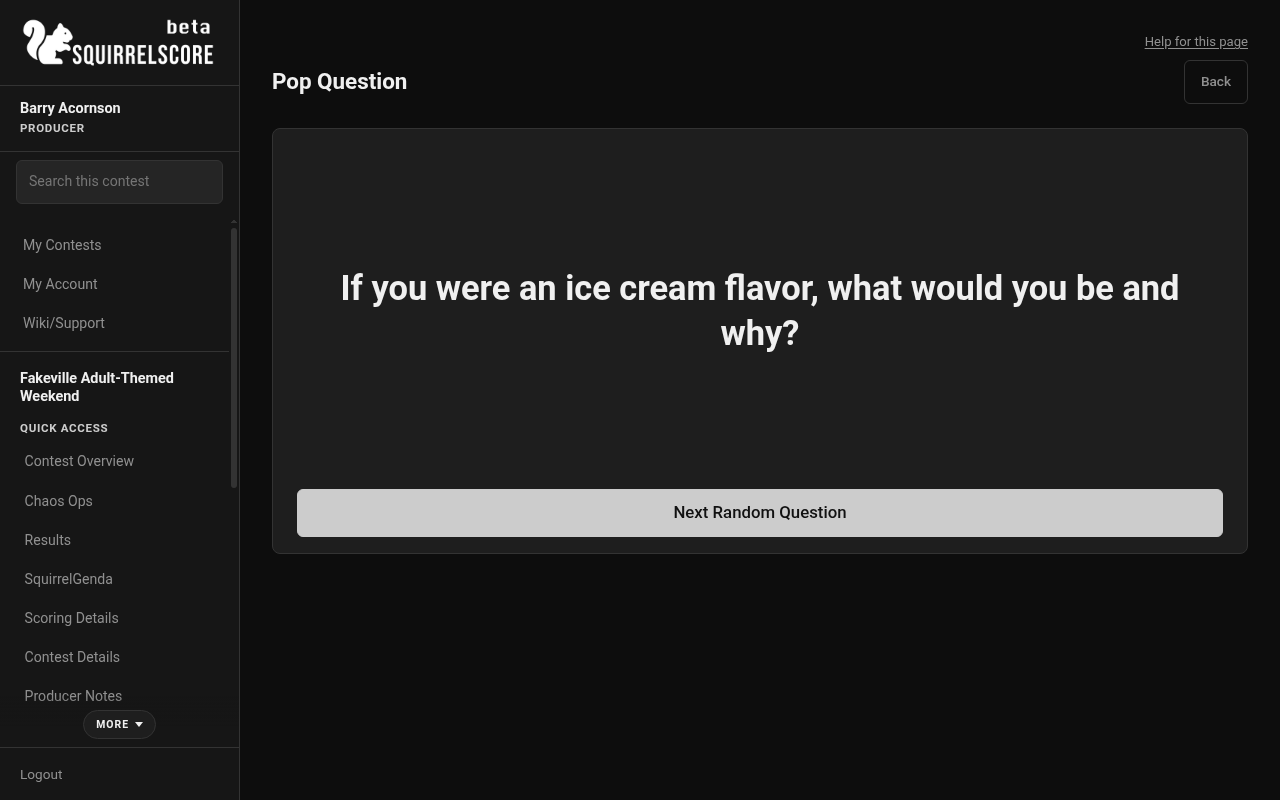
Desktop — Producer, Random draw result
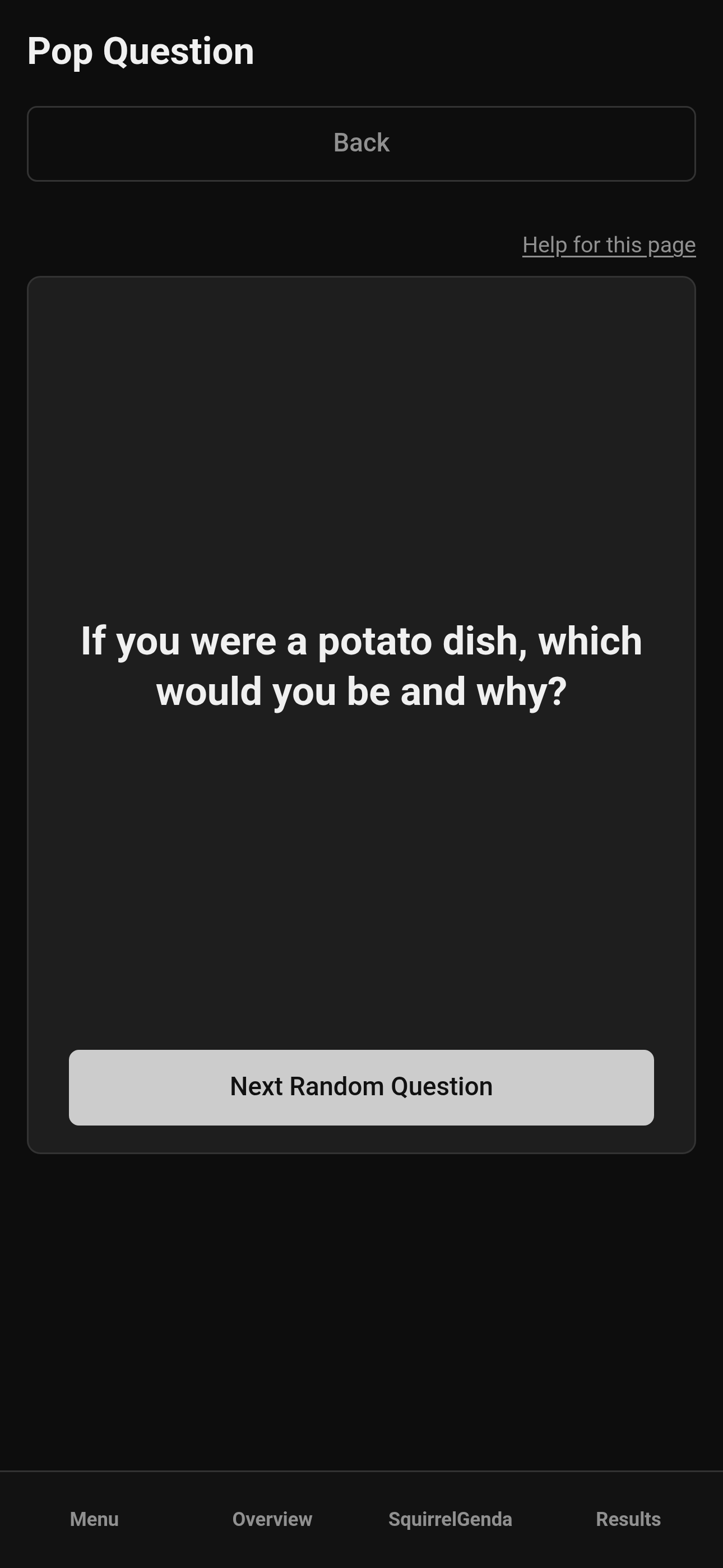
Mobile — Producer, Random draw result
- Tap Next Random Question for another draw from the same pool (All or that category) — just remember to have more than one approved in that pool, otherwise you'll just get the same one over and over. Back returns to the draw start screen.
¶ Tips
-
Post the link and/or generate a QR code to share before the contest begins (maybe also remind folks at registration), and regularly remind attendees to submit questions.
-
Remember to review and approve a pool of questions (and reject the ones that may not be complete or appropriate) before the pop question portion so you have a good assortment of questions to pick from.
-
Set up volunteers at the door who can help people submit on a tablet.
-
Practice the draw offstage - same energy as Emcee Reveal rehearsals.
-
Keep the Random Selection tab ready on whichever device you decide to use; that way the page is always there when you need it.
¶ Common Mistakes
-
Leaving starter questions in Pending and wondering why Random Selection is empty — approve the ones you want.
-
Expecting Emails settings on the Pop Questions page (they're not here on purpose).
-
Leaving the form disabled while QR codes are already printed.
-
Approving everything including spoilers for a surprise segment.
-
Confusing Pop Questions with Emcee Reveal - different tools, both dramatic.
-
Confusing Pop Questions with a feedback survey - Pop Questions feed a stage draw; surveys are opinions for producers and do not change scores.
-
Enabling categories with no names on the list (Save will refuse; add at least one first).
-
Expecting a submitter "Other" box (there isn't one - only the categories you defined).
-
Expecting Edit to approve the question - you still Approve or Reject on the review page.
¶ Frequently Asked Questions
Does submitting a question create a login?
No.
Can judges or volunteers approve Pop Questions?
No. Approvals, form settings, and Random Selection are producer-only. Everyone else uses the public submission form.
Where is Random Selection?
At the top of Pop Questions (the review list). It's always visible - click it anytime.
Why isn't there an Emails button here?
Pop Questions keeps the page focused on the form, review, and picker. Use contest Emails from Manage or other producer pages when you need email templates.
Can I edit a question after submission?
Yes. Use Edit for question text, name, and category. That does not change approve/reject by itself - go back to review to Approve or Reject.
How do categories work?
Optional, off by default. You define the list; submitters pick one required dropdown value (no free text). You can also change a question's category when editing. Random Selection can draw from All or from one category. Next stays in that pool. Stage still shows question text only.
Where is the public help page?
Pop Questions form.
What does Add starter questions do?
It adds Funny and Serious categories (if needed), turns categories on, and fills the bank with about 20 Pending questions. You still approve them. It does not enable the public form.
¶ Related Topics
-
Feedback Surveys (different tool - not a stage draw)