¶ Purpose
Reveal placements for the emcee without scrolling the full Results listing on a projector (and accidentally showing the winner too early).
This is the on-stage placement flow. Results is for the full details afterward.
¶ Before You Begin
-
Finish (or lock) scoring for the group you're about to announce.
-
Remember which sub-contests you have if you reveal by division/title.
-
Practice once offstage with your emcee/producer team - surprises are for the audience, not for finding out which button to click.
-
Close unrelated popups. Confetti is fine; a password manager overlay on the projector is not.
¶ Step-by-Step Instructions
-
Open Results for the contest.
-
Open Emcee Reveal from the available actions at the top. On a multi-week contest, pick the week (or Overall) first so you announce the right standings.
-
Select the group / sub-contest you want to reveal.
-
Confirm your selection if prompted.
-
Advance through the reveal screens for runner-up and winner placements as your flow shows them.
-
Advance through runner-up and winner screens. A confetti animation may play; that is expected.
-
When finished, return to select the next sub-contest using the provided back button.
-
Repeat for the next sub-contest if you elect multiple titles.
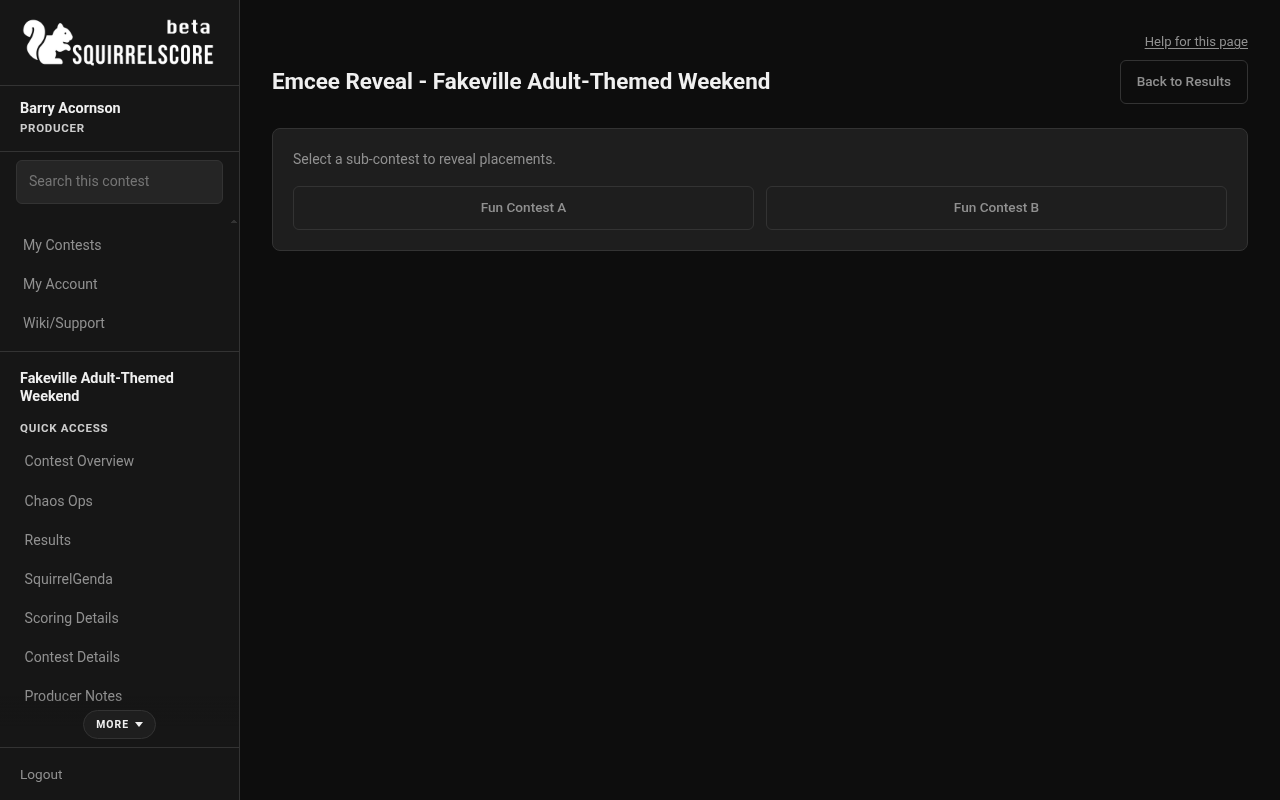
Desktop — Producer, Emcee Reveal sub-contest picker
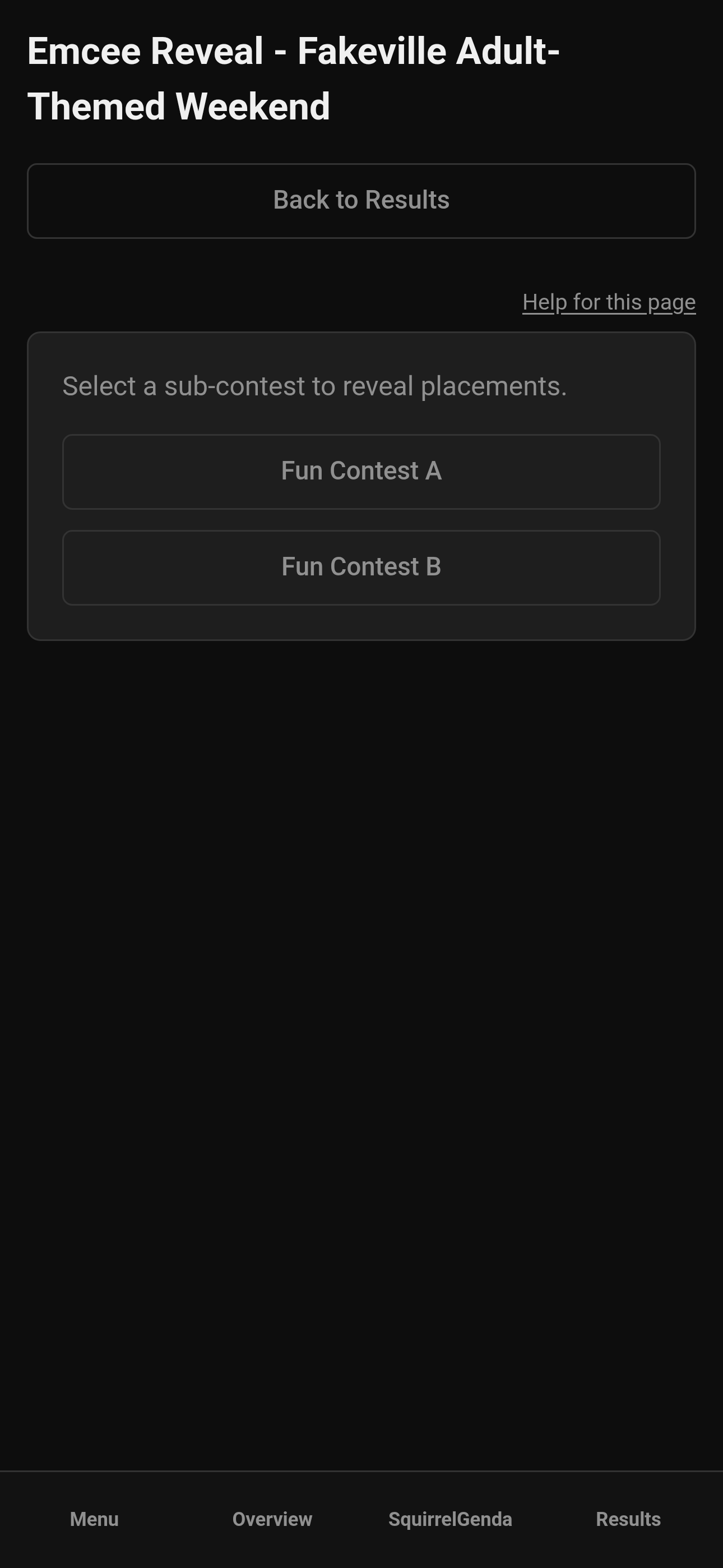
Mobile — Producer, Emcee Reveal sub-contest picker
¶ On-stage flow tips
-
Practice beforehand with the emcee to make sure the emcee can see it clearly and knows the process.
-
Keep a producer or tallymaster nearby, potentially to work the buttons with the emcee - juggling a mic and an iPhone isn't always the easiest.
-
Have the contestants on stage and announce the group name before you click reveal, so the room knows which title is up next.
-
Pause long enough for photos. The software won't log you out after 30 seconds, but the photographer has a job to do, and you have to give the audience time to cheer, too. Everything leads up to this moment - make sure that you give it to them, they earned it.
-
Don't swap into another screen mid-ovation.
¶ AV checklist
-
Correct HDMI input
-
Browser zoom readable from stage
-
Notifications silenced
-
Password manager closed
-
Correct sub-contest selected before announcing
-
Backup person who knows where Results lives if the phone goes wonky
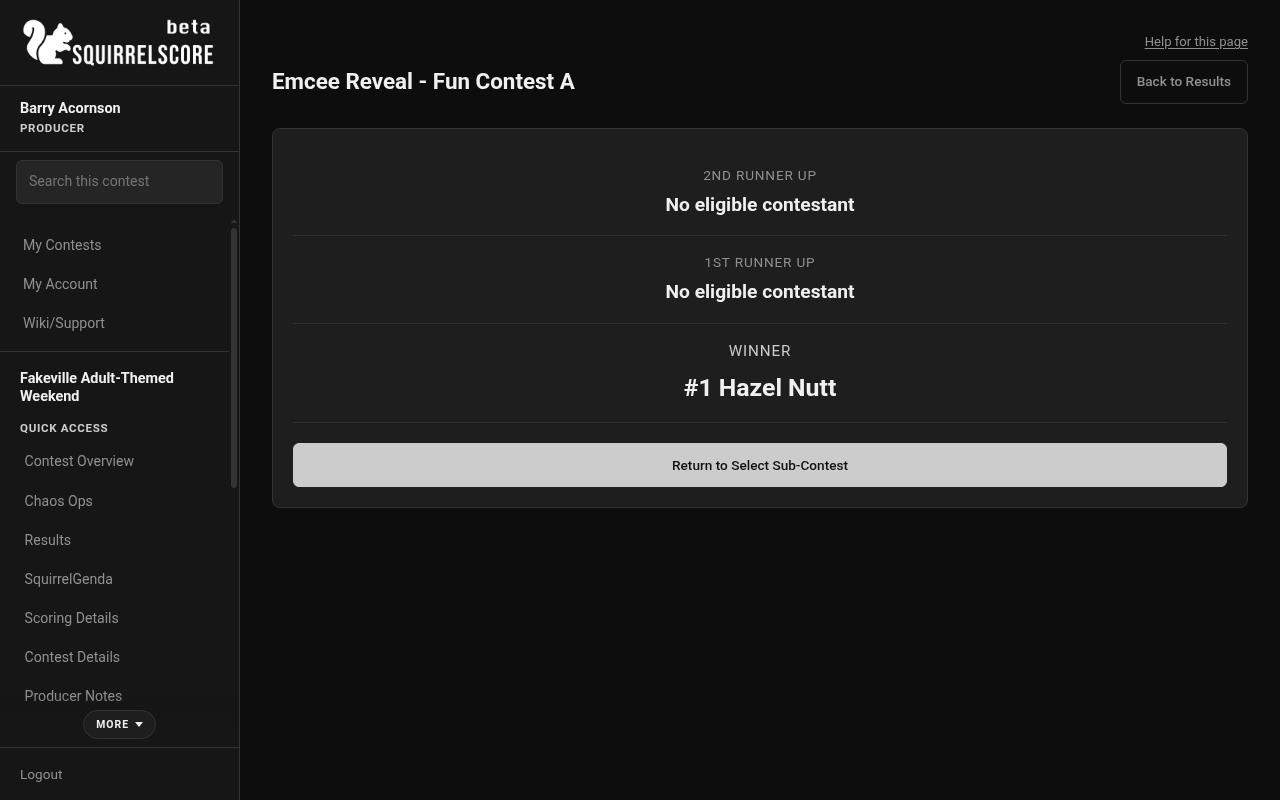
Desktop — Producer, Emcee Reveal Fun Contest A (Hazel Nutt winner)
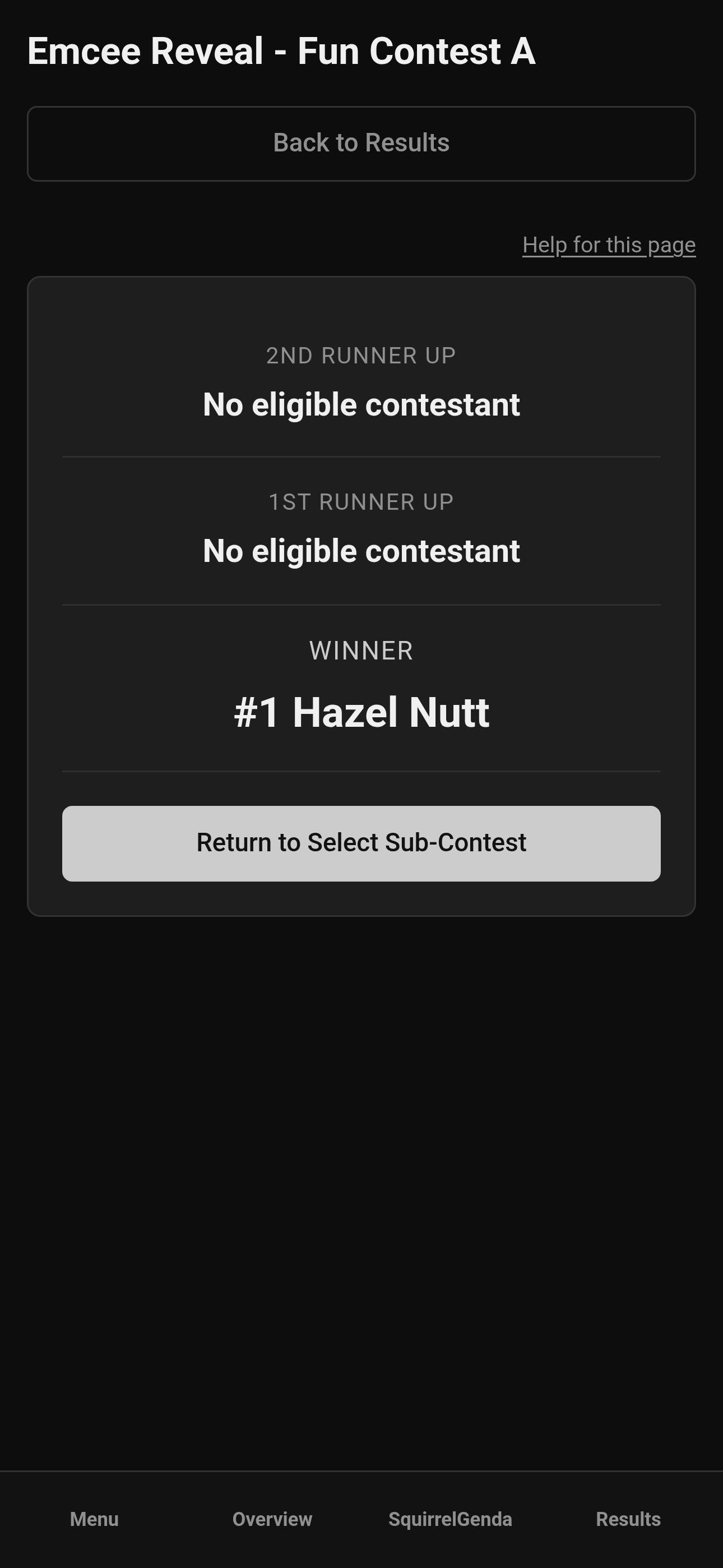
Mobile — Producer, Emcee Reveal Fun Contest A
¶ Tips
-
Practice at least once offstage with the emcee. Really. That way there's no surprises.
-
If two groups share similar names, say the full sub-contest name out loud before revealing.
-
Wait until all Results are finalized and confirmed. The last thing you want is to announce there's been an error while someone is mid-bow.
-
Start with the 2nd runner up, then the 1st runner up, then the winner, giving time between each for applause, photos, and any awards. Build the suspense.
¶ Common Mistakes
-
Revealing the wrong sub-contest (awkward).
-
Starting reveal before adjustments / Automatic Tiebreak / producer tiebreak points / sticky ties are settled (Emcee uses the same ranking as Results, including tie messaging).
-
Projecting the reveal screen with half the placements visible in the browser chrome behind it.
-
Forgetting you can leave and come back - it's a tool, not a one-shot firework with no undo for dignity.
¶ Frequently Asked Questions
Do I need sub-contests?
If everyone is in one group, you may still pick that single group. Sub-contests shine when you have divisions. Check out Designing your contest structure & scoring for how to use sub-contests.
Can tallymasters run Emcee Reveal?
Yes - see Tallymaster Emcee Reveal. Decide who drives WELL BEFORE THE ANNOUNCEMENTS.
Is this the same as Pop Questions random draw?
No. Pop Questions draws audience questions; Emcee Reveal shows placements.
What if scores change after reveal?
Sometimes errors happen or things get mis-read. The software has been tested thoroughly for all different scoring scenarios, but there may be errors (which is why you should always go through the results with a fine-toothed comb before announcements and verify results first). The stage moment already happened - own the correction kindly and with grace.