¶ Purpose
Collect optional feedback from people at your contest - after a class, at the end of the weekend, or whenever you want a pulse check. Each survey belongs to this contest only.
You can:
-
Email people a personal invite (one completion per person)
-
Share an anonymous public link (anyone with the URL; they can submit more than once)
-
Or both
Charts summarize the answers. Download CSV is there when you want the raw rows in a spreadsheet.
This is not audience scoring. Surveys do not change Results, placements, or scores. For crowd scoring that counts, see Audience Scoring.
¶ Before You Begin
-
Be a producer (owner or co-producer) for the contest.
-
If you plan to email invites, have emails on file for those groups (contestants, judges, tallymasters, volunteers) and/or a registration email list (export from ticketing, save as CSV, upload — details on that page). That list is not a SquirrelScore login.
-
Know that public-link answers stay anonymous. Do not ask people to type a registration email on the public survey - that list is never used to identify a public response.
-
Emails go out one at a time through the site queue (about 200 per rolling 24 hours, at least 1 second apart). A large invite blast can take a while. Approvals and password links go first.
¶ Who can do what
| Job | Who |
|---|---|
| Create, edit, send, remind, view charts, download CSV | Producer (owner or co-producer) |
| Fill out a public survey | Anyone with the public URL (and passphrase, if you set one) |
| Fill out an invite survey | The person who received that personal email link |
| Manage the registration email list used as an invite audience | Producer or tallymaster |
¶ The big picture
Optional: check Add starter questions (and the confirmation box) when you create the survey — or use Add starter questions later on the survey page. That drops in a weekend-feedback pack you can edit.
¶ Create a survey
-
Open the contest and click Surveys in the sidebar (or Feedback Surveys on Manage).
-
Click New Survey.
-
Enter a title and optional description (the description can use the same producer Markdown as other contest text).
-
Choose distribution:
-
Email invites and public link - both ways
-
Email invites only - no public URL
-
Public link only - no invite emails
-
-
If you will send email, check the audiences to look up when you send (not when you draft): registration emails, contestants, judges, tallymasters, volunteers. Someone in more than one group still gets one invite.
-
Optionally check Add starter questions, then the confirmation box. That inserts a ready-made pack of weekend-feedback questions (ratings, yes/no, and a few written questions). Skip it if you want a blank survey.
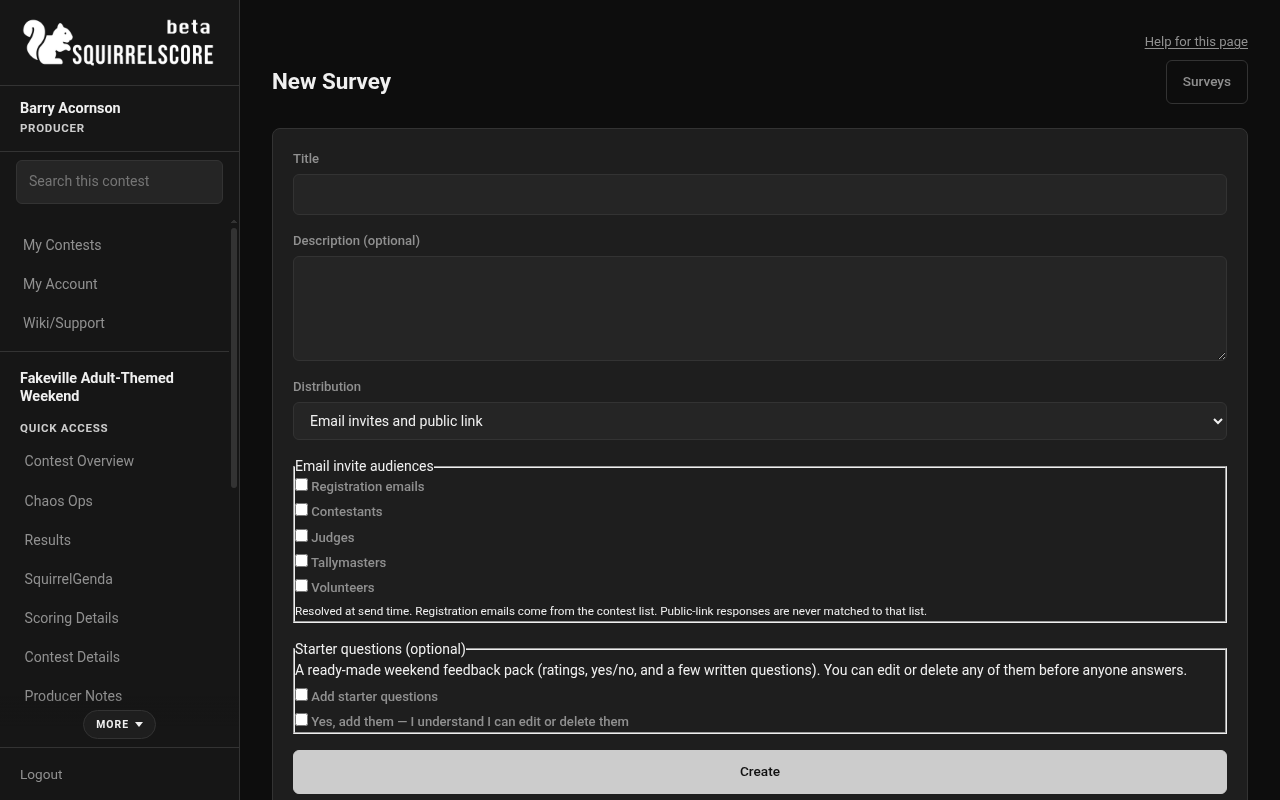
Desktop — Producer, New Survey
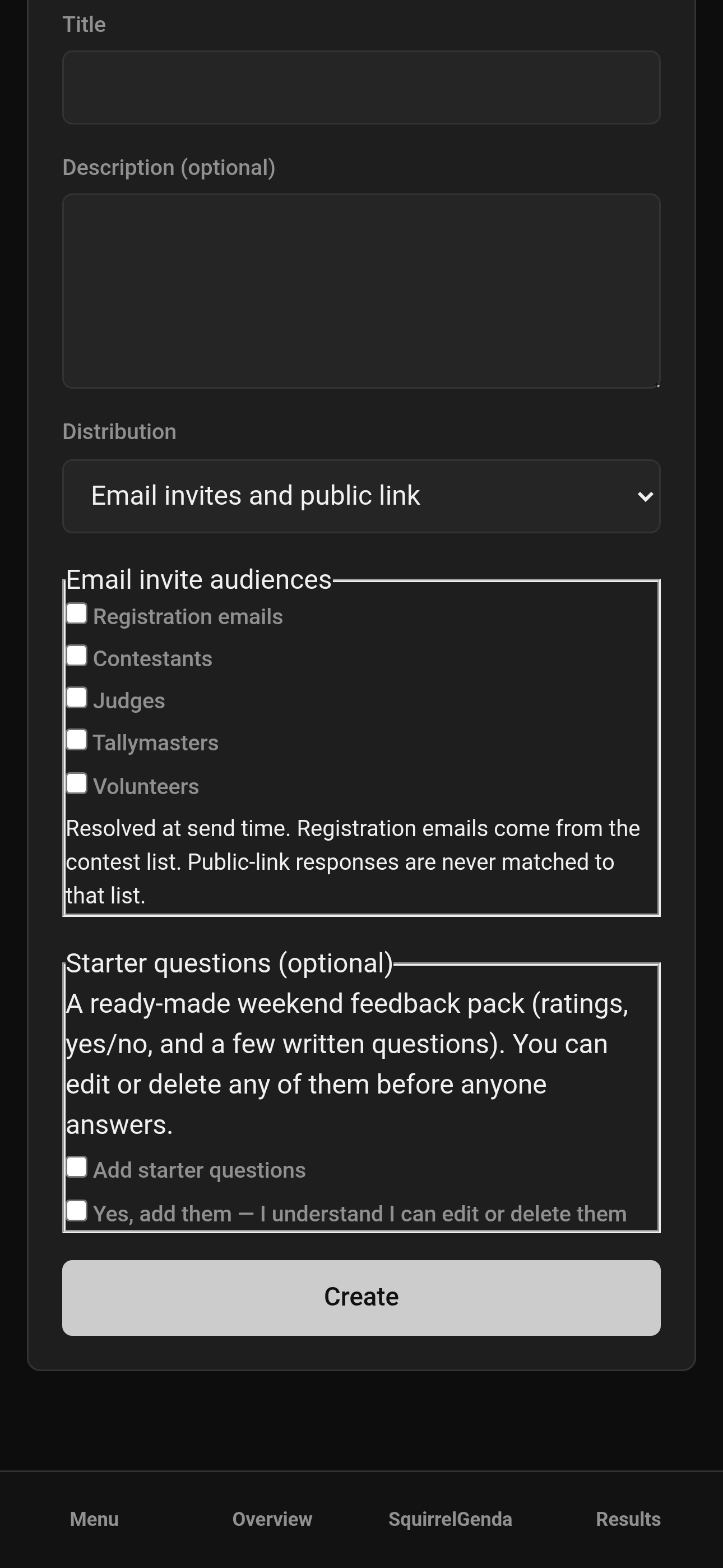
Mobile — Producer, New Survey
- Save. If you skipped starter questions, click Add question (or Add starter questions on the survey page).
You can still add, edit, reorder, or delete questions until someone answers. After the first response, questions freeze.
¶ Question types
| Type | What the person sees |
|---|---|
| Short text | One line |
| Long text | A bigger box |
| Single choice | Pick one option you listed |
| Multiple choice | Pick as many as apply |
| Yes / No | Yes or No |
| Likert (1–5) | 1 = strongly disagree … 5 = strongly agree |
| NPS (0–10) | 0 = not at all likely … 10 = extremely likely (a "would you recommend this?" style scale) |
For single/multiple choice, type the options one per line.
Activate when the questions look right. After the first response, questions freeze (no add/edit/delete/reorder) so later answers stay comparable. You can still change the title, description, audiences, passphrase, and schedule.
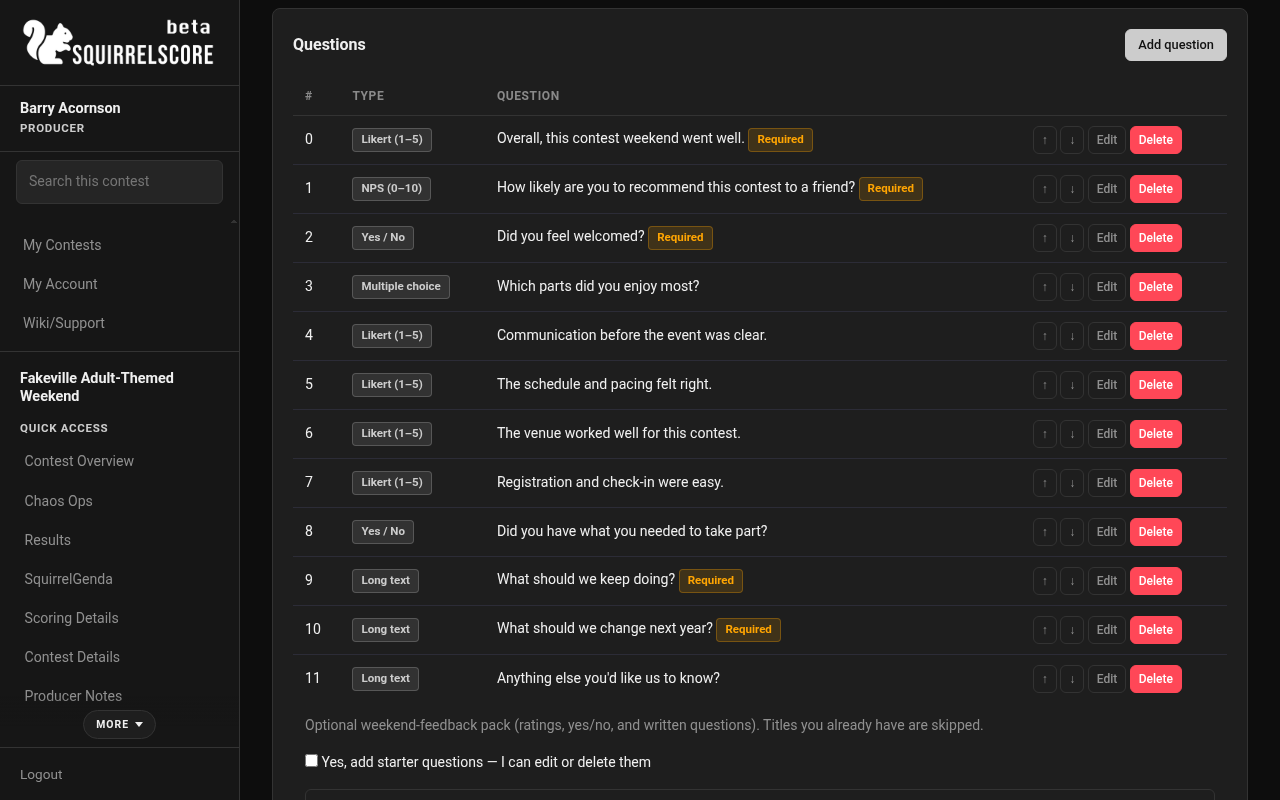
Desktop — Producer, Weekend Feedback questions list
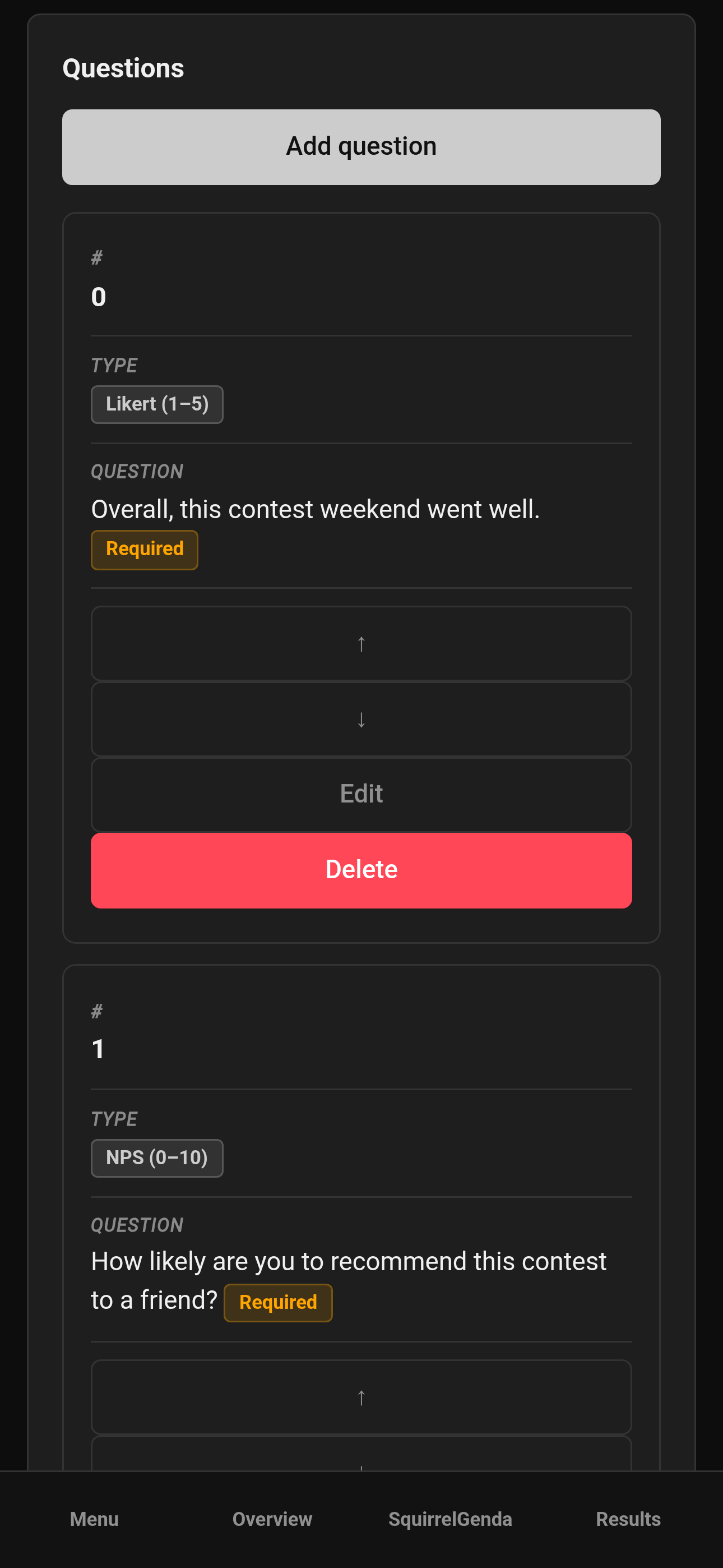
Mobile — Producer, Weekend Feedback questions list
¶ Public link vs personal invite
Think of two doors into the same survey:
| Door | Who | Identity |
|---|---|---|
| Public URL | Anyone with the address (and passphrase, if you set one) | Anonymous. They can submit more than once. Human check when Turnstile is on. |
| Personal invite | One email from an audience list | One completion per invite. That URL is theirs - they should not share it. |
The public page never asks for a registration email. If you need a named response, send an invite, not a public link.
Copy the public URL and download the QR from the survey page (same share pattern as other public forms) when you want signage.
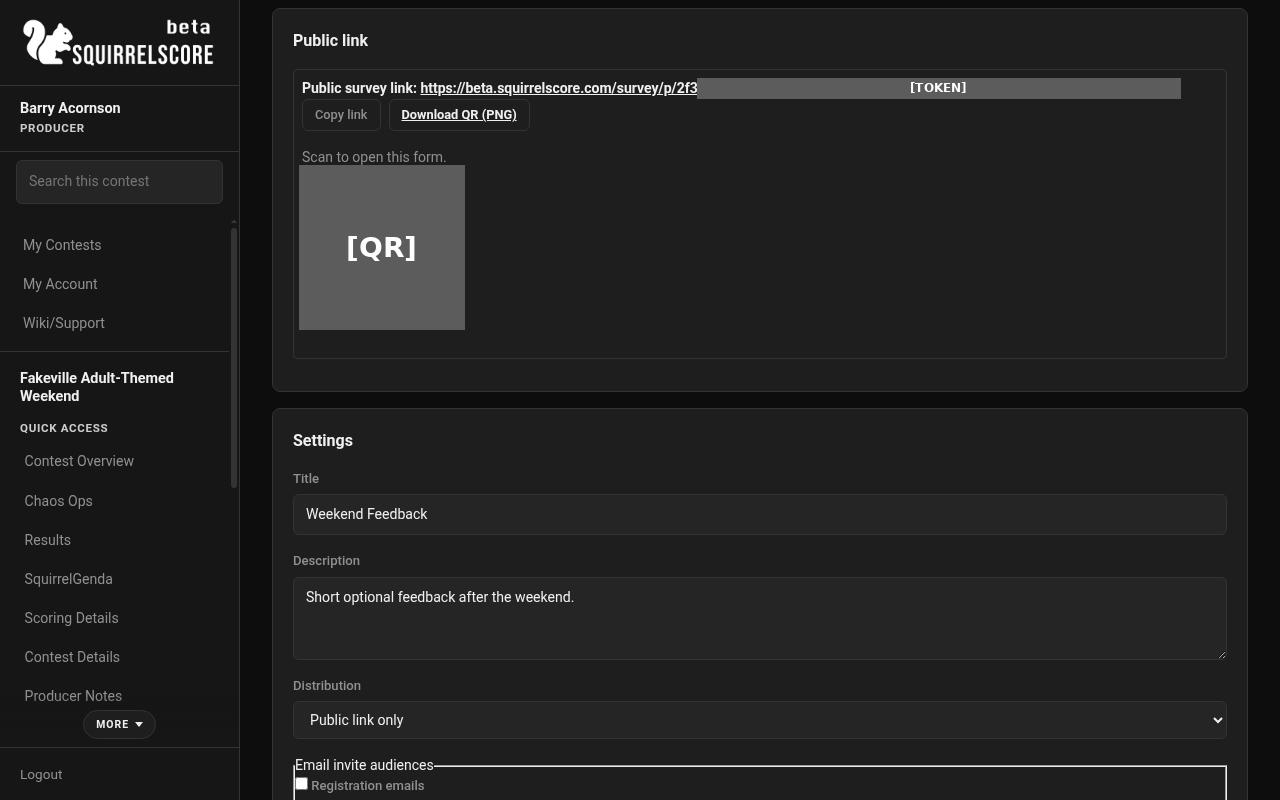
Desktop — Producer, Weekend Feedback public link
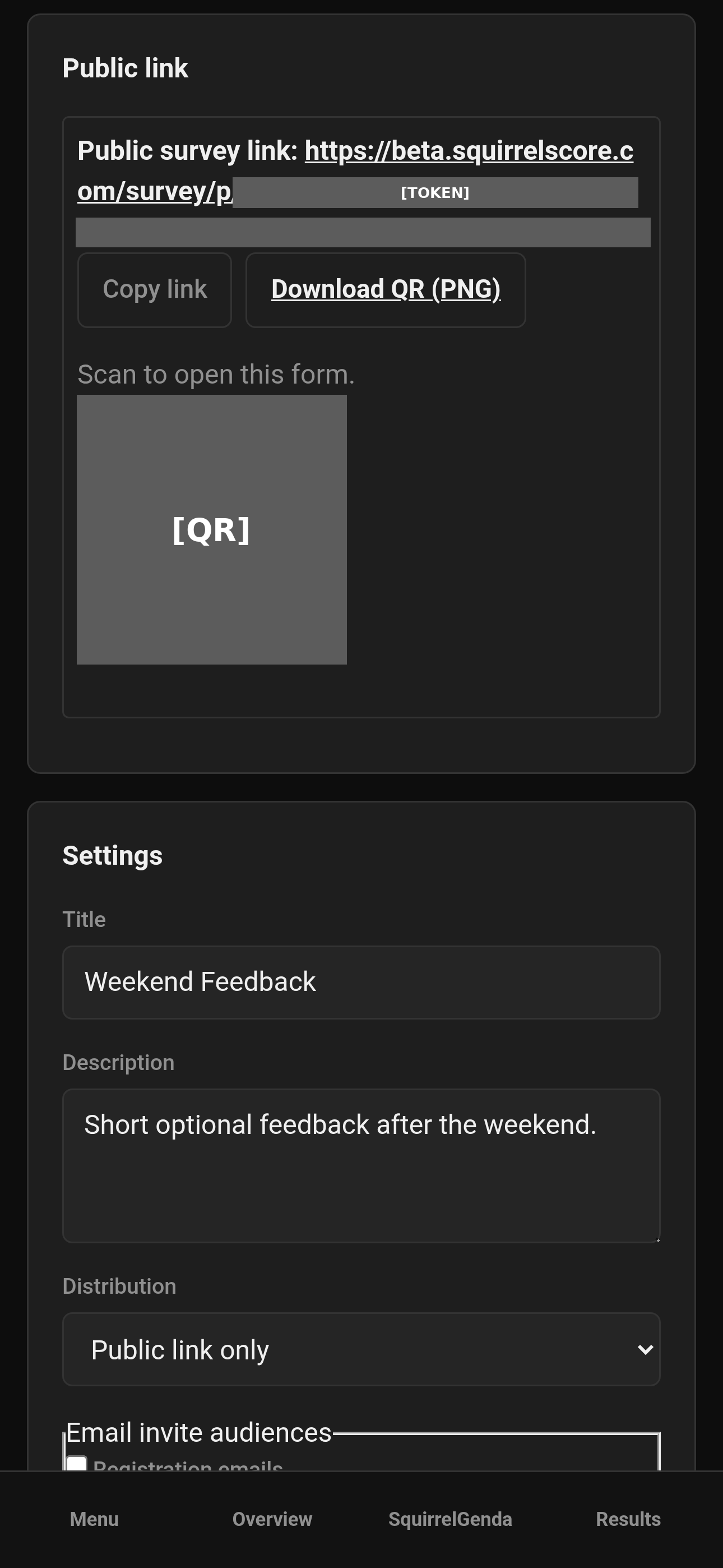
Mobile — Producer, Weekend Feedback public link
¶ Activate, close, and optional timers
Draft → Active → Closed. You can return a closed survey to draft if you need to. Activate needs at least one question.
Optional timers use the contest SquirrelGenda timezone (or the site timezone if that is unset). The page shows the zone and current time. Type the clock you mean for the contest - not "whatever my laptop thinks."
| Timer | What it does |
|---|---|
| Auto-activate | Turns the survey Active at that time |
| Auto-close | Stops new answers |
| Queue first-time invites | Sends first invites at that time (recipients looked up then) |
Those timers never change Contest Active, Release Results, or section lock. Surveys can stay open after the contest is marked inactive so you can collect feedback after the contest.
¶ Send and remind
Invites only apply when distribution is not Public link only. Activate first.
-
Click Send invites. Recipients are looked up right then from the current lists. People who already received a link are skipped; newly added emails get a first invite.
-
To nudge people who have not finished (including anyone never sent), click Send reminder to incomplete invites. There is no automatic nag - reminders are manual on purpose.
-
Mail waits in the site queue. A large list is not instant.
¶ What people see
Full public-side steps: Feedback survey.
¶ Results and charts
Open Results on the survey.
-
Choice / yes-no / Likert: bar charts (percent of answers). Likert also shows an average.
-
NPS: stacked bar of promoters (9–10), passives (7–8), detractors (0–6), plus the NPS score and average.
-
Short/long text: listed as written.
-
CSV includes submitted time, source (public vs invite), audience, and email only for invite responses. Public rows stay anonymous.
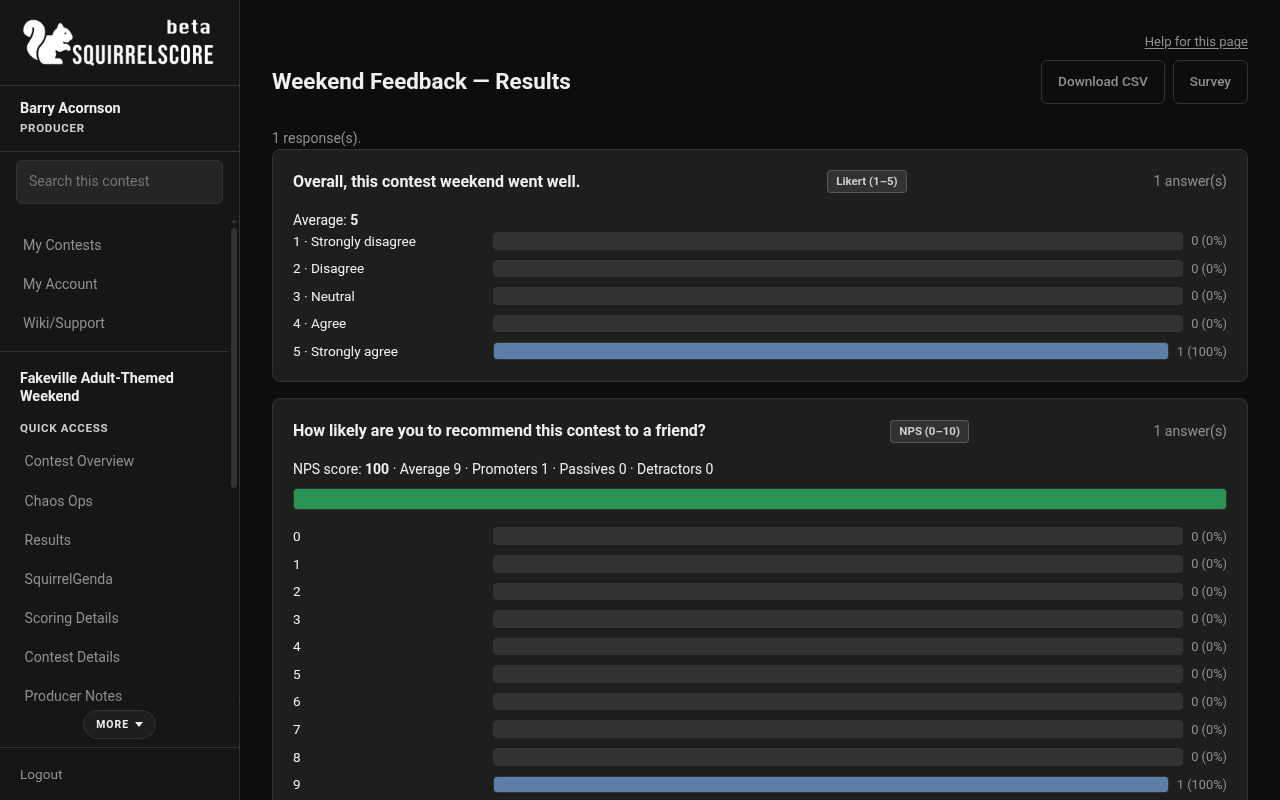
Desktop — Producer, survey results charts
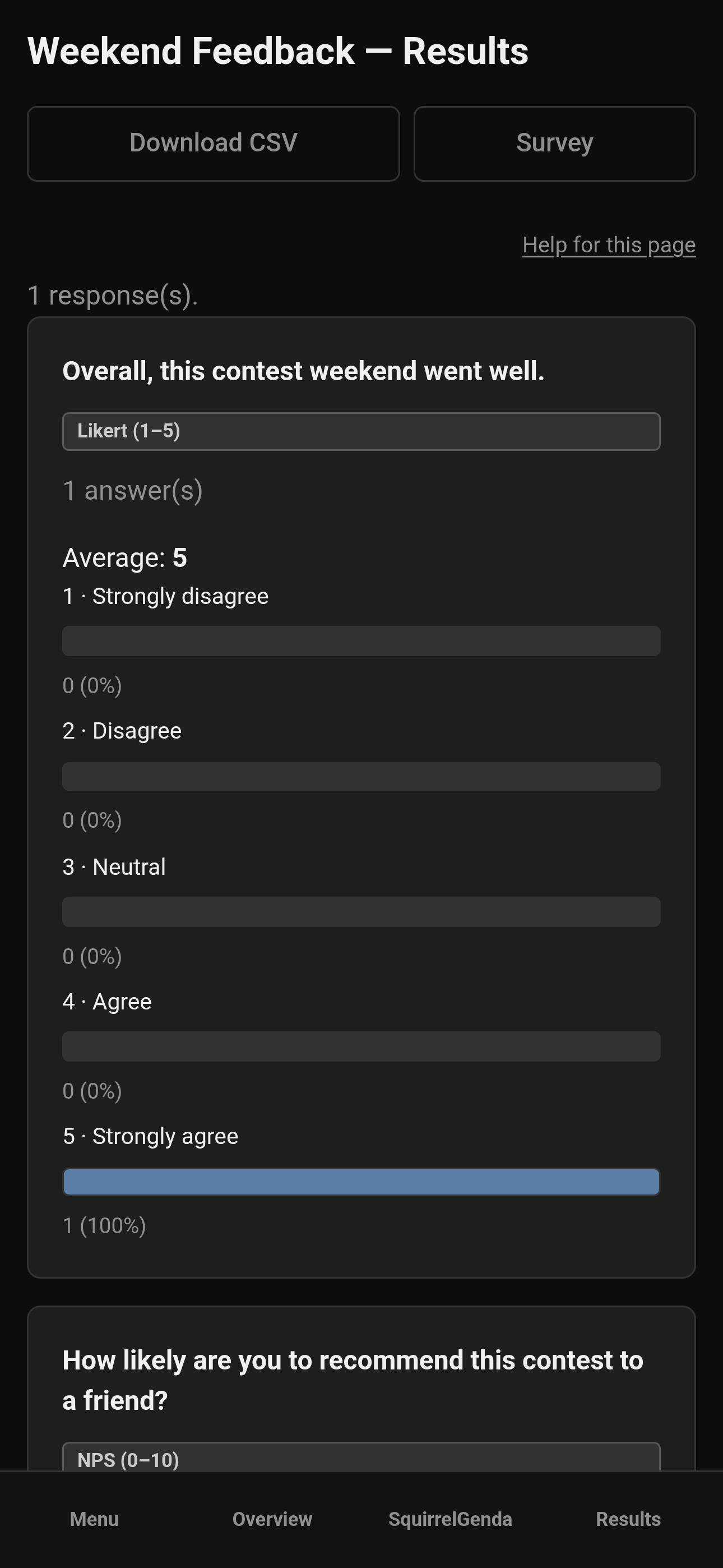
Mobile — Producer, survey results charts
¶ Backup and clone
Use Backup & Restore for survey questions, responses, and/or registration emails - together or separately. Clone does not copy surveys or registration emails (so last year's guest list does not follow you into this year).
¶ Tips
-
Write questions you can live with - freeze after the first answer is real.
-
Use invites when you care who responded; use public when you want a low-friction QR on a table.
-
Put the passphrase on a different slide from the QR if you want a soft "were you actually in the room?" gate.
-
Send a reminder once, not five times. People are at a contest.
-
Surveys still work after you mark the contest inactive.
¶ Common Mistakes
-
Clicking Add starter questions without the confirmation box (nothing is added until you confirm).
-
Expecting a public response to attach to the registration email list (it never does).
-
Clicking Send invites before Activate.
-
Forwarding a personal invite URL in a group chat (that link is one person's).
-
Assuming clone copied last year's email list or surveys - restore from backup or start fresh.
-
Leaving distribution on public only and wondering where Send invites went.
¶ Frequently Asked Questions
Do respondents need a SquirrelScore login?
No.
Can I edit questions after people have answered?
No. They freeze after the first response so the charts stay fair. Create a new survey if you need different questions.
Does this change scores or Results?
No. It is feedback only.
What if nobody is in the audiences I checked?
Send will tell you. Add emails or enroll people, then send again.
What are starter questions?
An optional pack of common weekend-feedback questions. Nothing is added unless you check Add starter questions and confirm. You can edit or delete them. They are not added if those titles are already on the survey.
Will a reminder spam people who already finished?
No. Reminders skip completed invites.
Why is mail slow?
The site sends one message per second and caps about 200 per day so the mailbox provider stays happy. Transactional mail (approvals, set-password) goes first.