¶ Purpose
Run the stage reveal flow from the tallymaster Results tools - pick a title / group, show placements (optional confetti), and don't flash the winner to the front row early.
¶ Before You Begin
-
Prefer all sections locked so reveal tools and standings are trustworthy
-
Coordinate with the host / producer on reveal order
-
Practice once offstage if you've never clicked it live
-
Close chat apps on the computer running the projector
¶ Step-by-Step Instructions
-
Open Results for the contest.
-
Open Emcee Reveal from the Results tools.
-
Select the title / group / sub-contest to reveal.
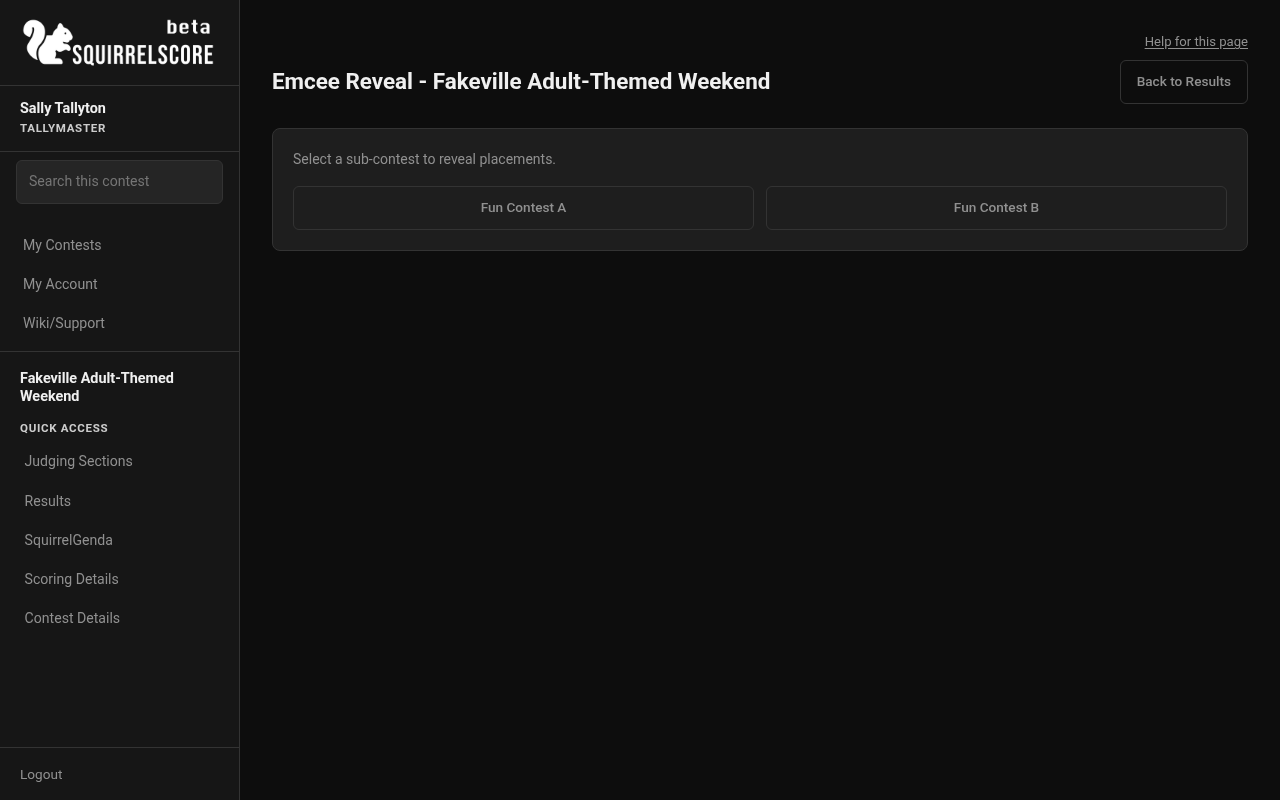
Desktop — Tallymaster, Emcee Reveal sub-contest picker
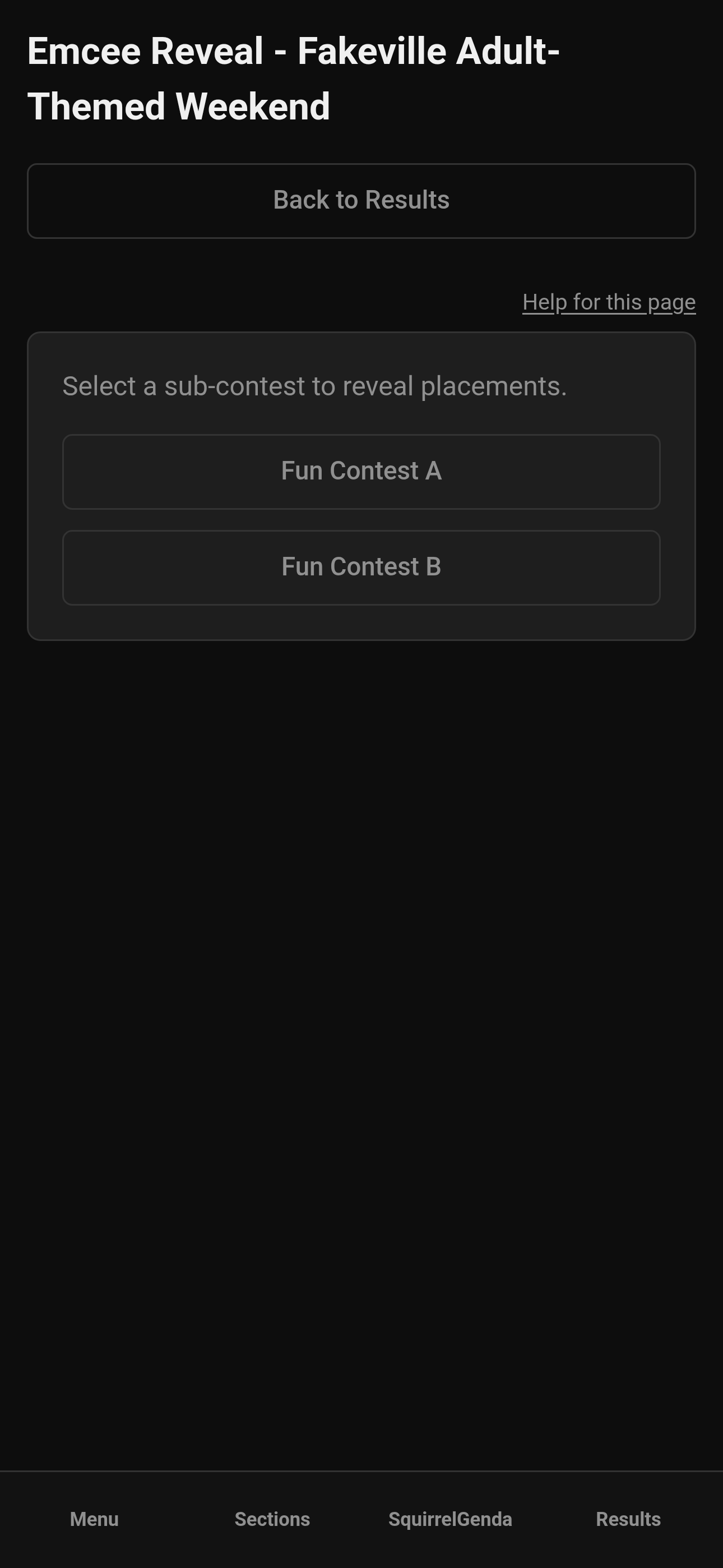
Mobile — Tallymaster, Emcee Reveal sub-contest picker
-
Advance through the reveal screens for runner-up and winner placements as your flow provides.
-
Keep the visuals on the reveal page - don't alt-tab into raw Results with full tables visible.
-
When finished, return to Results.
-
Export archives afterward if you still need PDFs/CSVs.
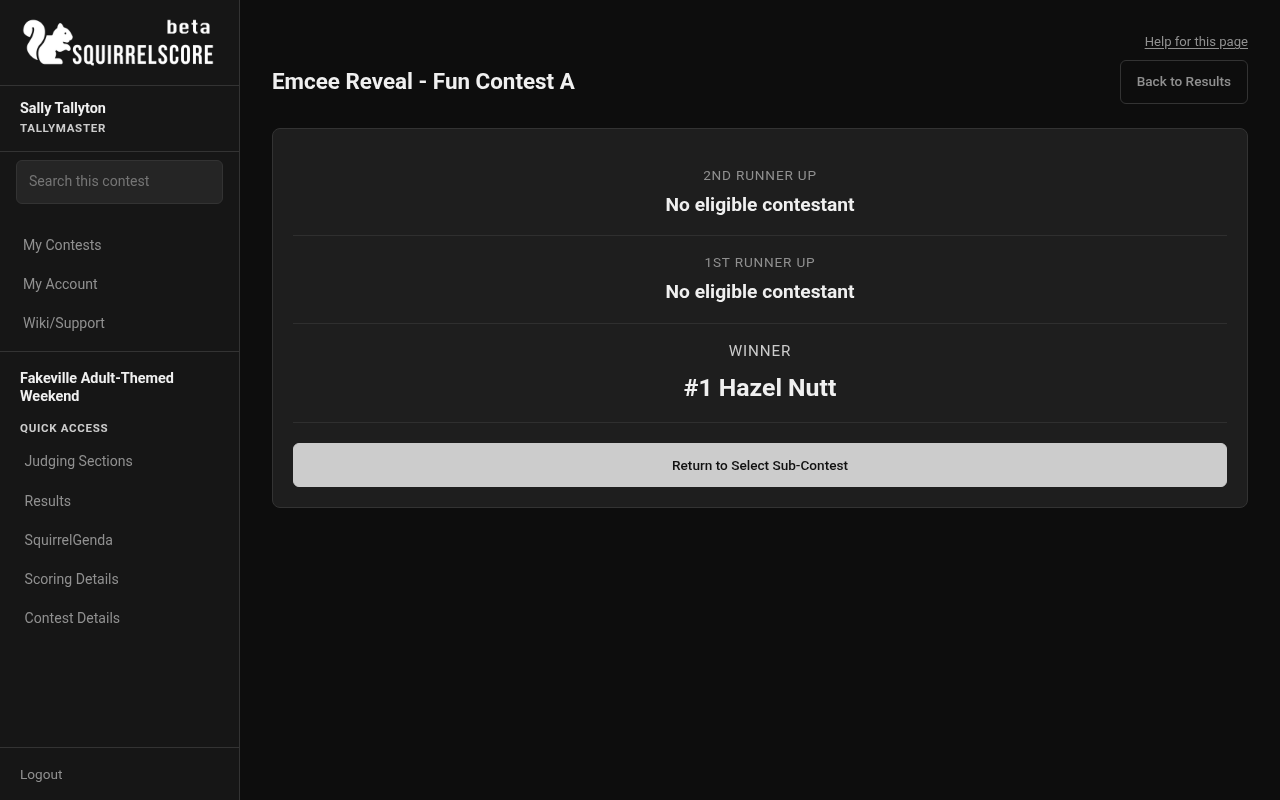
Desktop — Tallymaster, Emcee Reveal Fun Contest A (Hazel Nutt winner)
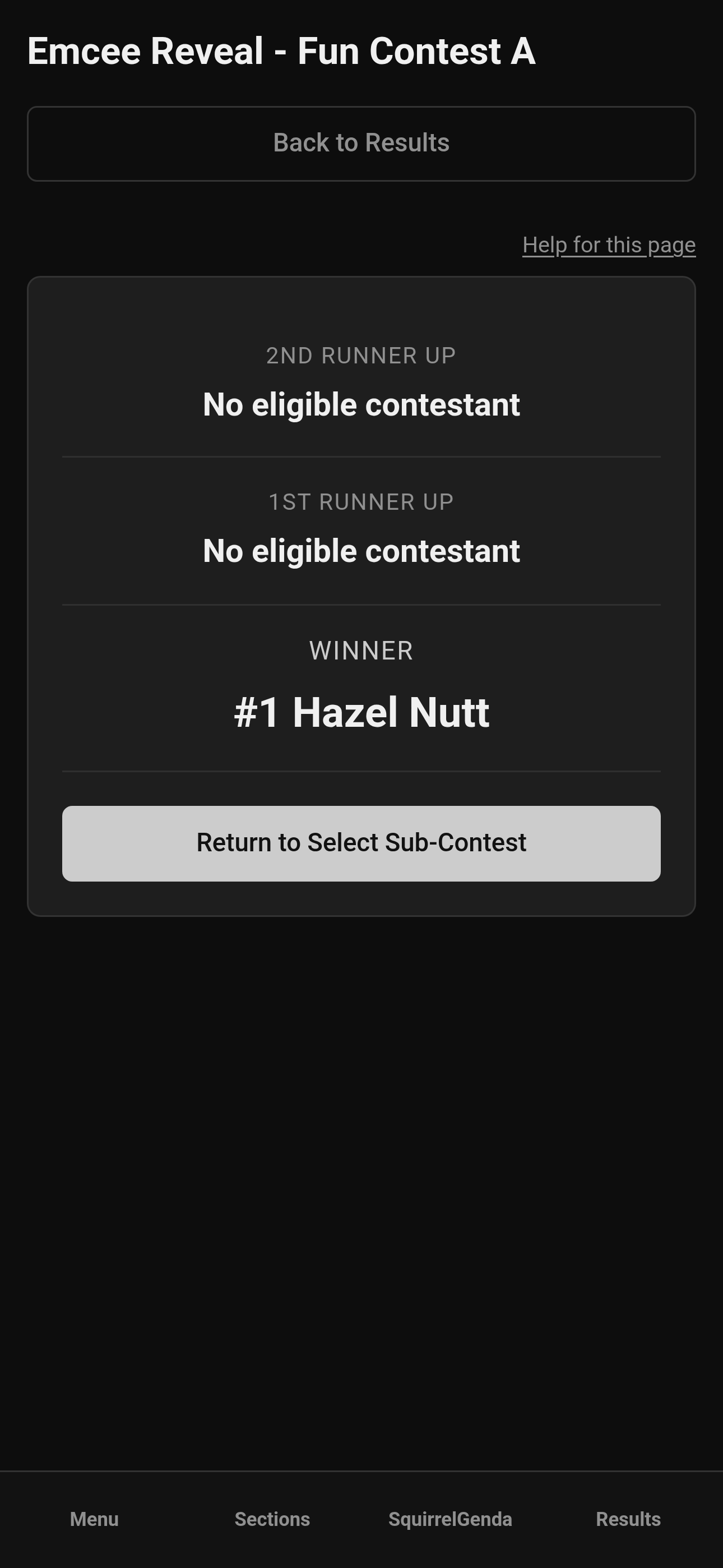
Mobile — Tallymaster, Emcee Reveal Fun Contest A
¶ Tips
-
Rehearse the cable and the click once so the AV tech isn't seeing placements for the first time live.
-
Match reveal title / group order to what the host's script actually says.
-
Make sure to lock, review, and confirm scores BEFORE any announcements.
¶ Common Mistakes
-
Opening Emcee Reveal on a laptop that's running the contest visuals - before it's announced
-
Revealing the wrong title / group because names are similar
-
Starting reveal before the last section is locked
¶ Frequently Asked Questions
Is this different from the producer Emcee Reveal?
Same idea, launched from tallymaster Results access. See also Producer Emcee Reveal.
Why don't I see Emcee Reveal?
Scored sections may still be unlocked, or your contest/role path doesn't show it yet. Lock scored sections and refresh Results.
Does reveal publish contestant My Results?
Not by itself. Contestants need the contest inactive, scored sections locked, and a producer Release Results click. Reveal is for the stage moment.