¶ Purpose
Freeze a whole section so judges cannot change scores - a key step before trusting Results, exports, and Emcee Reveal. Locking is "pens down": judges can't change scores after that.
¶ Before You Begin
-
Contest must be active to lock or unlock
-
Confirm judge progress in Monitoring judges
-
Agree with the producer that this section is ready
-
Finish tallymaster scoring / time entry for this section if it applies
¶ Step-by-Step Instructions
-
Open Judging Sections for the contest.
-
Open the section's contestant / progress list.
-
Confirm every expected score is collected (a score of 0 counts; a blank does not). You cannot lock until that is true.
-
Review any of the feedback / scores if needed (sometimes producers will ask to do this to ensure integrity / sportspersonlike conduct).
-
Click Lock for the whole section.
-
Confirm the UI shows the section as locked.
-
Tell judges the section is frozen so they stop trying to "just fix one thing."
-
Repeat for other sections as the contest progresses. On a multi-week contest, Judging Sections also has Lock week / Unlock week (every scoring section for that week) and Close scoring / Reopen scoring. Closing scoring stops new entries. Locking freezes the scores. Neither one eliminates anyone.
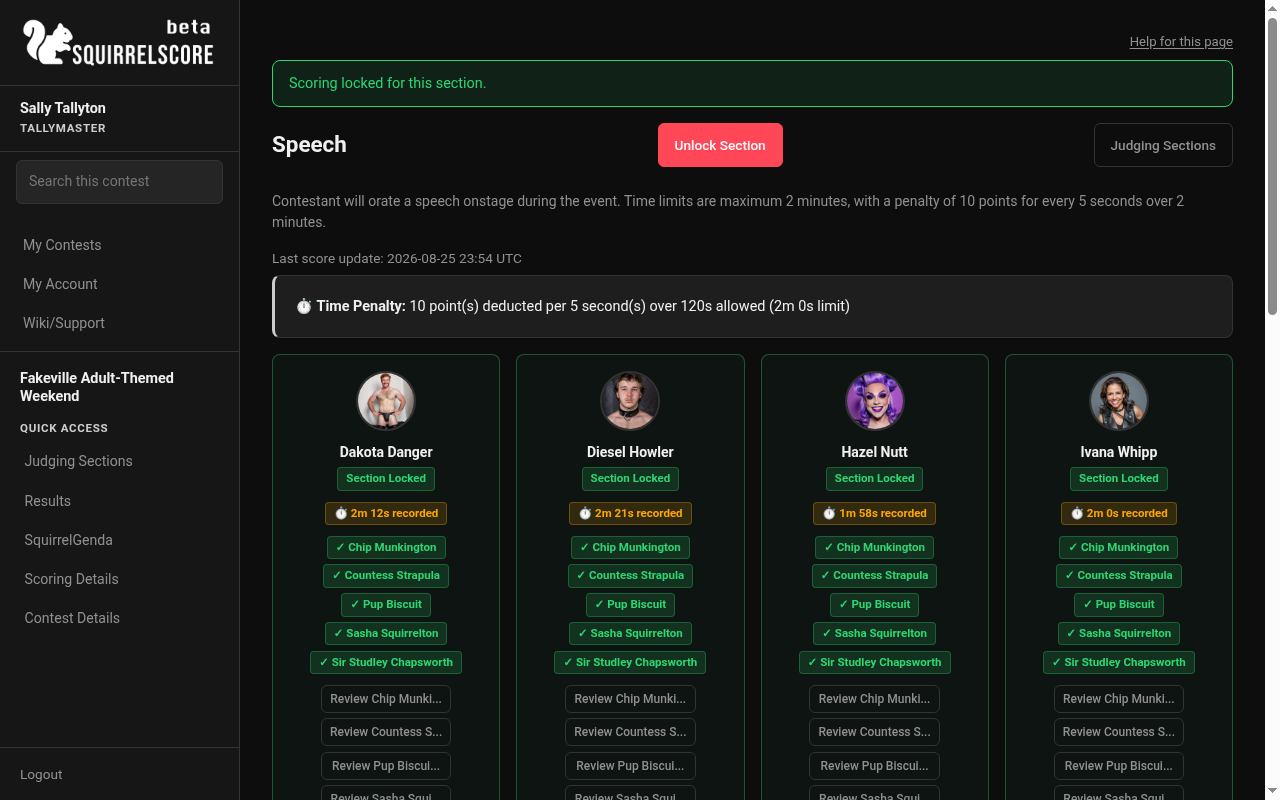
Desktop — Tallymaster, Speech, section locked
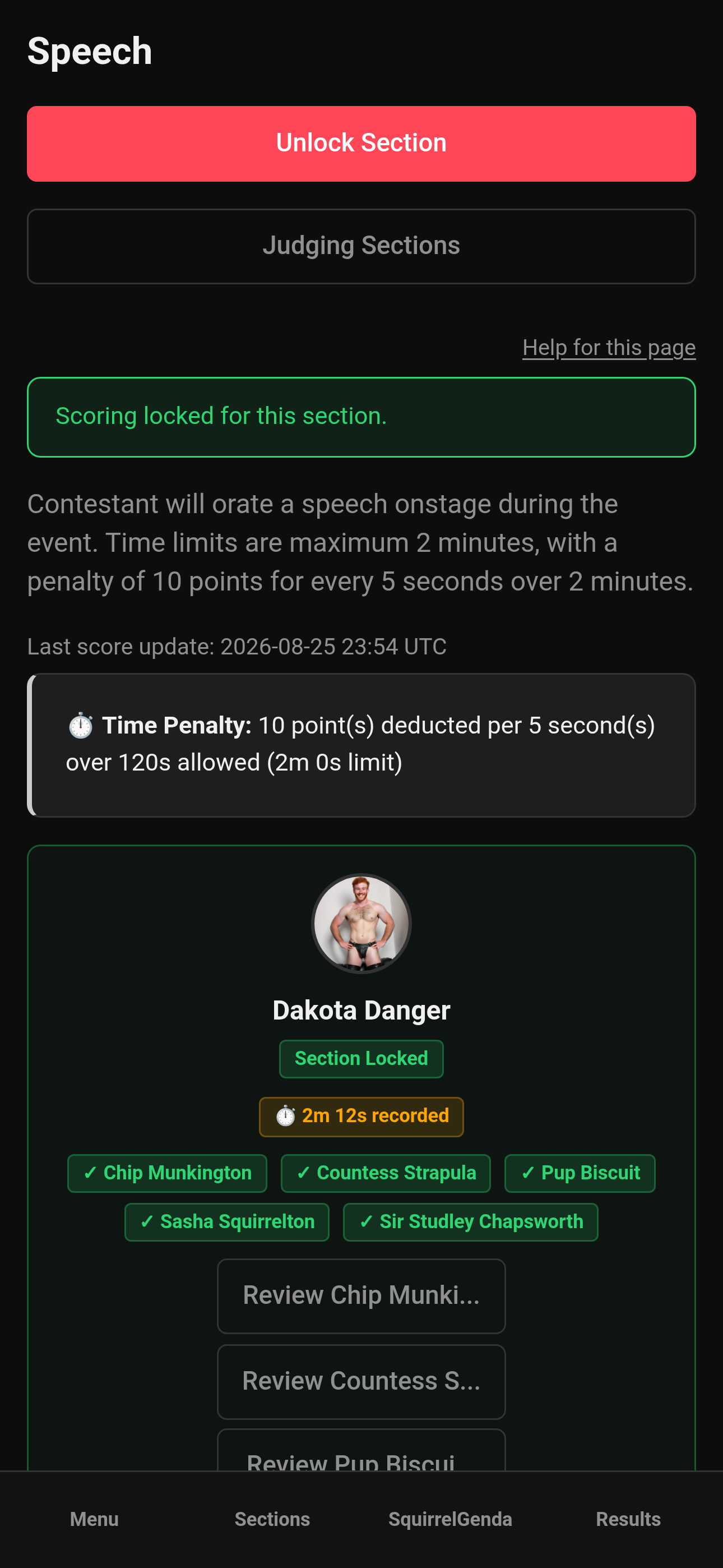
Mobile — Tallymaster, Speech, section locked
¶ Unlocking
-
Only unlock if a genuine correction is needed AND the producer approves.
-
Click Unlock while the contest is still active.
-
Have the judge (or you, for tallymaster sections) make the fix and Save.
-
Lock again promptly.
-
Re-check Results before anything is put in the emcee's hands.
¶ Why locks matter for results
-
Judges see locked sections as view-only
-
Many PDF/CSV/Emcee tools expect all sections locked (
sections.scoring_locked) -
Contestant My Results wait until all sections are locked, the contest is inactive, and a producer clicks Release Results. Unlocking a section or marking the contest active again withdraws that release.
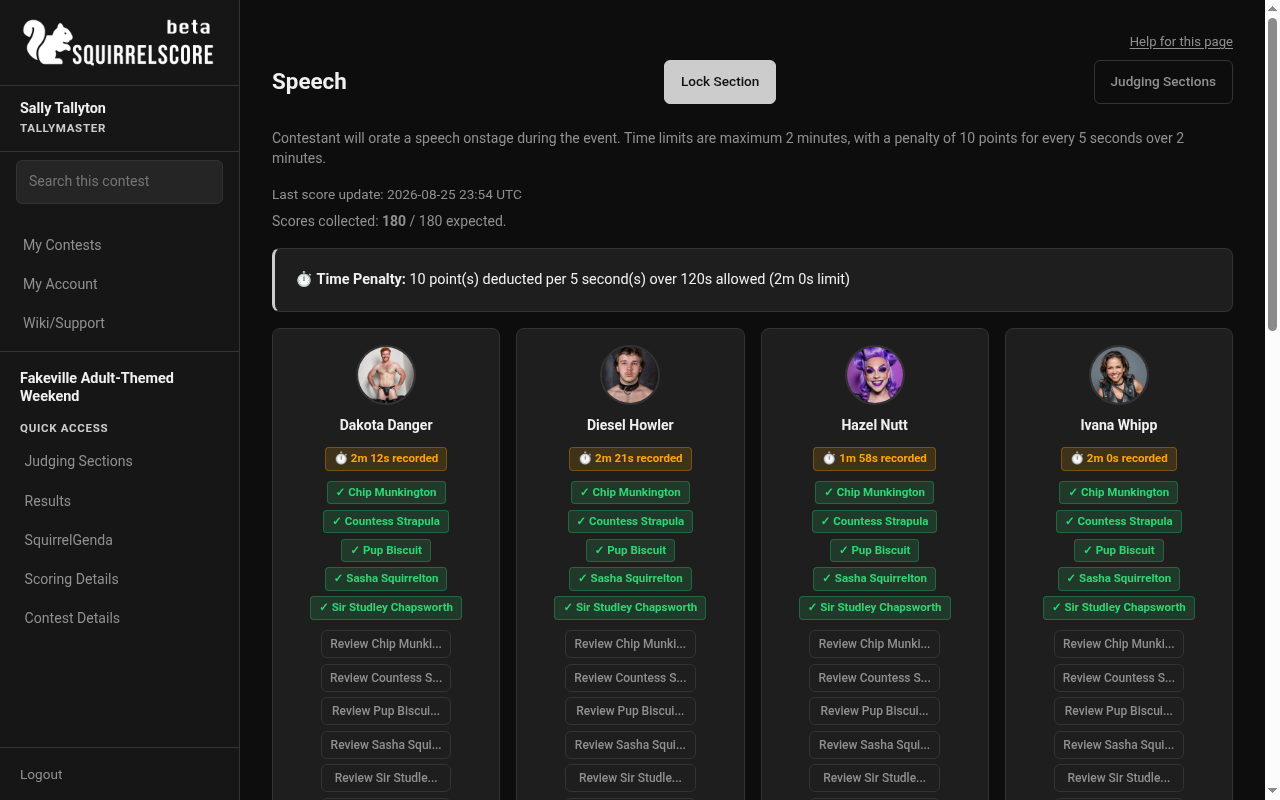
Desktop — Tallymaster, Speech, Lock Section (unlocked)
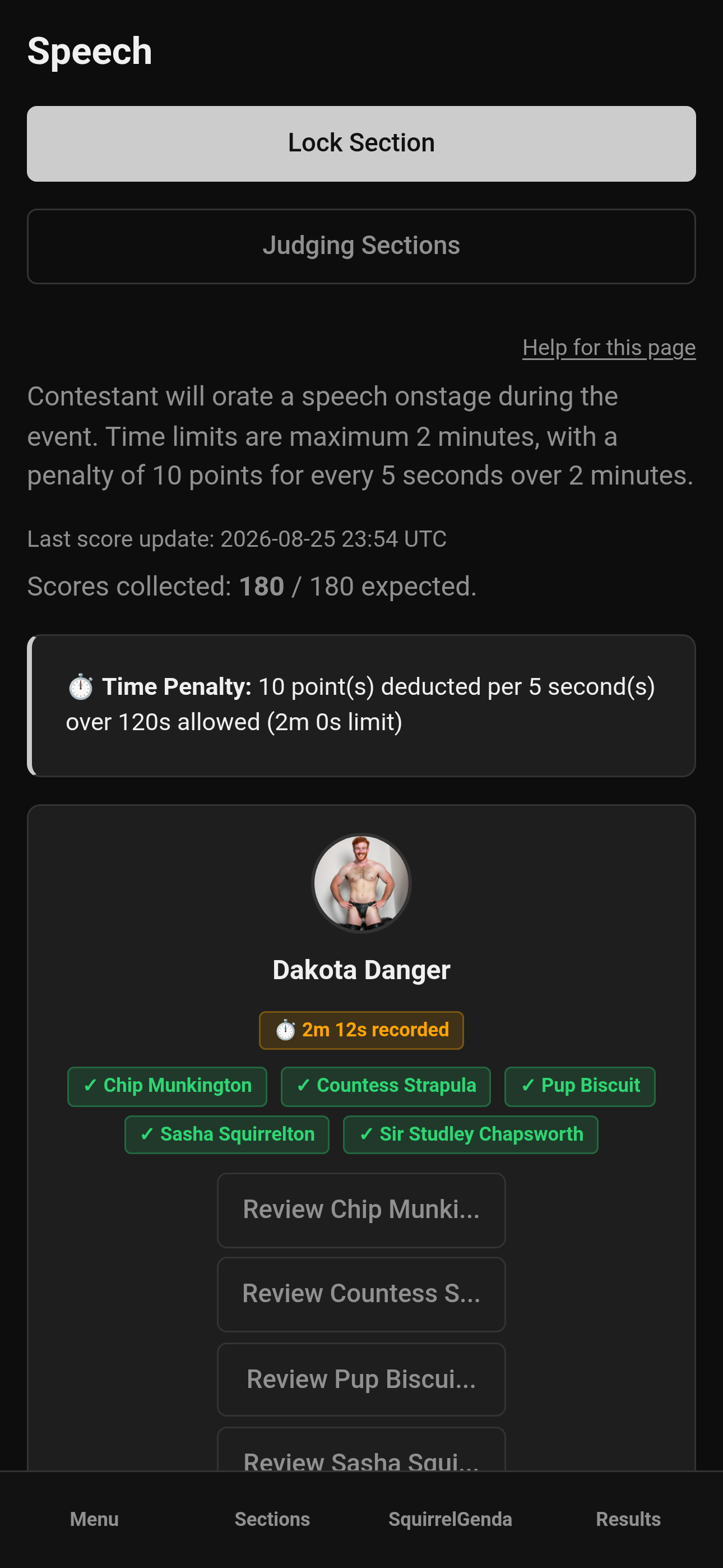
Mobile — Tallymaster, Speech, Lock Section (unlocked)
¶ Tips
-
Review and lock section-by-section as each part of the contest finishes - don't wait until every last detail is perfect if you're scoring live (people are waiting on these results).
-
Announce locks in the judge chat so nobody thinks the site "broke."
-
Keep a quick note of why you unlocked (typo, missed contestant) - even a text in a group chat is enough for the debrief.
¶ Common Mistakes
-
Locking the wrong section because titles are similar
-
Leaving one tallymaster section unlocked and wondering why exports look incomplete
-
Unlocking casually during Emcee Reveal for "fun" (DON'T DO THAT)
¶ Frequently Asked Questions
Can I lock just one contestant?
No - locking is for the whole section. On a multi-week contest you can also lock every scoring section for the week from Judging Sections.
Can I lock a whole week?
Yes. Pick the week on Judging Sections, then Lock week. Every expected score still has to be present first. Unlock week unlocks every scoring section for that week.
What if the contest is inactive?
Treat it as wrap-up/review. Lock/unlock and live scoring edits aren't for inactive free-for-alls - active contests are for live control.
Do locks delete scores?
No. They freeze editing.