¶ Purpose
Download PDFs and CSVs from Results - just like producers can - when you need packets for the binder, the archives, or someone asking for the sheet after hours.
¶ Before You Begin
-
Be on Results as tallymaster
-
Have all sections locked so exports and Emcee-related tools behave as expected
-
Allow downloads in your browser (Downloading files)
-
Know which file you actually need (full results vs one contestant)
¶ Step-by-Step Instructions
-
Open Results.
-
Confirm standings look correct (and adjustments are done if you're using them).
-
Click the PDF action for the packet you need.
-
Click Raw CSV if you want spreadsheet-friendly data. Click XLSX for a formula workbook (confirm the browser delay warning, then wait).
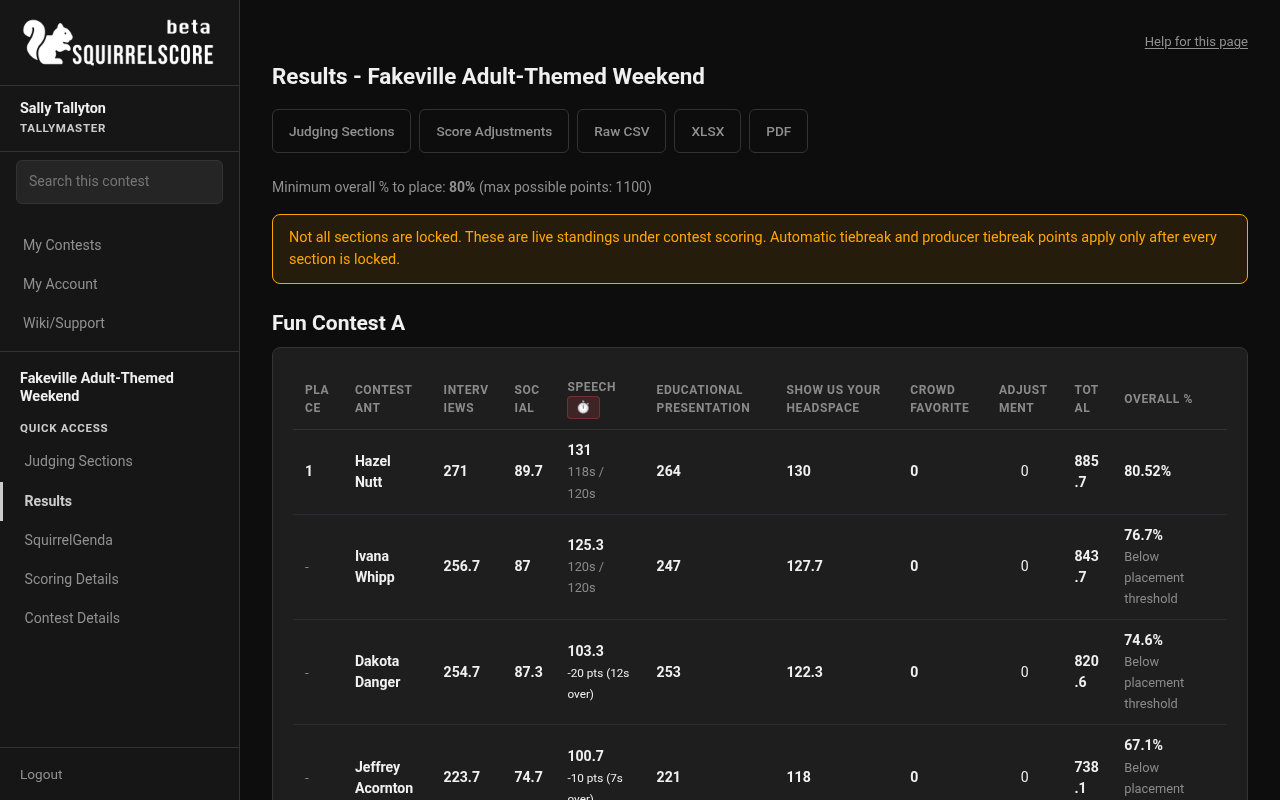
Desktop — Tallymaster, Results export actions (PDF / CSV / XLSX)
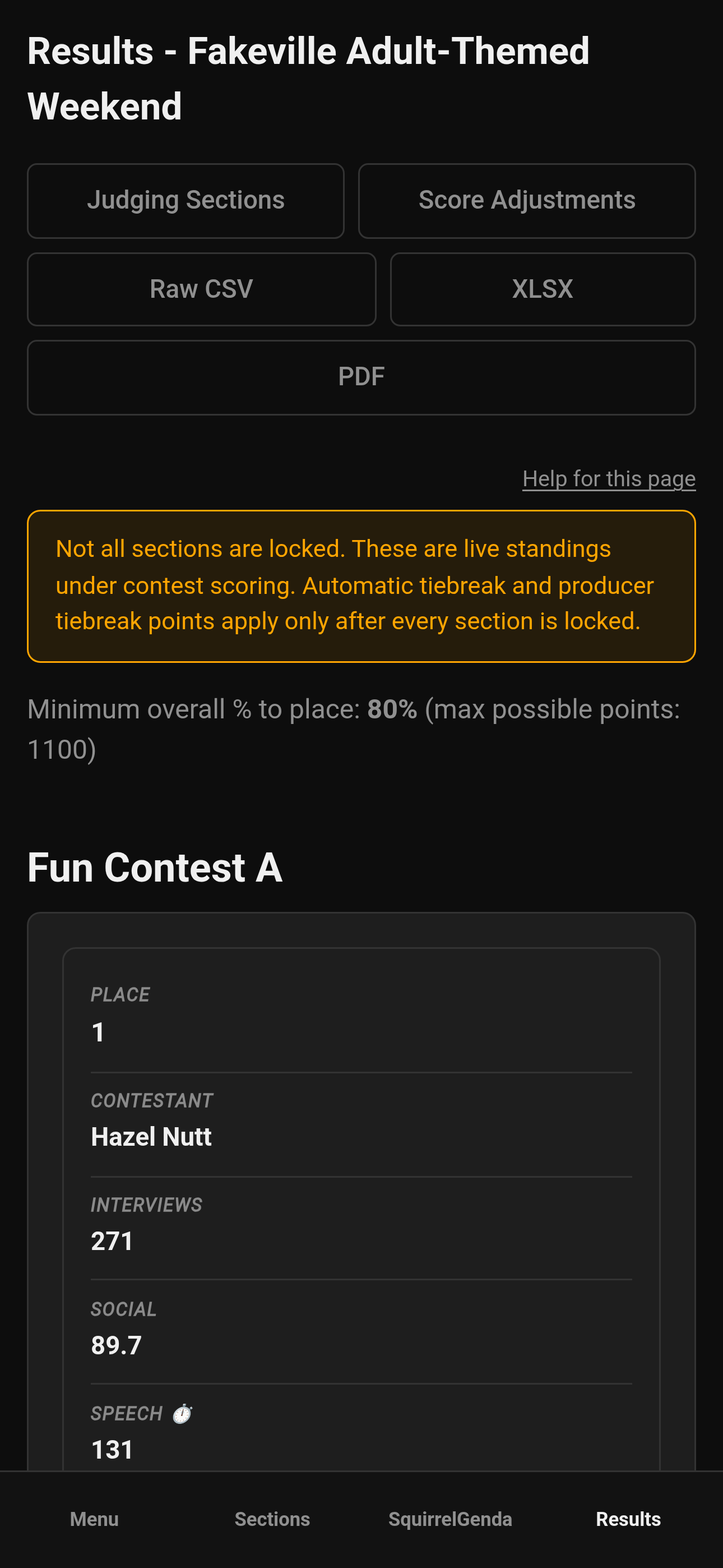
Mobile — Tallymaster, Results export actions
-
Use a contestant PDF action when you need one person's sheet.
-
Wait for each download to finish before starting the next.
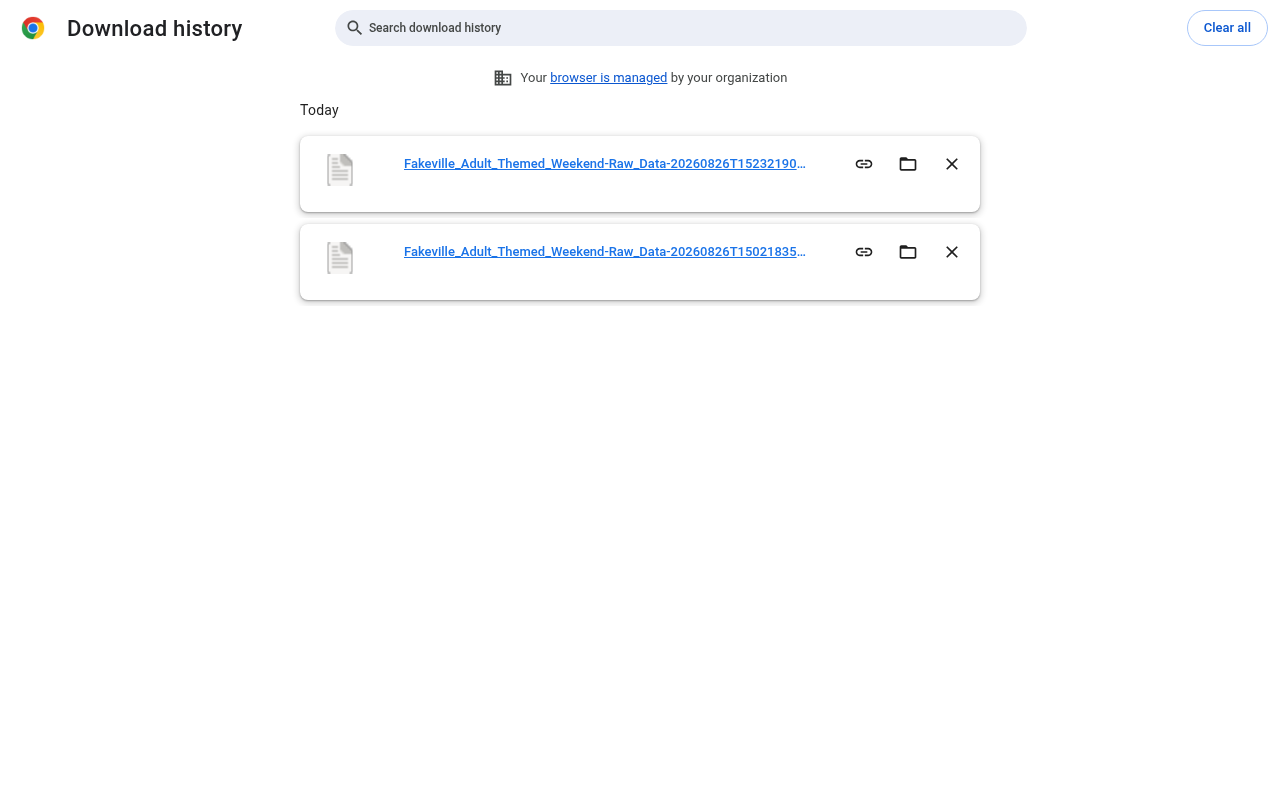
Desktop — Browser download finished (tallymaster Raw CSV)
-
Open the file and spot-check the first page before you print.
-
Store a copy in your contest archive folder.
Downloads are named {Contest_Name}-{Download_Title}.pdf (or .csv), with a contestant name on per-person PDFs. Spaces and hyphens inside those names become underscores. CSV files also append a UTC timestamp so a second click is a new file. See Downloading files.
¶ What you can download
| Export | Typical use |
|---|---|
| Results PDF | Production binder / archive (Contest_Name-Scores.pdf) |
| Raw CSV | Spreadsheet review or external archive (Contest_Name-Raw_Data-20260822T232215Z.csv; timestamp is download time so you get a new file each click). Audience subsection averages are not in this file. |
| XLSX | Summary first (sub-contest + official Place, no spreadsheet rank column), then one raw sheet per contestant in sub-contest/place order, with Excel formulas (Contest_Name-Judge_Data-…xlsx). Confirm the browser wait warning first. Audience averages are on contestant sheets. |
| Contestant PDF | Individual sheets when offered (Contest_Name-Individual_Results-Contestant_Name.pdf) |
| Emcee Reveal | Stage tool (not a file, but lives with Results tools) |
Availability often depends on locks and contest configuration. Missing button? Check Locking sections first.
Alternate judges on CSV: the raw CSV lists a column for every Judge and every Alternate Judge. Alternate columns are clearly labeled "not counted" (e.g. Alternate Judge #2 (not counted)) since those scores don't count toward totals - except as the final Automatic Tiebreak step. See Producer results for the full policy.
¶ Tips
-
Keep the browser's auto-named file (
Contest_Name-Scores.pdf/Contest_Name-Raw_Data-…Z.csv) or rename when you archive. -
Export once after final lock for the "official" archive.
-
On shared contest laptops, download to a known folder - not a random folder on someone's Desktop.
¶ Common Mistakes
-
Printing an export from before the last scores are collected and verified
-
Blocking pop-ups and assuming exports are broken
-
Emailing a screenshot of a CSV instead of the file
¶ Frequently Asked Questions
Can volunteers download these?
No - exports are for roles with Results access (tallymaster/producer).
PDF is blank or partial.
Confirm locks, wait for generation, try another browser, and verify you're on the right contest.
Where's the general download help?
Downloading files.
Downloaded again and it still looks old.
Open the newest timestamped CSV from the browser download list, not an earlier file that Excel or Sheets still has open.
Where is the judge Profile PDF?
That's a producer-only packet on Manage (Judges card), not Results. See Producer exports.