¶ Purpose
Run a contest that happens over more than one night, episode, or scoring period. Each week uses the same categories. Judges can change by week. The tallymaster still reviews scores the usual way.
Standard contests stay as they are. Multi-week is optional. Weekly eliminations are a separate option and stay off until you turn them on. After that, each week chooses whether that week actually cuts people.
¶ Before You Begin
-
Create or edit the contest and set Contest format to Multi-week contest.
-
Leave Enable weekly eliminations off unless this contest actually cuts people between weeks. If you turn it on, you still choose per week whether that week has a cut.
-
Build sections and subsections the same way you would for a one-night contest. Those categories are scored every week.
-
Enroll contestants and judges on the contest first. Assigning a judge to the contest does not automatically assign them to every week.
-
Add a tallymaster. They review each week separately. They do not confirm eliminations.
¶ How a week actually runs
The split of jobs is on purpose:
-
Judges enter scores.
-
Tallymasters review and lock that week's scores. They can lock one section or the whole week, and they can close scoring.
-
You confirm who is cut or who advances, and only on weeks that have cuts turned on. Suggestions are a highlight. Nothing is pre-checked, and nothing is cut automatically.
Locking a week does not eliminate anyone. If the contest-level switch is off, or this week's Eliminate contestants after this week box is off, the week is done after tally lock and everyone stays eligible.
¶ Step-by-Step Instructions
- Open Manage, then Weeks (also in the sidebar on a multi-week contest).
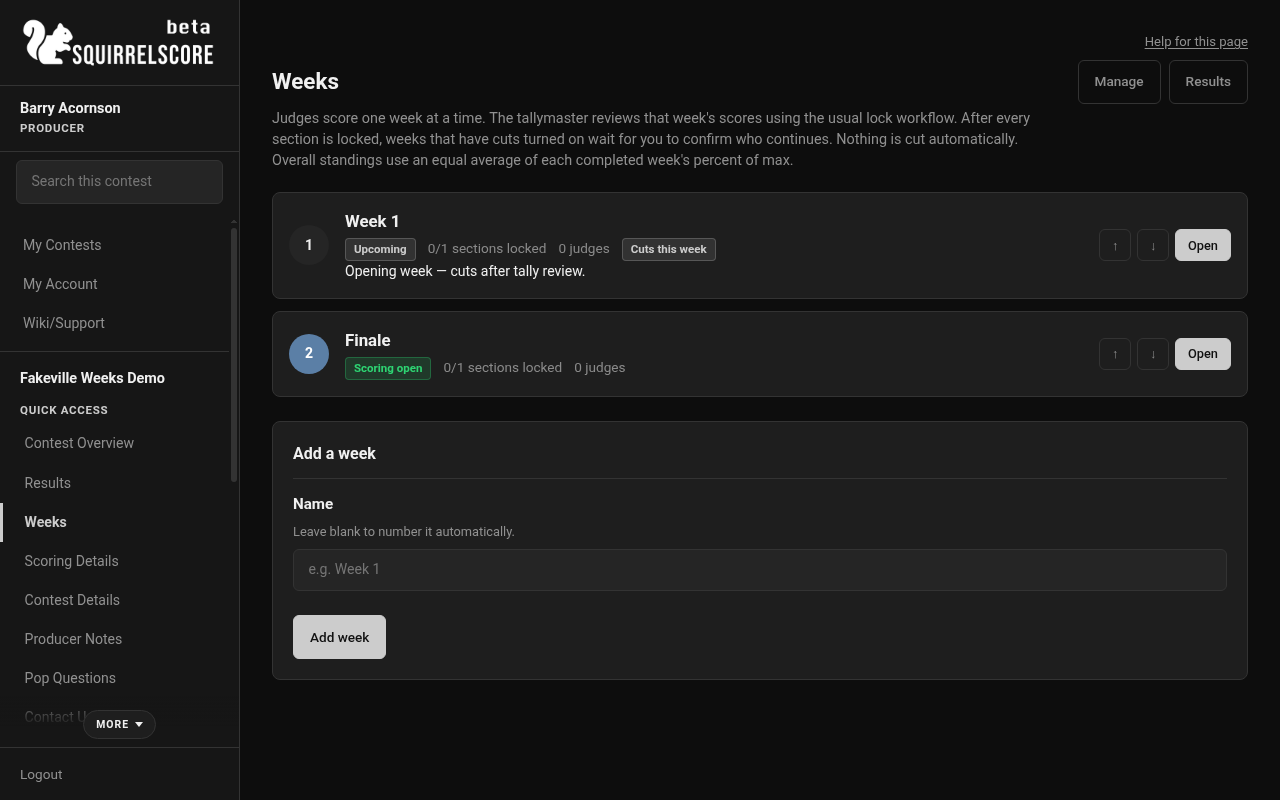
Desktop — Producer, Weeks hub
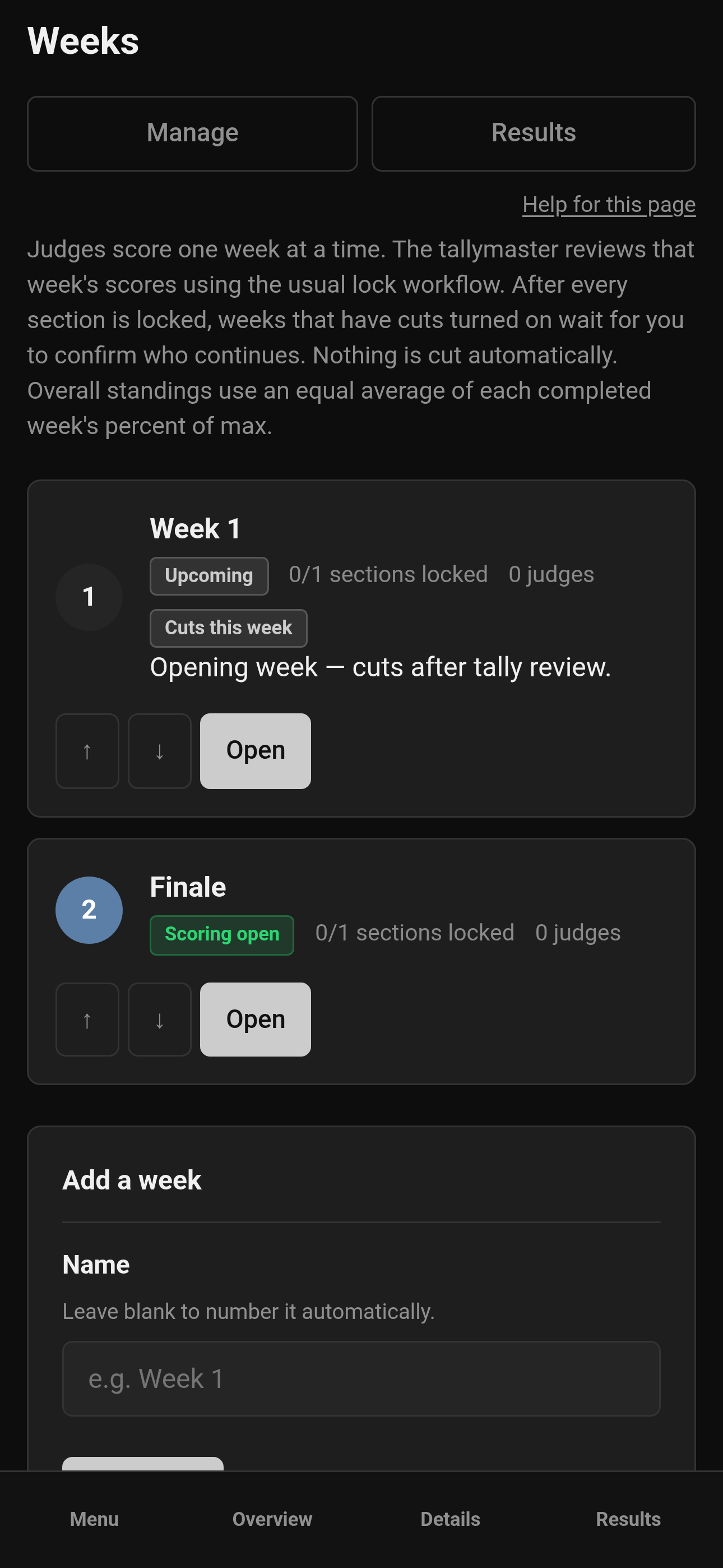
Mobile — Producer, Weeks hub
-
Add Week 1, then later weeks. Names can be "Week 1", "Semifinals", "Finale" — whatever the room will understand.
-
Open a week to set dates, scoring window, and overall weight (if you chose weighted overall scoring). If weekly eliminations are on for the contest, check Eliminate contestants after this week only for weeks that actually cut people. You can add an optional numbered suggestion. Choose Standings and tiebreakers: This week or Overall.
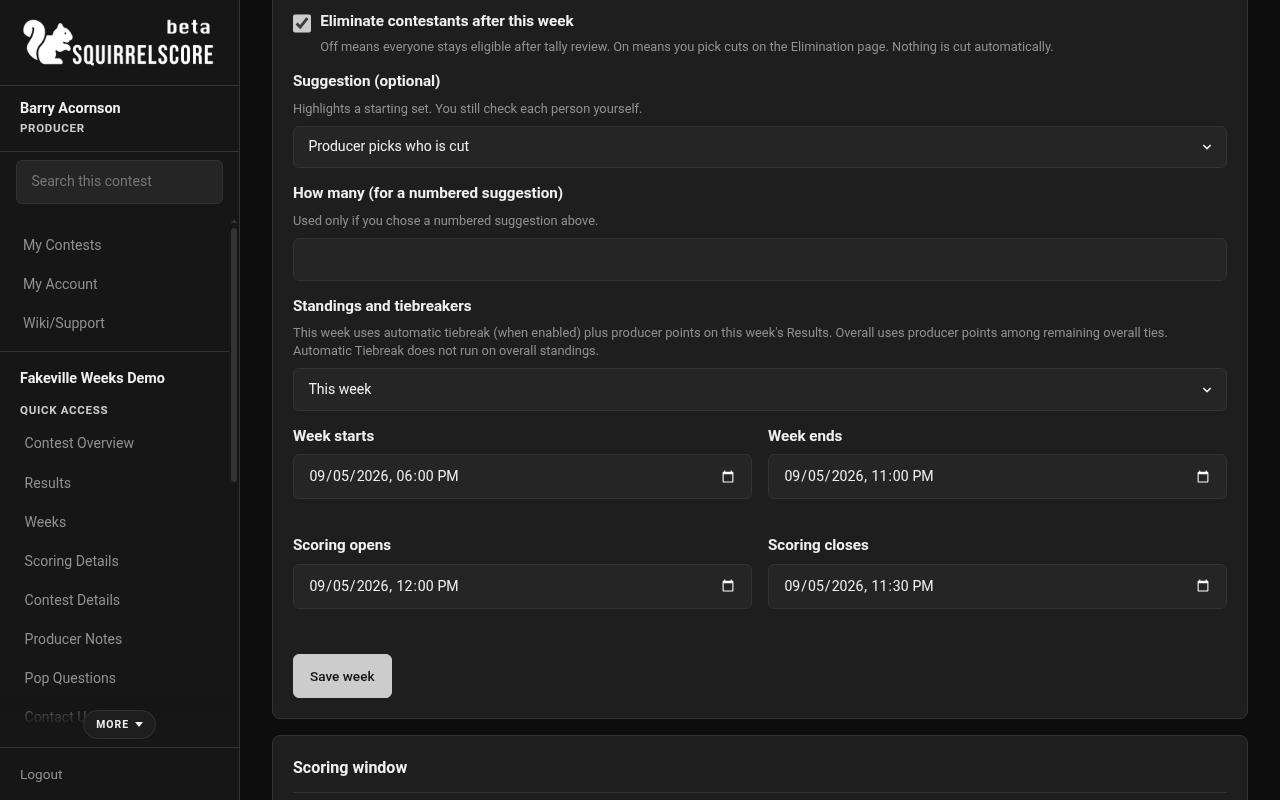
Desktop — Producer, Week settings
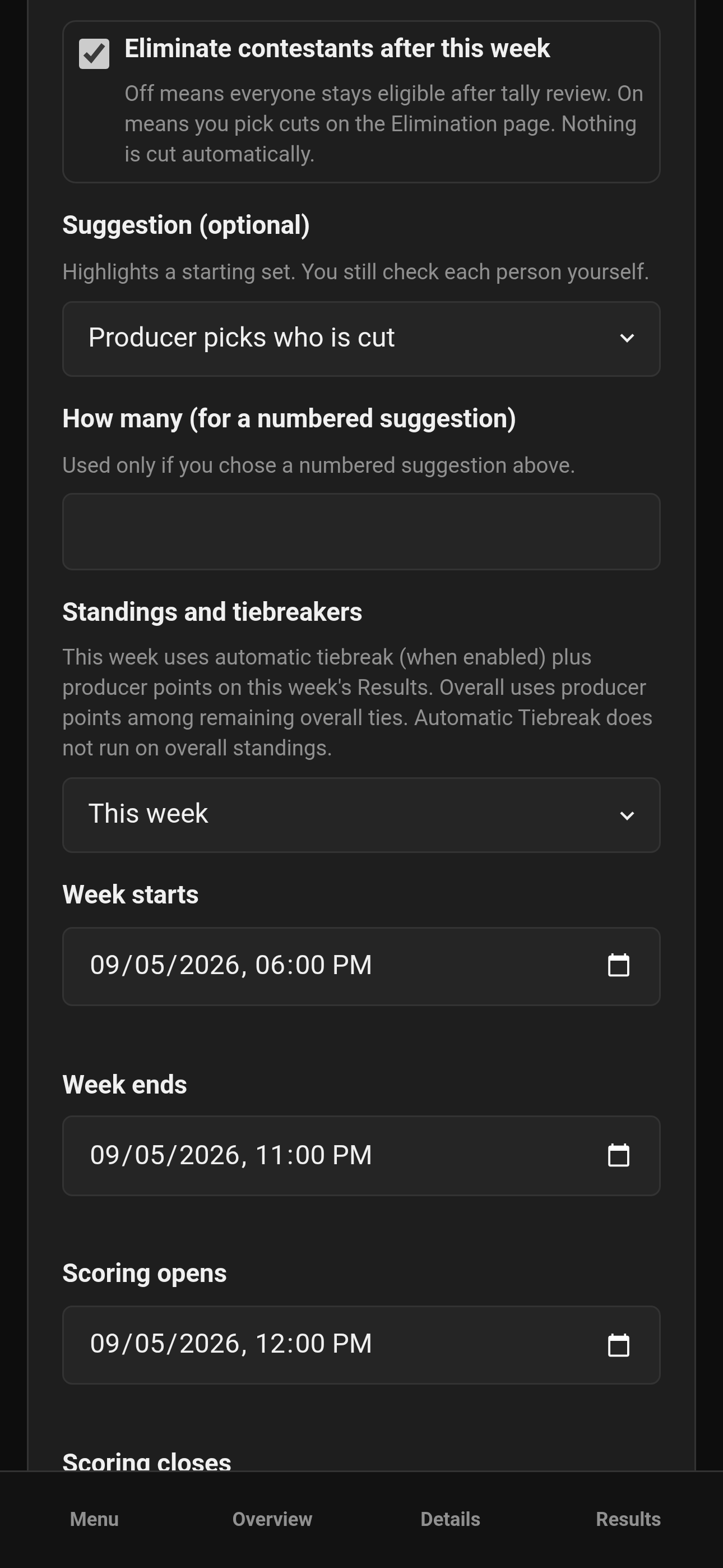
Mobile — Producer, Week settings
- Check the judges who score this week. Unchecked judges will not see it.
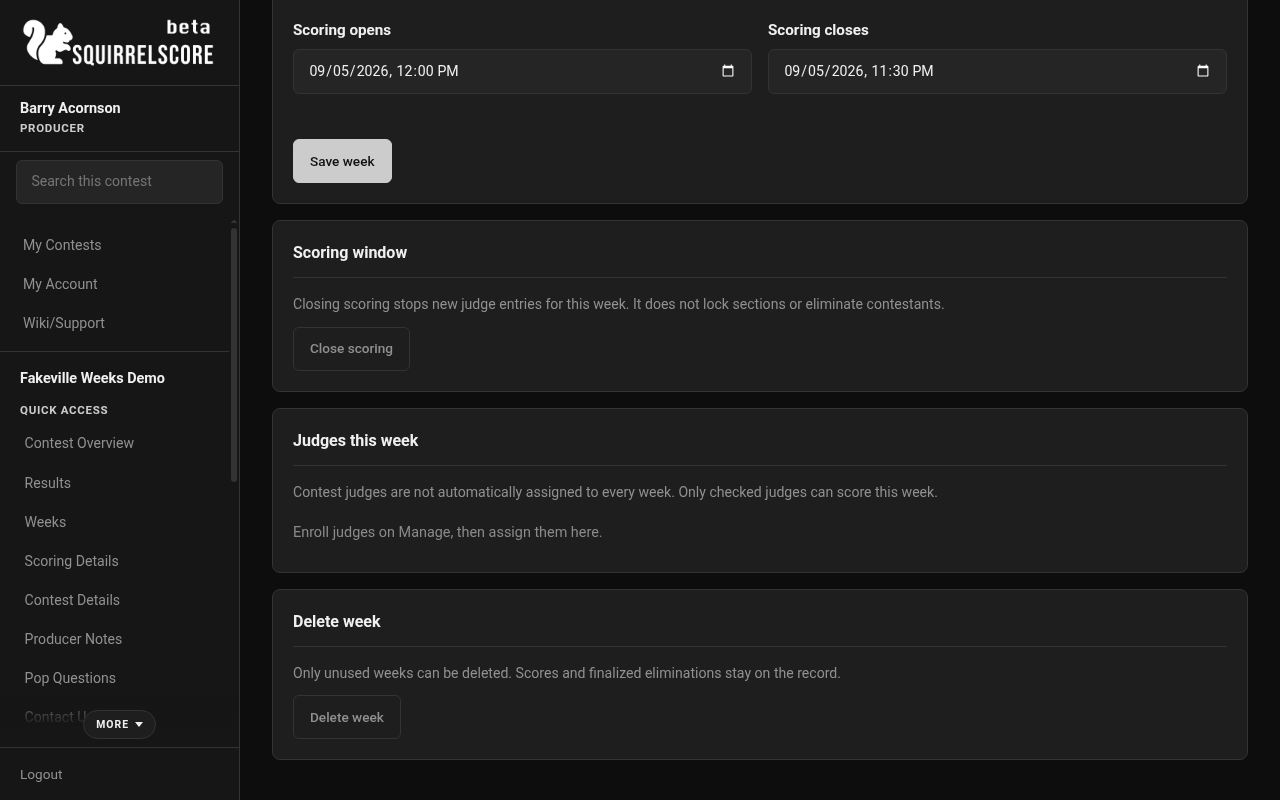
Desktop — Producer, Judges this week
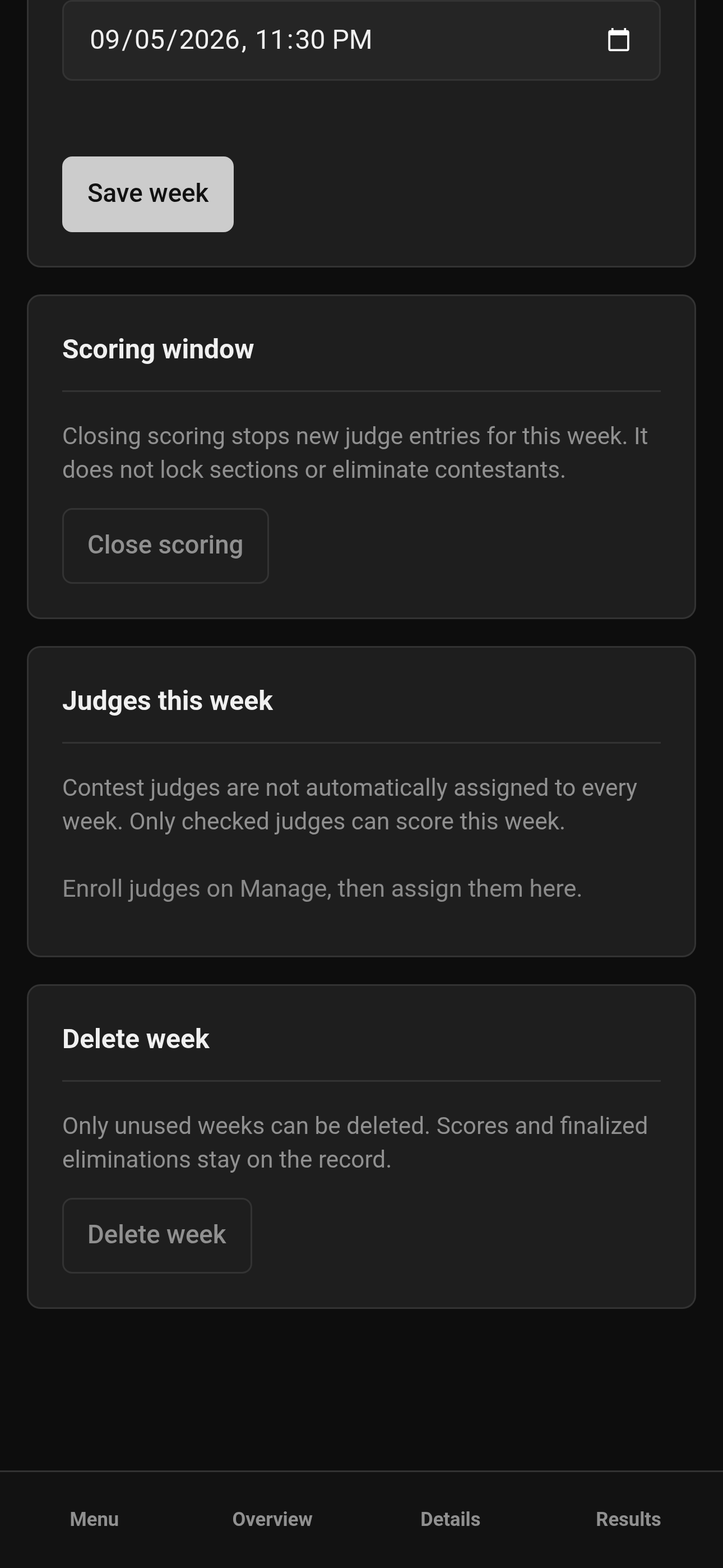
Mobile — Producer, Judges this week
-
Open scoring when that week is ready. Close it when judging should stop. You or the tallymaster can close scoring. Closing scoring is not a lock and is not an elimination.
-
The tallymaster reviews that week on Judging Sections (pick the week at the top). They can lock one section at a time or Lock week once every expected score is in. Locks are for that week only.
-
When every scoring section is locked, weekly standings are ready. If this week does not cut people, you are done with that week.
-
If this week has cuts turned on, open Elimination.
-
Check each contestant you want to cut, then confirm. A numbered suggestion only highlights names — it does not check boxes or cut anyone. Ranked standings follow the This week or Overall choice you set. Ties on the cut line are marked and are not chosen by row order. Withdrawn and disqualified contestants stay visible but are not cut from this page. Leave everyone unchecked if nobody is cut this week.
-
Confirmed cuts stay in historical standings through that week. Judges do not score them in later weeks. Earlier weeks are unchanged.
¶ Overall scoring
Each completed week's contribution is that week's percent of max, not a raw point dump. That keeps a week with three judges comparable to a week with five.
-
Equal weekly contribution averages those percents.
-
Weighted weeks uses the weight you set on each week.
Producer score adjustments, when enabled, apply to overall standings, not to an individual week's sheet.
¶ Standings and tiebreakers for a cut
On a week that has cuts turned on, Standings and tiebreakers chooses which ranking the Elimination page uses, and which remaining-tie tool applies:
-
This week — weekly Results after that week is locked. Automatic Tiebreak (when enabled) plus producer points stored for that week only. Those week points do not move another week's order or overall standings.
-
Overall — cumulative percent-of-max among completed weeks. Automatic Tiebreak does not run on overall standings. Remaining overall ties use contest-level producer points. You can enter those once at least one week is fully locked.
¶ Contestant status
Eliminated, withdrawn, and disqualified are different on purpose.
-
Eliminated is a contest progression cut, confirmed on the week Elimination page, and only available when Enable weekly eliminations is on and that week has Eliminate contestants after this week checked.
-
Withdrawn is a voluntary stop. Set it from Manage, and pick As of week.
-
Disqualified is an administrative removal. Same form, same week picker.
As of week is when the status starts. If you mark someone withdrawn as of week 3, weeks 1 and 2 still expect their scores. Week 3 and later do not. They stay on standings through the week you picked, then drop off.
Do not use Manage to eliminate people. That page will refuse it.
¶ Common Mistakes
-
Expecting contest judges to appear on every week without assigning them.
-
Assuming multi-week always includes eliminations. It does not; you have to turn that on, then choose which weeks cut people.
-
Expecting a numbered suggestion to cut people for you. You still check each name.
-
Treating tally lock as an automatic cut.
-
Changing contest format after scores already exist (the app blocks that).
-
Turning weekly eliminations off after a cut has already been confirmed (the app blocks that).
-
Reversing an elimination after a later week already has scores.
-
Marking someone withdrawn as of a later week and wondering why they still show up for earlier weeks. That is the as-of week working.