¶ Purpose
Submit a public volunteer application so the producer can review you, assign a position, and get everything sorted.
¶ Before You Begin
-
Get the volunteer apply link from your producer
-
Have the passphrase if they require one
-
Know which positions you can realistically work
-
Have a photo ready if the form asks (a user photo, so they can match a face to the name)
¶ Step-by-Step Instructions
-
Open the volunteer apply link from your producer.
-
If the form is locked, enter the passphrase and unlock it.
-
Complete Turnstile / robot check if shown.
-
Fill in your name and required answers.
-
Choose a position if the form offers choices.
-
Upload a photo if requested - use the cropper to center your face.
-
Review everything once (especially typos in contact info).
-
Submit.
-
Wait for on-screen confirmation.
-
Watch email for approval / login instructions.
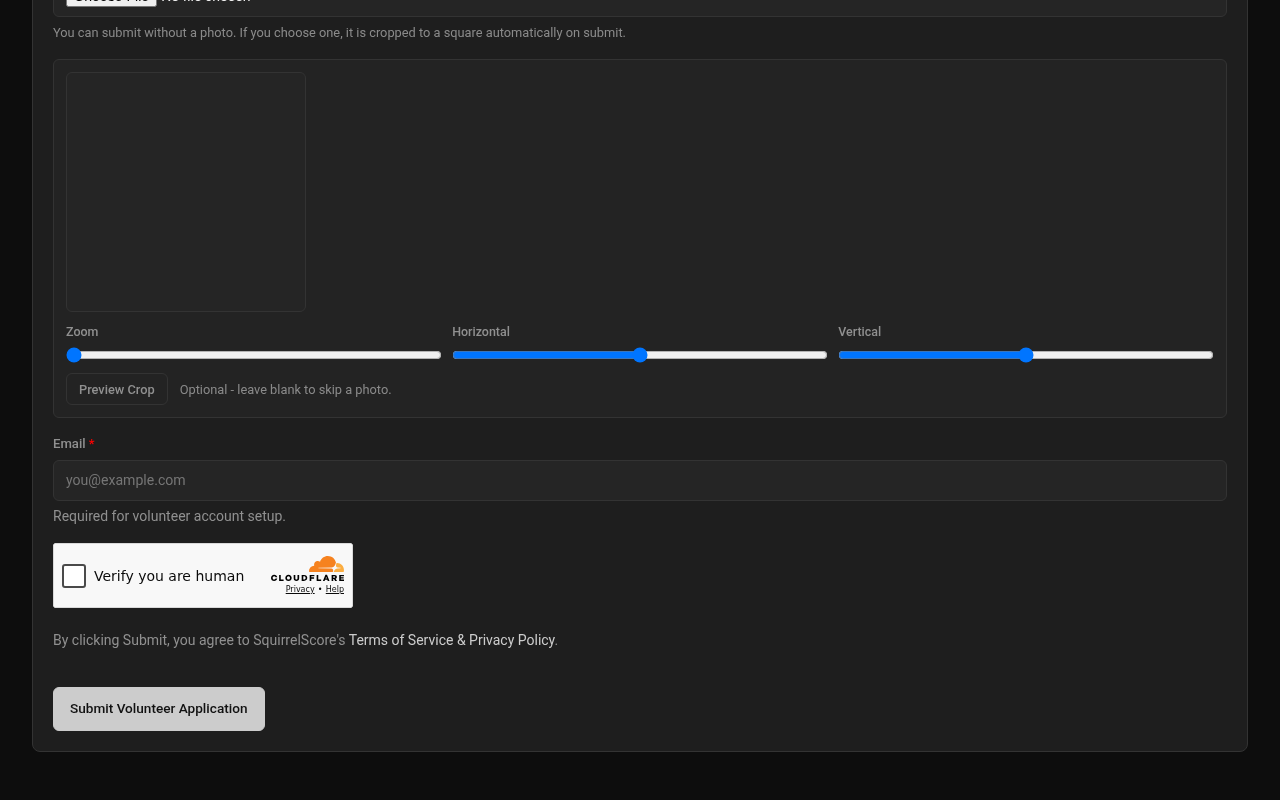
Desktop — Public volunteer application (Turnstile)
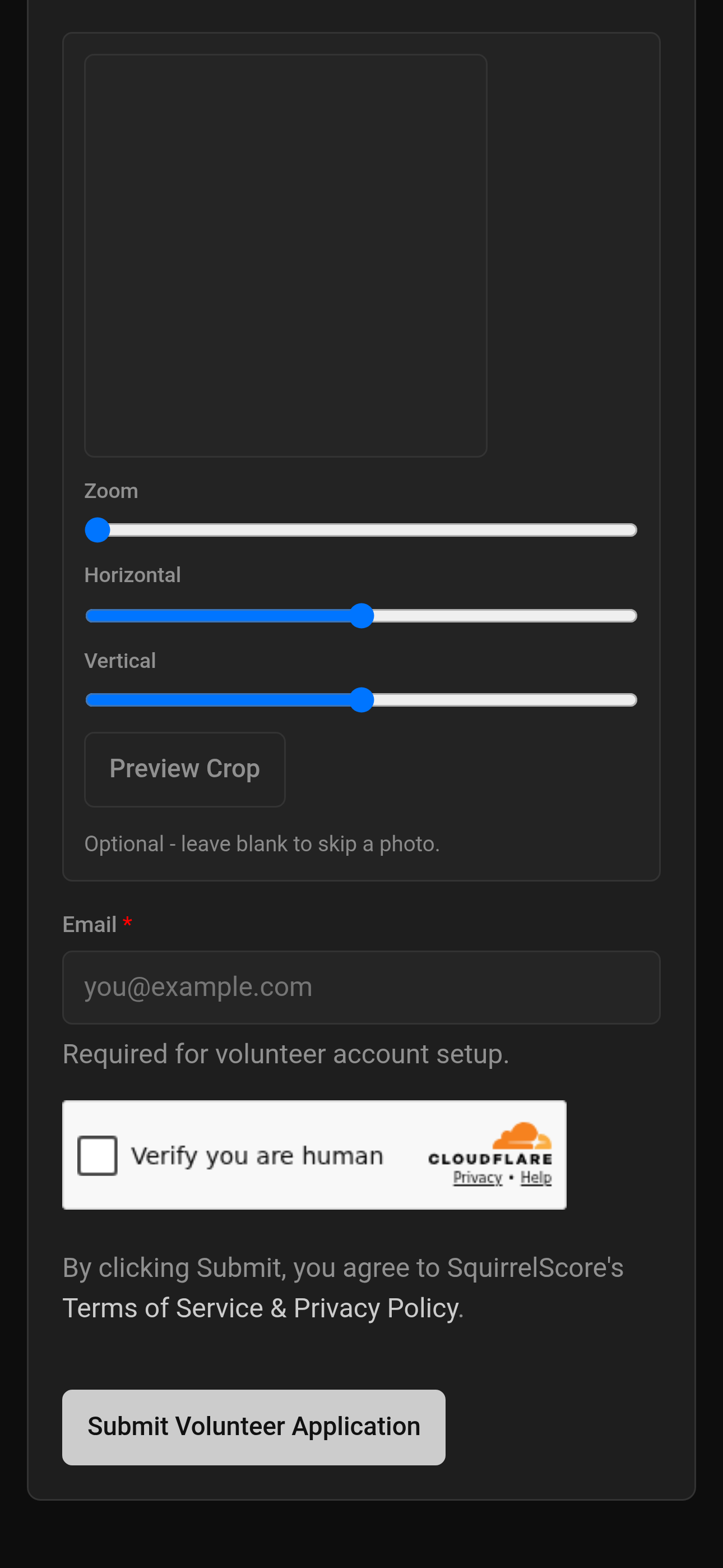
Mobile — Public volunteer application (Turnstile)
¶ After you apply
| Stage | What happens |
|---|---|
| Submitted | Producer reviews the volunteer queue |
| Approved | You may get login / set-password email and a position |
| Logged in | Use Your contests & prep |
¶ Tips
-
Apply from a device that can receive the confirmation email.
-
Pick positions you can actually staff.
-
See also the public-form twin: Volunteer application form.
¶ Common Mistakes
-
Using the contestant apply link by accident
-
Skipping the photo crop and submitting a thumb-blur
-
Submitting twice because confirmation was slow
¶ Frequently Asked Questions
The form says unavailable.
You'll typically see Form is not currently enabled. Contest may be inactive, or the producer hasn't enabled the volunteer form. Ask them.
Can I edit after submit?
Usually you wait for the producer. Ask them to update your record if something's incorrect.
No passphrase was in the post.
Ask the producer - don't guess repeatedly; the site may block you.