¶ Purpose
Apply for a volunteer position from a shared public link - no login required up front - when the contest is active and the volunteer form is enabled.
¶ Before You Begin
-
Volunteer apply link from the producer
-
Passphrase if required
-
Idea of which positions you can work
-
Photo ready if the form asks for one (so they can match a face to the name)
¶ Step-by-Step Instructions
-
Open the volunteer apply link.
-
Confirm the page title reads Volunteer Application: {contest name}.
-
Unlock with the passphrase if prompted.
-
Complete Turnstile.
-
Fill required fields (name, answers, contact).
-
Pick a position if the form offers choices.
-
Upload and crop a photo when asked (so they know who you are).
-
Review and submit.
-
Wait for producer review and any login email after approval.
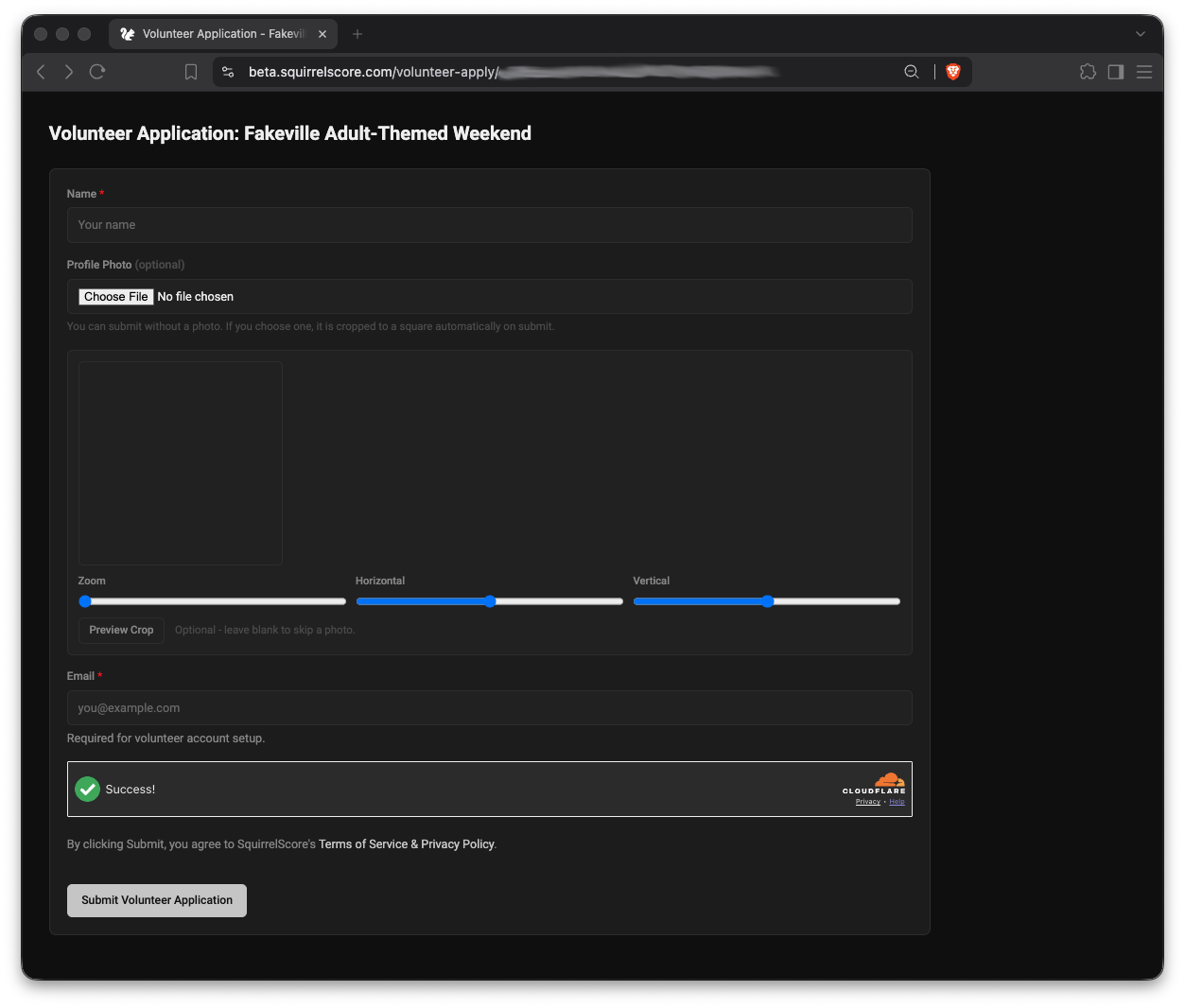
Sample Volunteer Application
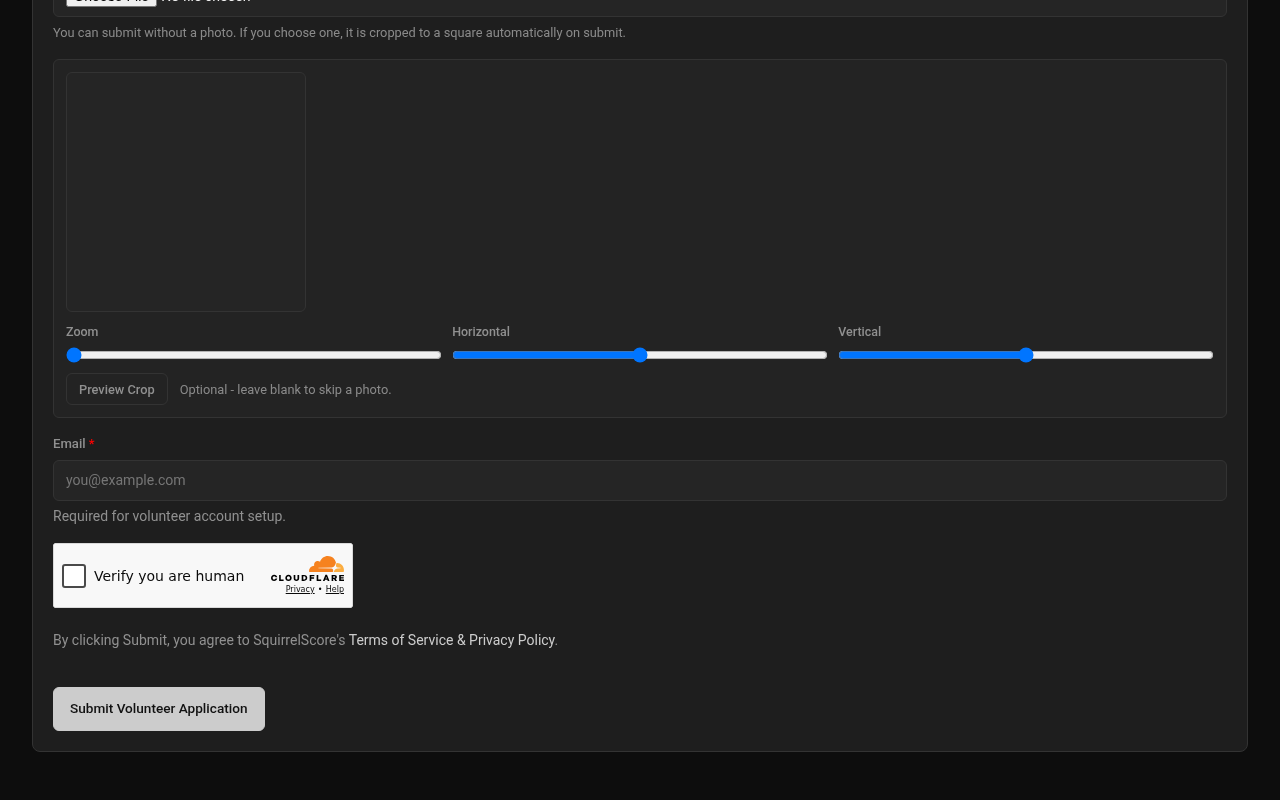
Desktop — Public volunteer application (Turnstile)
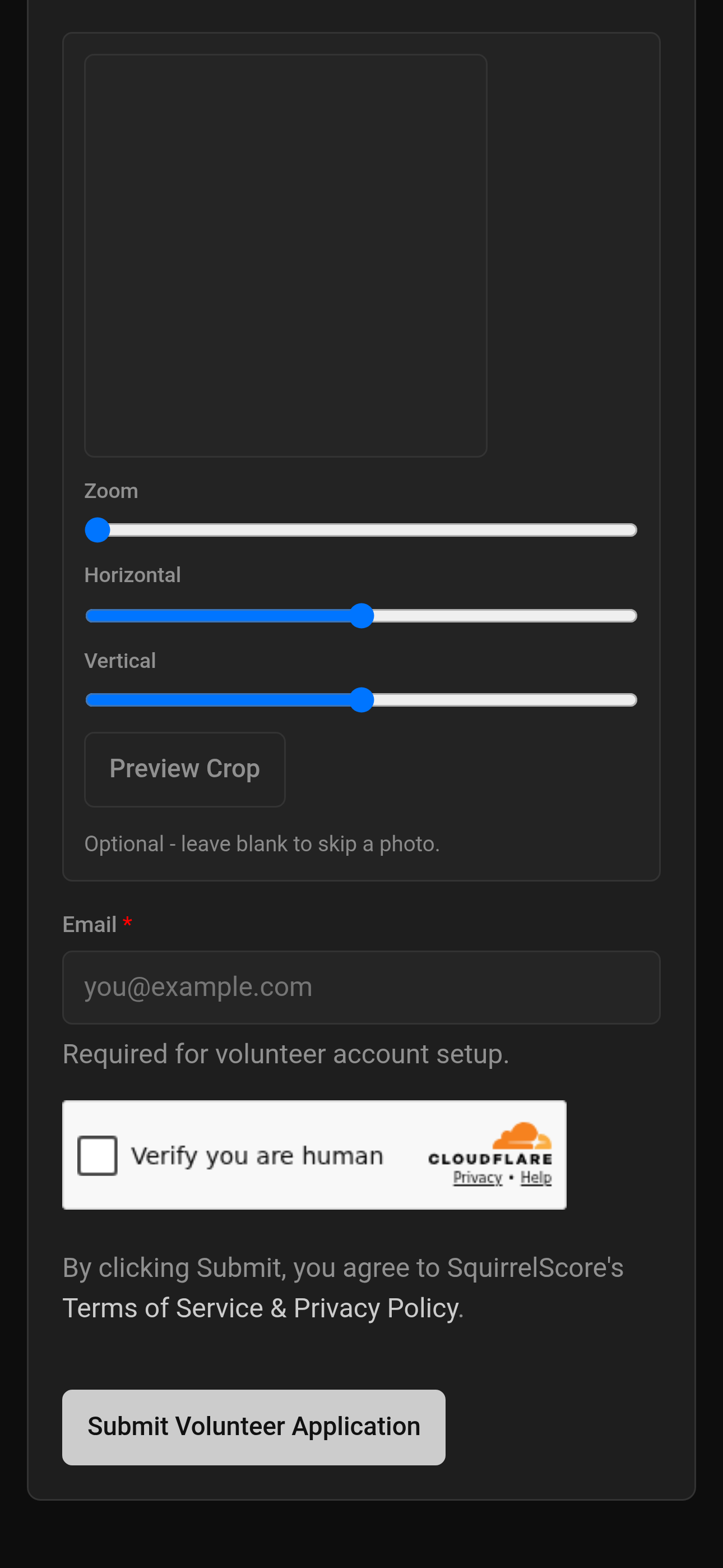
Mobile — Public volunteer application (Turnstile)
¶ Photo crop
Same cropper pattern as contestant apply - center yourself, confirm, then submit. Details in Uploading photos.
¶ Tips
-
Choose positions you can actually staff for the whole contest time.
-
Use the same email you want for later login (and that you check regularly).
-
After approval, see Your contests & prep.
¶ Common Mistakes
-
Using the contestant apply URL by accident
-
Picking every position "just in case"
-
Submitting twice because confirmation was slow
¶ Frequently Asked Questions
Form unavailable?
You'll typically see Form is not currently enabled. Contest inactive or volunteer form not enabled - ask the producer.
Can I change position later?
Ask the producer to update your volunteer record.
Do volunteers get results access?
No - prep and Contest Details only after login.