¶ Purpose
Check your assignment, read published contest info, and review your Chaos Ops preparation checklist. This is your volunteer home base after approval - prep only, no scoring or results.
¶ Before You Begin
-
Be logged in as a volunteer on the contest
-
Know which contest you're staffing this weekend
-
For prep: Chaos Ops must be enabled by the producer
¶ Step-by-Step Instructions
-
Open My Contests.
-
Select the correct contest from a Volunteer card (Contest Details).
-
Confirm your position on the Up next card at the top of Contest Details (door, green room, merch, or whatever your contest uses). That card also shows the next SquirrelGenda item when a schedule is published.
-
Keep reading Contest Details — that page is still your volunteer home. The producer packet lives under it.
-
Open Go Do the Things if it appears in the sidebar (or use View details on the My Contests prep card).
-
Note incomplete items you can personally fix.
-
Message the producer to update checkboxes you can't tick yourself.
-
Re-check before contest time.
¶ Contest Details
Use this page for producer-published information: the "what should I know?" packet without needing to hunt through chat history.
Download PDF saves that same packet as a letter-size file (no menus, and without the Up next card). Description Markdown (bold, italic, lists) is included. See Downloading files.
You can open Contest Details whenever you're enrolled - you do not get scoring tools from here.
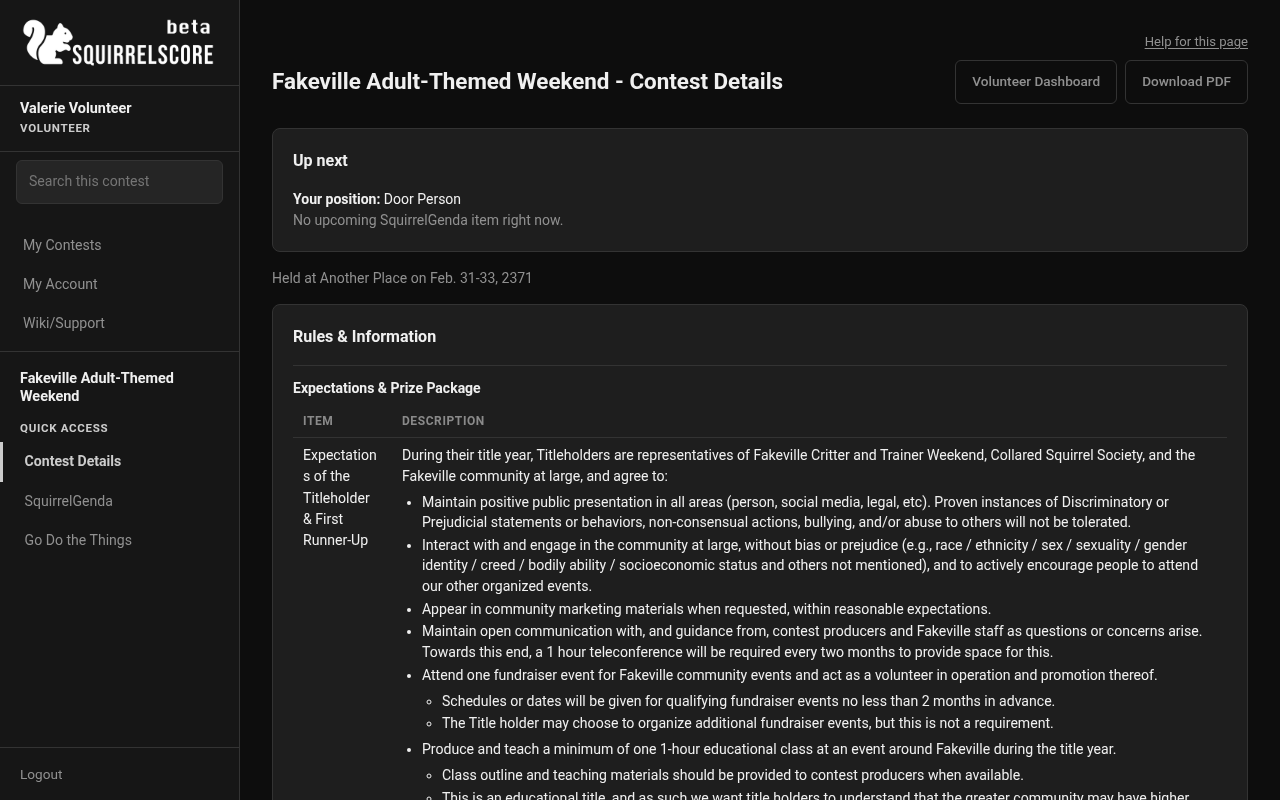
Desktop — Volunteer, Contest Details (Door Person)
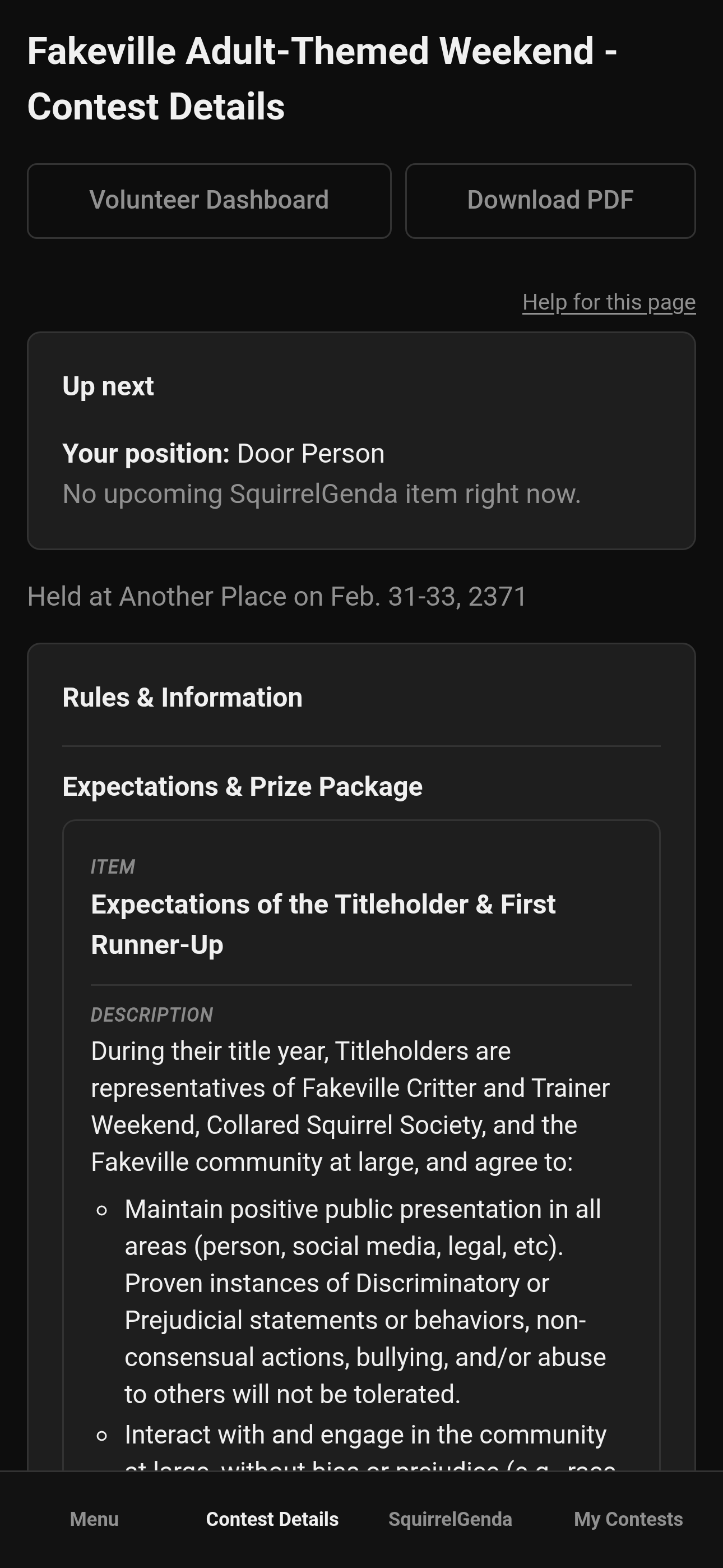
Mobile — Volunteer, Contest Details (Door Person)
¶ Go Do the Things
When Chaos Ops is on, your checklist might include photo received, arrival, paperwork, or custom tasks. Producers update prep checkboxes- you review and communicate with them (usually via email).
If Go Do the Things is missing, Chaos Ops is probably off for this contest.
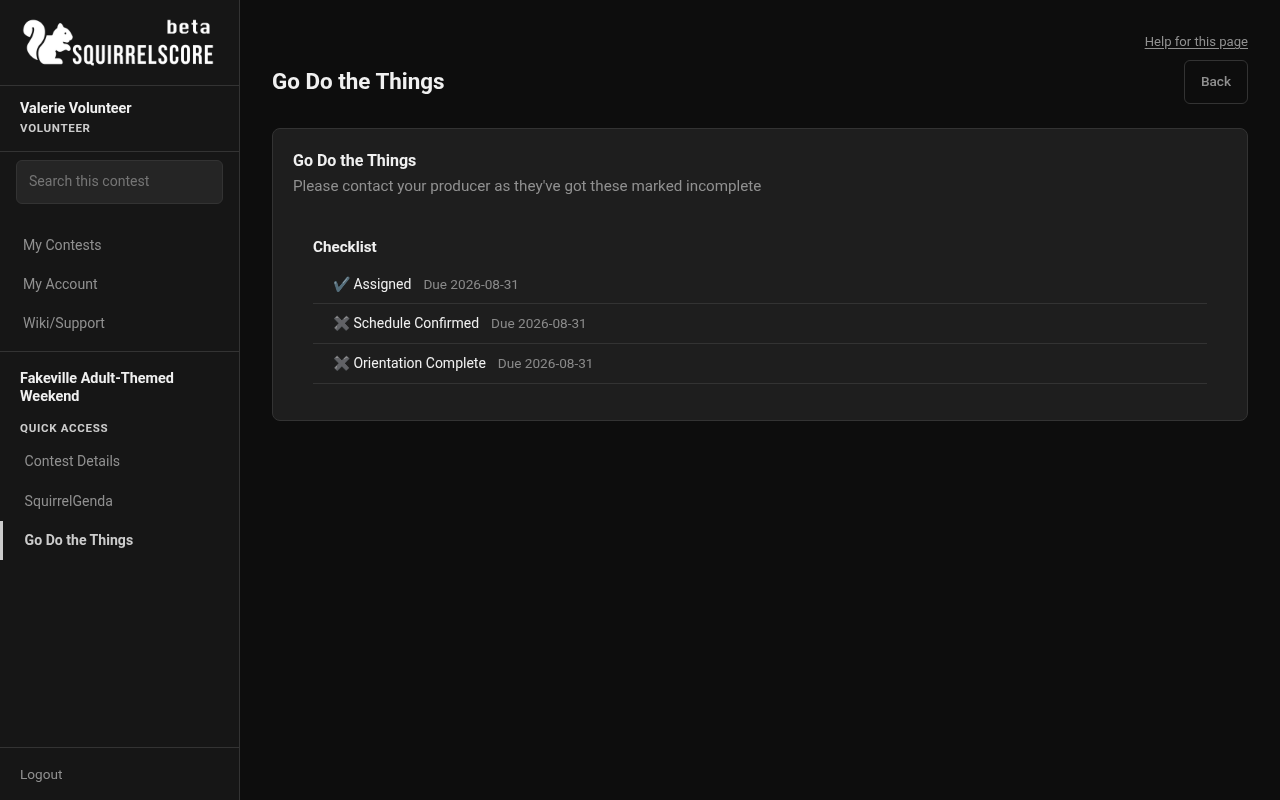
Desktop — Volunteer, Go Do the Things
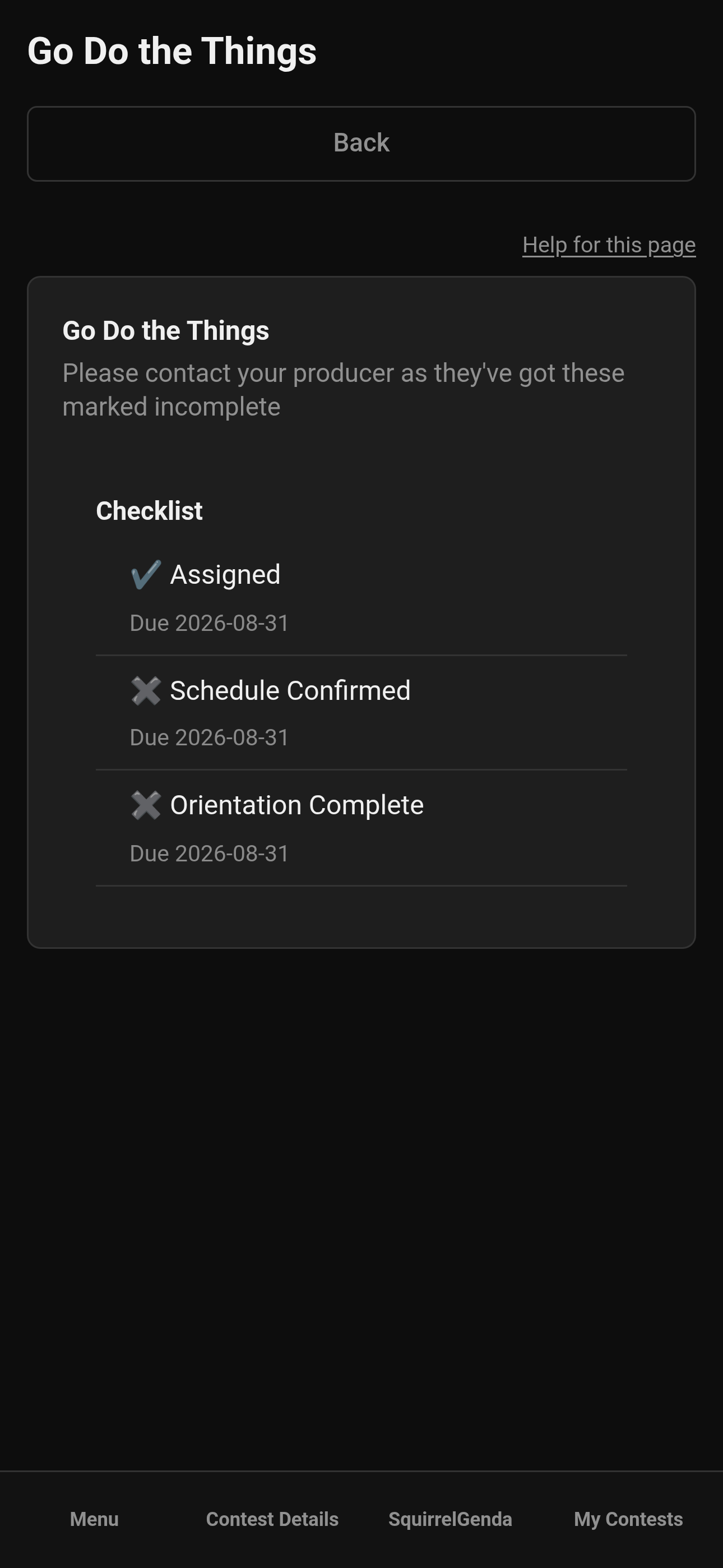
Mobile — Volunteer, Go Do the Things
¶ Tips
-
Screenshot prep before you lose signal in a basement hallway.
-
Position questions go to the producer early - day-of is for doing the job, not renegotiating it.
-
Still no scoring/results menus? Good. That's correct.
¶ Common Mistakes
-
Treating chat rumors as Contest Details
-
Assuming you can mark prep complete yourself when only producers save preparation
-
Opening a different contest's prep and panicking
¶ Frequently Asked Questions
Can I see results to "help announce"?
Not from the volunteer role. Stage reveal is producer/tallymaster territory.
Who changes my position?
Your producer (or co-producer). Ask them.
I applied but don't see the contest.
You may still be pending approval, or login isn't linked yet. If you belong but the contest is inactive, look under Inactive Contests. Nudge the producer kindly.