¶ Purpose
Collect contestant applications from a public form, review them, and approve or reject with a clear paper trail.
Approving enrolls the contestant into your contest. Rejecting an application that was previously approved removes them from the contest roster (their account is kept).
¶ Before You Begin
-
Have a contest created and preferably marked Active.
-
Decide which custom fields you need (legal name, title, pronouns, experience - your call).
-
Decide whether a passphrase should gate the public form (useful for "members only" soft locks).
-
Customize emails if you want more than the basic "we received your application" notice.
¶ Set up the contestant application form
-
Open the contest > Manage.
-
Open Contestant Application Form (form settings).
-
Enable the public application form.
-
Optionally enable a passphrase and set it. Applicants must enter it to submit.
-
Add custom fields one at a time. Common field types include:
-
Text
-
Textarea (longer answers)
-
Number
-
Date
-
Phone
-
Email
-
Choice (pick from options)
-
For each field, set the label and any required/options settings the form offers.
-
Save settings.
-
Re-open the form settings later anytime you need to tweak fields - prefer doing this before you blast the link widely.
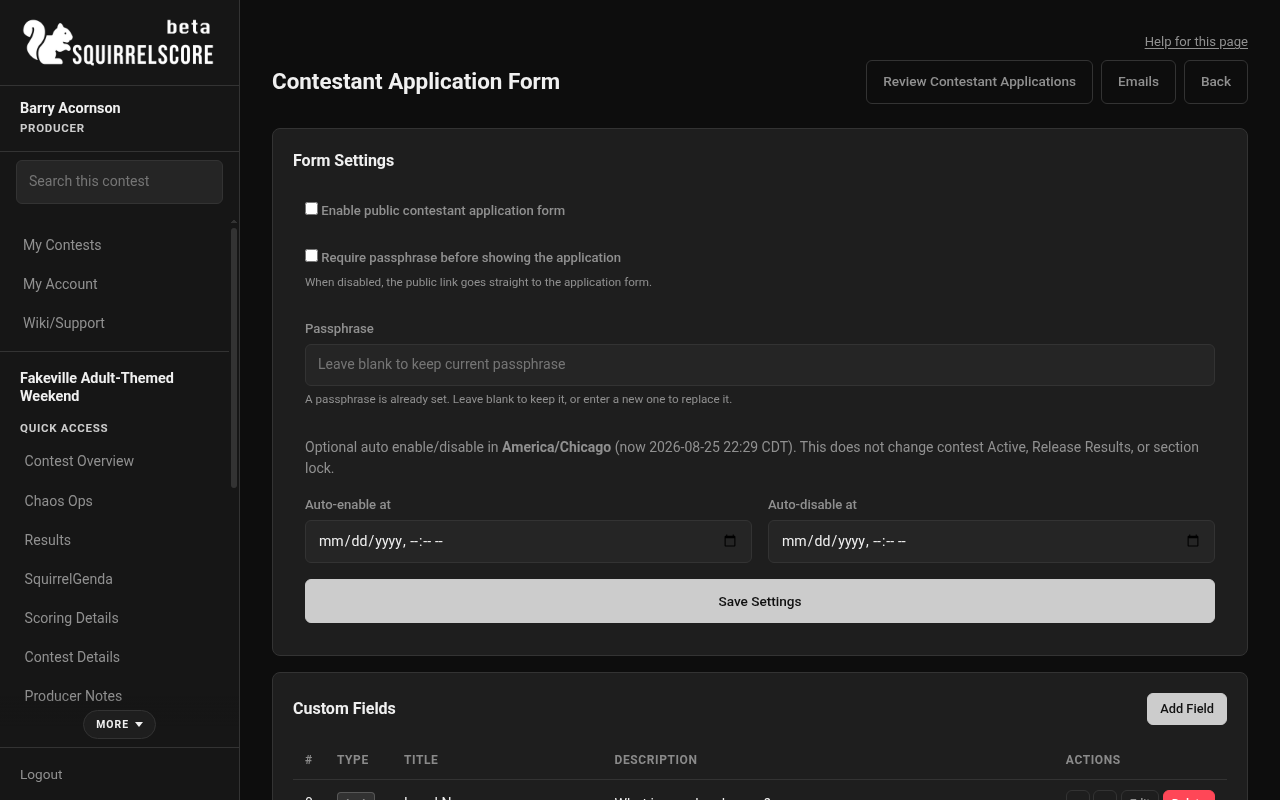
Desktop — Producer, Contestant Application Form settings
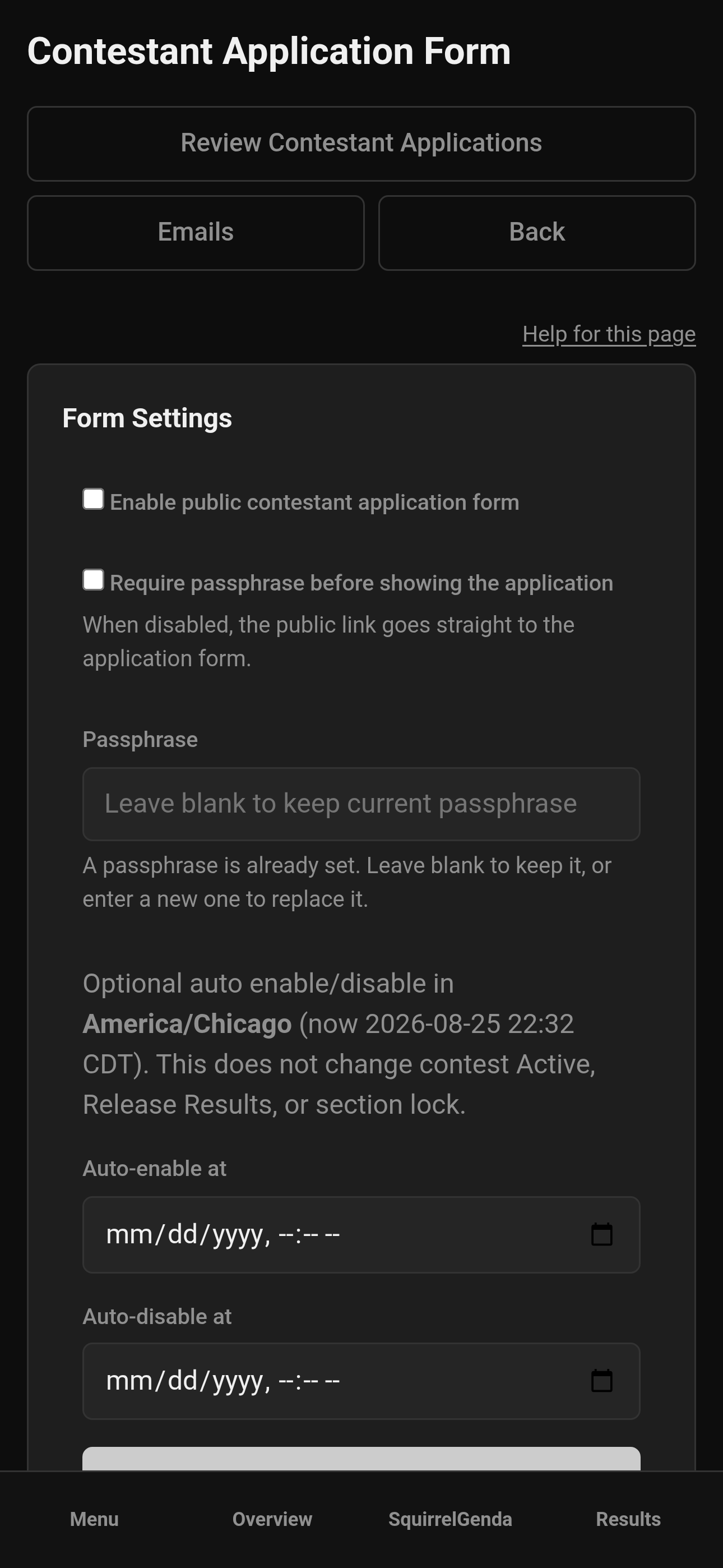
Mobile — Producer, Contestant Application Form settings
¶ Share the public link
-
Copy the public apply link from the form settings. It looks like
/apply/{id}. -
Share it in your Discord, Fet, Facebook, Insta, Telegram, email list, or wherever your community actually reads messages (and make sure to regularly repost).
-
If you used a passphrase, share that through a channel you trust (not necessarily the same public post).
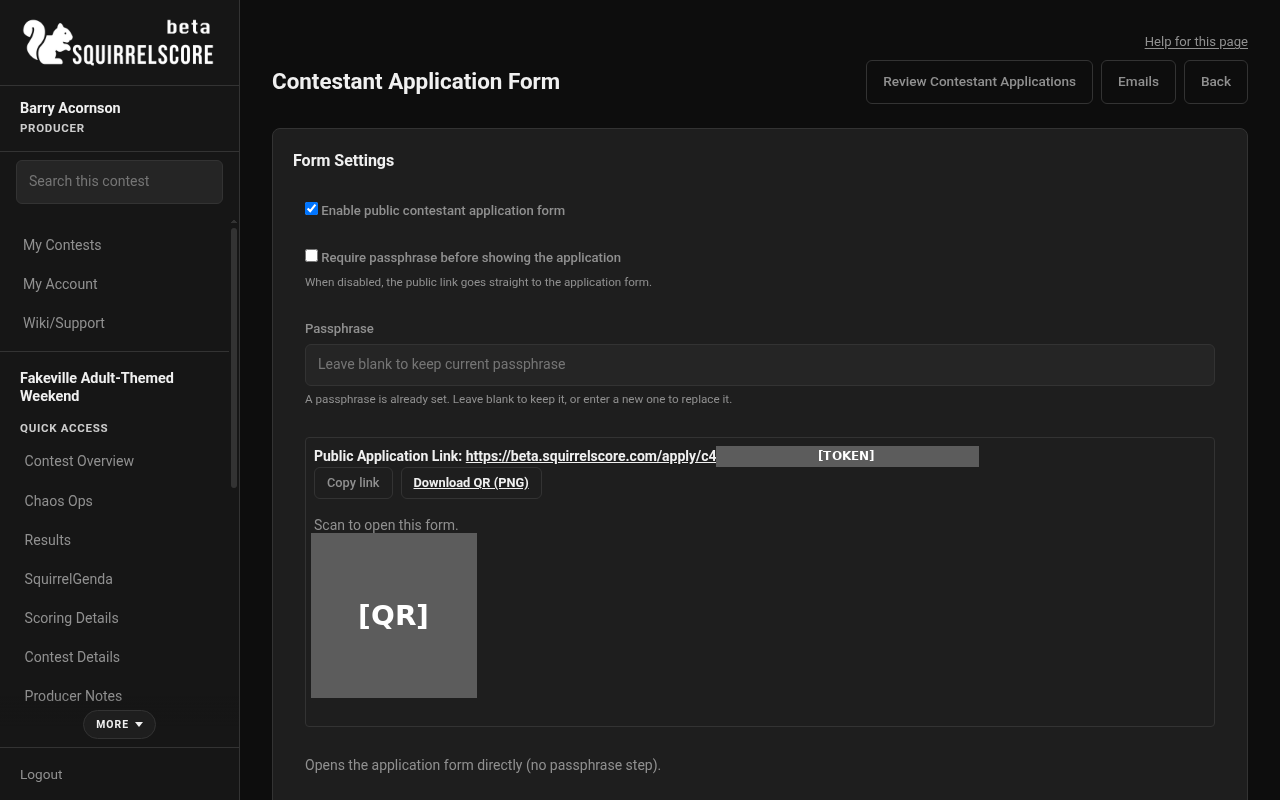
Desktop — Producer, public contestant apply link (form enabled)
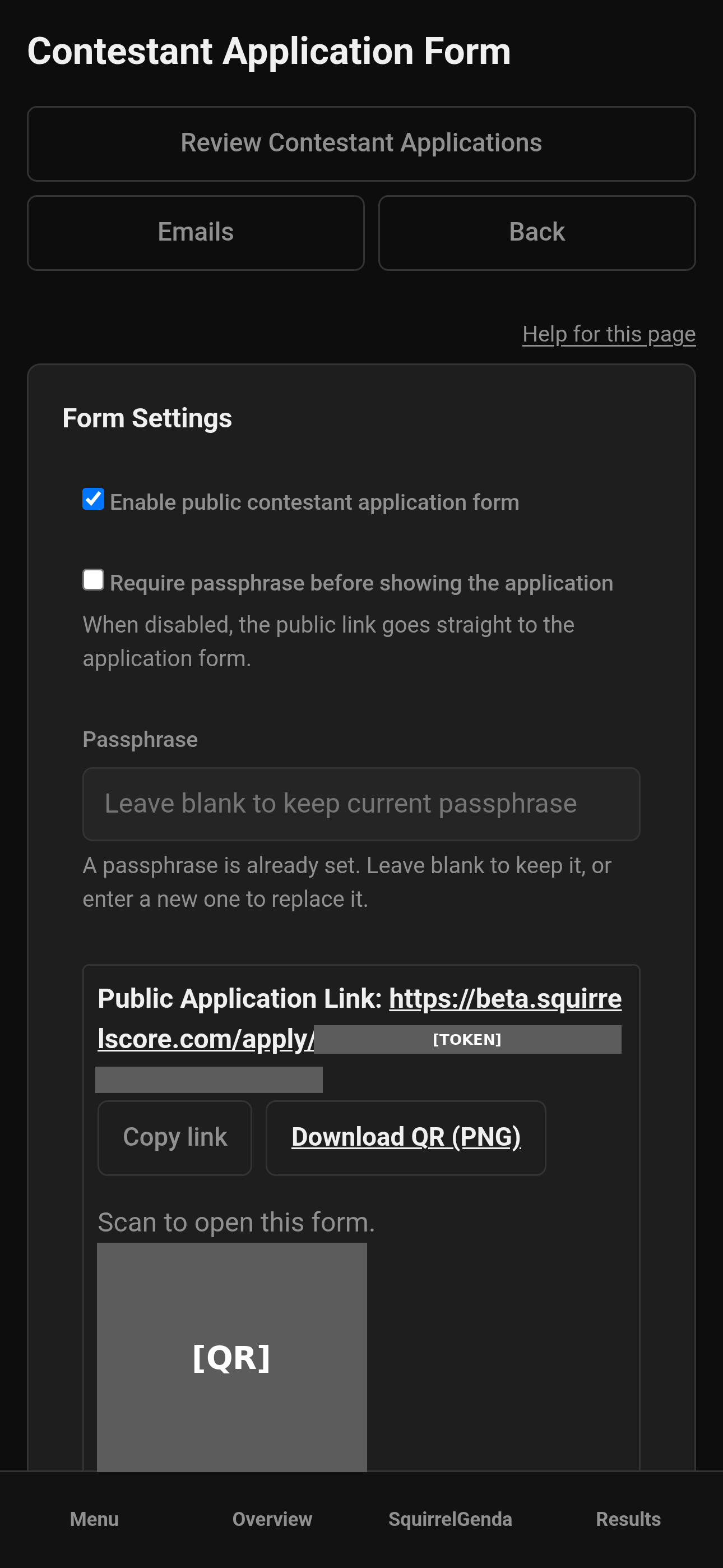
Mobile — Producer, public contestant apply link (form enabled)
¶ Review applications
-
Open Contestant Applications from the sidebar, Manage, Overview Review links, or the Review Contestant Applications header button.
-
Filter by status:
-
Pending - needs a decision
-
Approved
-
Rejected
-
All
-
Click View on a row.
-
Read the answers carefully.
-
Use producer notes on the review screen if you want an internal reminder about this application.
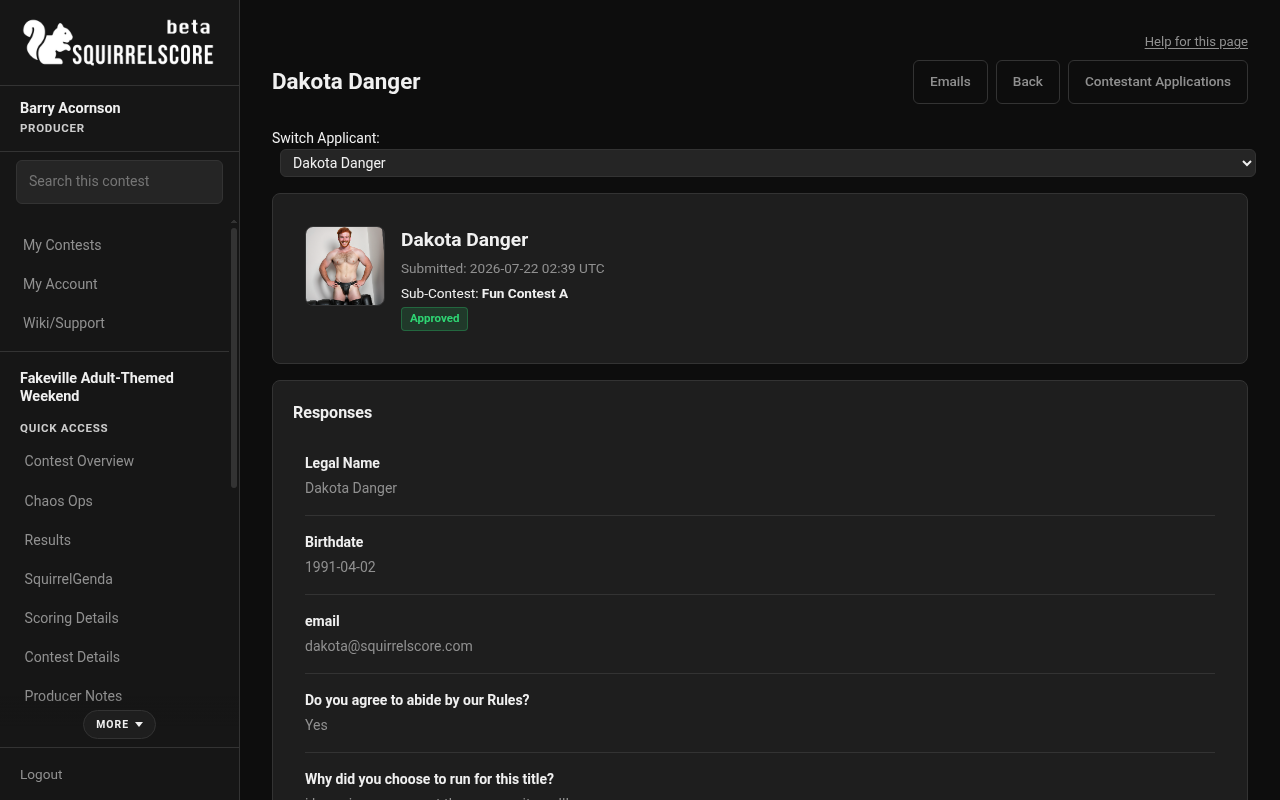
Desktop — Producer, review an application
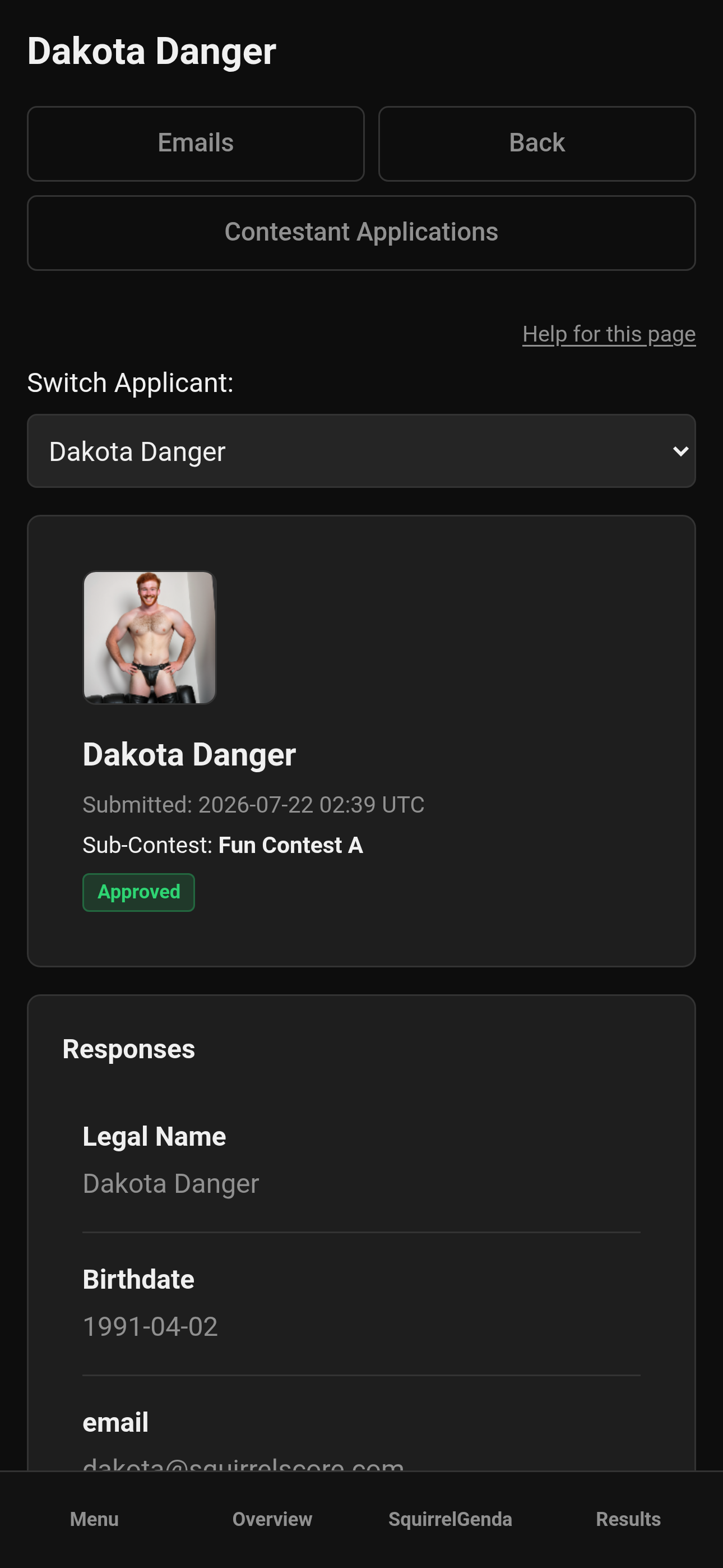
Mobile — Producer, review an application
¶ Approve or reject
¶ Approve
-
On the review screen, choose Approve.
-
If the email already matches existing accounts, the page may ask you to enroll an existing account or create a new one - read that prompt; don't click past it on autopilot.
-
Confirm when asked (approving enrolls the contestant).
-
Depending on whether a new account was created, credential emails may go out (see Emails templates for Application approved and New contestant credentials).
¶ Reject
-
Choose Reject and add notes for yourself and your team.
-
If the application was previously approved, rejecting removes the contestant from this contest's roster. The user account remains.
-
Confirm the decision if prompted.
You can change decisions later when the review UI allows a new decision - treat that power gently.
¶ Add for an existing contestant
Use this when someone is already enrolled but you still want an application record (submitted through a non-SquirrelScore form, paper trail, custom field answers, or late paperwork).
-
On the Contestant Applications list, click Add for Existing Contestant.
-
Pick the enrolled contestant.
-
Fill the application fields.
-
Save.
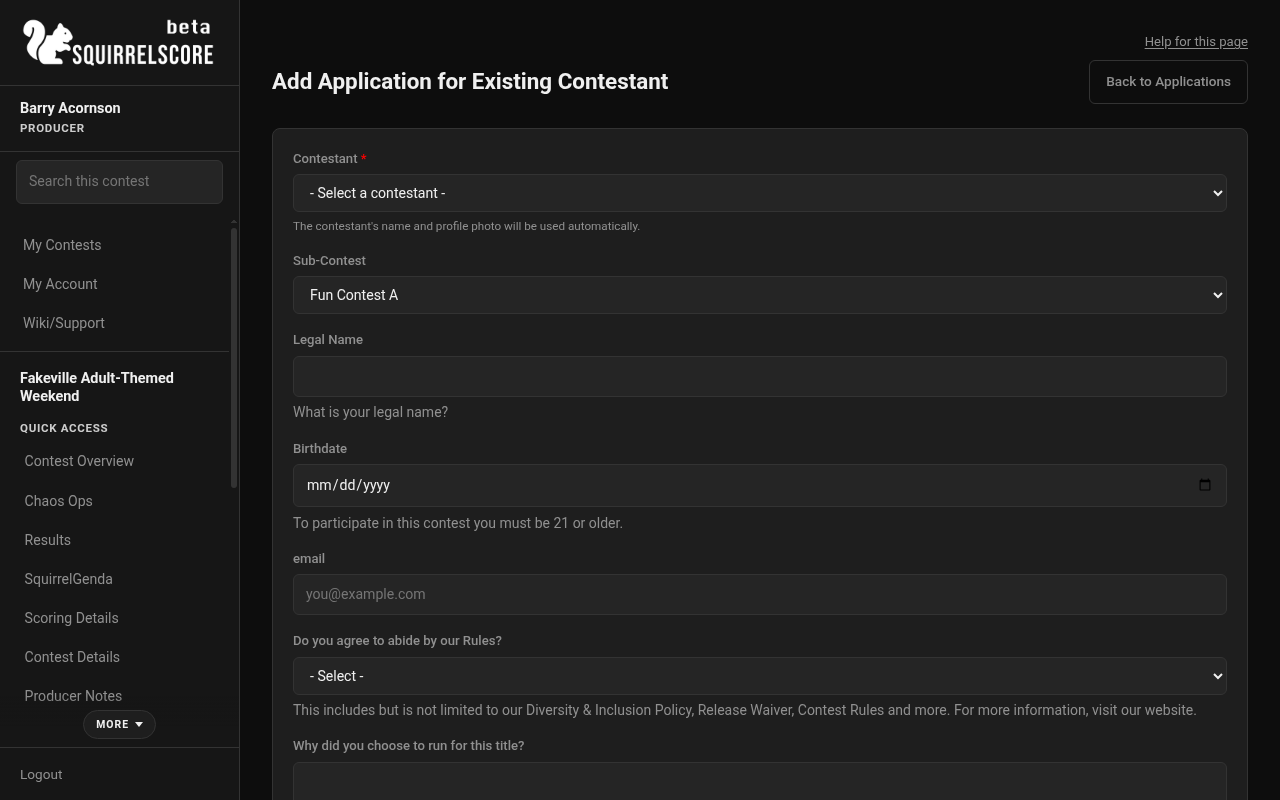
Desktop — Producer, Add for Existing Contestant
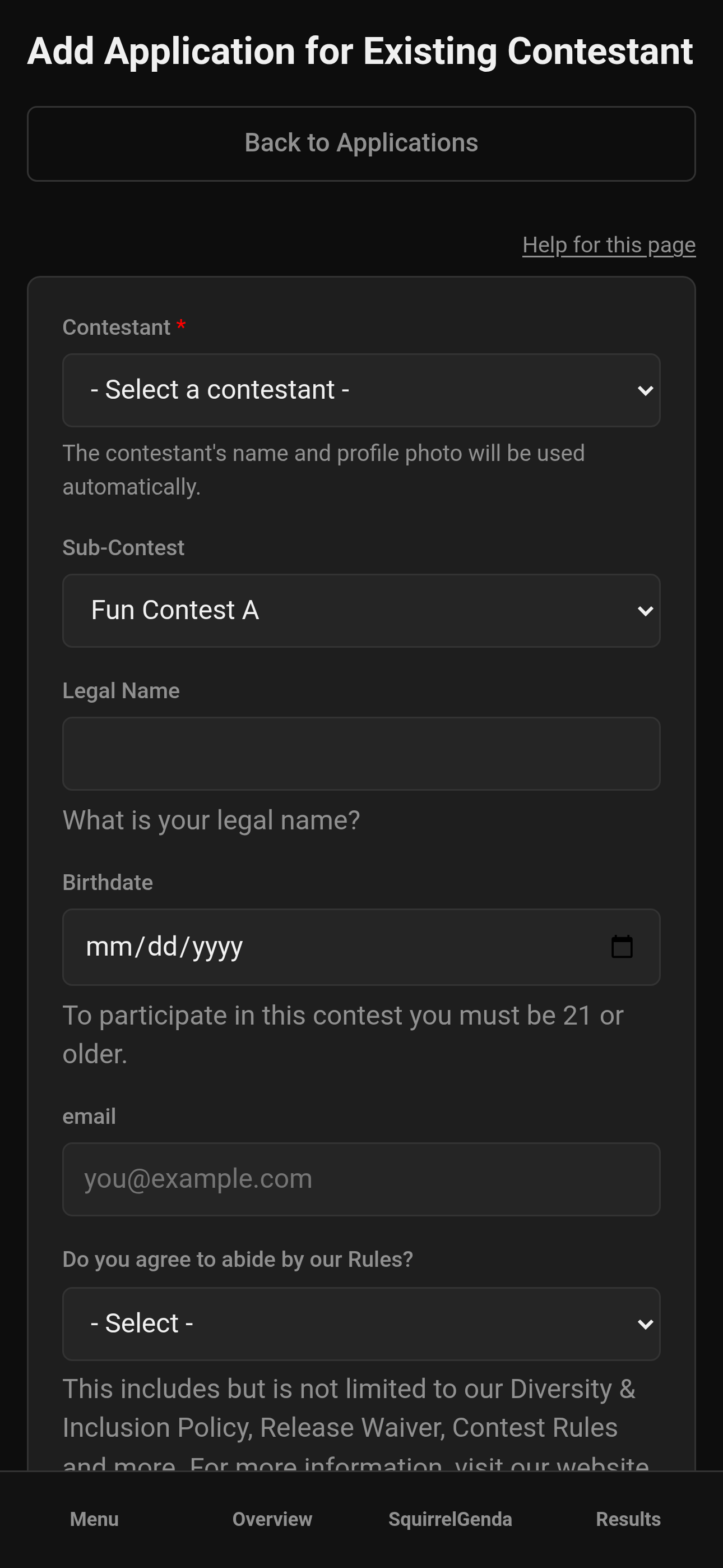
Mobile — Producer, Add for Existing Contestant
¶ Example application questions
If you're stumped on where to start, here's an example application, albeit a little verbose:
| Field Type | Title (Main Text) | Description (optional) | Options |
|---|---|---|---|
| text | Full Legal Name (First and Last) | ||
| text | Pronouns | ||
| phone | Phone Number | ||
| date | Date of Birth | ||
| textarea | Address | Please include House Number, Street, City, State, ZIP | |
| text | Facebook URL | ||
| text | Instagram URL | ||
| text | Twitter/X URL | ||
| text | Other Social Media URL | ||
| text | Telegram | We use Telegram as our main communication platform. Please provide your @ username | |
| text | Indicate Contest Type Type or Role |
List some examples here |
|
| text | How long have you explored this headspace? | ||
| multiple choice | Are you willing to run as Sub-Contest A OR Sub-Contest B instead of just the selected option? |
Sometimes, we may need to make adjustments to the contestant lineup. We will ask you if you are willing to run for the other title before confirming anything | No, Yes |
| multiple choice | Will you be 21 years of age as of the contest date? | No, Yes | |
| multiple choice | Have you ever been convicted of a felony or are you currently under investigation for criminal activity? | Felony convictions do not disqualify applicants; however, we need to be aware of these situations, and some situations may require further inquiry from the producers. | No, Yes |
| textarea | Felony convictions: If yes, please provide details | ||
| multiple choice | Do you currently hold any other titles? | If you currently hold a title and win Contest, we expect that this title will supersede the title you currently hold. Please make sure this is okay with your current title producers. |
No, Yes |
| textarea | Other Titles: If yes, please provide details | ||
| multiple choice | Do you have any tattoos or body modifications? | No, Yes | |
| textarea | Tattoos or body modifications: If yes, please provide details | ||
| multiple choice | Do you have any accommodation needs to help you compete and/or complete the title requirements? | Accessibility is core to our mission, and we will try our best to make accommodations for those who need them to access this platform. We recognize that some of these accommodations may require ongoing discussion and preparation. | No, Yes |
| textarea | Accommodations/Accessibility: If yes, please provide details | ||
| textarea | Why do you want to be the Contest and Sub-Contests Titleholder? |
||
| text | How long have you been a part of the Contest Type community? |
||
| textarea | Please provide us with 3 Contest Type related topics that you would feel comfortable producing a 10 minute presentation or demonstraton on during the contest. Rank them in order of your personal preference. Rank them in order of 1, 2, and 3. One of these will be chosen for you to present for the Education portion of the contest. |
||
| textarea | Please list any community-related clubs or organizations you're involved with | ||
| textarea | What Contest Type-related events have you attended in the last 12 months? |
||
| textarea | What, to you, is the essence of what Contest Type is about? |
||
| textarea | Tell us anything else you'd like us to know about you | ||
| textarea | Emergency Contact | Optional. We hope to never have to use this. | |
| multiple choice | I have read, understand, and accept the terms available on the Contest website including but not limited to the Rules & Requirements, Expectations & Prize Package, Terms & Conditions, Privacy Policy, Release of Liability, Photography & Media Release, Code of Conduct, and Diversity & Inclusion Policy. I also understand and accept that I may be disqualified or have my title revoked if I am found to have violated or disregarded these terms, conditions, and policies. |
No, Yes |
¶ Tips
-
Don't publish the apply link until fields look right - you want everything to be consistent.
-
Pending filter is your daily driver during open applications.
-
Passphrases stop casual drive-by submissions; they are not bank-grade security.
-
Align approval timing with travel deadlines so people aren't buying flights on a maybe.
-
Test-submit once yourself (or a trusted friend) before the public blast.
-
Keep a staff note standard ("waitlisted," "needs photo") so co-producers don't invent 12 synonyms.
-
When you approve, watch for credential emails vs "approved only" emails - different templates, different jobs.
¶ Closing the application window
-
Disable the public form in Contestant Application Form settings.
-
Clear remaining Pending items (approve, reject, or intentional waitlist process outside the app).
-
Spot-check contestant numbers and sub-contests on the roster.
-
Tell your community applications are closed so the old QR code / link doesn't confuse anyone.
¶ Common Mistakes
-
Approving without reading the duplicate-email prompt, then creating twin accounts.
-
Rejecting an approved contestant without realizing they drop off the roster.
-
Sharing
/apply/...before enabling the form - applicants see Form is not currently enabled. -
Forgetting to customize rejection emails, then sounding like a form letter.
¶ Frequently Asked Questions
Does approving always create a new login?
Not always. If an account already exists, you may enroll that account. A set-password email (login + link, never a plaintext password) goes out when a new contestant account is created.
Where do applicants go?
Public form help: Contestant application form.
Can I turn applications off later?
Yes - disable the form in form settings when the application window closes.
What's the sidebar name?
Contestant Applications.