¶ Purpose
Read a table of producer feedback that judges (and tallymasters, when they score) entered while scoring - private notes meant for you, not for contestants.
Producer Notes is read-only. You don't edit here; you read the notes they left just for you.
¶ Before You Begin
-
Have a contest with scoring underway.
-
Tell judges that the Producer Notes field on score forms is how they ping you quietly about something that stays between them and the producers.
-
Don't confuse this with contestant-facing feedback or Contest Details.
¶ Step-by-Step Instructions
-
Open the contest from My Contests.
-
In the sidebar, click Producer Notes.
-
If the table is empty, nobody has left producer feedback yet.
-
If rows exist, scan by section, contestant, or judge depending on what you're hunting.
-
Use the notes to follow up (rule clarifications, missing photos, "please check microphone," etc.).
-
Return to Manage, Results, or Contest Overview when you're done reading.
-
Remember: contestants do not see these notes on their results. They are for producer's eyes only.
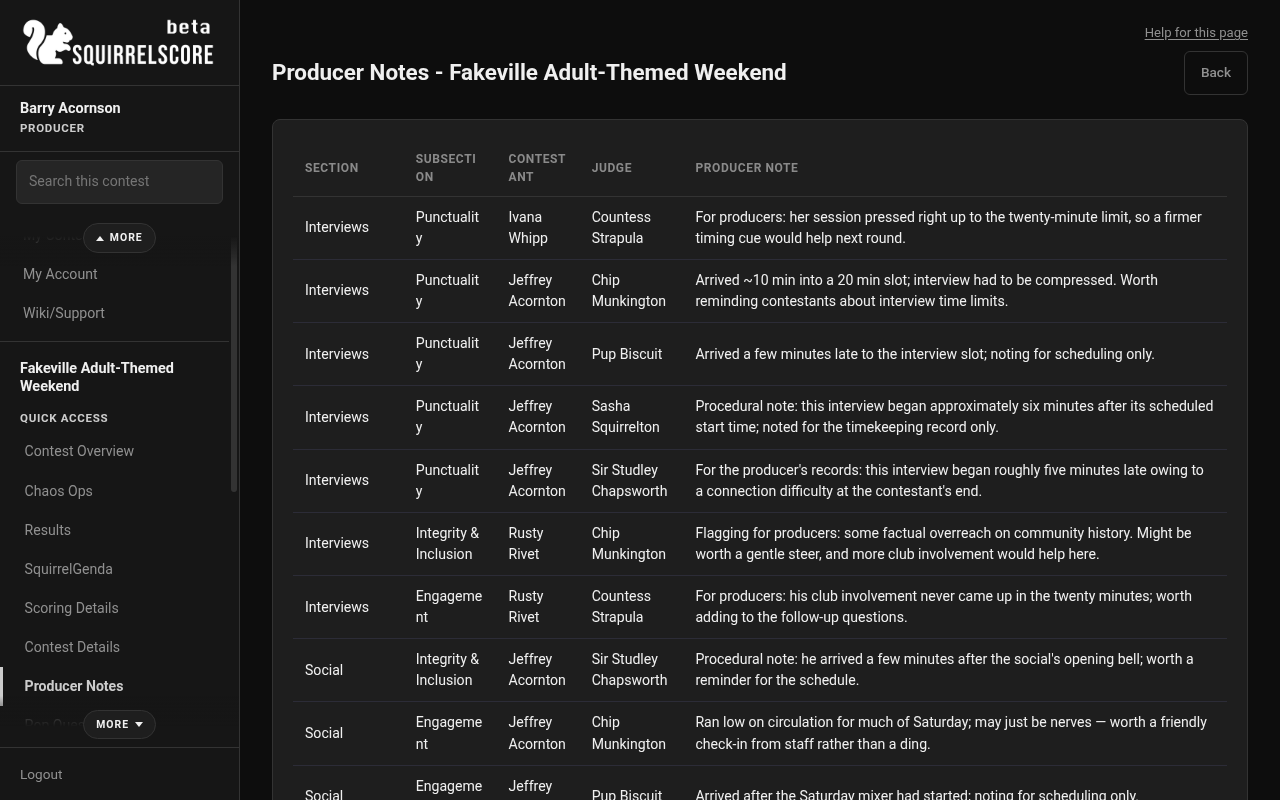
Desktop — Producer, Producer Notes
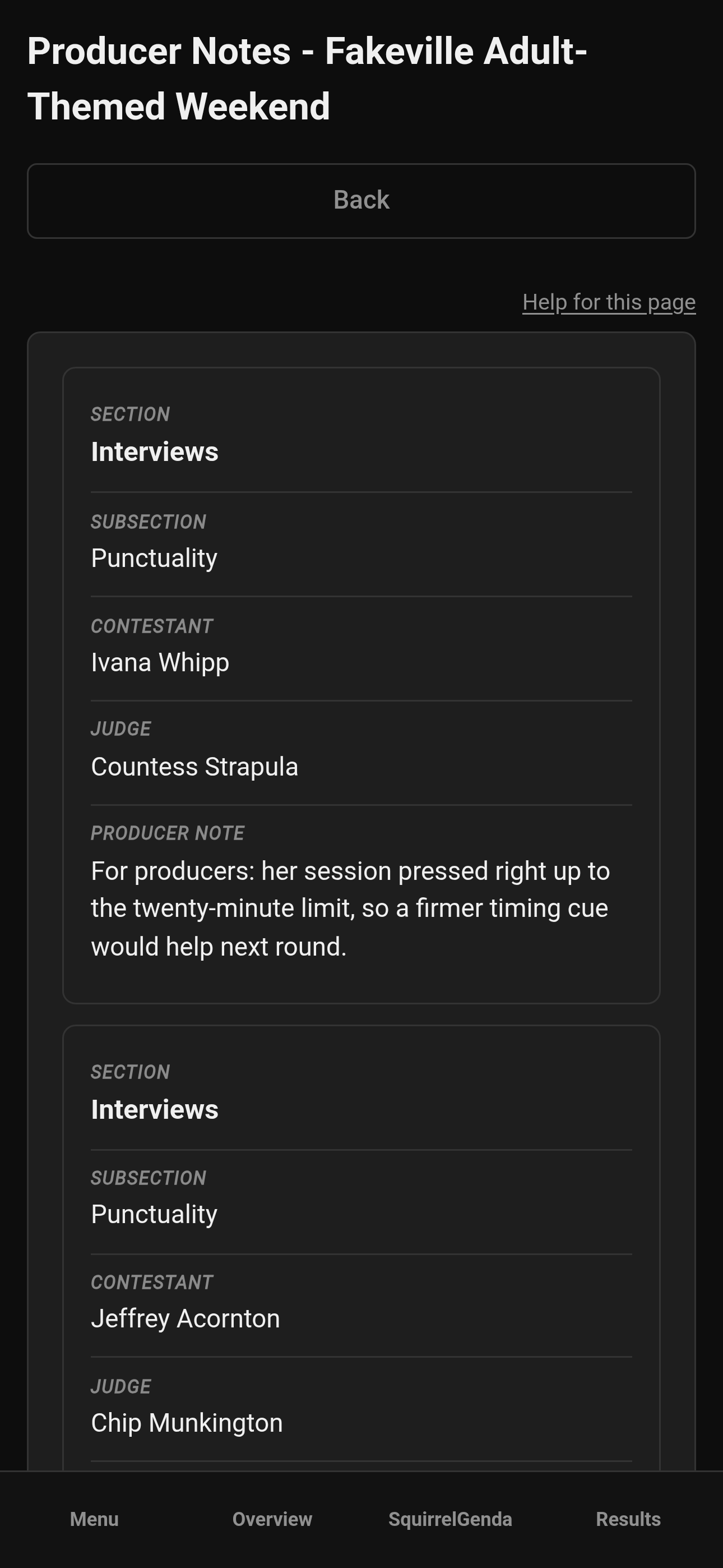
Mobile — Producer, Producer Notes
¶ What each column means
| Column | Meaning |
|---|---|
| Section | Which scoring section the note came from |
| Subsection | The specific subsection, when applicable |
| Contestant | Who the note is about |
| Judge | Who wrote it |
| Producer Note | The private feedback text |
¶ How notes get into the table
-
A judge (or tallymaster on tallymaster-scored work) opens scoring for a contestant.
-
They enter scores as usual.
-
They optionally fill Producer Notes / producer feedback on the score form.
-
After save, the note will appear here for producers.
-
You read; you act; you thank them later.
Contestant-facing comments are a different field/path - don't mix them up when coaching judges.
¶ Tips
-
Check Producer Notes after each major section, not just after the contest.
-
If the same issue appears from three judges, it's a pattern, and you should probably look into it.
-
Keep responses out-of-band (staff chat) - this page doesn't replace your radio and isn't public.
-
Empty table can be normal - they may not have anything that needs to be logged.
¶ Common Mistakes
-
Assuming contestants can read these (they can't).
-
Looking here for Contest Details content - wrong place.
-
Ignoring repeated notes about a broken rule until you're about to announce results.
-
Trying to "edit" a note on this page - it's read-only; ask the judge to update via scoring if needed.
¶ Frequently Asked Questions
Can I reply inside Producer Notes?
No - it's a read-only table. Follow up directly with staff.
Do Alternate Judges' notes show up?
If they entered producer feedback while scoring, notes can appear associated with that judge - still useful even when alternate judge scores don't count in finals.
Is this the same as application review notes?
No. Application notes live on application review. This page is scoring-time producer feedback.
Where do participants read contest-related info?
Contest details.
¶ Triage the table
-
Sort in your mind by contestant if multiple notes pile up, especially if they're saying the same thing.
-
Act on safety / rule issues first.
-
Thank judges who leave actionable notes - everyone is only trying to help.