¶ Purpose
View a read-only summary of your contest's scoring structure - the friendly rubric page producers, judges, tallymasters, and contestants can all open. Volunteers do not get this page. You can also list it on the public contest hub if you want the rubric visible without an account.
Use it to double-check min/max totals, who scores each section, time penalties, and subsection definitions without risking an accidental edit.
¶ Before You Begin
-
Build sections and subsections first via Scoring structure.
-
Set Olympic / point-system normalizing in Contest settings if you use them - badges appear here when enabled.
-
Open the contest so Scoring Details shows in the sidebar.
¶ Step-by-Step Instructions
-
Open the contest from My Contests.
-
In the sidebar, click Scoring Details.
-
Read the contest name header and description blurb if present.
-
Note any Olympic Scoring / Point-system normalizing badges.
-
Check the overall min / max totals for the contest.
-
Scroll each section block:
-
Section name and type badge
-
Tallymaster vs Audience vs Judges badge
-
Section min-max
-
Description (Markdown supported when producers edit section/subsection prose under Manage; Download PDF keeps a limited set: bold, italic, headings as bold+underline, lists, allowed links)
-
"Scored by" line
-
Time penalty summary when enabled
-
Inside each section, read the subsection table (name, definition, min points, max points). Those min/max values are the points judges, tallymasters, or the audience type on the score form. The form also shows an auto-calculated 0-100% under the points box.
-
If something is wrong, leave this page and fix it under Manage > sections (Scoring structure). Don't expect edit buttons here, it is read-only - that's the point.
-
Use Download PDF for a letter-size copy of the rubric (no menus or live score timestamps). The file is named like
Contest_Name-Scoring_Details.pdf(Downloading files). The same button appears on the public hub copy of this page when you include it there. The PDF opens with How this contest is scored and the overall min/max on that same heading line, then a short explanation of Olympic and/or point-system normalizing when those settings are on (audience and tallymaster caveats live in that intro, not repeated on every section). A divider separates that intro from the sections — it does not repeat the overall range as a "Sections min/max" heading. Each section name has its min / max on the same line in bold; subsection point ranges sit on the right of the subsection name. Section and subsection descriptions keep Markdown formatting (bold, italic, headings as bold+underline, lists, allowed links). Names stay plain. -
Use Back in the header when shown (this page is read-only - no Emails shortcut here).
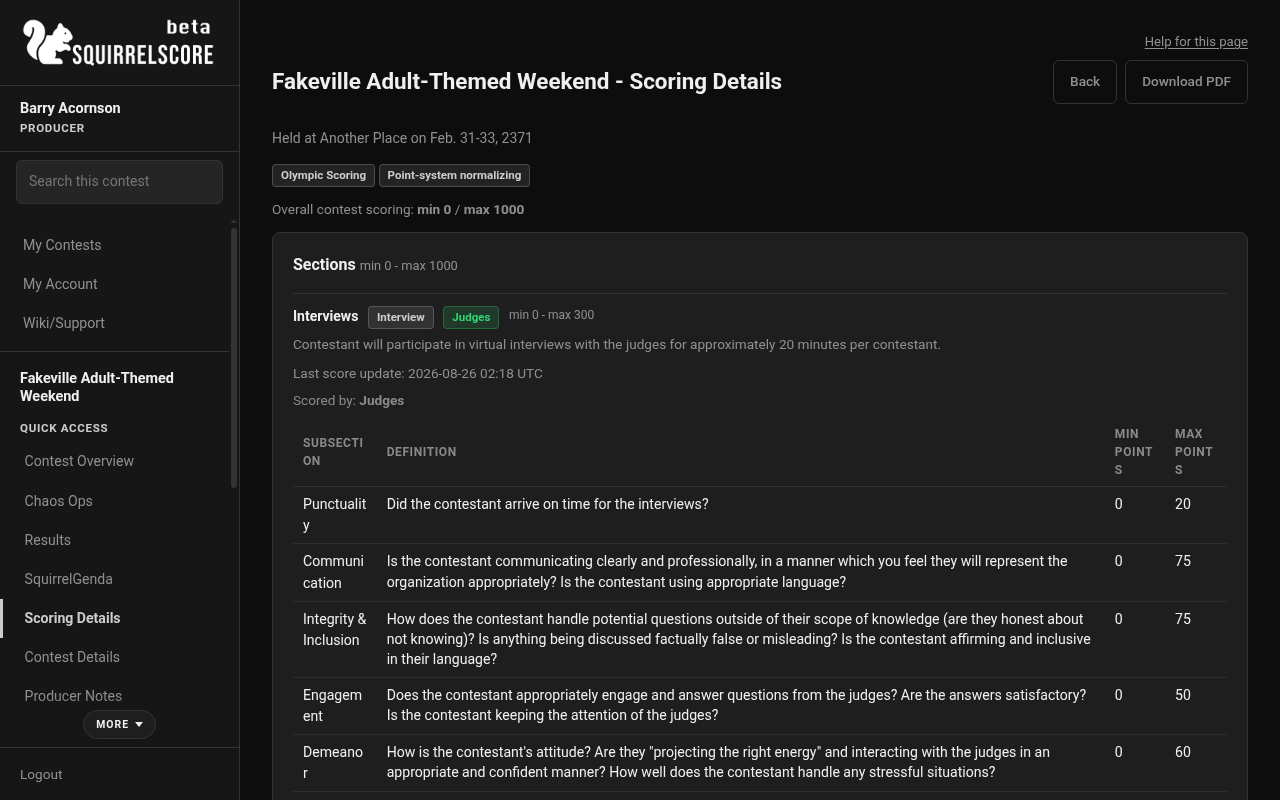
Desktop — Producer, Download PDF on Scoring Details
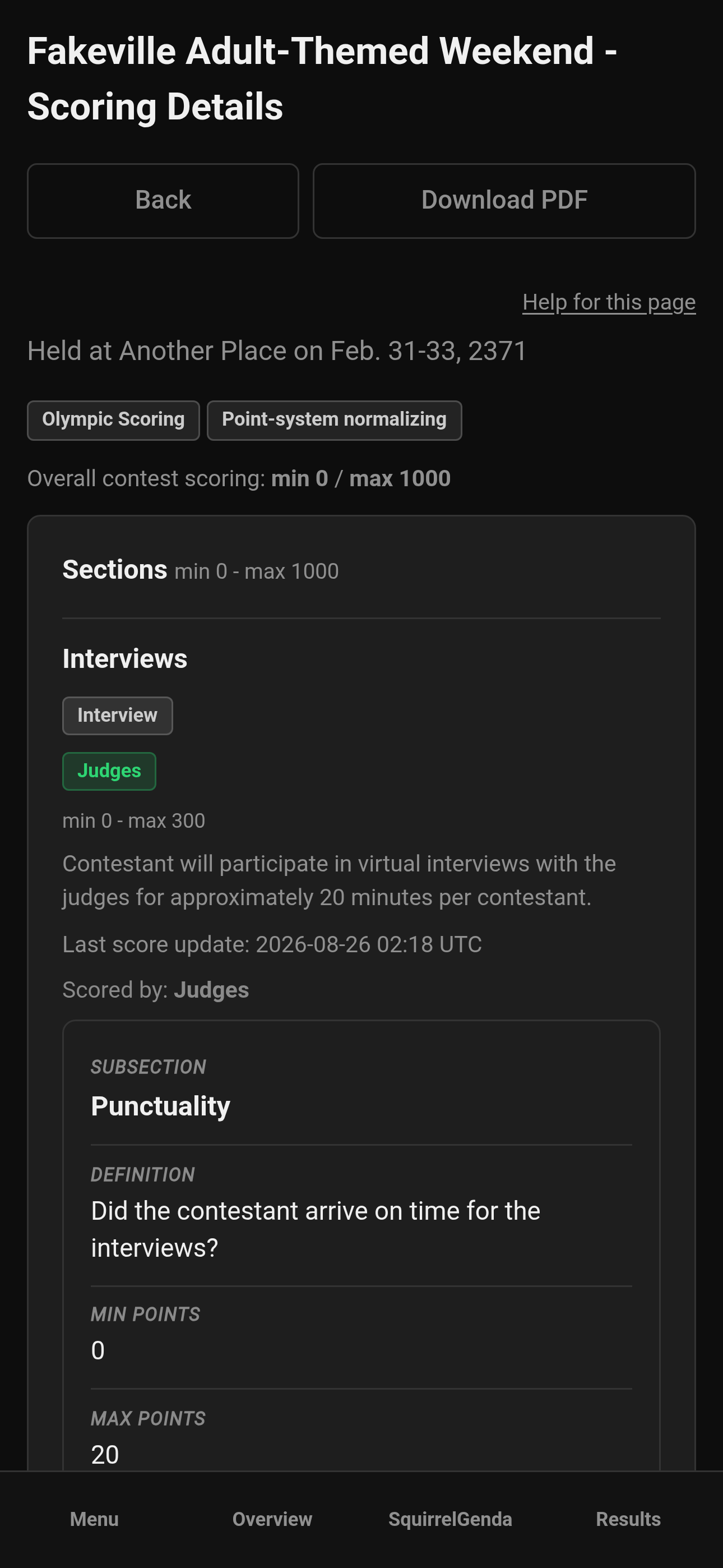
Mobile — Producer, Download PDF on Scoring Details
¶ What you'll see
| Element | Meaning |
|---|---|
| Olympic / Point-system normalizing badges | Contest-level scoring modes are on (the PDF also explains how each mode works) |
| Overall min / max | Total possible range across the structure (shown once; the PDF uses a divider instead of repeating it as a Sections heading) |
| Section type badge | Section Type |
| Judges vs Tallymaster vs Audience | Who enters scores for that section |
| Time penalty lines | Flat-over or per-interval penalty summary |
| Subsection table | Criteria and point ranges people type on the score form |
If no sections exist, you'll see an empty state - go build structure.
¶ Scoring Details vs Scoring structure
| Scoring Details | Scoring structure | |
|---|---|---|
| Sidebar name | Scoring Details | Edited from Manage > sections |
| Editing? | Read-only | Add/edit/delete |
| Audience | Producers + judges + tallymasters + contestants (and the public hub if you include it) | Producers building the contest |
| Best for | Sharing / verifying the rubric | Creating the rubric |
¶ Share with judges early
-
Finish structure on Manage.
-
Open Scoring Details yourself and skim min/max.
-
Send judges the reminder: "Scoring Details are in your sidebar."
-
Have them review before the contest starts, not during Interviews.
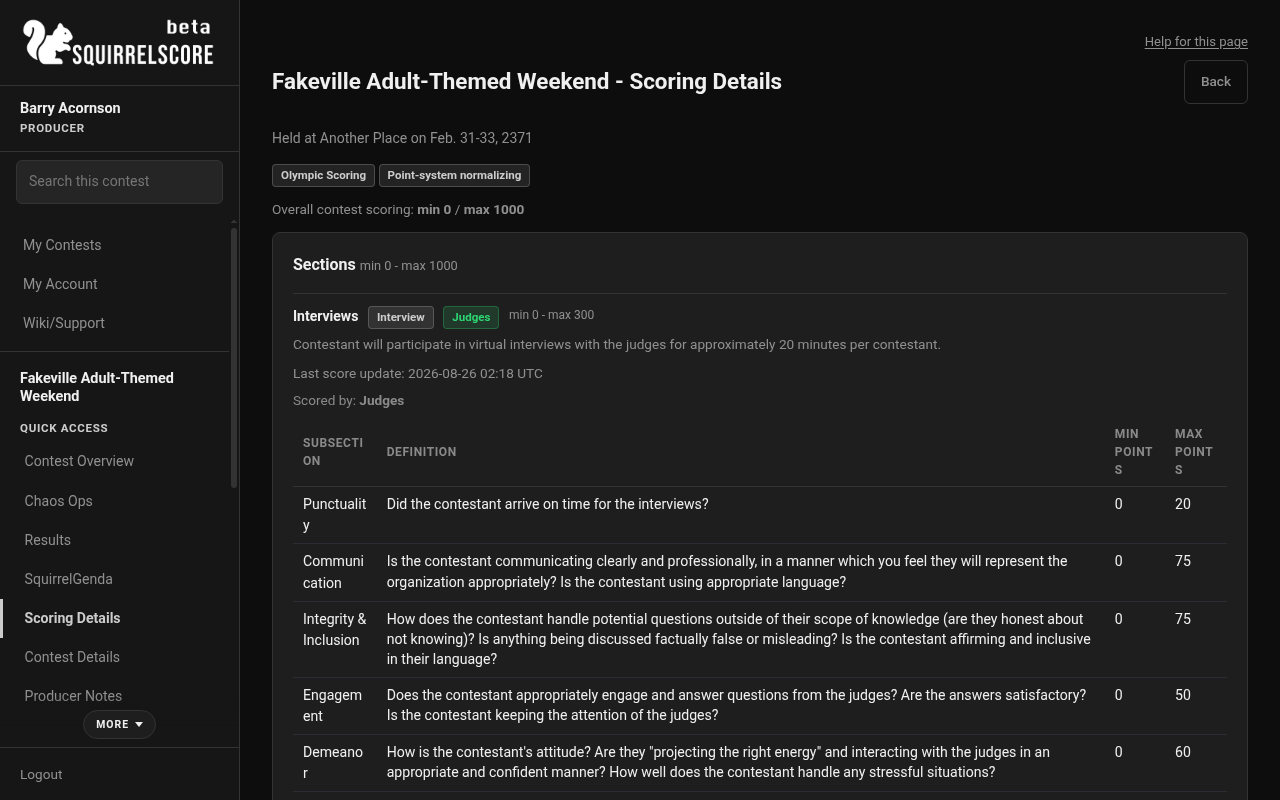
Desktop — Producer, Scoring Details
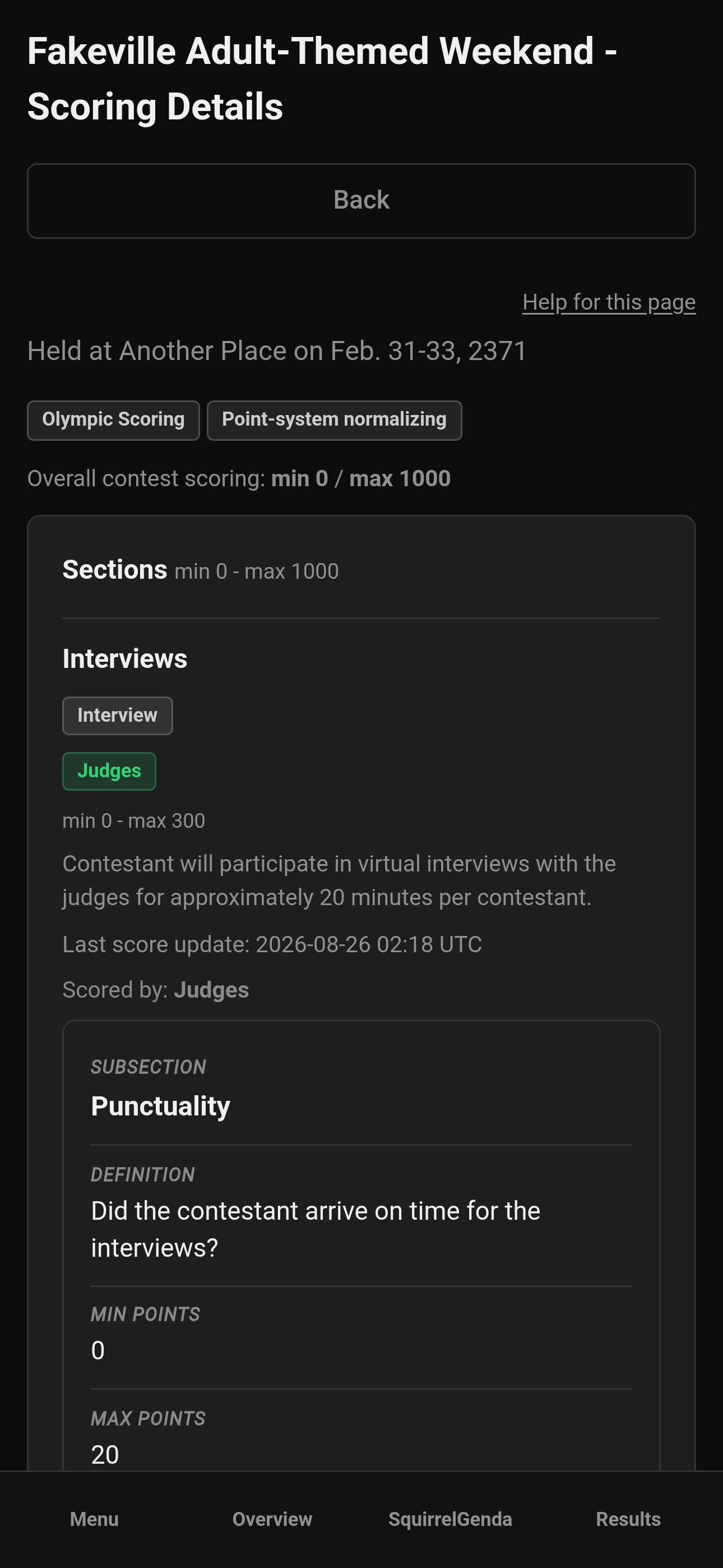
Mobile — Producer, Scoring Details
¶ Tips
-
Open Scoring Details after every structure change as a sanity and formatting check.
-
Send judges to Scoring Details as soon as they get their logins, that way they can read through and understand your scoring rubric.
-
If tallymaster or audience badges are a surprise, you probably checked the wrong checkbox on a section form.
-
Contestants reading this reduces "how am I being scored?" DMs.
¶ Common Mistakes
-
Hunting for Edit on Scoring Details - use Manage / section forms.
-
Publishing Contest Details instead of fixing sections - different tools.
-
Pasting raw HTML into section descriptions and expecting the PDF to style it. Use Markdown.
-
Forgetting subsections, then wondering why a section shows "No subsections defined."
-
Thinking you should enable Olympic in your head but not enabling it in Contest settings - badges help keep the sanity in check.
¶ Frequently Asked Questions
Can I print this?
Use Download PDF on Scoring Details for a branded letter-size copy (Markdown in descriptions is included; Olympic / point-system normalizing are explained when enabled), or your browser print if you only need a quick paper. For score packets see Exports.
Does the PDF explain Olympic scoring and point-system normalizing?
Yes, when those contest settings are on. The packet starts with How this contest is scored and the overall min/max on that heading, then a short plain-language note for each enabled mode (including that audience and tallymaster sections ignore Olympic, and that audience totals stay on the contest point scale when normalizing is on). If both modes are on, normalizing is applied after Olympic. If neither mode is on, it says judge scores are added as entered.
Why don't contestants see the same numbers as Results?
This page is the rubric (min/max definitions). Results are earned scores.
Who maintains section types?
Section types come from a shared list. You pick types when creating sections. If you need a new type, use the contact options on Home.
Where do I turn on time penalties?
On the section form while editing structure.