¶ Purpose
Score tallymaster-only sections, record time used for time penalties, and know how that differs from read-only review of judge scores. Some numbers are yours to type; some are yours to review.
¶ Before You Begin
-
Contest is active and the section is unlocked when you need to edit
-
Know which sections are marked tallymaster-scored in the structure - and which are marked audience-scored instead (those use their own link/audit tools, not this page - see Audience Scoring)
-
Know whether this section uses time penalties (and have the stopwatch ready)
-
If the section uses time penalties, make sure to confirm with the producer when to start and stop the stopwatch, that way application of the penalty is consistent between all contestants.
-
Skim Scoring Details so you're familiar with the scoring rubric.
¶ Step-by-Step Instructions
¶ Tallymaster scoring
-
Open Judging Sections.
-
Open a tallymaster-scored section. On a multi-week contest, pick the week first. Each week's scores and locks stay separate. You can lock one section or Lock week on Judging Sections. Locking a week does not eliminate contestants.
-
Choose a contestant.
-
Enter points for each subsection (the allowed range is next to the subsection name). A 0-100% conversion is calculated automatically and shown under the points box. Do not type a percentage.
-
Optionally write contestant feedback and producer notes. Those boxes stay on the form (not collapsed), same as judges.
-
Click Save Scores, leave a points or notes box, switch contestants, or leave the page to autosave. The button reads Autosaved when it worked. Blank score fields keep the previous value (you'll get a warning). Empty subsections can still be saved; locking is blocked until every expected score is collected (including zeros).
-
Use Next contestant and repeat.
-
Lock the section when finished (Locking sections).
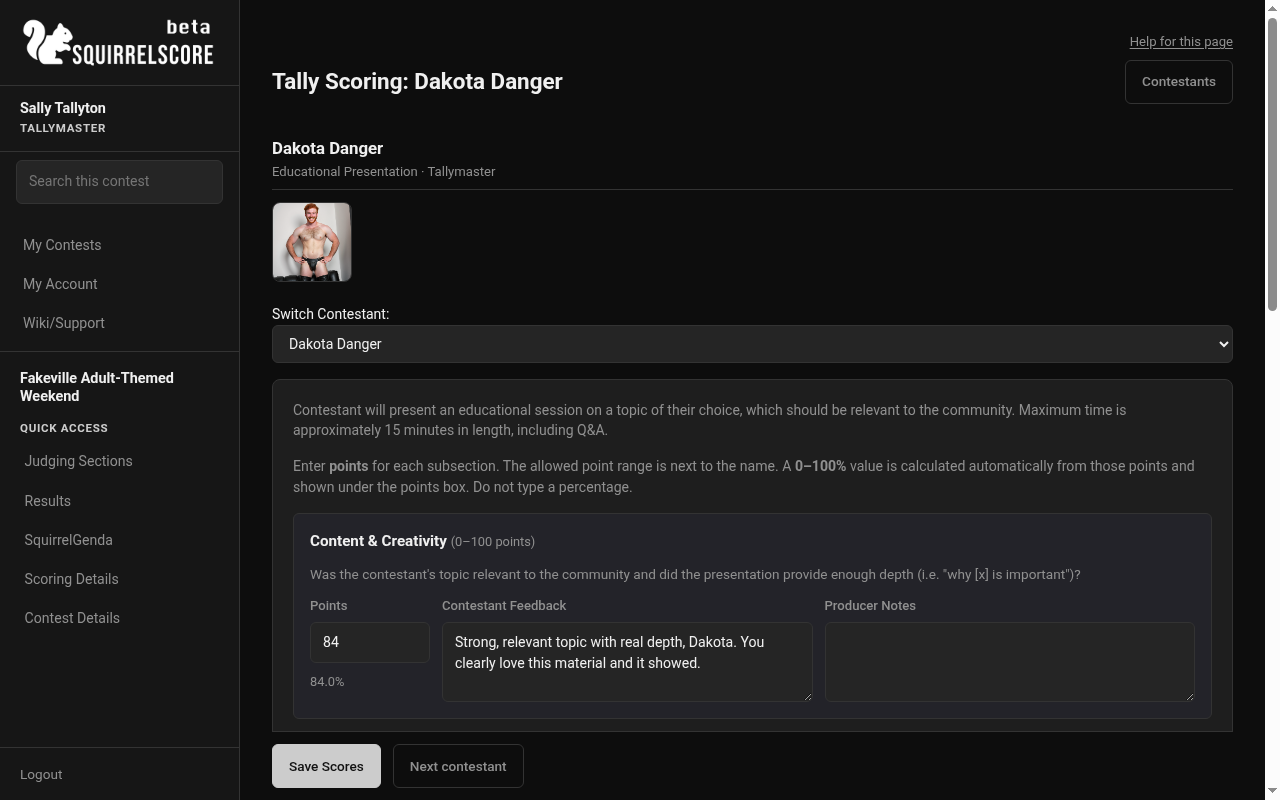
Desktop — Tallymaster score form (Educational Presentation), notes visible
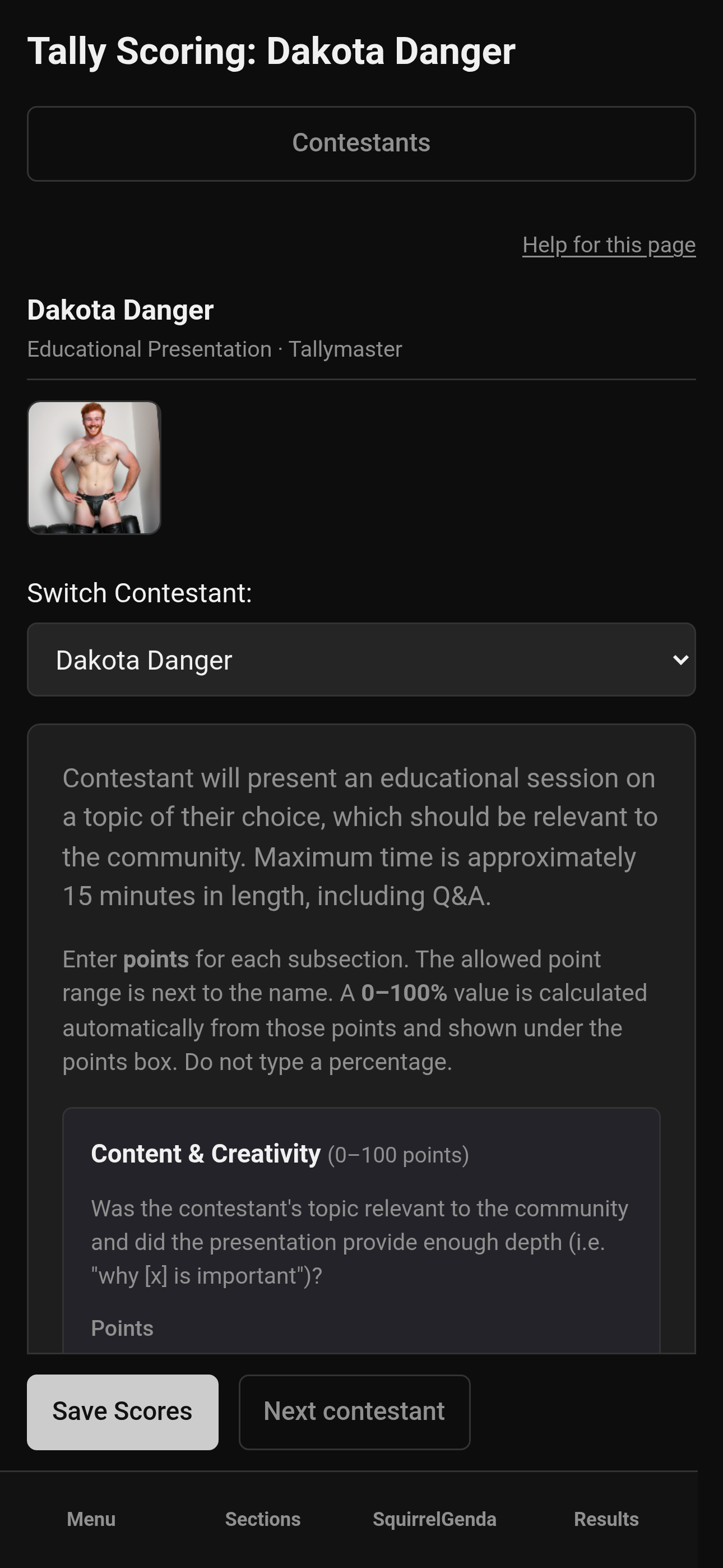
Mobile — Tallymaster score form, notes visible
¶ Time entry for penalties
-
Open the section that uses time penalties.
-
Find the proper contestant.
-
Click the Enter time button.
-
Enter minutes/seconds as the form prompts.
-
Save.
-
Confirm the penalty math later on Results if your contest displays it there.
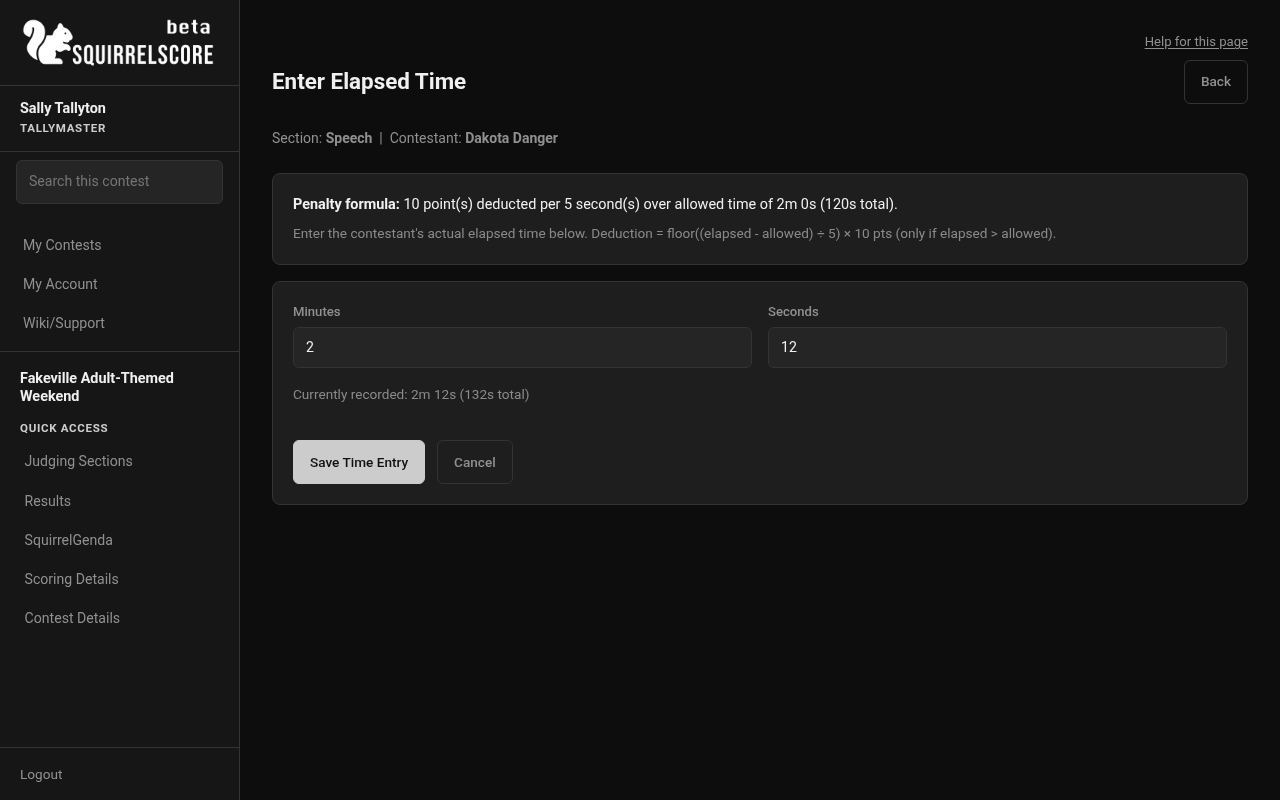
Desktop — Tallymaster, Speech, Enter elapsed time
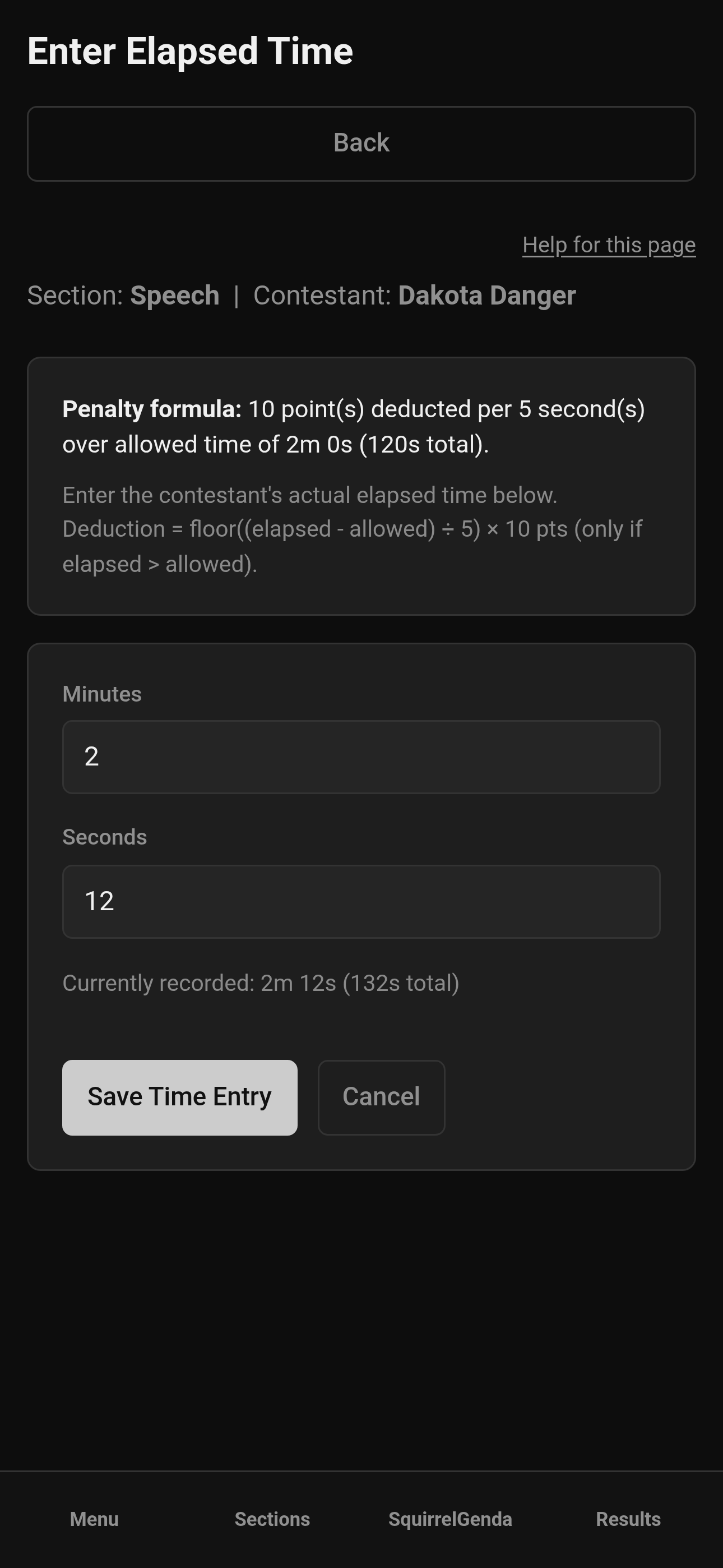
Mobile — Tallymaster, Speech, Enter elapsed time
¶ Reviewing judge scores
-
From a judge-scored section, open a judge review.
-
Review scores and feedback as needed - and remember, they're read-only.
-
If a correction is required, unlock if needed (after confirming with your producer) and have the judge edit - or follow your producer's agreed exception process.
-
Re-lock when done.
¶ Tips
-
Do tallymaster sections on a stable connection - and save often (where needed).
-
Enter time soon after the performance - it just takes a few seconds and you can enter and save it in some cases before the contestant even leaves the stage.
-
Enter points as whole numbers. A 0-100% conversion appears under the points box. Enter
0if you mean zero. -
You score tallymaster-scored sections only. Judge-scored sections stay read-only for scores, but you can still enter time for time penalties on those sections.
-
Time penalties apply even when judges (not you) scored the section. Tallymaster score cells on judge-scored sections are ignored in totals, and judge cells on tallymaster-scored sections are ignored.
¶ Common Mistakes
-
Trying to edit judge fields from a read-only review screen
-
Forgetting to do the time entry until after you've locked and printed PDFs
-
Saving scores on the wrong contestant after a fast stage change
¶ Frequently Asked Questions
Why can't I type in this section?
It may be judge-scored (review only for you), locked, or the contest may be inactive.
Do producers also enter these?
Depends on your team's workflow. Tallymasters have the scoring/time tools; coordinate so two people don't overwrite each other.
Where are contestant feedback and producer notes?
On the score form next to points, always visible (not behind a Notes expander). Same layout judges use.
Is time required for every section?
Only sections configured with time penalties. Scoring Details / section setup tell the story.