¶ Purpose
Save PDFs, CSVs, and other exports to your device.
¶ Before You Begin
-
Be logged in for most exports (often producer or tallymaster; contestants may get a personal results PDF when released). Download PDF on Contest Details and Scoring Details is also available without logging in when the producer put those pages on the public hub.
-
Allow downloads / pop-ups for this site if your browser has stricter settings enabled
-
Know where your device keeps Downloads
¶ Step-by-Step Instructions
-
Open a page with a download action - often Results (PDF / CSV / XLSX), the Profile PDF button on Manage (Judges card), Download PDF on Contest Details or Scoring Details, Backup & Restore, or a personal results PDF for contestants.
-
Read the button label so you grab the right file (i.e. full results vs one contestant vs CSV).
-
Click the download link or button. Results CSV / XLSX / PDF links are built fresh so you don't get a stale cached file.
-
On a phone or tablet (browser or Home Screen app), the system share or save sheet should appear (not a PDF preview inside the app). Choose Save to Files or Share, then dismiss the sheet. Large XLSX files can take a moment — wait for the sheet; do not tap again. On a computer (browser or the installed desktop app), the file downloads normally. Spreadsheet exports still show the extra wait popup on a computer.
-
If a computer browser asks permission to download or open a pop-up, allow it for this site.
-
Wait for the file - don't close the tab mid-download.
-
Open the file from Files / Downloads (or the browser's download menu).
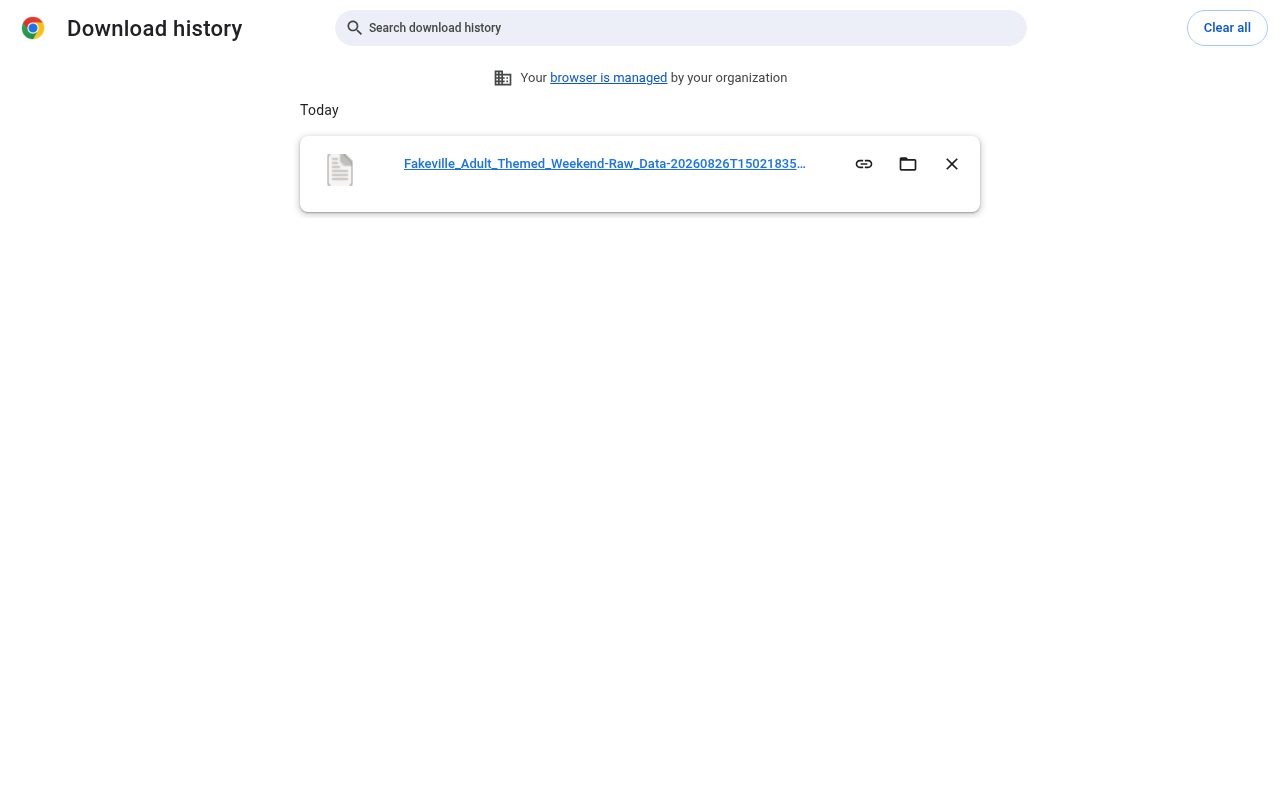
Desktop — Browser download finished (Raw CSV)
¶ Common download types
| File | Typical use |
|---|---|
| Results PDF | Packet for production / records |
| CSV | Spreadsheet-friendly export (timestamped filename) |
| XLSX | Formula workbook of judge/audience raw data (on a computer, wait after the browser OK/Cancel warning; on a phone or tablet, wait for the share sheet) |
| Contestant PDF | Contestant's individual scores and feedback (also from a personal email link after Release Results) |
| Judge Profile PDF | All judges' selected agreement answers (producer Manage) |
| Contest Details PDF | Read-only rules/info packet from Contest Details (Contest_Name-Contest_Details.pdf). Description Markdown (bold, italic, headings, lists, allowed links) is included; names stay plain. |
| Scoring Details PDF | Read-only rubric from Scoring Details (Contest_Name-Scoring_Details.pdf). Same limited Markdown on descriptions. Includes a short How this contest is scored intro (overall range, Olympic / normalizing when those settings are on). |
| Contest media | Files the producer stored for the contest (photos, PDFs, audio, video). Download does not mark the file complete. PDF / audio / video are download-only; images can preview. |
Files download as {Contest_Name}-{Download_Title}.pdf (or .csv / .xlsx). Per-contestant files add -{Contestant_Name} before the extension. Spaces and hyphens inside those names become underscores (Spring_Fling_2026-Scores.pdf, Spring_Fling_2026-Individual_Results-Jane_Doe.pdf). CSV and XLSX exports also add a UTC timestamp so each click is a new file.
Some exports only appear when all sections are locked (and your contest settings allow them). If a button is missing, check locks and your role - refreshing the page will not add an export that is not available yet.
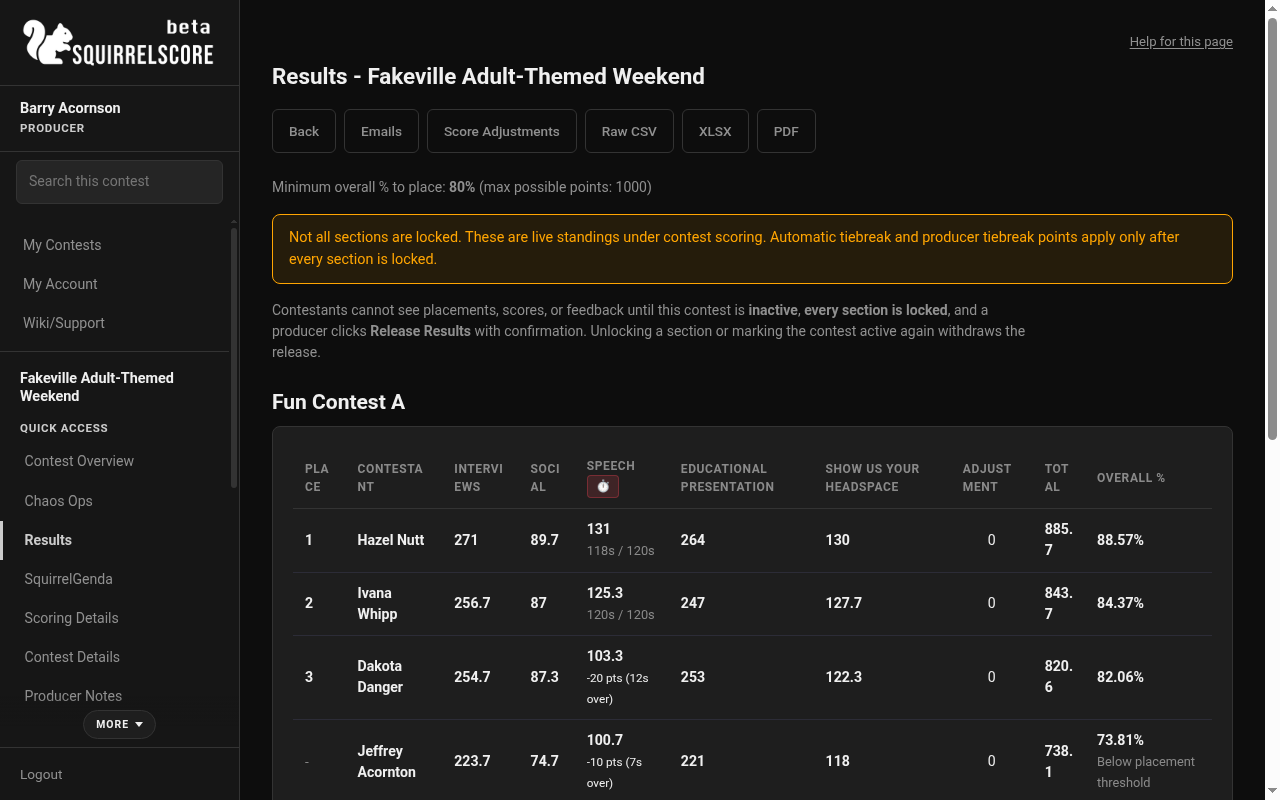
Desktop — Producer, Results download controls (CSV / XLSX / PDF)
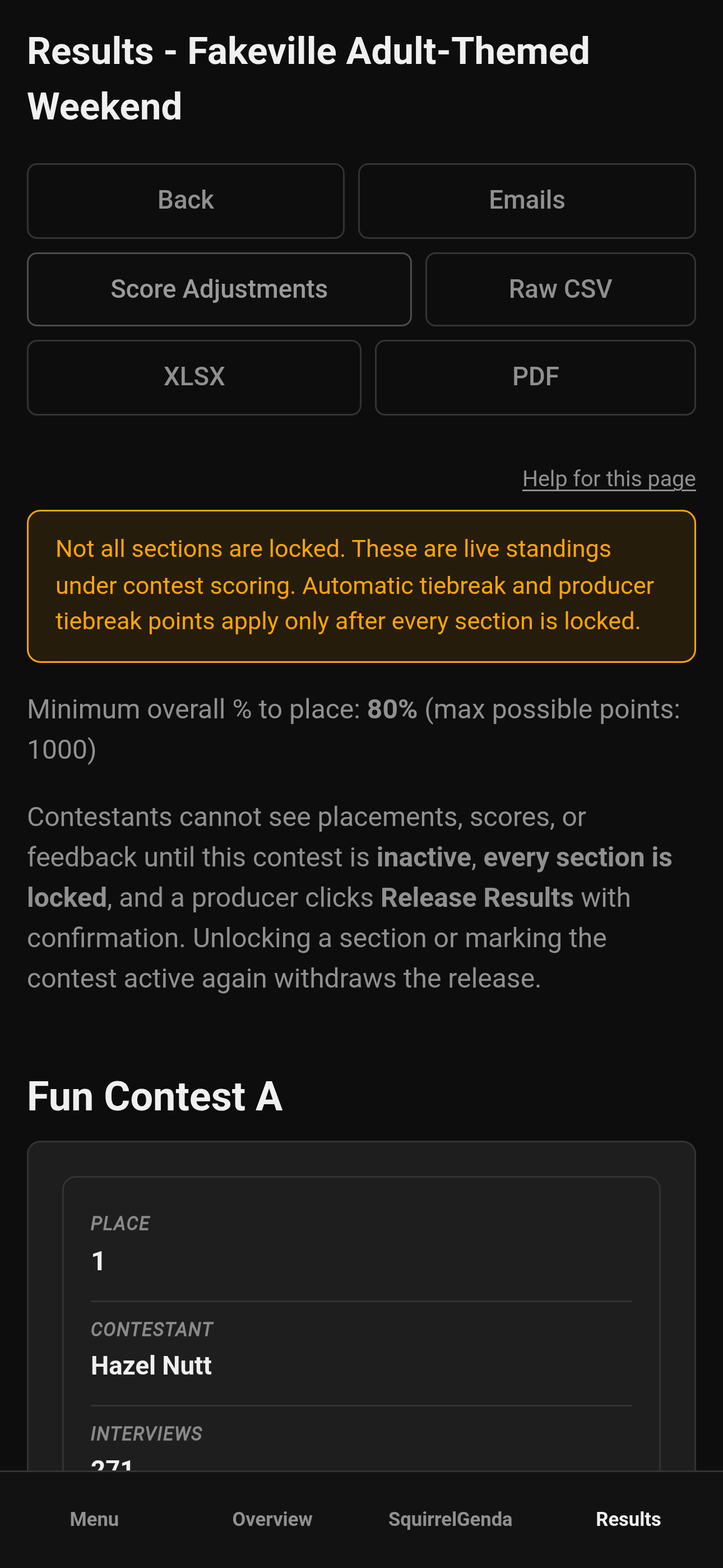
Mobile — Producer, Results download controls
¶ Tips
-
On phones and tablets (including their Home Screen app), use the share sheet's Save to Files (or Share) instead of waiting for an in-app preview — iPhone Home Screen PDFs had no save/share controls in that preview. A computer browser or desktop installed app uses a normal download.
-
Prefer STABLE Wi-Fi for big PDFs and other files.
¶ Common Mistakes
-
Clicking twice and downloading multiple copies
-
Blocking pop-ups/downloads and thinking the site "does nothing"
-
Exporting while scores are still changing, then treating that incomplete PDF as final
¶ Frequently Asked Questions
Nothing happens when I click download.
Check the browser's pop-up / download blocker, try another browser, or check whether the export is available or not.
CSV opens as gibberish.
Open it in a spreadsheet app (Excel, Google Sheets, LibreOffice). It might open in a text editor, but a spreadsheet app is the usual choice.
I clicked download again but I'm still looking at the old CSV.
Close the spreadsheet if that file is still open, then open the newest file from the browser's download list (look for the timestamp in the name). Do not reopen an older copy sitting in Downloads. If a browser still serves a stale file, try a private window.
Can volunteers download full results?
Usually no. Volunteers get contest details and prep - not the scoreboard. See Volunteer overview.