¶ Purpose
Duplicate a contest structure for next year - or permanently remove a contest you no longer need.
Clone is "save as." Delete is "shredder." Only the contest owner can delete.
¶ Before You Begin
¶ For clone
-
Open the contest you like as a template.
-
Accept that you'll still update dates, people, and applications afterward.
-
Pick a new clear name after cloning (year suffixes help).
¶ For delete
-
Confirm you are the owner.
-
Be ABSOLUTELY SURE you want the data gone. You can't undo this.
-
Export anything you might miss (Exports or backup-restore)
-
Tell co-producers before you nuke the contest.
-
Read the contest name twice. Then once more.
¶ Step-by-Step: clone a contest
-
Open Manage for the contest (the Manage hub / contest detail page with actions).
-
Click Clone.
-
Confirm when asked. The dialog lists what copies (scoring sections and nested subsections, sub-contests, contest details, SquirrelGenda items, email templates, Pop Questions form/bank, and Contact Us / vendor inquiry questions, left disabled, no submissions). It also lists what does not copy (people, scores, applications, audience links, registration emails, surveys, contest updates, results download tokens, Chaos Ops tasks, contest media files or upload links, Telegram bot token / channel / posting switch, or the public contest hub link).
-
Wait for the clone to finish.
-
Open My Contests and find the new contest.
-
Edit settings: rename, update description/logo, set pacing dates, Active status.
-
Review sections, details, email templates, and Pop Questions - those carry over; people and scores stay last year's problem. Pop Questions submissions (the question bank) do clone so you can reuse last year's pool. Contestant / judge / volunteer forms are not cloned - copy those with Backup & restore if you need them. Contact Us and vendor inquiry questions clone but stay off until you enable them. Contest media files are not copied.
-
Enroll or invite people fresh for the new contest.
-
Enable Chaos Ops again if you want it (and run setup), rather than assuming every optional switch cloned exactly how you remember.
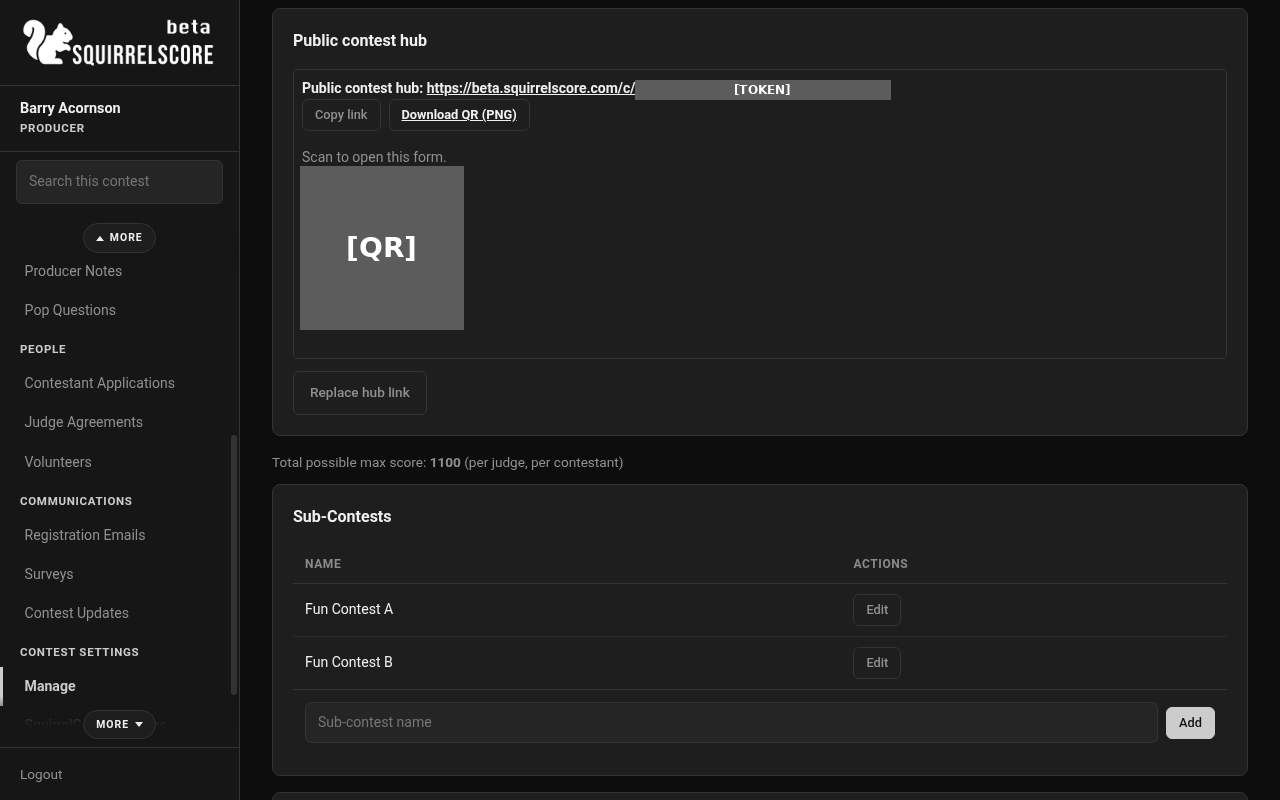
Desktop — Producer, Manage with Clone and Delete Contest
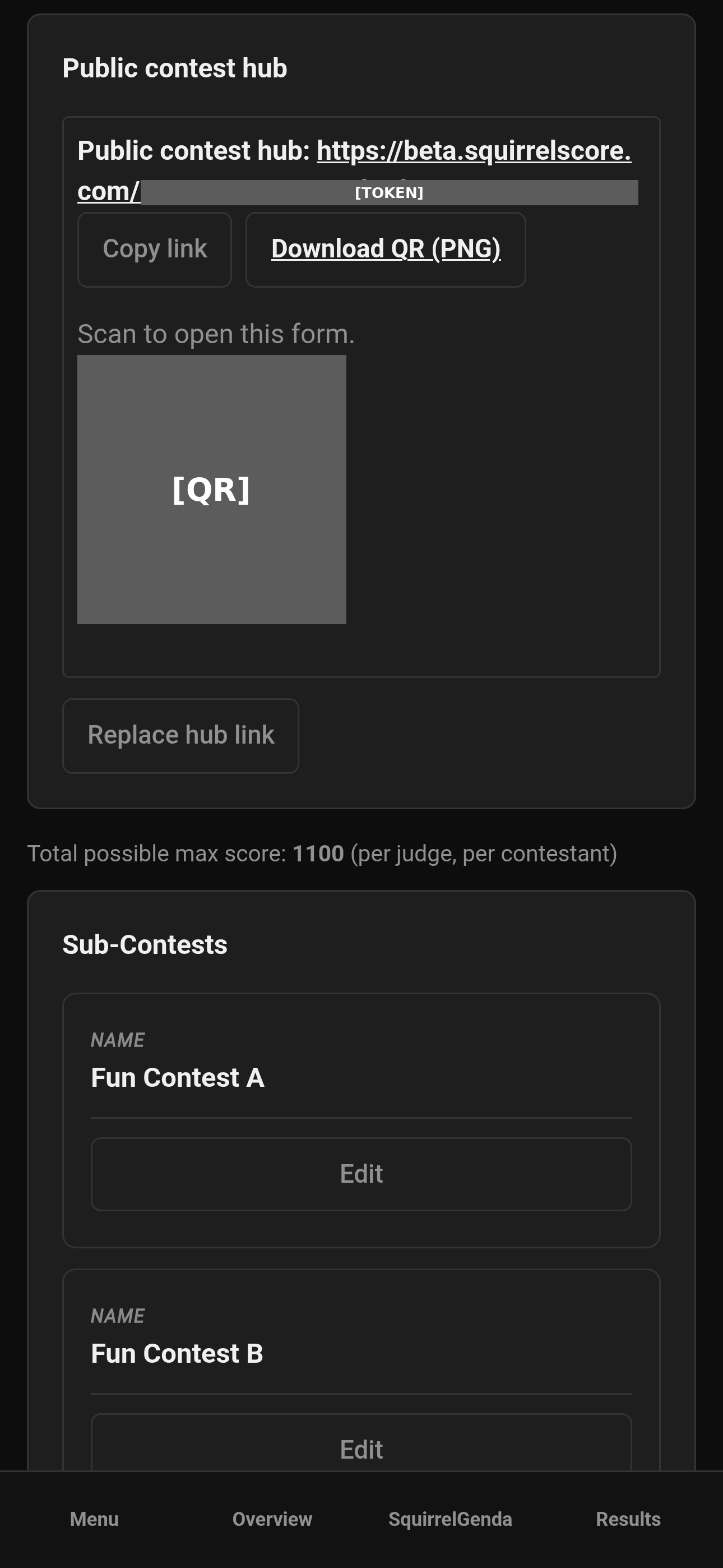
Mobile — Producer, Manage with Clone and Delete Contest
¶ What cloning copies (and what it politely leaves behind)
Think of clone as photocopying the rulebook and set pieces, not last year's guest list or score sheets.
¶ What cloning is good for
-
Keeping last year's scoring sections and nested subsections (audience scoring mode copies; the registration email list and form-entry check do not — restore from backup or add this year's list and turn the check on again if you use it)
-
Copying sub-contests (names/structure only — no people)
-
Reusing detail section outlines and nested detail items
-
Copying SquirrelGenda schedule items when enabled (fresh public link; change notices are not copied; Telegram lead-time checkboxes copy, the bot token, channel, and posting switch do not)
-
Carrying email template customizations
-
Copying the Pop Questions form (enable/passphrase/categories flags), category list, and submission bank (question, name, status, category). IP addresses and approve/reject history are not copied.
-
Not retyping the entire rulebook from scratch
Clone does not copy people, scores, applications/agreements, audience links, registration emails (or the form-entry check), surveys, contest updates, results download tokens, Chaos Ops tasks, contest media files or upload links, week-judge assignments, week producer tiebreak points, Telegram bot tokens, channels, or the Telegram posting switch, or contestant / judge / volunteer application forms (use Backup & restore for those packs). Contact Us and vendor inquiry questions clone, left disabled, without submissions.
For a multi-week contest, clone copies week settings (names, dates, weights, and that week's elimination choices). It does not copy last year's scores or who was assigned to score each week.
Cloning is not a substitute for updating dates, rosters, and application windows.
¶ After you clone
-
Rename with the new year.
-
Update pacing dates.
-
Review Active status.
-
Rebuild or import contestant / judge / volunteer forms if you need last year's questions (Backup & restore - clone does not copy those forms).
-
If you use a registration email list, restore it from backup or add this year's emails and turn the form-entry check on again (Registration Emails — clone does not copy last year's list or the check).
-
Review Pop Questions categories and the cloned question bank (re-approve as needed for this year's contest).
-
Skim email templates for last year's dates in custom text.
-
If you use Telegram channel notices, set this contest’s bot token, channel, and posting switch on SquirrelGenda (clone leaves those blank on purpose).
-
Invite this year's people - don't assume last year's roster cloned as live humans.
¶ Step-by-Step: delete a contest
-
Confirm you are the contest owner (co-producers won't get the delete control).
-
Open Manage for the contest.
-
Click Delete Contest (danger-styled on purpose).
-
Read the confirmation: this cannot be undone.
-
Confirm only if you are sure.
-
Verify the contest no longer appears on My Contests.
¶ Tips
-
Clone for structure; enroll people fresh for the new year.
-
Rename clones immediately or you might click on the wrong one and have a bad time.
-
Export PDFs/CSV before delete if you need an archive.
-
Prefer marking Inactive over delete so you still get historical Results access.
¶ Common Mistakes
-
Deleting when you meant Clone (different buttons - be careful).
-
Cloning and blasting last year's apply link without updating forms/dates.
-
Assuming co-producers can delete - owner only.
-
Not exporting before deleting, then realizing it an hour later.
¶ Frequently Asked Questions
Who can clone?
Producers with access to Manage the contest (clone appears with contest actions).
Who can delete?
Owner only.
Does clone copy contestants and scores?
Treat clone as structure-first: scoring sections and nested subsections, sub-contests, Contest Details, SquirrelGenda items, email templates, Pop Questions, and Contact Us / vendor questions (disabled). Plan to invite/enroll people anew and start scoring clean for the new contest. Pop Questions does copy the form settings, categories, and submitted question bank (not IPs or decision notes). Contest media files do not copy.
Can delete be undone?
No. That's the point of the scary confirmation screen.