¶ Purpose
Download contest configuration and content as spreadsheet-friendly CSV "packs," and re-import the packs that are safe to bring back in - a portable way to back up, bulk-edit, or move structure between contests without touching live scores.
You never know what can potentially happen to data stored anywhere - while this system is backed up, you can't be too careful. Remember the 3, 2, 1 Rule:
-
Make 3 backup copies
-
On at least 2 different types of storage
-
With at least 1 off-site (not stored in the same place as the others)
Contest data is no different - keep records for those, too.
¶ Before You Begin
-
Be a producer (owner or co-producer) for the contest.
-
Be absolutely sure this is what you want to do, and know the difference between Merge (adds/updates, never deletes) and Replace (also deletes rows not present in the file - requires confirmation, and for Scoring Structure / Contest Details, owner-only).
-
Open exported CSV files in a spreadsheet app (Excel, Sheets, LibreOffice, Nextcloud) or a plain text editor - they're UTF-8 CSV with a small header comment block and
# === table ===markers. -
Remember: passphrase hashes, invitation tokens, and passwords are never included in any export.
¶ Step-by-Step Instructions
-
Open Manage for the contest.
-
Click Backup & Restore.
-
For any pack, click Export CSV to download it. Files are named like other contest downloads (
Contest_Name-Pack_Title-20260822T232215Z.csv, spaces and hyphens inside names become underscores). The timestamp is the download time so each click is a new file, not yesterday's export. -
Edit the file in a spreadsheet app if you're bulk-updating (keep the header rows and
# ===table markers intact - the importer expects a strict column match per table). -
For packs marked importable, open Import from CSV..., choose the file, pick Merge or Replace, check the confirmation box if using Replace, then Import.
-
Read the flash message for a created/updated/skipped summary.
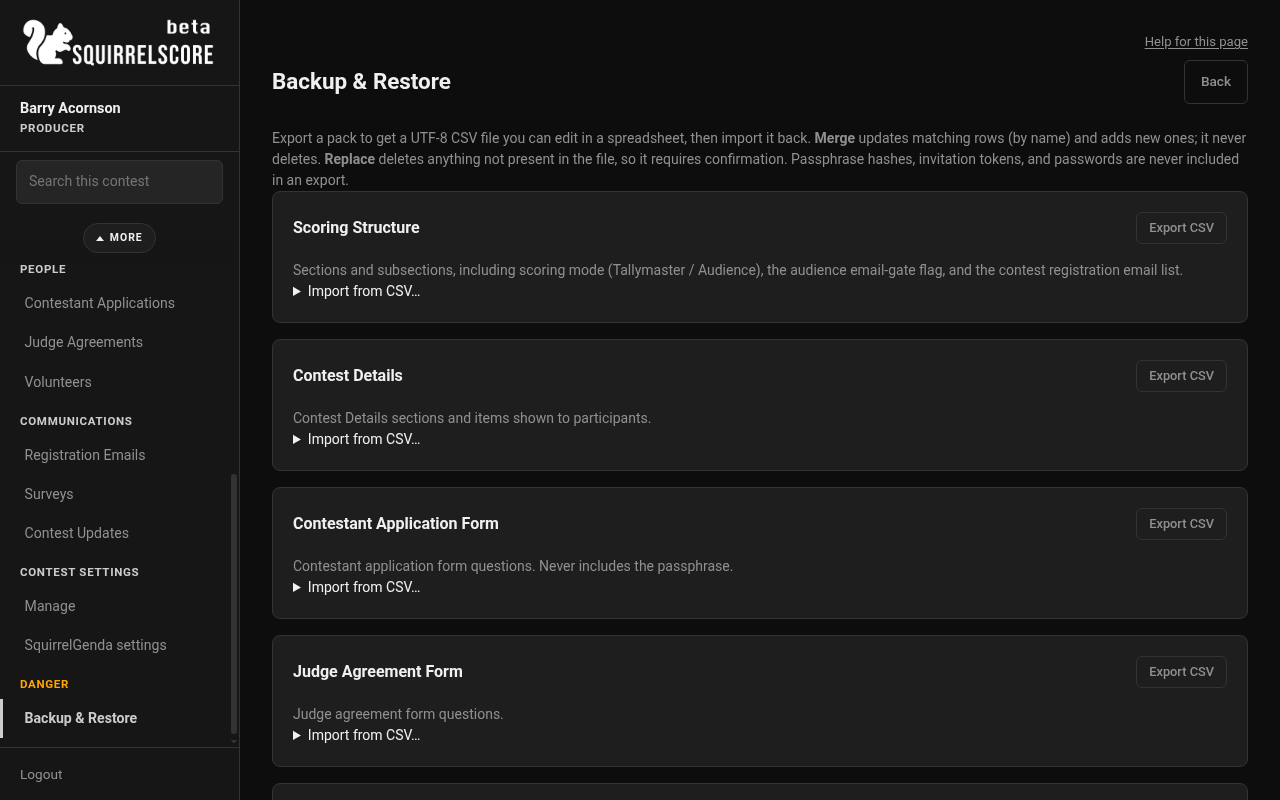
Desktop — Producer, Backup & Restore
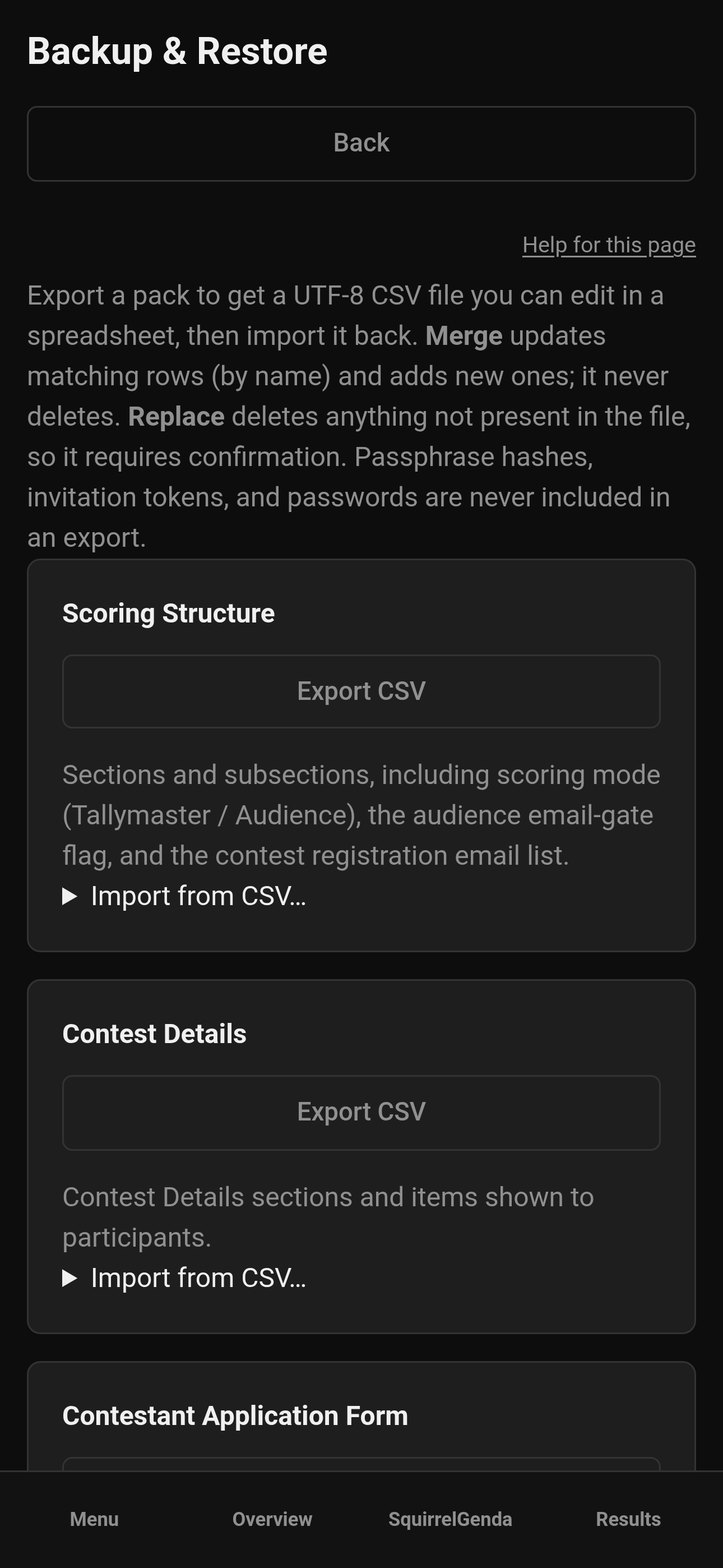
Mobile — Producer, Backup & Restore
¶ Pack inventory
| Pack | Contents | Import? | Notes |
|---|---|---|---|
| Scoring Structure | Sections + subsections, including scoring mode (Tallymaster / Audience), the checkbox that requires a guest-list match, time penalty settings, and the contest registration email list | Yes | Replace is owner-only. If the file has no emails table, existing emails are kept; the guest-list check is not left on with an empty list. |
| Contest Details | Detail sections + items | Yes | Replace is owner-only |
| Contestant Application Form | Form settings + fields | Yes | Never includes the passphrase |
| Judge Agreement Form | Form settings + fields, including which questions print on the Profile PDF | Yes | Missing include_in_profile_pdf column on an older file still includes the question (default on) |
| Volunteer Application Form | Form settings + fields + positions | Yes | Never includes the passphrase |
| Pop Questions | Form on/off + passphrase flags + categories (names) + submission bank | Yes | Sensitive |
| Judge Invitations | Email + invitee name list | Yes | Always issues fresh invitation links; tokens are never exported. Optional "email each new invitee" checkbox |
| Chaos Ops Tasks | Manually-created tasks | Yes | Requires Chaos Ops enabled |
| SquirrelGenda | Timezone, time display (24h/12h), embed theme hex colors, Telegram posting switch and channel id, schedule items and optional lead-time flags | Yes | Requires SquirrelGenda enabled. Public tokens, change notices, and the Telegram bot token are never exported |
| Contest Email Templates | Subject/body overrides | Yes | 24 keys; week, Contact Us, and vendor templates included |
| Contact Us Form | Form settings + fields | Yes | Never includes the passphrase. Submissions are not in this pack. |
| Vendor / Sponsor Inquiry Form | Form settings + fields | Yes | Never includes the passphrase. Files are not in this pack. |
| Results Snapshot | Places, totals, percent of max, tiebreak labels | Export only | Not a source of truth - a point-in-time archive |
| Contestant Results & Feedback | Per contestant / section / subsection scores + contestant-facing feedback | Export only | |
| Producer Feedback | Internal producer feedback | Export only | Sensitive |
| Audience Score Audit | Registration email, scores, per-subsection feedback, counted/excluded flags + exclude reason | Yes, with a catch | See below |
| Registration Emails | Contest registration email list | Yes | Sensitive. Clone does not copy this list. |
| Survey Structure | Survey settings and questions | Yes | Never includes tokens or passphrases |
| Survey Responses | Answers plus invite emails for invite rows | Yes | Sensitive. Public-link rows stay anonymous. |
| Surveys + Registration Emails | Emails, questions, and responses together | Yes | Comprehensive pack of the three above |
¶ Survey and registration email packs
These three packs (plus the combined one) are how you keep last year's guest list and feedback without cloning it by accident. Clone never copies registration emails or surveys.
| Pack | In plain language |
|---|---|
| Registration Emails | The contest guest-list addresses. Sensitive. |
| Survey Structure | Titles, who you planned to email, and the questions. No secret links or passphrases. |
| Survey Responses | The answers. Invite rows include the email; public rows stay anonymous. Sensitive. |
| Surveys + Registration Emails | All three together - one file when you want a complete pack. |
You can also pick up registration emails inside Scoring Structure (handy if that is the pack you already export every year). If an older Scoring Structure file has no emails table, existing emails are kept; SquirrelScore will not leave the audience-score check on with an empty list after import.
¶ Audience Score Audit: import vs export timing
This pack behaves differently from the others because it tracks a live public voting window (see Audience Scoring):
-
Import only works for a contestant × section audience link that is still open (not yet closed). Once a link is closed, its rows are locked for import - re-open the link first if you truly need to bulk-load more submissions. An imported row's
excludedflag andexcluded_reasoncolumn are honored, so you can bulk-load pre-excluded submissions the same way you'd exclude one by hand. -
Export only includes contestant × section links that have already been closed - and once a link qualifies, the export includes every submission on it (both counted and excluded), with its
excluded_reasonif one was recorded. Open links haven't finished voting, so they're left out of the export entirely.
This keeps a bulk-loaded backup from silently overwriting a live, in-progress audience vote.
¶ Merge vs Replace
| Mode | Effect | Confirmation |
|---|---|---|
| Merge (default) | Updates matching rows by name/key, adds new rows, never deletes | None |
| Replace | Also deletes existing rows not present in the file | Required checkbox; owner-only for Scoring Structure and Contest Details |
¶ SquirrelGenda pack
Use this when you want a spreadsheet-friendly copy of the live schedule settings and items (for another contest or an offline edit pass):
-
Enable SquirrelGenda on the contest first.
-
Export SquirrelGenda — the file has a
settingstable (timezone + time_format + embed theme hex columns + optional Telegram posting switch and channel) and anitemstable (title, date/time, location, optional lead-time flags, etc.). -
Import with Merge to upsert items matched by title + start date/time, or Replace to wipe existing items then load the file. Settings always update when the
settingstable is present. -
Public link tokens, change notices, and the Telegram bot token are never included — paste the bot token again on that contest’s SquirrelGenda page if you need posts to go out. Re-post change notices after import if you need them.
¶ What never leaves the server
-
Passphrase plaintext or hashes
-
SquirrelGenda public tokens
-
SquirrelGenda Telegram bot tokens
-
Invitation tokens
-
Passwords, MFA secrets, set-password links
-
Audience score link tokens
-
Contestant results PDF download tokens (the personal no-login links from Release Results)
-
Survey public / invite tokens and survey passphrases
-
Registration emails are exportable in their own packs (and Scoring Structure) but are not copied by clone
-
Contest media binaries (photos, PDFs, audio, video). Export the CSV packs for form questions only.
¶ Tips
-
Export a full set of packs before a big structural edit - cheap insurance.
-
Use Merge for almost everything; save Replace for "I want the file to be the truth now."
-
Sensitive packs (Judge Invitations, Pop Questions, Producer Feedback, Contestant Results & Feedback, Audience Score Audit, Registration Emails, Survey Responses, Surveys + Registration Emails) may contain PII - handle the downloaded file like any other spreadsheet with people's info in it.
-
Round-trip a simple Scoring Structure file first (export, tweak one max value, re-import) to get comfortable before touching something bigger.
¶ Common Mistakes
-
Trying to Replace Scoring Structure or Contest Details as a co-producer (owner-only).
-
Expecting Results Snapshot or feedback packs to import - they're export-only archives.
-
Trying to import Audience Score Audit rows for a link that's already closed.
-
Editing header rows or
# ===table markers in a spreadsheet app in a way that breaks the strict column match.
¶ Frequently Asked Questions
Can I use this to copy structure into a brand-new contest?
Yes - export the packs you want from the old contest, then import into the new one. This is separate from Clone, which copies structure automatically when you duplicate a contest.
Will importing recreate a deleted passphrase?
No - passphrases are never exported, so re-importing a form pack never restores or overwrites a passphrase.
Why can't I import Results Snapshot?
It's a computed archive, not a source of truth - importing scores directly isn't supported in this release.
What happens to extra or renamed columns in my edited CSV?
Keep the header row exactly as exported; the importer expects a strict column match per table.