¶ Purpose
Edit the house rules for a contest you already created: name, logo, scoring modes, active status, pacing dates, and enable Chaos Ops.
¶ Before You Begin
-
Be logged in as a producer with access to the contest (owner or co-producer).
-
Have the contest created already - settings are on the Edit Contest screen.
-
Know whether judges/tallymasters still need access today (that affects Contest Active).
-
If you plan to use Chaos Ops due dates, have approximate pacing dates ready.
¶ Step-by-Step Instructions
-
Open My Contests and select the contest (Open Contest).
-
Open Manage from the sidebar.
-
Find Edit at the top.
-
Update Contest Name if needed.
-
Update Description if needed.
-
Optionally replace the Contest Logo to show on PDFs:
-
Choose a new image.
-
Adjust Zoom / Horizontal / Vertical.
-
Click Preview Crop.
-
-
Set the scoring and behavior checkboxes (see below).
-
Set Minimum Overall % to Place.
-
Fill Pacing dates so other things can use them.
-
Optionally check Enable Chaos Ops (first enable opens a short setup wizard).
-
Optionally check Enable SquirrelGenda and pick a SquirrelGenda timezone. The page shows Current time for contest is about: for the selected zone (same clock SquirrelGenda, scheduled form times, survey/update send times, and reminder banners use).
-
Optionally set operational reminders (mark inactive, release results, lock sections). Those only show alerts after the time passes; they never auto-flip those switches for you.
12b. Optionally enable the public contest hub (QR landing page) and choose whether people can open read-only Contest Details and Scoring Details without logging in. Enabled Contact Us and vendor inquiry forms appear on the hub automatically. See Public contest hub.
Reminders are sticky notes, not autopilot. Contest Active, Release Results, and section lock stay manual on purpose.
13. Click Update Contest to save.
- Click Cancel if you want to leave without saving.
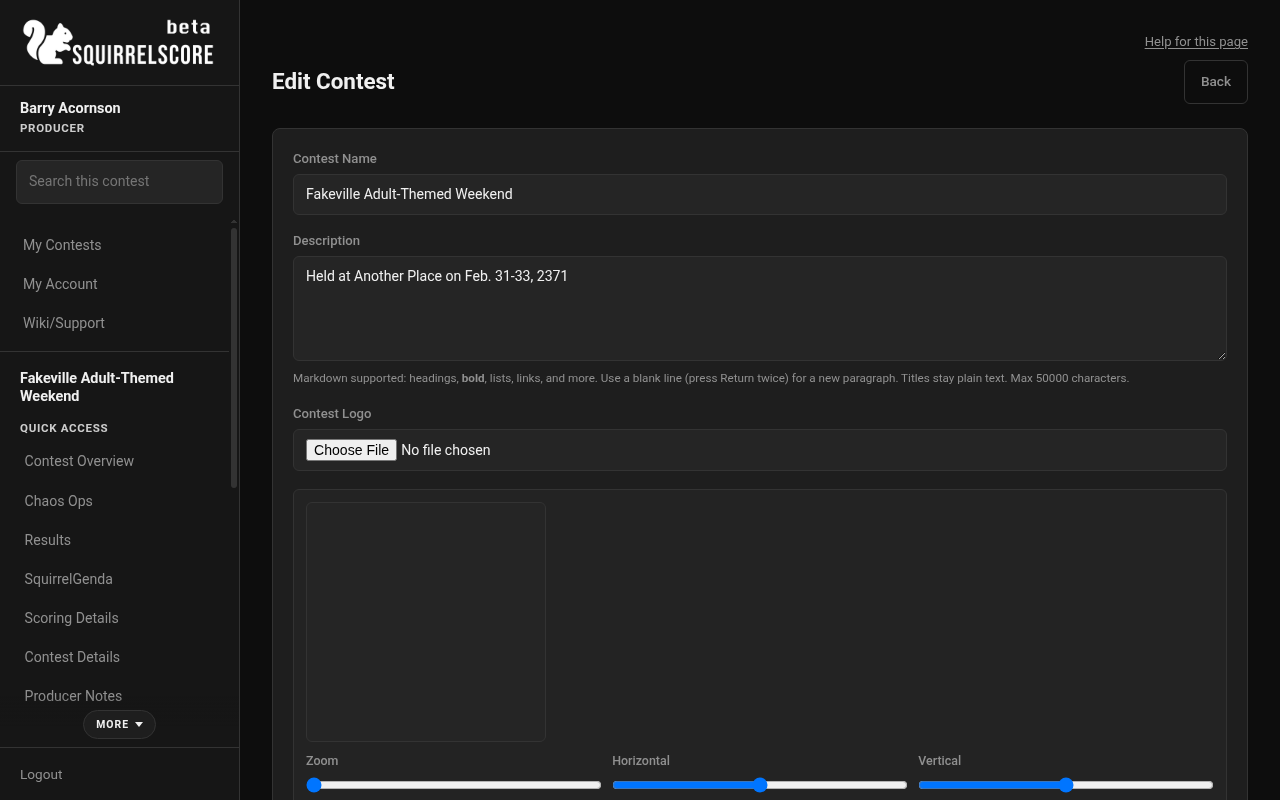
Desktop — Producer, Edit Contest
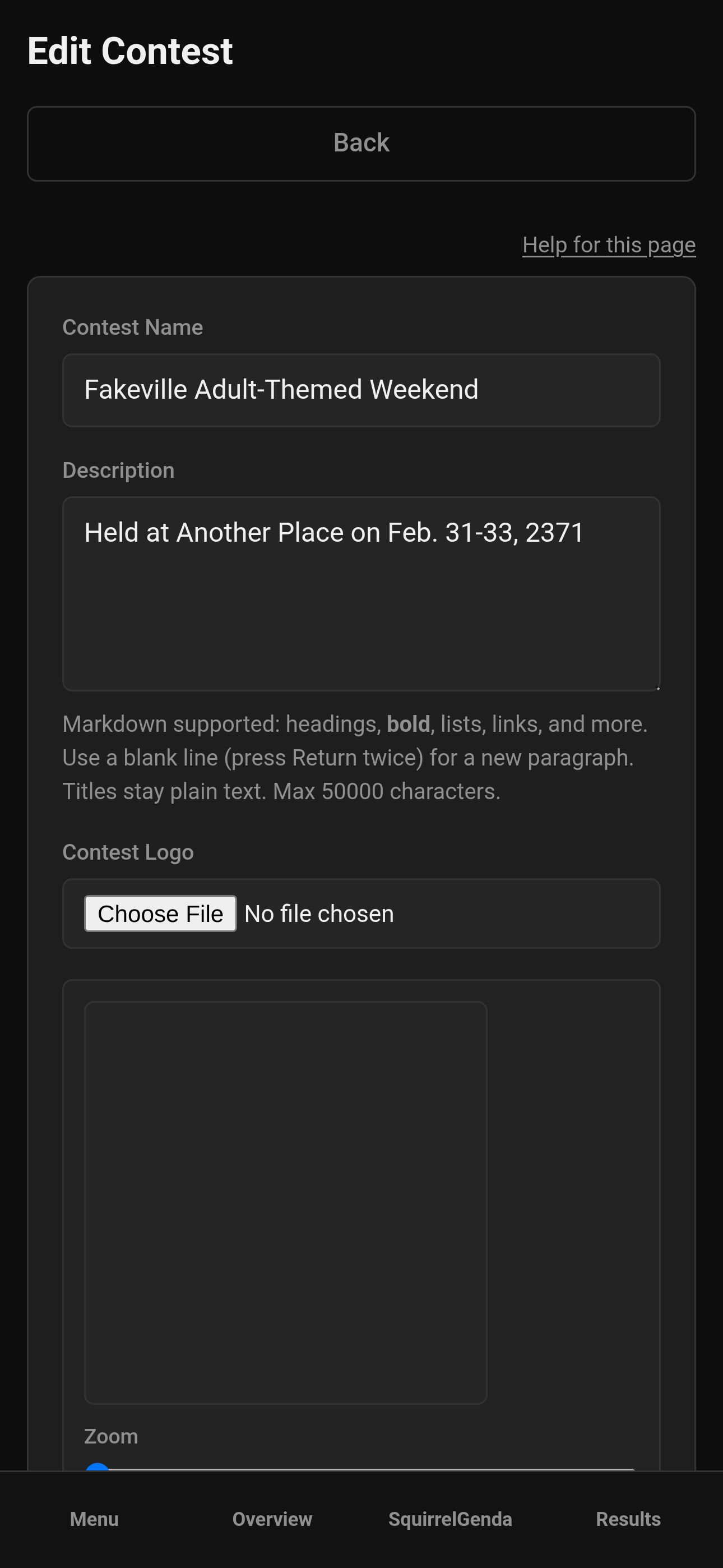
Mobile — Producer, Edit Contest
¶ Scoring and behavior options
These match the create form, and they matter just as much on edit:
| Option | What it does |
|---|---|
| Enable Olympic Scoring | For each section, lowest and highest Judge-category totals are shown but excluded from the calculation. Needs at least three counting judges. With fewer than 3 Judge-category scores for a contestant in a section, that section totals 0. Turning this on or off changes Results places. |
| Enable point-system normalizing | Judge scores are combined, then normalized to the contest's point system so a section's total matches the section's max points (not max × number of judges). If Olympic is also on, normalizing applies after Olympic. Turning this on or off changes Results places. |
| Contest Active | When off, judges/tallymasters/volunteers see the contest under Inactive Contests with no actions, and scoring is locked; they may still sign in if they have another eligible membership. Producers still open it from the main My Contests list. Contestants regain a main-list card (My Results) after results are released. |
| Enable Producer Score Adjustment | Allows integer adjustments on overall totals (producer or tallymaster). Changes Total. Not the remaining-tie order tool. |
| Enable Automatic Tiebreak | When on and every section is locked, only tied contestants at or above Minimum Overall % to Place are re-ranked in place without Olympic, then without point-system normalizing if still tied, then (if still tied) using Judge + Alternate Judge scores together. Remaining ties: producer tiebreak points on Results. People below the floor stay unranked with no tie badges. Off by default. See Results. |
| Results Exports Show Judge Name | Exports show names instead of preferring judge numbers (in case producers and/or judges prefer a little anonymity) |
| Minimum Overall % to Place | If a contestant's overall % is less than this, they show without a placement rank and are excluded from Automatic Tiebreak, tie badges, and producer remaining-tie points |
| Contest format | Standard is a single scoring period. Multi-week adds weeks, weekly judges, weekly tally review, and overall standings. You cannot switch format after scores exist. See Weeks. |
| Enable weekly eliminations | Off by default. Only used on multi-week contests. When off, everyone stays eligible each week. When on, each week can turn cuts on or off. You still check every person on that week's Elimination page — nothing is cut automatically. Tallymasters still do not eliminate anyone. You cannot turn this off after a cut has been confirmed. |
| Overall scoring | Multi-week only. Equal averages each completed week's percent of max. Weighted uses the weight on each week. |
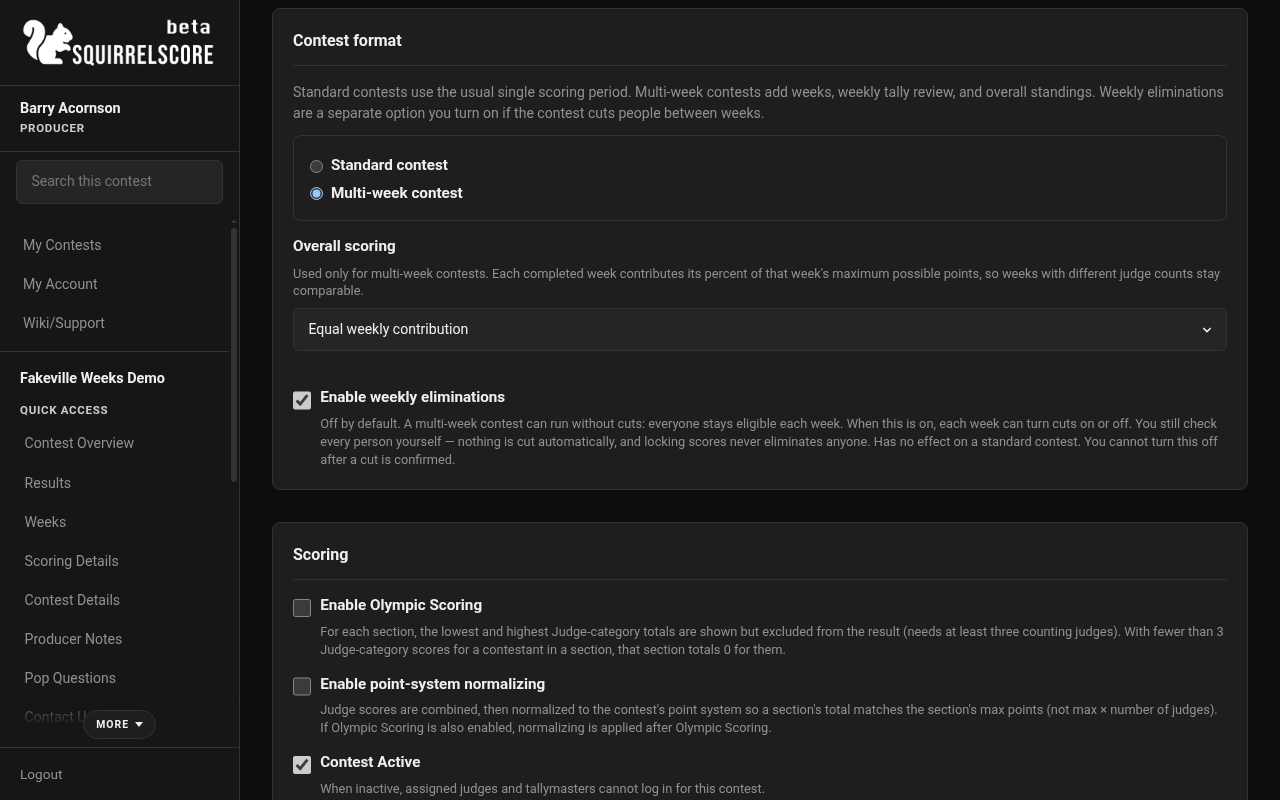
Desktop — Producer, Contest format Multi-week
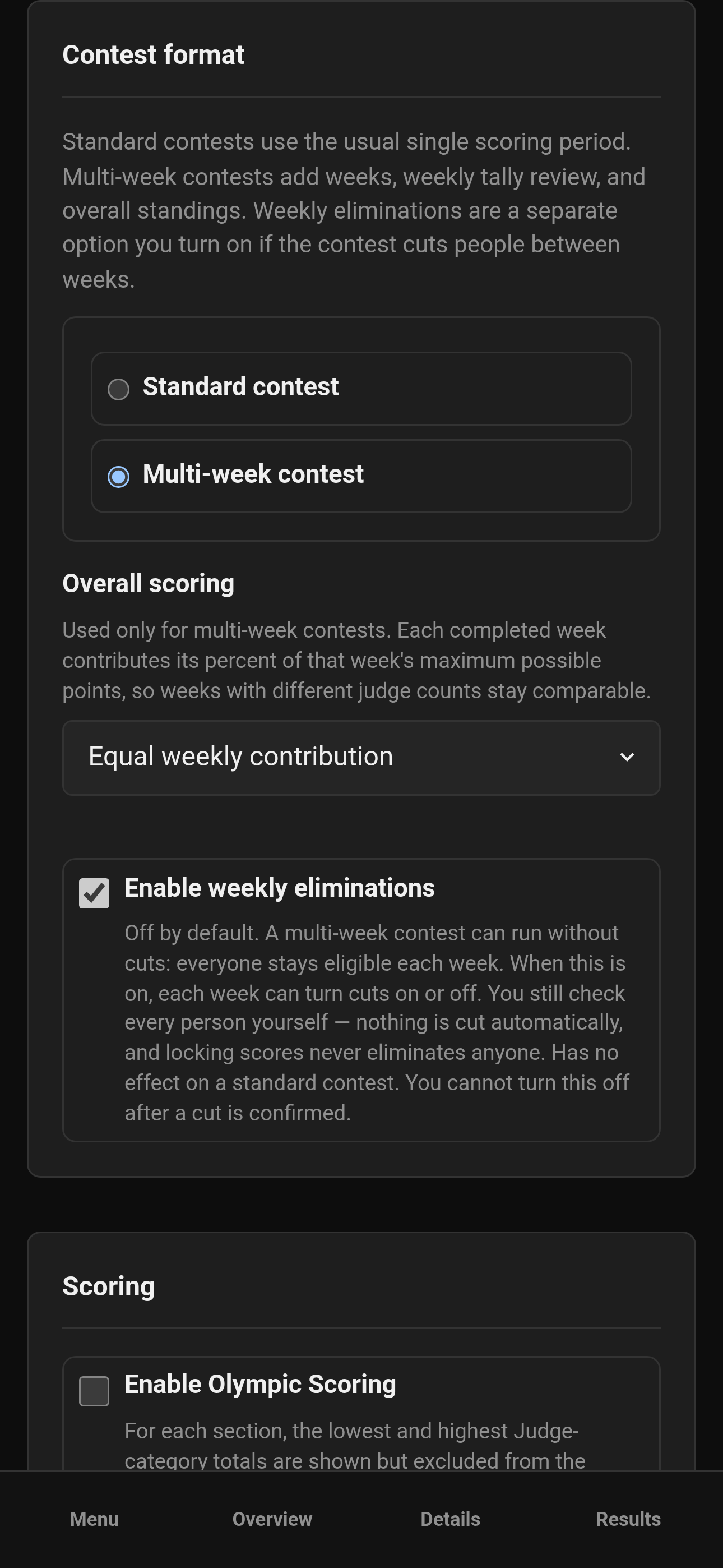
Mobile — Producer, Contest format Multi-week
Warning
Flipping Olympic or point-system normalizing during scoring changes how totals compute. Coordinate with your tallymaster before you experiment on a live scoreboard. (NOT RECOMMENDED)
¶ Pacing dates
On the edit screen (not create), you can set:
-
Application opens
-
Application closes
-
Contest starts
-
Contest ends
These dates help Chaos Ops schedule the initial sets of due dates and stages. They are not a magical lock on the public application form by themselves - you still have to manually enable/disable/configure your forms separately.
After you change pacing dates, Chaos Ops can refresh incomplete task due dates (from Chaos Settings: Update due dates from pacing).
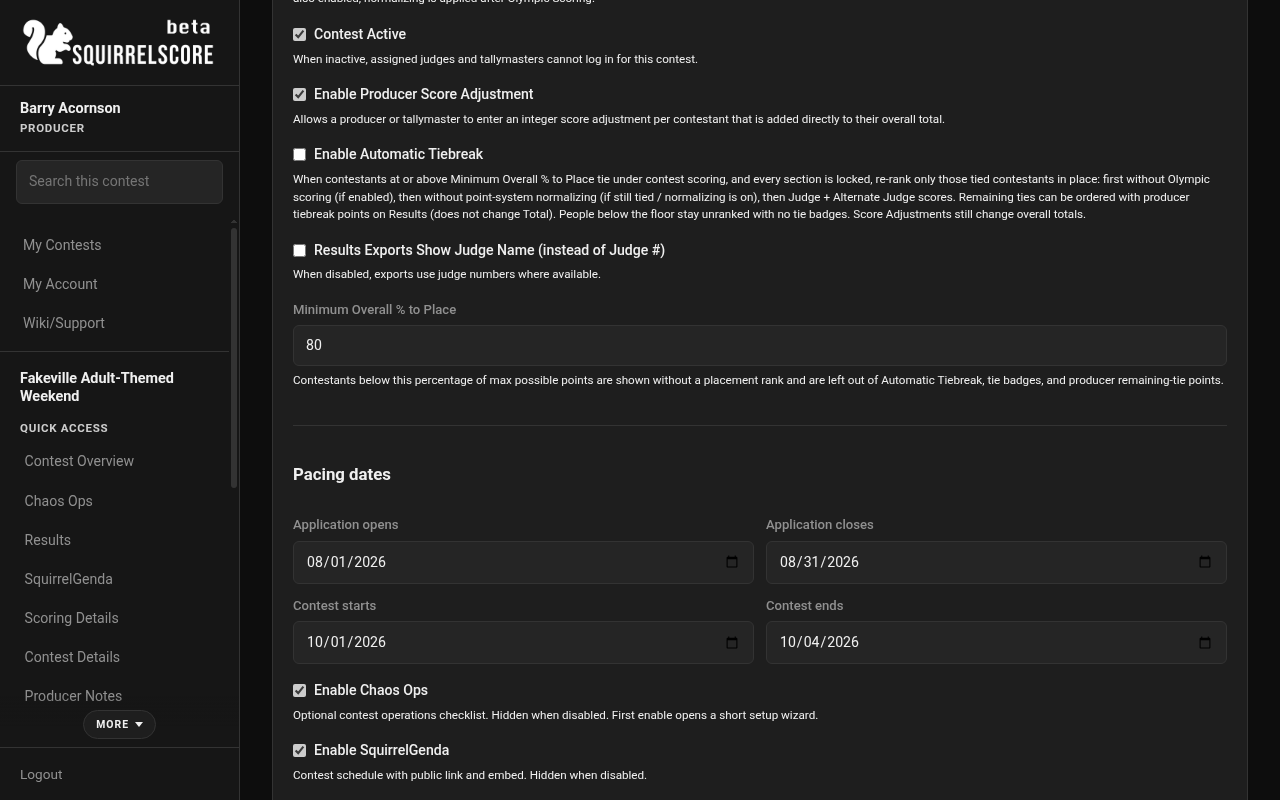
Desktop — Producer, Pacing dates on Edit Contest
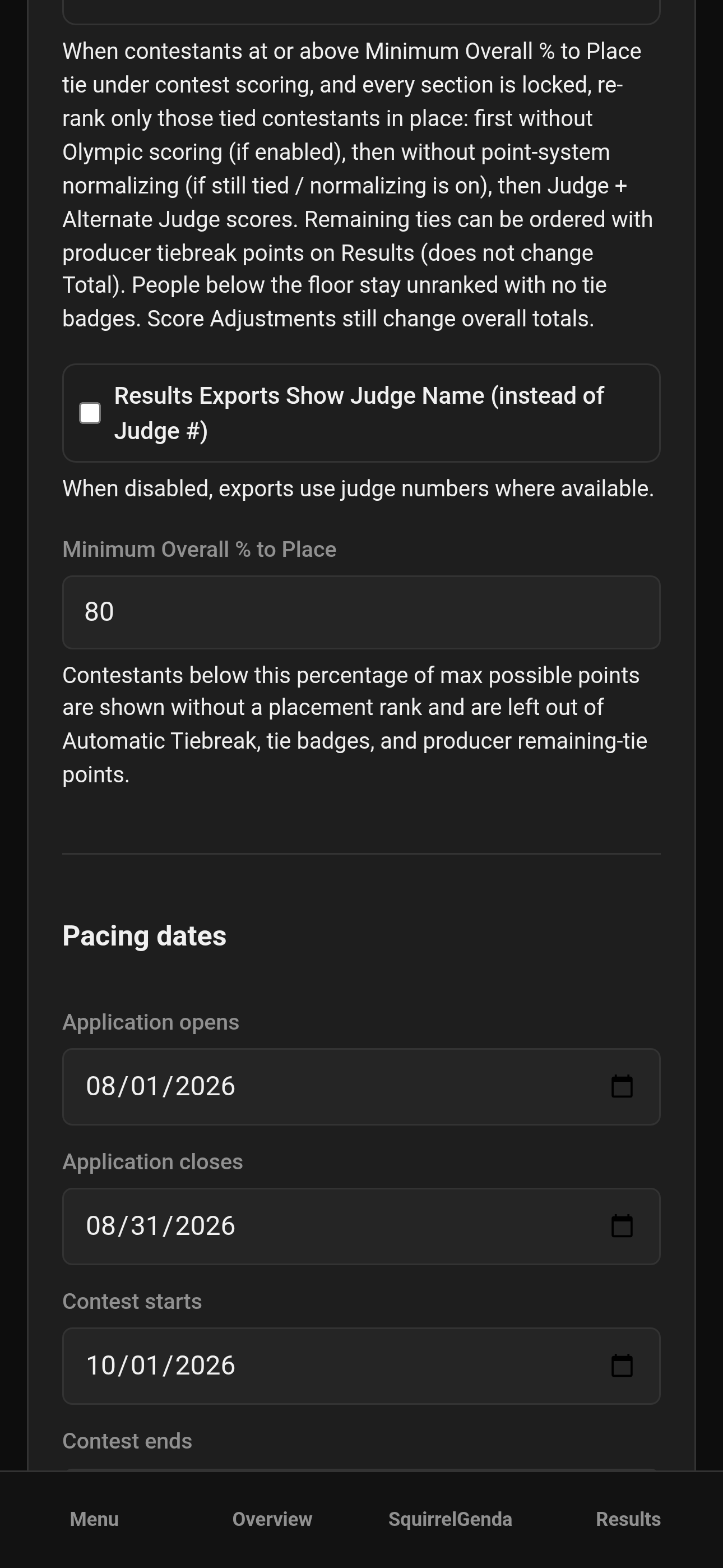
Mobile — Producer, Pacing dates on Edit Contest
¶ Enable Chaos Ops
-
On Edit Contest, check Enable Chaos Ops.
-
Save / continue into the setup wizard when prompted.
-
Walk through the wizard (preview defaults, confirm dates, generate).
-
If you cancel before seeding, Chaos Ops turns back off so you are not left half-enabled.
-
When enabled successfully, Chaos Ops appears in the sidebar for that contest.
Full details: Chaos Ops.
¶ Tips
-
Changing pacing dates can refresh incomplete Chaos Ops due dates - use Update due dates from pacing in Chaos Settings after big date shifts.
-
Keep Contest Active on during scoring days. Inactive is for drafts and archives.
-
Set Minimum Overall % to Place before you publish standings publicly, so there's no ambiguity.
-
Export judge-name preference is about packets and PDFs - decide your privacy comfort level.
-
Change Olympic / point-system normalizing only if you absolutely need to - then refresh Results and look again.
-
If you enable Producer Score Adjustment, decide who may use it (you, tallymaster, or both) and put that in writing.
¶ Settings change log
Keep a tiny staff note when you change:
-
Active on/off
-
Olympic / point-system normalizing
-
Automatic Tiebreak on/off
-
Min % to place
-
Score adjustment enabled
-
Chaos Ops enabled
-
SquirrelGenda enabled / timezone
-
Operational reminder times
-
Pacing dates
-
Public contest hub on/off, and whether Contest Details / Scoring Details are listed there
Write it down so you have a record if someone asks what changed.
¶ Common Mistakes
-
Marking the contest inactive while folks are still working on it - judges and tallymasters will only see it under Inactive Contests (no way to open it to score).
-
Enabling Chaos Ops, cancelling the wizard, then hunting for a sidebar link that will not appear.
-
Changing Olympic / point-system normalizing during final tabulation without telling the tallymaster. (DON'T DO THAT)
-
Assuming pacing dates alone open/close applications - you still need to manage the application form.
¶ Frequently Asked Questions
Where is Chaos Ops on a brand-new contest?
Create the contest first, then edit settings - the enable Chaos Ops settings live on the edit form.
Can co-producers edit settings?
Yes, co-producers can help run the contest. Ownership-only actions (like delete or transfer) stay special - see Co-producers and Clone & delete.
Does inactive hide the contest from me as producer?
No. Producers still see inactive contests on the main My Contests list and can open Overview, Manage, and Results. Judges, tallymasters, and volunteers see those contests under Inactive Contests with no buttons. Contestants get a working card again once results are released.
I enabled score adjustments - where do I enter them?
Score adjustments.