¶ Purpose
Build the sections and subsections that the contestants are scored against - basically, the actual "score sheets" inside SquirrelScore.
Get this sorted well ahead of time. Changing your scoring rubric after judges and contestants have already reviewed it, and in some cases agreed to it, does not bode well.
Still deciding what sections and weights should look like? Start with Designing your contest structure & scoring, then come back here to get it set up.
¶ Before You Begin
-
Have a contest.
-
Sketch your score sheet on paper (or spreadsheet): section names, who scores them (judges vs tallymaster vs audience), time penalties, criteria min/max. The design guide has some great examples and goes in-depth on this topic.
-
Know your title lines to set up sub-contests.
¶ Step-by-Step: add a section
Pick who scores this section. Only one choice per section:
Audience scoring can optionally require the form email to match the contest registration email list. That is one list for the whole contest, not a separate file per section. Full how-to: Audience Scoring.
-
Open Manage for the contest.
-
Find Sections and choose New section.
-
Enter the section name (for example "Interview," "Runway," "Presentation").
-
Pick a section type from the provided list (if there isn't one that fits right, see the bottom of the Home page for ways to ask for a new type.
-
Add a short description for your judges.
-
Configure time penalty options if applicable to this section (see below).
-
Pick a Scoring Mode from the dropdown: Judges (default), Tallymaster, or Audience (public link per contestant) - exactly one mode per section; Audience and Tallymaster each replace the judge panel for that section.
-
Save the section.
-
Repeat for each major block of your contest.
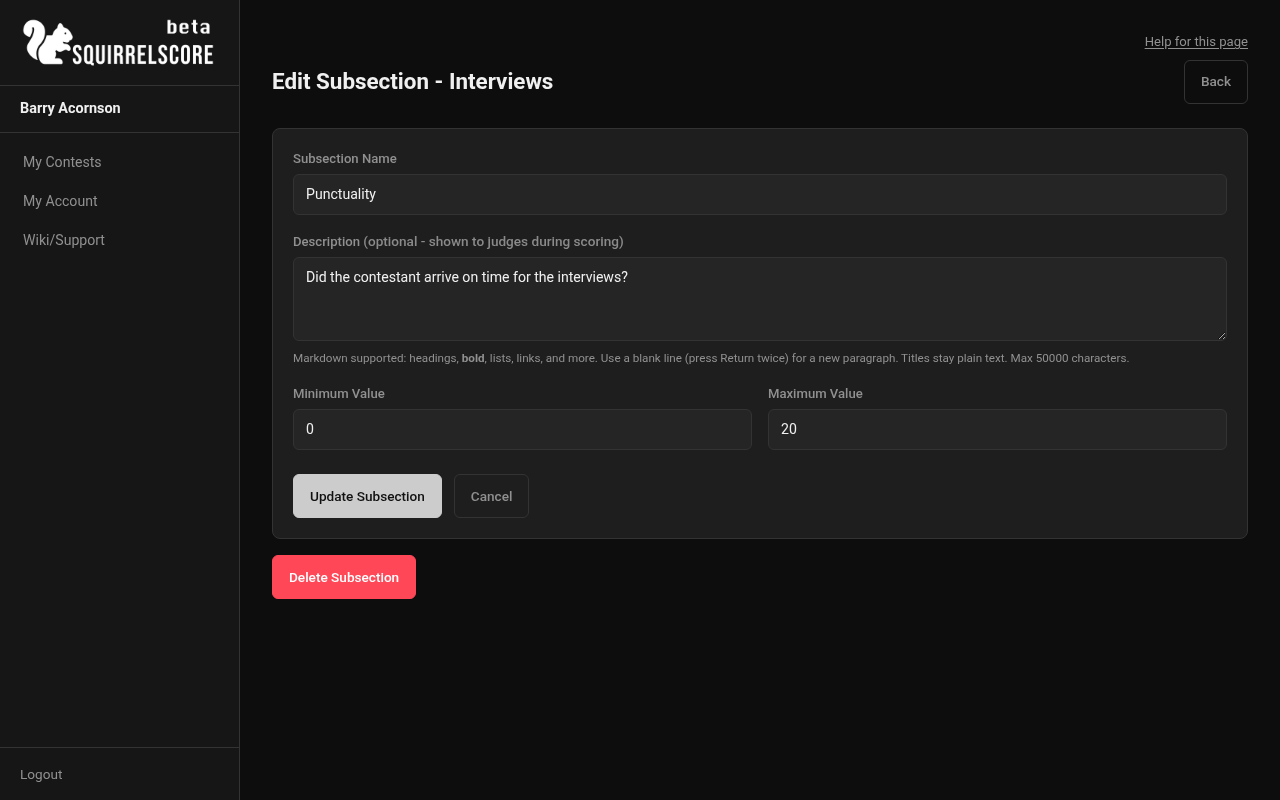
Desktop — Producer, Edit Subsection
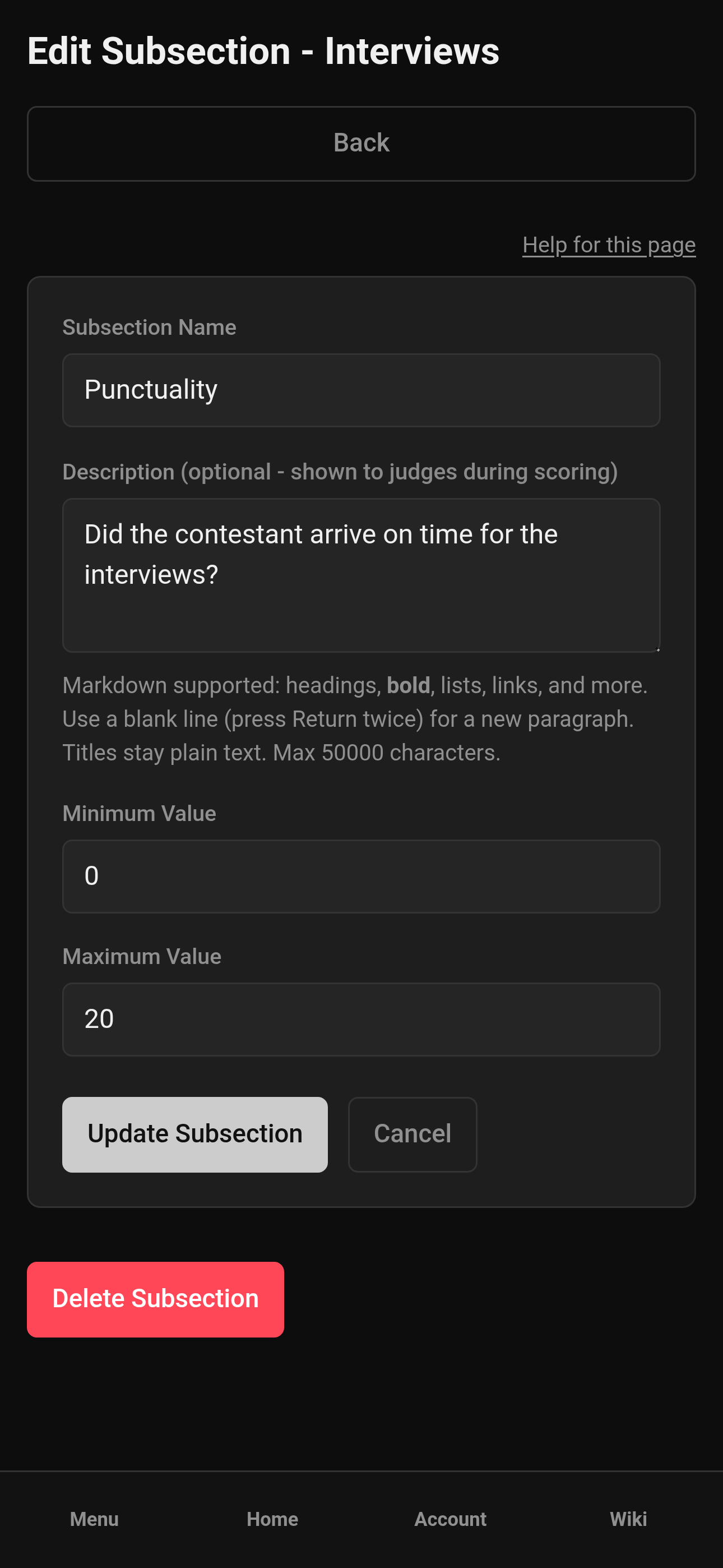
Mobile — Producer, Edit Subsection
¶ Section options explained
¶ Section type
A category from the shared catalog. It helps organize and report consistently across contests.
¶ Tallymaster-scored
When marked, the tallymaster enters scores for this section rather than the judge panel. Classic for timing-heavy or single-operator sections. Judge scores on a tallymaster-scored section are ignored in totals; tallymaster scores on a judge-scored section are ignored. Tallymasters can still record time (and time penalties) on judge-scored sections.
¶ Audience-scored
When marked, the audience scores this section instead of judges. Each contestant gets a unique public link (optional passphrase; download a QR from the manage page for signage). One submission per email per contestant.
In plain language: crowd scores that count toward Results, averaged together. You can optionally require the form email to match the contest registration email list — one list for the whole contest, and a checkbox on this section only. Empty list plus that checkbox on means nobody can submit (on purpose).
Audience sections ignore Olympic. If point-system normalizing is on, the summed subsection averages stay on the contest point scale (not multiplied or divided by judge count). If it is off, that sum is multiplied by the enrolled Judge count. Mutually exclusive with Tallymaster-scored. Full workflow: Audience Scoring.
¶ Time penalties
Optional. Typical modes include:
-
Flat over- lose a set number of points once if over the allowed total seconds
-
Per interval- lose points for each chunk of seconds over the allowed time, an aggregate penalty
Set the allowed time and penalty points to match your rulebook. If you don't use timing penalties, leave them off.
¶ Step-by-Step: add subsections
Subsections are the individual scored criteria inside a section (for example "Presence," "Tail carriage," "Crowd work"). Every section should have at least one sub-section, even if its just one as the overall section score/feedback. It keeps things clean, simple, and consistent.
-
Open the section you just created.
-
Choose Add subsection.
-
Name the subsection.
-
Add a definition / description.
-
Set min and max points.
-
Save.
-
Add any remaining criteria.
-
Spot-check the read-only Scoring Details page to see totals the way participants, like judges, tallymasters, and contestants will. Section and subsection descriptions support Markdown (headings as bold underline at body size; bold, italic, lists, links); names stay plain. Download PDF on Scoring Details uses that same limited formatting. Use ↑ / ↓ on Manage to reorder sections and subsections.
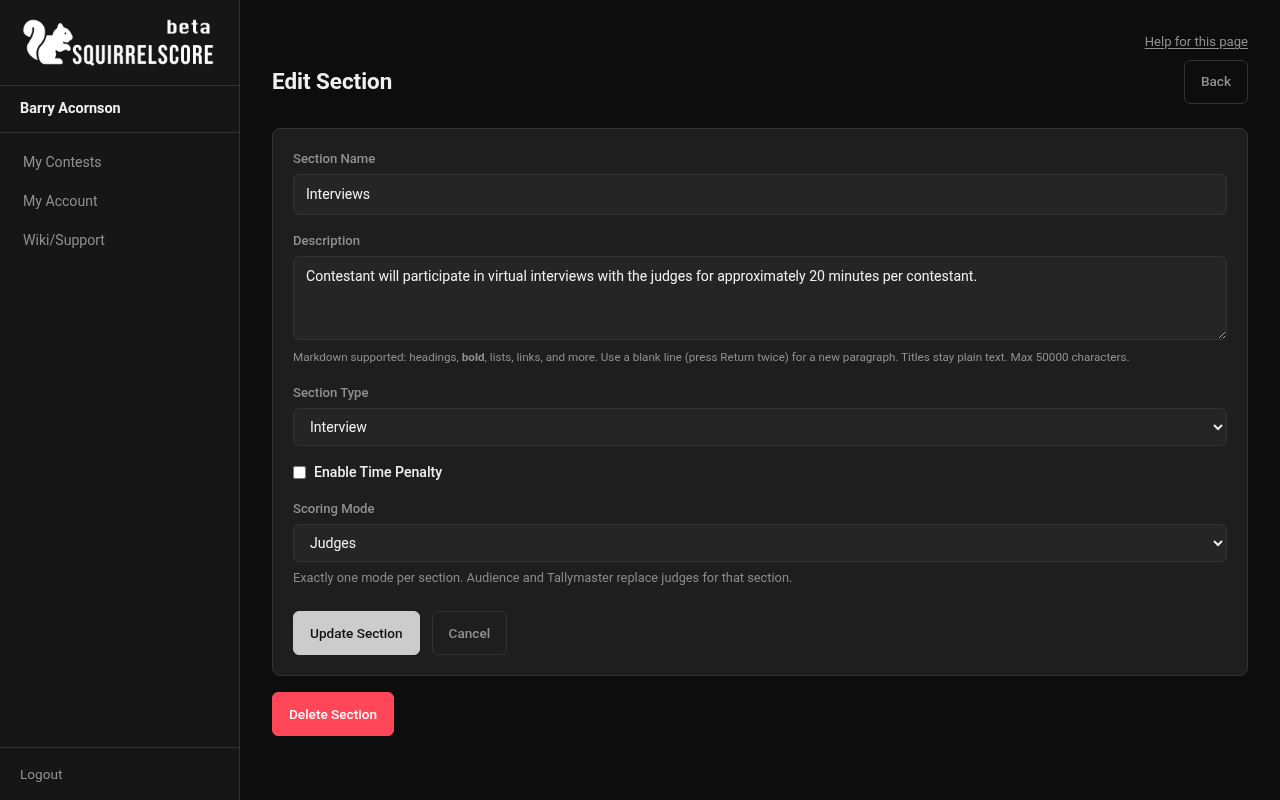
Desktop — Producer, Edit Section (Interviews)
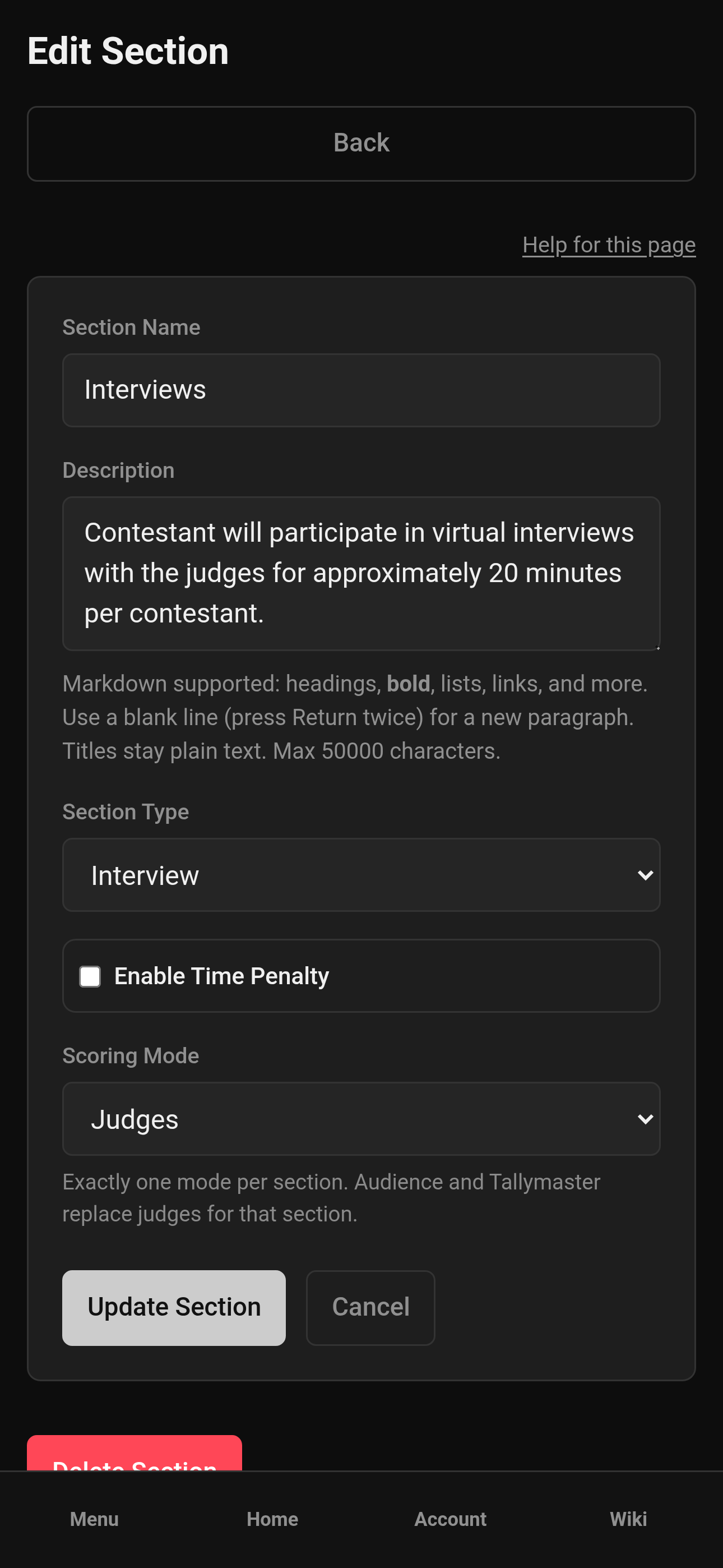
Mobile — Producer, Edit Section (Interviews)
¶ Edit or remove structure items
-
From Manage > Sections, open the section or subsection.
-
Edit fields and save.
-
Delete only when you're sure - and don't alter anyting after scoring has started.
¶ Sub-contests (grouping people/titles)
Sub-contests group contestants for things like title lines. They are not the same as scoring sections, but rather different groups where the same judges are using the same criteria, but the contestants are ranked within those sections (think title lines). Note: If you have different judges or different criteria, create a different contest.
-
Create and edit them under Manage > Sub-contests. There should be at least one (the title they are competing for).
-
Assign contestants from contestant edit, new contestant applications will be able to select which sub-contest when they submit.
-
Full how-to: Sub-contests.
¶ Read-only Scoring Details
Producers, judges, tallymasters, and contestants can open Scoring Details in the sidebar for a friendly read-only rubric: Olympic / point-system normalizing badges, min/max totals, who scores each section, time penalty summary, and subsection tables. Download PDF on that page repeats the rubric on letter paper and adds a short How this contest is scored intro (overall range in bold; Olympic and normalizing explained when enabled).
Building happens in the Manage tools; browsing happens on Scoring Details.
¶ Tips
-
Finish structure well in advance. You'll want your judges to know what criteria they'll be using, and you should be upfront and have your contestants accept the judging criteria before applying.
-
Keep subsection names short but direct.
-
Mirror your rulebook and contest - titles should be clear and concise.
-
Use tallymaster and audience-scored sections strategically. Having the audience score a section keeps them engaged and invested.
¶ Common Mistakes
-
Forgetting a subsection or details.
-
Setting min and max incorrectly.
-
Leaving section types blank because the catalog was empty — use the contact options on Home.
-
Confusing sections (score sheet) with sub-contests (people groups/title lines).
¶ Frequently Asked Questions
Who creates section types?
They come from a shared list. Producers pick them when adding sections. If you need a new type, use the contact options on Home.
Can contestants see this structure?
Yes, via Scoring Details (read-only).
Do Olympic scoring settings live here?
No - those are contest-level toggles in Contest settings.
Where do results use this structure?
Results totals roll up from these sections/subsections (plus penalties/adjustments).
Do I upload a different email file on each audience section?
No. There is one contest registration email list. Each audience section only has a checkbox for whether to require a match.