¶ Purpose
SquirrelScore is the contest lifecycle manager for leather, rubber, bear, kink, pup, pet, drag, and similar community contests.
It keeps applications, judging, scoring, prep checklists, deadlines, feedback/notes, results, and more in one place so you can focus on the contest — not on missing paper score sheets or spreadsheet tabs with broken formulas that you only notice while the emcee is stalling.
For the origin story, beta notes, and "is it free?" answers, see Home.
¶ Before You Begin
You don't need to install anything. An optional Home Screen icon is available from the login page — see Install the app icon. You only need:
-
The website address: https://beta.squirrelscore.com
-
A modern web browser (phone, tablet, or computer all work)
-
An account — or an application / invite link if you don't have one yet
If you're brand new, start here, then move on to Logging in.
¶ Step-by-Step Instructions
-
Open the SquirrelScore website using the address above.
-
Look at the login page — that's how people with accounts sign in.
-
If you're applying or filling a public form, use the special link the producer shared instead (you may not need to log in yet).
-
After you log in, you'll land on My Contests — one shared list for every contest you're part of. Each card has a role badge so you open the right hat.
-
Open a contest, then use the left menu for the tools that match that card's role.
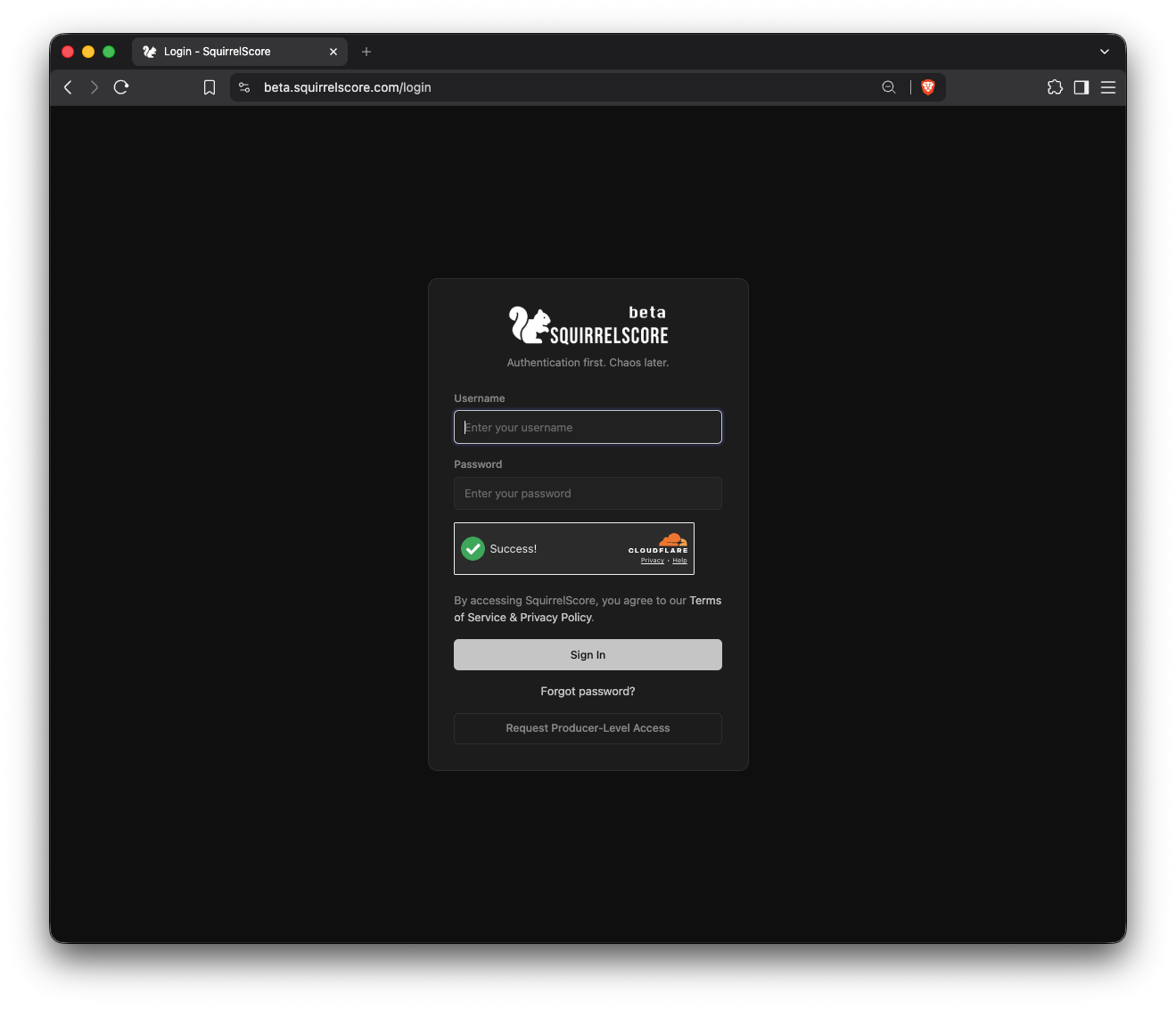
SquirrelScore login page
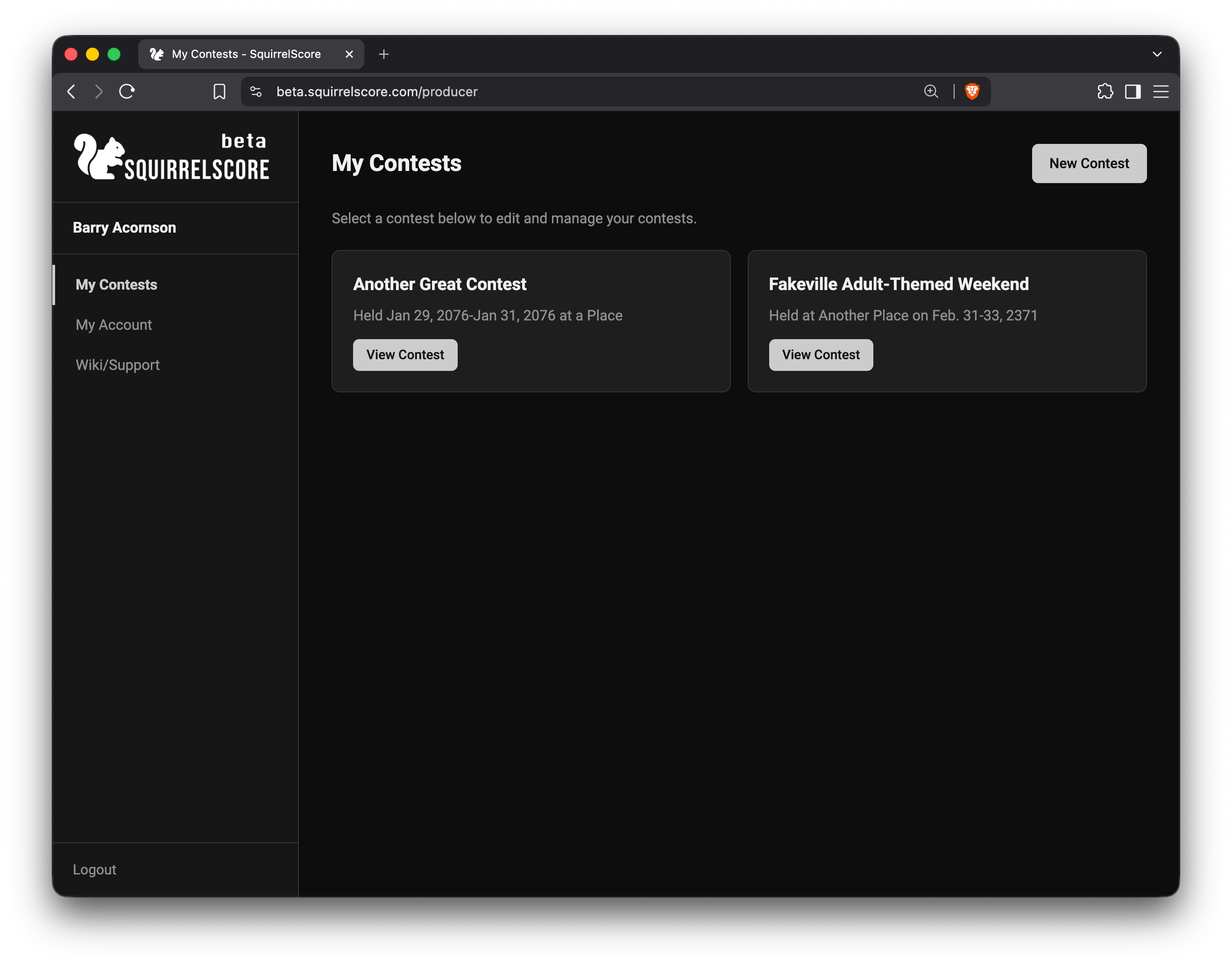
My Contests landing page
¶ Who uses SquirrelScore?
Depending on your role, you can:
| Role | What you mainly do |
|---|---|
| Producer | Build the contest, gather judges/contestants/volunteers, set scoring, and run the contest |
| Judge | Score contestants section by section and leave feedback |
| Tallymaster | Monitor scoring/feedback progress, lock sections, and help elect titleholders |
| Volunteer | See your position and preparation checklist |
| Contestant | Apply, track prep, and view your results when they're released |
Tip
You only see the menus for your role. If a button you need is missing, you probably need a different role on that contest — not a broken screen. Contact your producer.
¶ What happens in a typical contest
Many other things happen, but in outline:
-
A producer creates the contest and turns on application forms.
-
Contestants, volunteers, and invited judges fill out their forms.
-
The producer approves people and builds scoring sections.
-
During the contest, judges (and sometimes the tallymaster) enter scores. The audience can score a section too, if the producer turned that on.
-
The tallymaster reviews scores and feedback, locking in finished sections.
-
The producer or tallymaster presents the results with the emcee, new titleholders are elected.
-
After the contest has finished and producers finalize items, results can be revealed and contestants can see My Results.
-
Optional wrap-up: producers can email a thank-you (Contest Updates) and collect feedback that does not change scores (Feedback Surveys).
¶ Built with a little help
SquirrelScore is a large project for one person to build and maintain in the few scraps of downtime in today's world, and I try my best to be as transparent as possible. AI / LLM tools were used in development — mostly for CRUD scaffolding, templating, and review / testing — so the project could keep moving without pretending one human can hand-craft every form and checklist alone, at least within a reasonable timeframe. A human still reviewed every function and line of code that may have been created by an AI / LLM before it was implemented. The goals, contest workflows, and "what should this actually do?" decisions still come from the human who runs SquirrelScore (who also wants your event/contest to be successful).
¶ Tips
-
Bookmark the website address on your phone before contest weekend, when lobby Wi-Fi may be unreliable.
-
Read the pages for your role first — don't try to memorize the whole wiki in one sitting.
-
If something looks empty, check whether the contest is active or inactive and if the role is correct. Those two things change a lot of what people can see and do.
¶ Common Mistakes
-
Expecting every role to see the same menus (they don't — and that's intentional)
-
Confusing a public apply or hub link with the login page (you only need an account after you're approved or invited)
-
Assuming "I can't see Results" means the software is broken (often the contest producers simply aren't ready to release them yet)
¶ Frequently Asked Questions
Is this only for one kind of contest?
No. Producers configure titles, sections, scoring, and more for their own event. The software is flexible; your community and your contest needs make it specific.
Do I need an account to apply?
Not always. Contestant and volunteer applications often start from a public link. After approval, you may get login details by email.
Will I see other people's scores?
Only if your role allows it. Contestants see their results when released. Judges score their sections. Producers and tallymasters see the bigger picture.
What's Chaos Ops?
An optional producer checklist for prep and contest tasks. If your producer turns it on, you may get a Go Do the Things page (and a checklist on your My Contests card) plus tasks assigned to you with due dates and status.