¶ Purpose
You're traffic control for scoring night. Tallymasters monitor judging progress, lock finished sections, enter tallymaster-only scores and time penalties, review results, and help with exports and Emcee Reveal - without needing the full producer Manage toolbox.
¶ Before You Begin
-
Be enrolled as tallymaster on the contest
-
Know whether the contest is active (needed for lock/unlock and live scoring edits)
-
Coordinate with the producer on when to lock, adjust, and reveal
-
Have a device you can keep plugged in
¶ Step-by-Step Instructions
-
Log in and open My Contests (the shared list - look for the Tallymaster role badge).
-
Click Open Contest (or Results if that's where you're headed).
-
Open Judging Sections to monitor progress and lock/unlock sections. On a multi-week contest, pick the week first. You can lock one section or the whole week, and you can close or reopen scoring.
-
Score any tallymaster-scored sections and enter time where time penalties apply.
-
Open Results when you're ready to review placements and (if enabled) adjustments.
-
When all sections are locked, use PDF / CSV / XLSX / Emcee tools as needed.
-
Keep Scoring Details and Contest Details handy for rules and logistics. Download PDF on those pages saves a letter-size copy without the app menus. Description Markdown is included.
-
If Chaos Ops is on, check Go Do the Things for your own prep checklist.
-
If the producer uses a registration email list for audience scoring, they (or a volunteer they granted) keep Registration Emails up to date. Tallymasters can still turn the per-section match checkbox on or off.
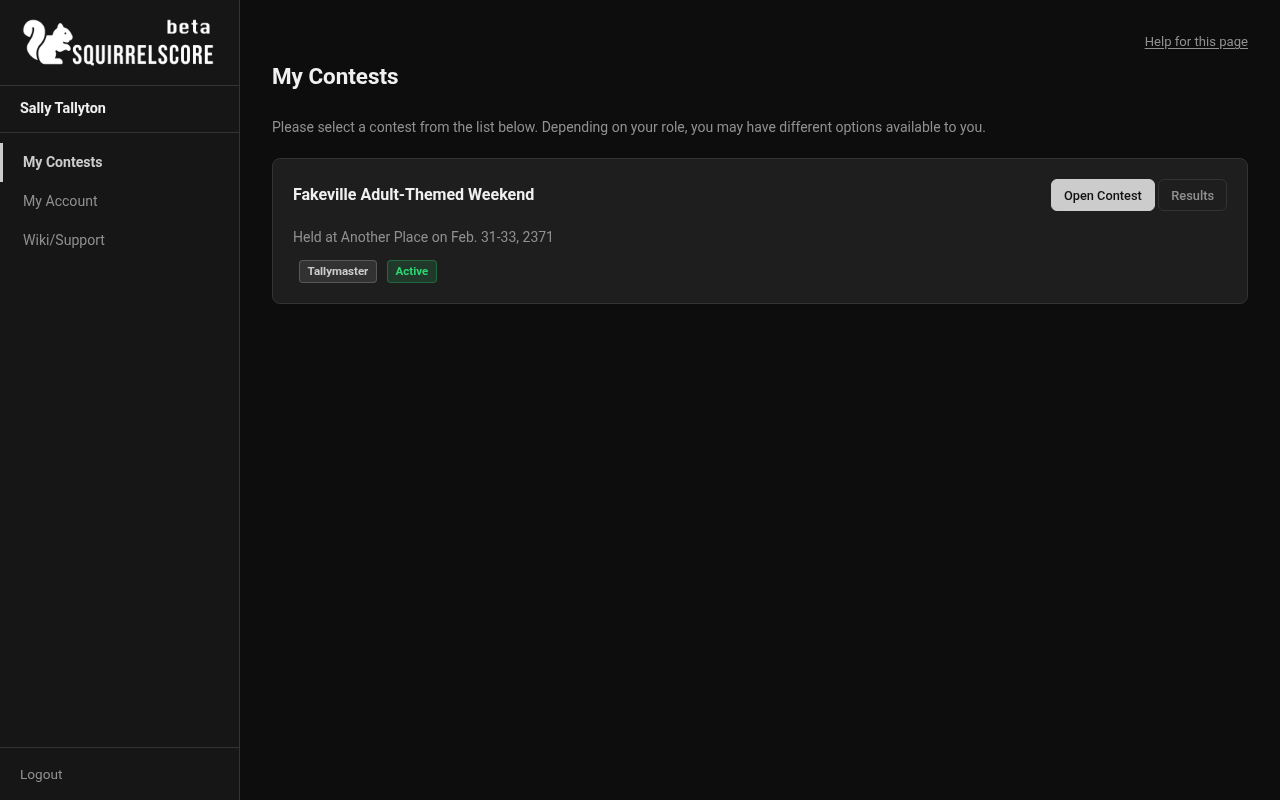
Desktop — Tallymaster, My Contests
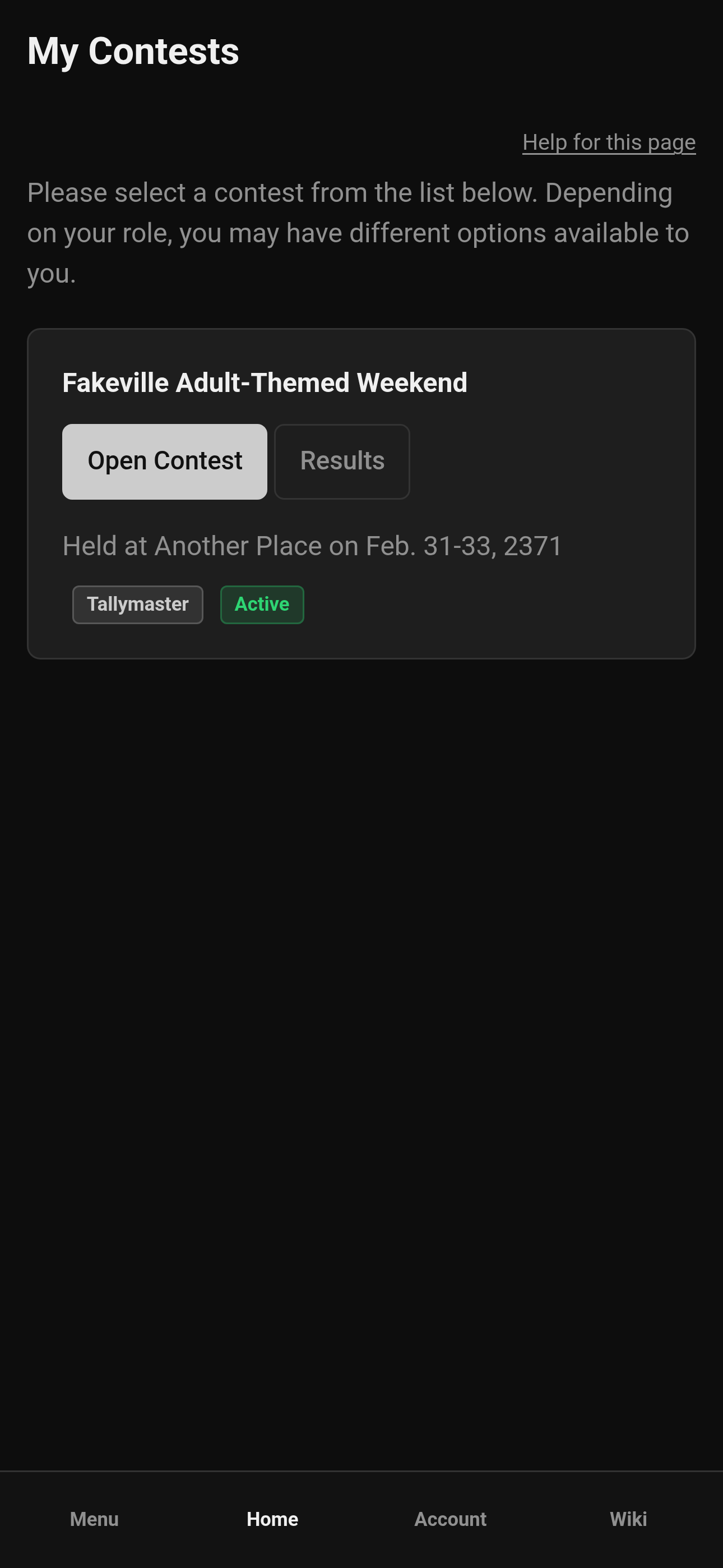
Mobile — Tallymaster, My Contests
¶ What tallymasters do
| Task | Notes |
|---|---|
| Live judge status | Section views poll / refresh so you see which judges are done (and who isn't) |
| Lock / unlock sections | Disables the ability to edit scores and feedback for that section, so data is "turned in" and reviewed. On a multi-week contest you can also lock or unlock the whole week, and close or reopen scoring. |
| Score tallymaster sections | Sections that rely on the tallymaster instead of judges for scoring |
| Audience Scoring links | Create/share per-contestant audience scoring links, open/close/re-open, audit submissions - see Audience Scoring |
| Review judge scores | Read-only inspection of judge entries |
| Enter time | For sections that use time penalties |
| Results & adjustments | View results; adjustments if the contest allows them |
| PDF / CSV / Emcee | Help producers finalize contest results |
| Details & prep | Scoring Details, Contest Details, Chaos Ops prep |
¶ Your menu
Judging Sections, Results, Scoring Details, Contest Details, SquirrelGenda (when enabled), and Go Do the Things (when Chaos Ops is enabled) — all under Quick Access.
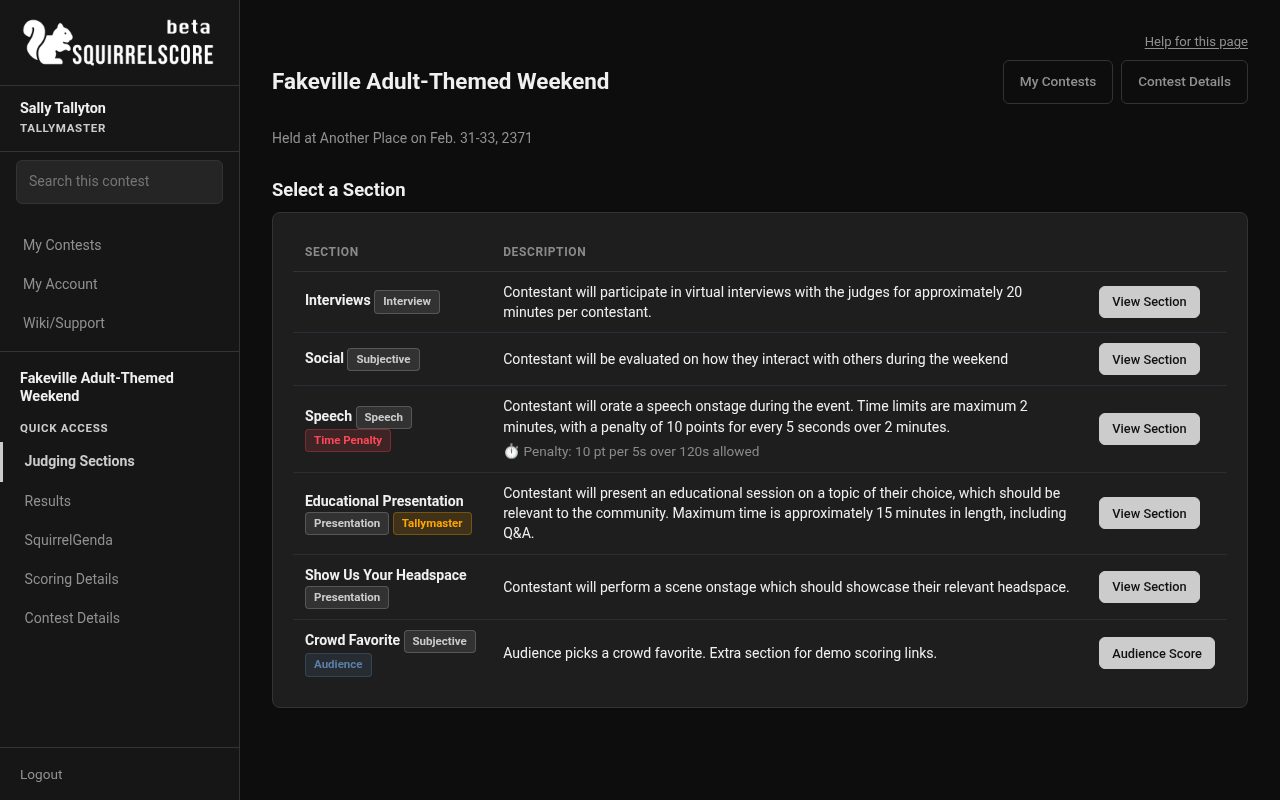
Desktop — Tallymaster sidebar
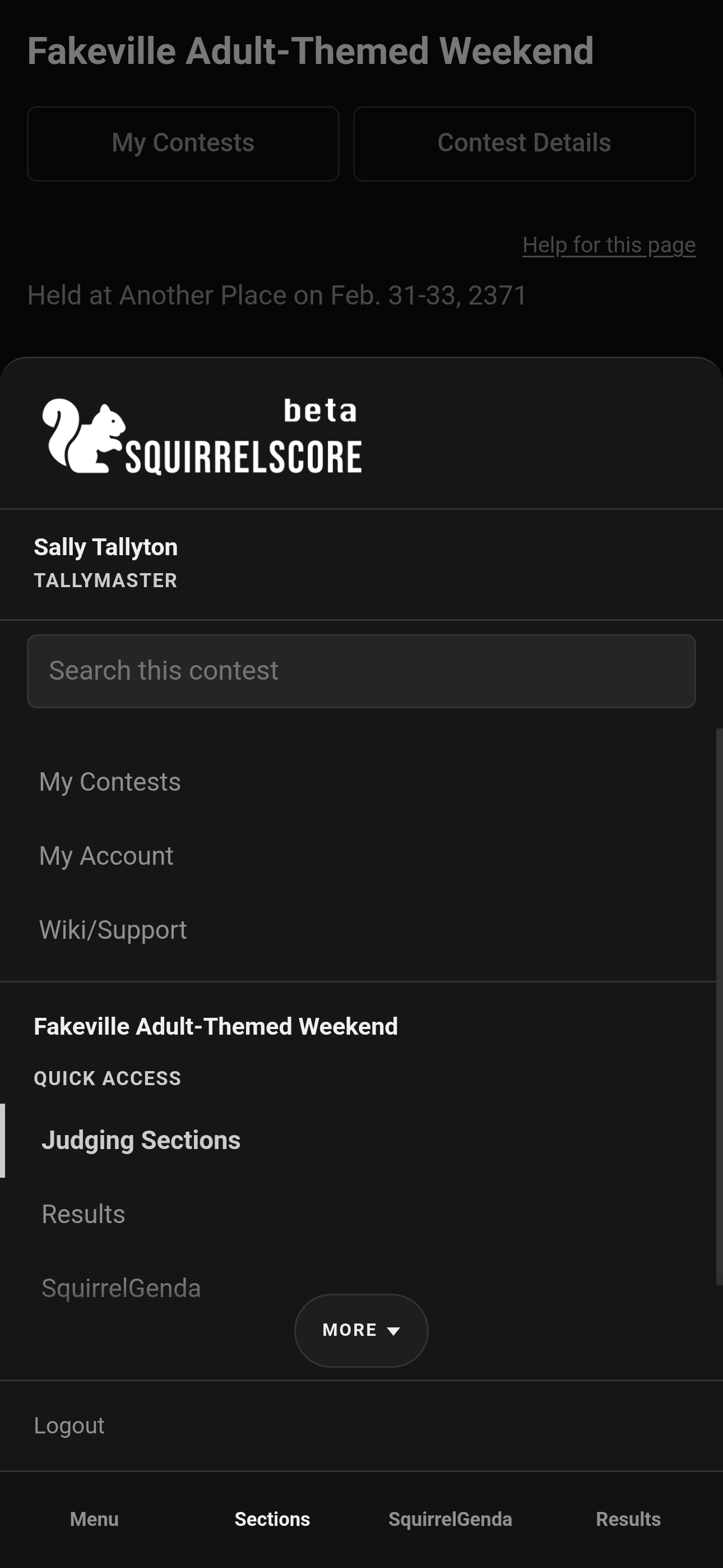
Mobile — Tallymaster sidebar
¶ Tips
-
Lock deliberately - don't unlock during Emcee Reveal. (JUST DON'T)
-
Agree with the producer who owns score adjustments before anyone clicks.
-
Keep the contest active while you still need to lock sections or enter scores. Inactive tallymaster memberships move under Inactive Contests with no buttons - you can't open the contest to review from there. Ask the producer to turn Contest Active back on if you still need in.
¶ Common Mistakes
-
Locking while a judge still has a legitimate reason to still be doing data entry, like pending contestant score/feedback
-
Forgetting tallymaster-scored sections before hunting for Emcee buttons to announce a winner
-
Expecting producer Manage screens (you have Results tools, not full settings)
¶ Frequently Asked Questions
Am I a producer?
Not automatically. You get tallymaster tools. Co-producer is a separate hat.
When do contestants see results?
After all sections are locked, the contest is marked inactive, and a producer clicks Release Results.
Can I unlock after locking?
Yes if the contest is still active and a real correction is needed (always check with your producer first!) - then re-lock.