¶ Purpose
Manage is mission control for your contest: people, volunteers, applications, scoring sections, sub-contests, details, emails, co-producers, clone/delete, settings, and more.
¶ Before You Begin
-
Create the contest (or open an existing one).
-
Know what you're trying to do today (people vs scoring vs forms) - Manage has many, many functions.
-
Highly recommend you finish your scoring structure, contest rules, requirements, schedule, and other important items before inviting anyone like judges or contestants.
¶ Step-by-Step Instructions
-
From My Contests, open the contest (Open Contest).
-
Open Manage from the Contest Settings group in the sidebar (or from Contest Overview).
-
Glance at the header: use Back button on the page, not the browser, when you want Contest Overview again (the page tracks where you came from when it can).
-
Pick the card or link for the job:
-
Contest settings / Edit (including the public contest hub)
-
Contestants, judges, tallymasters
-
Volunteers and volunteer applications
-
Contestant applications and form settings
-
Judge agreement form, invitations, agreements
-
Sections and subsections
-
Sub-contests
-
Contest details (published info)
-
Emails
-
Registration Emails, Surveys, Contest Updates
-
Notifications (producer email and push for this contest)
-
Contact Us, Vendor / Sponsor inquiries, Contest media
-
Co-producers
-
Clone / Delete (careful)
-
Complete that task using its own page (linked below).
-
Return to Manage or jump via the sidebar to Overview / Results when you're done building.
Need a people-email vs feedback vs announcement? Pick the matching tool:
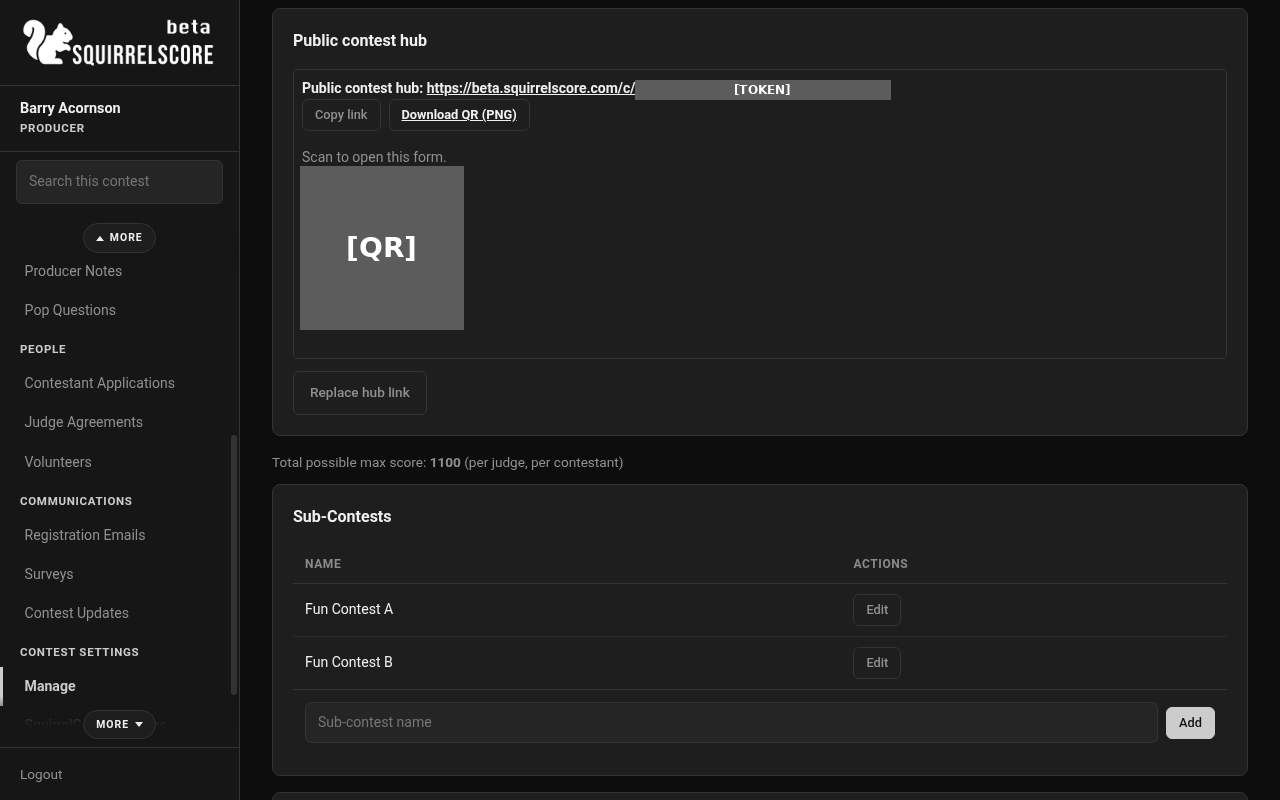
Desktop — Producer, Manage (hub token and QR masked)
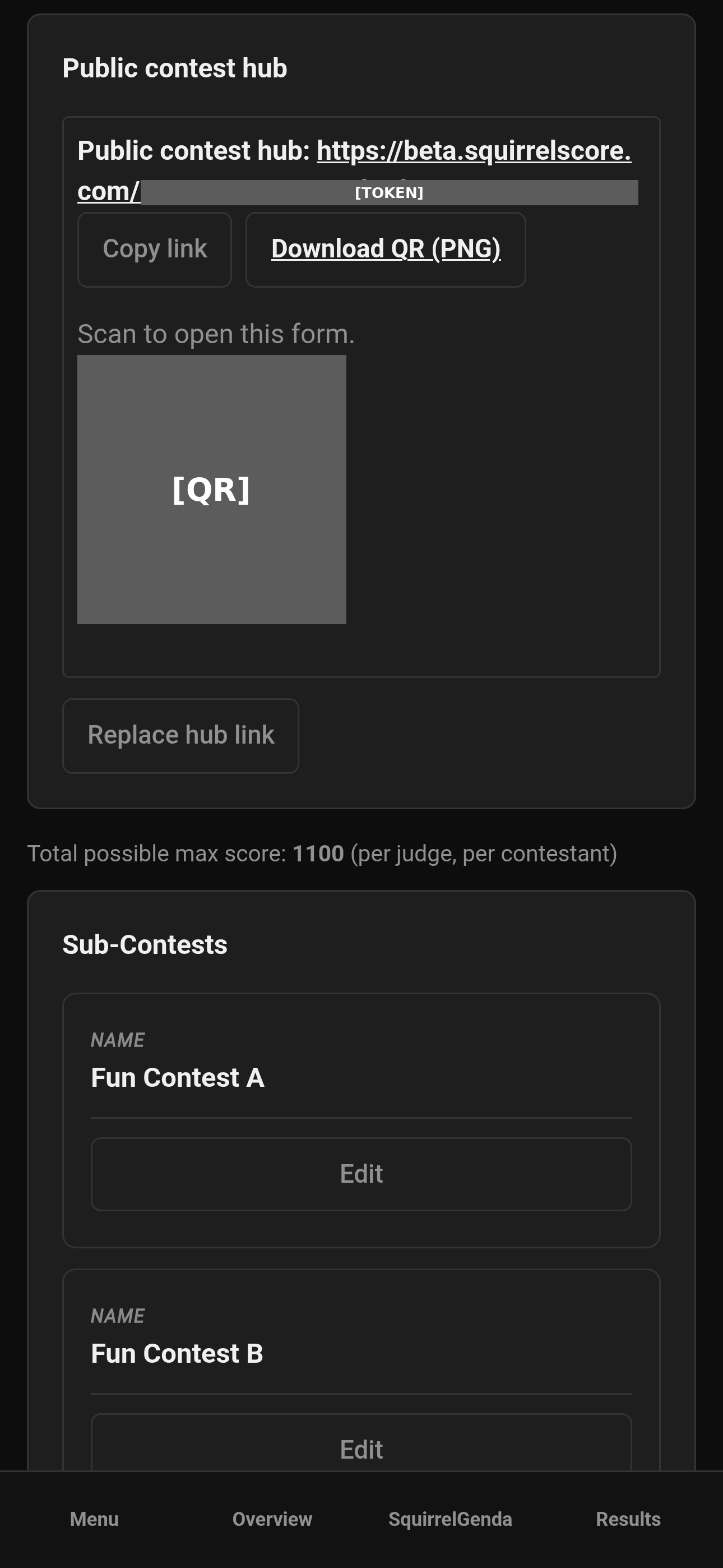
Mobile — Producer, Manage (hub token and QR masked)
¶ What lives on Manage
| Area | Typical jobs | Dig deeper |
|---|---|---|
| Settings | Name, scoring modes, active, pacing, Chaos Ops, public contest hub | Contest settings |
| Contestants | Enroll, edit numbers, photos, prep. On a multi-week contest, set withdrawn or disqualified as of a week | Contestants |
| Contestant Applications | Form + review queue | Contestant Applications |
| Judges | Enroll existing, numbers, Alternate vs Judge, Profile PDF of the whole roster | Judges |
| Judge agreements | Form, invites, approve/reject | Judge agreements |
| Volunteers | Positions, assign, apps | Volunteers |
| Sections | Score sheet structure | Scoring structure |
| Sub-contests | Divisions / groups | Sub-contests |
| Contest details | Published info pages | Contest details |
| Emails | 24 templates | Emails |
| Registration Emails | Contest list for audience scoring and surveys | Registration Emails |
| Feedback Surveys | Questions, public/invite links, charts, reminders | Feedback Surveys |
| Contest Updates | Write a message; people are looked up when it sends. Email, push, or both. | Contest Updates |
| Notifications | Your producer email and push for this contest | Notifications |
| Contact Us | Optional public message form (no accounts) | Contact Us |
| Vendor / Sponsor inquiries | Optional public inquiry form; files after approval via upload link | Vendor / sponsor inquiries |
| Contest media | Optional 75 MB file store for this contest | Contest media |
| Backup & restore | Export/import CSV packs (structure, forms, banks, surveys, results) | Backup & restore |
| Co-producers | Share ownership duties | Co-producers |
| Clone / Delete | Duplicate or remove | Clone & delete |
¶ Suggested quick contest build order
-
Settings (name, active, scoring modes).
-
Sub-contests, if you use them.
-
Sections + subsections.
-
Contest details for schedule / venue / rules / etc.
-
Application / judge / volunteer forms.
-
Emails customization (before the big send).
-
Invite and approve people.
-
Chaos Ops enable (optional) once dates exist.
-
Contest weekend: You'll probably monitor Overview + Results more than Manage.
¶ Checklist before the contest starts
-
Scoring sections and subsections exist and look right on Scoring Details.
-
Contest Active is on.
-
Applications / judge agreements / volunteer forms match what you published.
-
Emails are customized.
-
Co-producers know how to reach Overview, Manage, and Results.
-
Chaos Ops (if used) has due dates that match pacing dates.
-
Sub-Contests are assigned.
-
If you use audience scoring with a guest-list check, Registration Emails is filled in before you open those links (export from ticketing, save as CSV, upload).
-
If the public website should show a live schedule, enable SquirrelGenda and paste the embed into a Code / Custom HTML block (WordPress, Elementor, Bricks, Squarespace, and Wix steps are on that page).
-
If you want one public QR for apply / volunteer / details, enable the public contest hub. People with accounts still use Log in.
-
After the contest (optional): Contest Updates and Feedback Surveys.
¶ Tips
-
Create scoring sections before inviting judges - they'll likely want to dive right in and start looking at what they'll be judging contestants on.
-
Use the sidebar for queues you revisit constantly (Contestant Applications, Judge Agreements, Volunteers, Pop Questions).
-
Invite co-producers as early as possible. One person trying to do everything will burn you out, and that is not a staffing plan.
-
Clone last year when the structure was good; don't reinvent the wheel if you don't have to.
¶ Common Mistakes
-
Living only in Manage during contest night - switch to Overview and Results when things start; that is more helpful when monitoring things.
-
Deleting the contest because you meant to delete one subsection. Confirm dialogs exist for a reason.
-
Adding judges before section types/sections exist, then apologizing in group chat that you're still trying to get things together.
-
Forgetting to divide things into sub-contests, then discovering everyone is in one ranking list.
¶ Frequently Asked Questions
Is Manage the same as Contest Overview?
No. Overview is to observe; Manage is to build and edit.
Where did Chaos Ops go?
It's a sidebar item when enabled - not always a Manage section you live inside. See Chaos Ops.
Can I manage multiple contests at once?
Switch contests from My Contests. Double-check the sidebar to make sure you're in the right one before making any changes.
Who can open Manage?
Producers for that contest (owner and co-producers).